


 Log In

Free gifts available with your purchase
Product information
Studio Classics Collection
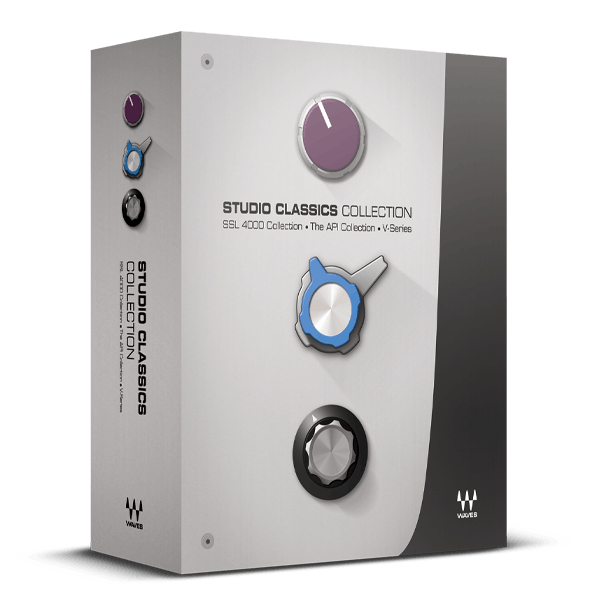
First-Class Studio Processing featuring SSL, API, and More
Experience the big-budget sound of SSL’s legendary 4000 E and G consoles, the renowned API processors, and the colorful, character-driven tones of the 1066, 1073, and 1081 mic pre/EQs, along with the iconic 2254 compressor. Choose your era, choose your sound, and seamlessly integrate these timeless analog recording tools into your digital productions.
Once unattainable to all but a select few, Waves’ meticulous modeling now brings you these classic sounds that have been the go-to choice of world-class engineers for decades, delivering hit after hit.
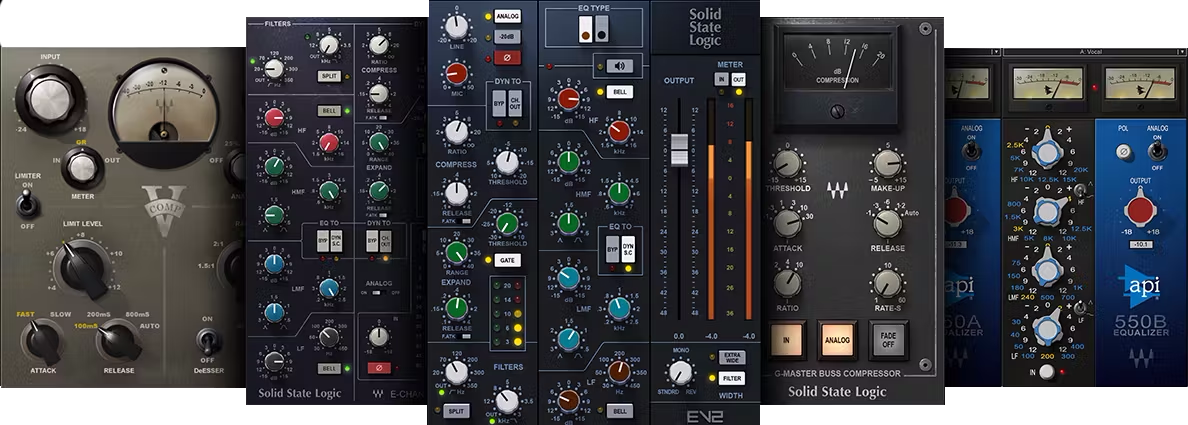
Included plugins:
- API 550A - 3-band Equalizer
- API 550B - 4-band Equalizer
- API 560 - 10-band Graphic EQ
- API 2500 - Stereo Compressor
- SSL Master Buss Compressor
- SSL G-Equalizer
- SSL E-Channel
- SSL G-Channel
- V-EQ4 4-band equalizer
- V-Comp compressor
- V-EQ3 3-band equalizer
Features
- Mix with the kings of consoles—SSL’s 4000 E-series or G-series
- Experience API’s emphasis on musicality and transparency
- Inject color with the Vintage V-Series EQs and compressor
- Choose from three distinctly different compressor technologies
- Multiple EQ designs handle a wide variety of applications
- All processors include presets from top producers and mix engineers
System Requirements
Mac
- macOS Monterey 12, Ventura 13, Sonoma 14, Sequoia 15
- VST / AU / AAX
PC
- Windows 10+
- VST / AAX
Installation Instructions














