


 Log In
Free gifts available with your purchase
Product information
360° Surround Tools
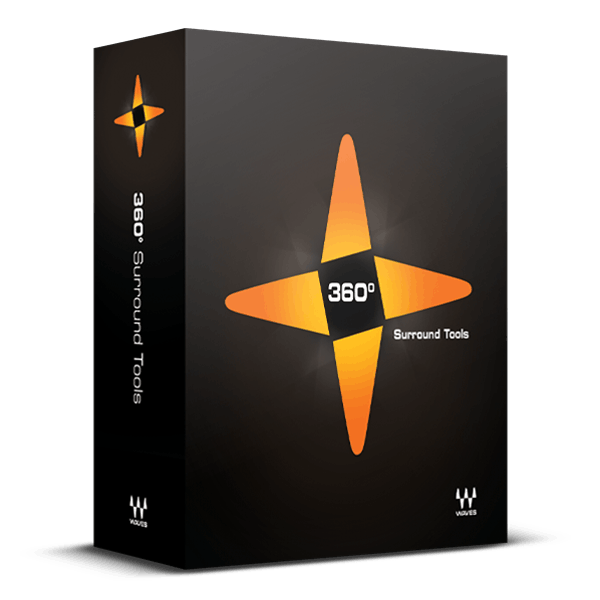
The Paramount Package for Post-Production
Mixing 5.1 surround sound demands a specialized set of tools, and 360° Surround Tools meets these needs perfectly. This bundle covers all the essentials and more, including dynamics processing, low-frequency and spatial enhancement, comprehensive metering, upmixing, surround management, and mixdown.
With its powerful array of 12 plugins, 360° Surround Tools has become the premier post-production bundle for 5.1 surround sound, providing the key to efficient, reliable, and consistent surround mixing.
Included plugins:
- C360 Surround Compressor
- Dorrough Stereo
- Dorrough Surround
- IDR360 Bit Re-Quantizer
- L360 Surround Limiter
- LFE360 Low-Pass Filter
- LoAir
- M360 Surround Manager & Mixdown
- MV360
- R360 Surround Reverb
- S360 Surround Imager & Panner
- UM225
- UM226
Features
- Tame 5.1 dynamics with the C360 Compressor and L360 Limiter
- The MV360° combines linkable, high- and low-level compression
- Add ambience and space with the R360 Surround Reverb
- Includes stereo and surround Dorrough metering plugins
- Fine-tune LFE channels with the LFE360°’s 60 dB/octave filtering
- Enhance low frequencies using the LoAir dedicated bass processor
- The IDR360° shapes, dithers, and re-quantizes digital audio
- Upmix stereo to 5.0/5.1 surround with the UM225 and UM226
- Calibration plugins optimize placement, balance, and spread
- 8 plugins support up to 192 kHz, 4 support up to 96 kHz
System Requirements
Mac
- macOS Monterey 12, Ventura 13, Sonoma 14, Sequoia 15
- VST / AU / AAX
PC
- Windows 10+
- VST / AAX
Installation Instructions














