


 Log In
Free gifts available with your purchase
Broadcast and Surround Suite
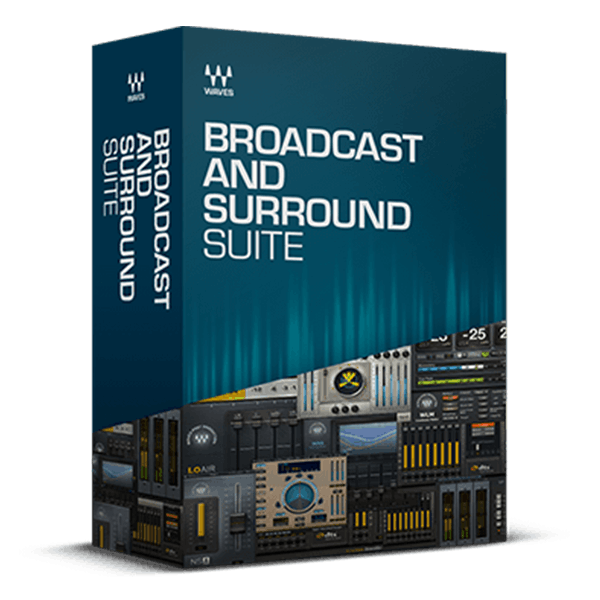
Industry-standard Tools for Broadcasting and Streaming in Surround
The Broadcast and Surround Suite offers high-end tools designed to deliver smooth, engaging, and professional mixes for TV, radio, and streaming productions.
This suite features all plugins from the Waves 360° Surround Collection, including essential 5.1 tools for compression, limiting, reverb, spatial enhancement, and subharmonic generation. It also includes all Waves DTS® Neural™ Surround plugins for surround upmixing and downmixing, the WNS and NS1 real-time noise suppressors, and precision loudness meters like the WLM and Dorrough. With these comprehensive tools, the Broadcast and Surround Suite ensures your productions meet the highest standards of quality and professionalism.
Included plugins:
- C360 Surround Compressor
- Dorrough Stereo
- Dorrough Surround
- DTS Neural Mono2Stereo
- DTS Neural Surround DownMix
- DTS Neural Surround UpMix
- Eddie Kramer Drum Channel
- Electric Grand 80 Piano
- IDR360 Bit Re-Quantizer
- L360 Surround Limiter
- LFE360 Low-Pass Filter
- LoAir
- M360 Surround Manager & Mixdown
- MV360
- NS1 Noise Suppressor
- R360 Surround Reverb
- S360 Surround Imager & Panner
- Sibilance
- UM225/UM226
- VU Meter
- WLM Plus Loudness Meter
- WNS Noise Suppressor
Features
- State-of-the-art tools for broadcast stereo and surround sound
- Surround compressors, limiters, imaging, reverb plugins & more
- Precision loudness measurement for stereo and surround
- Surround upmixing and downmixing plugins
System Requirements
Mac
- macOS Monterey 12, Ventura 13, Sonoma 14, Sequoia 15
- VST / AU / AAX
PC
- Windows 10+
- VST / AAX














