/ Various Category / Dave Audé EMP Toolbox
Waves

Dave Audé EMP Toolbox

$69.99 $299.00

76% off until Dec 07

Dave Audé EMP Toolbox
Into the Mix with Producer/Remixer/DJ Dave Audé gallery thumbnail
Buy Now
Product information

Dave Audé EMP Toolbox
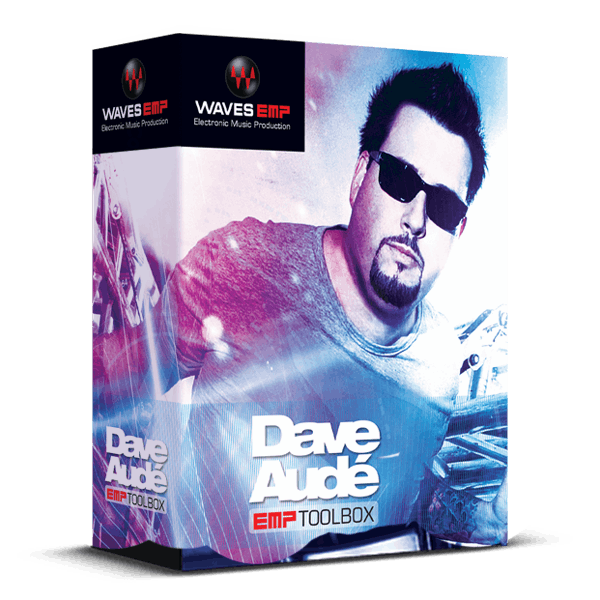
Maximize Your Mix, Remix and Mastering Potential

Dave Audé’s Grammy-winning remixes elevate hits to mega-hit status, as evidenced by his work with Beyoncé, Selena Gomez, Katy Perry, Madonna, Coldplay, Celine Dion, U2, Rihanna, Lady Gaga, and many others. Now, he’s revealing his selection of “secret weapon” plugins that have revolutionized his mixing and mastering process.

This versatile, hand-picked collection of processors and presets is designed with a single aim: to infuse your mixes and masters with the sheen, punch, and polish that have propelled Dave Audé to the top of the charts.

Included plugins:

  • C6 Multiband Compressor
  • Element 2.0 Virtual Analogue Synthesiser
  • H-Delay Hybrid Delay
  • L3 Multimaximiser
  • L3 Ultra Maximiser
  • L3-LL Multimaximiser
  • L3-LL Ultramaximiser
  • MV2
  • Trans-X

Features

  • Curated in close collaboration with Dave Audé
  • Precision multiband processors are ideal for mastering/remixing
  • Dynamics maximizers add power, impact, and punch
  • Includes the industry-standard C6 multiband compressor
  • Sync rhythmic delays, and use MIDI learn for hands-on control
  • Rejuvenate drum tracks with multiband transient shaping
  • MV2 downward/upward compression brings out nuances
  • Element 2.0 analog synth provides “ear candy” sounds and effects

System Requirements

Mac

  • macOS Monterey 12, Ventura 13, Sonoma 14, Sequoia 15
  • VST / AU / AAX

PC

  • Windows 10+
  • VST / AAX
Installation Instructions

1. Head to https://www.waves.com/create-account

2. Enter your email and choose a password to create an account (if you already have a Waves account, choose Log in, enter your details and head to Step 5) > click 'Submit'

3. Open your email inbox > click the activation link in the email from Waves

4. Click 'Log in here' > Log in to your Waves account

5. Click 'Register New Products'

6. Enter the Serial Number found in your Plugin Boutique user account > click 'Submit'

7. Click download in your Plugin Boutique user account or head to https://www.waves.com/downloads/central > download the Waves Central app for your operating system

8. Install Waves Central > Open Waves Central

9. Click 'Log in' > enter your log in details

10. Click the 'Install Products' tab

11. Tick the blue dot on all products you wish to install or click the top dot to install all products > click 'Install & Activate'

12. Click 'OK'

13. Open your DAW > open the Waves plugin

Your Waves plugins are installed and ready to use, enjoy!

Plugin Boutique Rewards

Discover the most rewarding loyalty programme among all plugin retailers.

  • Free Loopmasters Samplepacks
  • Discounts on products and courses
  • Extra Virtual Cash claimed immediately at checkout
Find out more

Follow us:

X (Twitter) Facebook YouTube Instagram
Logo Logo

Plugin Boutique Limited, Part of the Beatport Group LLC.

Copyright © 2011-2025 Plugin Boutique. All rights reserved










