


 Log In
.png)
Free gifts available with your purchase
Product information
Greg Wells Signature Series
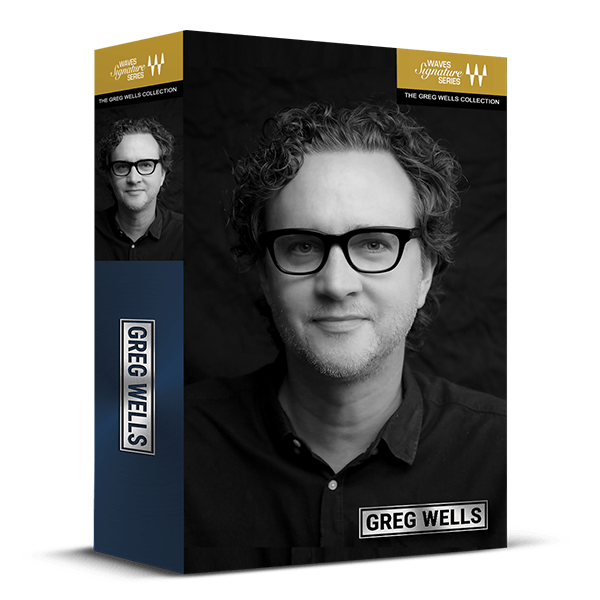
The Quick Path to Polished Vocals, Lush Keys, and Finished Mixes
Grammy®-winning producer/mixer Greg Wells has contributed to over 130 million album units sold, collaborating with artists such as Adele, Ariana Grande, Dua Lipa, John Legend, Katy Perry, Taylor Swift, Timbaland, and many others. Now, you can harness his expertise to elevate your mixes effortlessly—just by adjusting a knob.
Whether you're looking to enhance vocals, enrich keyboards and pianos, or achieve a polished, finished sound for your mix, these user-friendly plugins provide the solution you need.
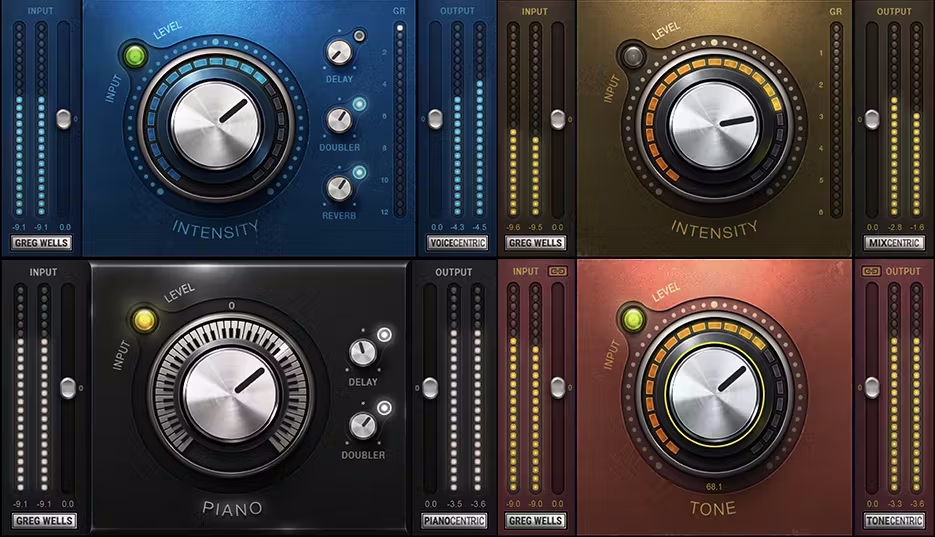
Included plugins:
- Greg Wells VoiceCentric
- Greg Wells MixCentric
- Greg Wells ToneCentric
- Greg Wells PianoCentric
Features
- Created with Grammy®-winning producer/mixer Greg Wells
- Each plugin captures complete mix chains in just one main knob
- Includes plugins for vocals, keyboards, and your entire mix
- Optimized for quick workflow and ease of use
System Requirements
Mac
- macOS Monterey 12, Ventura 13, Sonoma 14, Sequoia 15
- VST / AU / AAX
PC
- Windows 10+
- VST / AAX
Installation Instructions














