


 Log In

Free gifts available with your purchase
Product information
Morgan Page EMP Toolbox
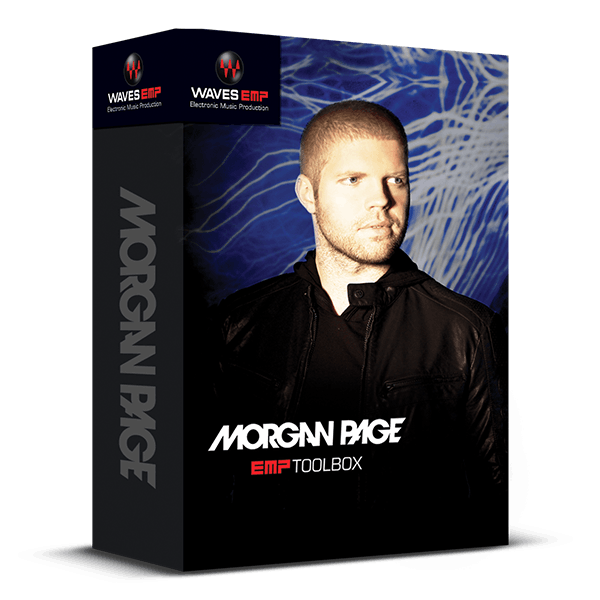
9 Plugins for Electronic Music Production Picked by Remix Master Morgan Page
Grammy®-nominated Morgan Page is renowned for transforming hits from pop icons like Katy Perry, Madonna, The Police, Stevie Nicks, and Adam Lambert into electrifying dance floor anthems. His secret weapon: the plugins in this exclusive toolbox.
From enhancing and perfecting the all-important vocal to adding special effects that elevate a track to new heights, this carefully curated collection offers both creative inspiration and technical precision.
Included plugins:
- H-Delay Hybrid Delay
- H-EQ Hybrid Equalizer
- L3-LL Multimaximizer
- Maserati VX1
- NLS Non-Linear Summer
- SoundShifter
- TrueVerb
- Vocal Rider
Features
- Ride vocal levels automatically with Vocal Rider
- Enhance vocals with Maserati VX1’s two different contours
- Create rich reverb ambience with TrueVerb
- Transpose sounds for wild sound effects with SoundShifter
- Add beat-enhancing rhythmic effects with H-Delay
- Choose EQ, from vintage analog to modern digital, with H-EQ
- Use NLS Non-Linear Summer for the true sound of analog mixing
- Crush levels and radiate power with two flavors of Maximizers
System Requirements
Mac
- macOS Monterey 12, Ventura 13, Sonoma 14, Sequoia 15
- VST / AU / AAX
PC
- Windows 10+
- VST / AAX
Installation Instructions














