


 Log In

Free gifts available with your purchase
Nx Virtual Studio Collection
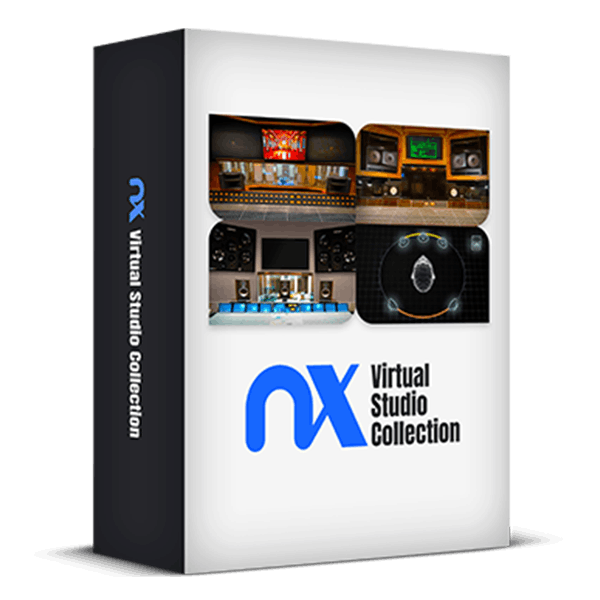
Create Better Mixes with the Ultimate Headphone Reference Plugins
Experience the fine-tuned acoustics and monitoring systems of world-renowned mixing rooms on any pair of stereo headphones, allowing you to mix with confidence, wherever you are.
Simply put on your favorite headphones and immerse yourself in the superior acoustics of Ocean Way Nashville, Chris Lord-Alge’s Mix L.A., and Germano Studios New York (formerly the Hit Factory). This ensures your mixes will translate perfectly to any playback system.
Make informed decisions about balance, stereo image, mix depth, low-end response, reverb, and more. Cross-check your mixes in 3D acoustic replications of the world’s top mix rooms, expertly tuned to provide reliable monitoring.
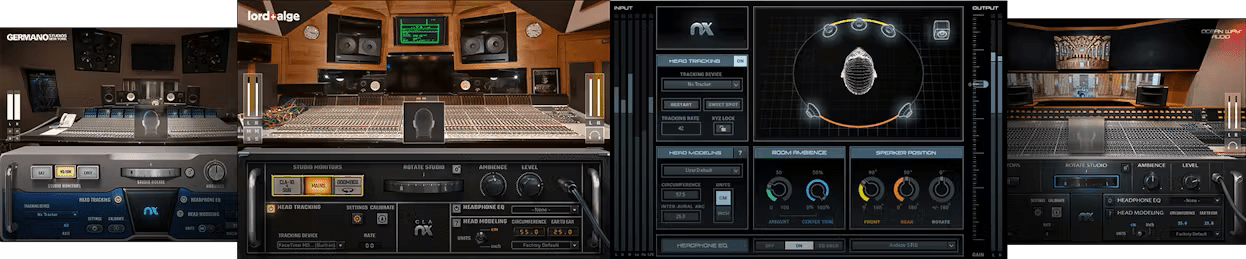
Included plugins:
- Ocean Way Nashville Virtual Mix Room
- CLA Virtual Mix Room
- Germano Virtual Mix Room
- Nx Virtual Mix Room
Features
- Stellar acoustic references for your mixes—on any headphones
- The acoustics and monitoring of world-renowned studios
- EQ correction curves for over 270 headphone models
- Reliable reference for mix depth, balance, panning, reverb, low end
- Mix with confidence, knowing your mixes will translate over speakers
- Powered by Waves Nx® immersive audio technology
- Adjustable studio ambience control
- Personalized head anatomy calibration
- Stereo and virtual surround components
- Head tracking for enhanced realism, via webcam of Nx Head Tracker (purchased separately)
System Requirements
Mac
- macOS Monterey 12, Ventura 13, Sonoma 14, Sequoia 15
- VST / AU / AAX
PC
- Windows 10+
- VST / AAX














