


 Log In

Free gifts available with your purchase
Product information
Pianos & Keys Bundle
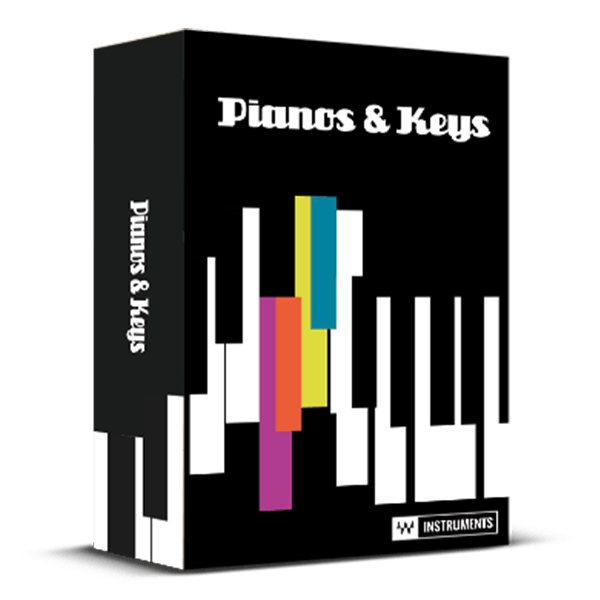
Classic Sounds. Authentic Feel.
Play the iconic keyboard instruments that shaped funk, R&B, and 60s/70s soul, jazz, and rock: from the soaring tones of a multi-miked Fazioli acoustic grand to the vintage electric pianos that powered classics by artists like Stevie Wonder and Queen.
Meticulously multisampled to capture each instrument's detailed sound and nuanced velocity response, this collection delivers the authentic feel and sound of classic keyboards.
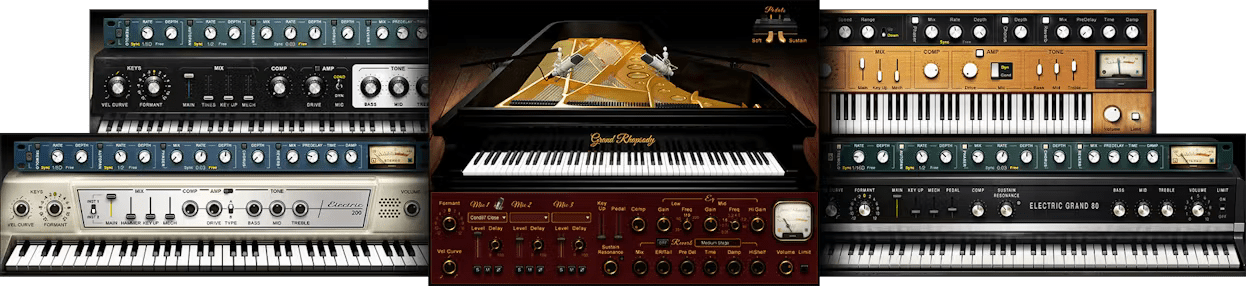
Included plugins:
- Clavinet
- Electric 200 Piano
- Electric 88 Piano
- Electric Grand 80 Piano
- Grand Rhapsody Piano
Features
- Play as VST/AU/AAX plugins, or standalone for live performance
- Expert multisampling reproduces every keyboard’s full nuances
- Electric pianos include complete built-in suite of classic multi-effects
- Acoustic grand with 3 stereo mic pairs and 8 mic types
- Control the keyboards’ mechanical sounds for complete realism
- Vary velocity curves to match your touch perfectly
- NKS-ready for NI Maschine and Komplete Kontrol
- Available with High-definition (HD) and Standard (SD) sample libraries
System Requirements
Mac
- macOS Monterey 12, Ventura 13, Sonoma 14, Sequoia 15
- VST / AU / AAX
PC
- Windows 10+
- VST / AAX
Installation Instructions














