


 Log In

Free gifts available with your purchase
Product information
SSL 4000 Collection
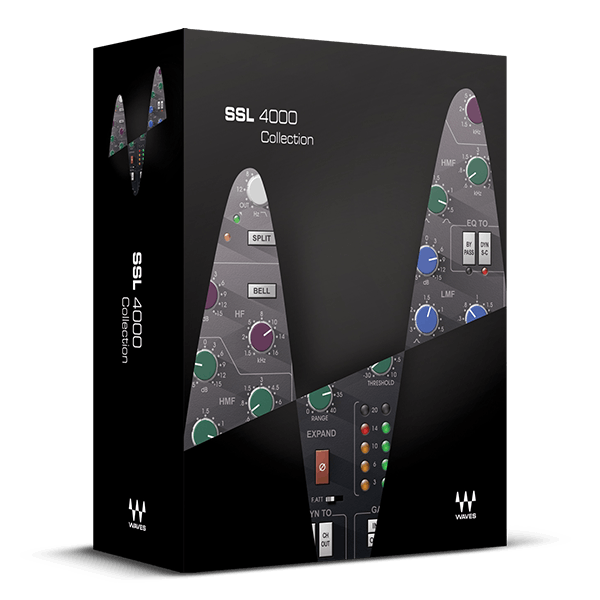
Mix with the Classic Analog Sound that Powered Thousands of Hits
The SSL 4000 is the undeniable superstar among consoles, renowned for its punchy, deep, and rich sonic character that has defined modern music from David Bowie and Dr. Dre to Bruce Springsteen, Foo Fighters, and Kendrick Lamar.
Licensed by SSL, this collection faithfully captures the legendary consoles' unmatched dynamics and EQ with stunning fidelity. Featuring channel strips from the revered E- and G-series, iconic mic preamps, both "black" and "brown" knob EQ options, and the acclaimed SSL bus compressor, your DAW doesn’t simply emulate an SSL—it embodies the essence of an SSL.
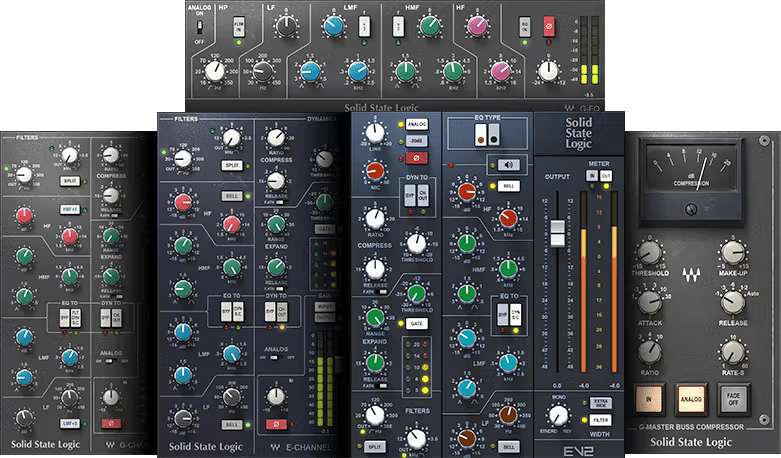
Included plugins:
- SSL E-Channel
- SSL G-Channel
- SSL G-Equalizer
- SSL G-Master Buss Compressor
- SSL EV2 Channel
Features
- Developed under license from Solid State Logic®
- Choose your sound: classic E-series, or modern G-series
- Sculpt your mixes with the unmatched dynamics of the SSL VCA compressor and gate
- Glue your mixes together with the unrivaled SSL G- Master Bus Compressor
- Newly modeled SSL EV2 includes both “black” and “brown” knob EQ
- Hundreds of presets from Grammy®-winning engineers
System Requirements
Mac
- macOS Monterey 12, Ventura 13, Sonoma 14, Sequoia 15
- VST / AU / AAX
PC
- Windows 10+
- VST / AAX
Installation Instructions












Customer Reviews
(1)


