


 Log In
Free gifts available with your purchase
Product information
Video Sound Suite
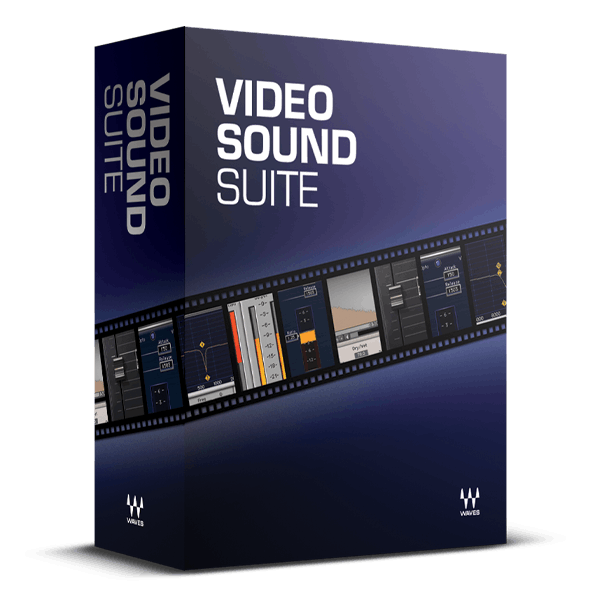
Add a Pro Audio Touch to Your Videos
A recent USC study revealed that audio quality significantly impacts the credibility of video content. These essential audio plugins integrate seamlessly into all major video editing software, enhancing not only your audio quality but also the believability of your productions.
Elevate your video projects with plugins designed to tackle common audio challenges: noise reduction, dynamic range control, intelligibility enhancement, sibilance reduction, and ambience addition.
Included plugins:
- DeEsser
- IR-L Convolution Reverb
- L1 Ultramaximizer
- Q10 Equalizer
- Renaissance Compressor
- W43 Noise Reduction Plugin
Features
- Real-time editing—no rendering required to hear the results
- Improve dialogue with 10-band EQ, compressor, and de-esser
- Give productions punch and power by maximizing audio levels
- Reduce background noise for additional clarity
- Ideal for processing real-time, streaming video
- Place productions in synthesized acoustic spaces with IR-L Reverb
- Use the same plugins as movie and game audio professionals
- Clean up and improve podcasts derived from videos
System Requirements
Mac
- macOS Monterey 12, Ventura 13, Sonoma 14, Sequoia 15
- VST / AU / AAX
PC
- Windows 10+
- VST / AAX
Installation Instructions














