Log In

Save $109.00 compared to buying products individually
Free gifts available with your purchase
Visco
Meld, blend, and play anything
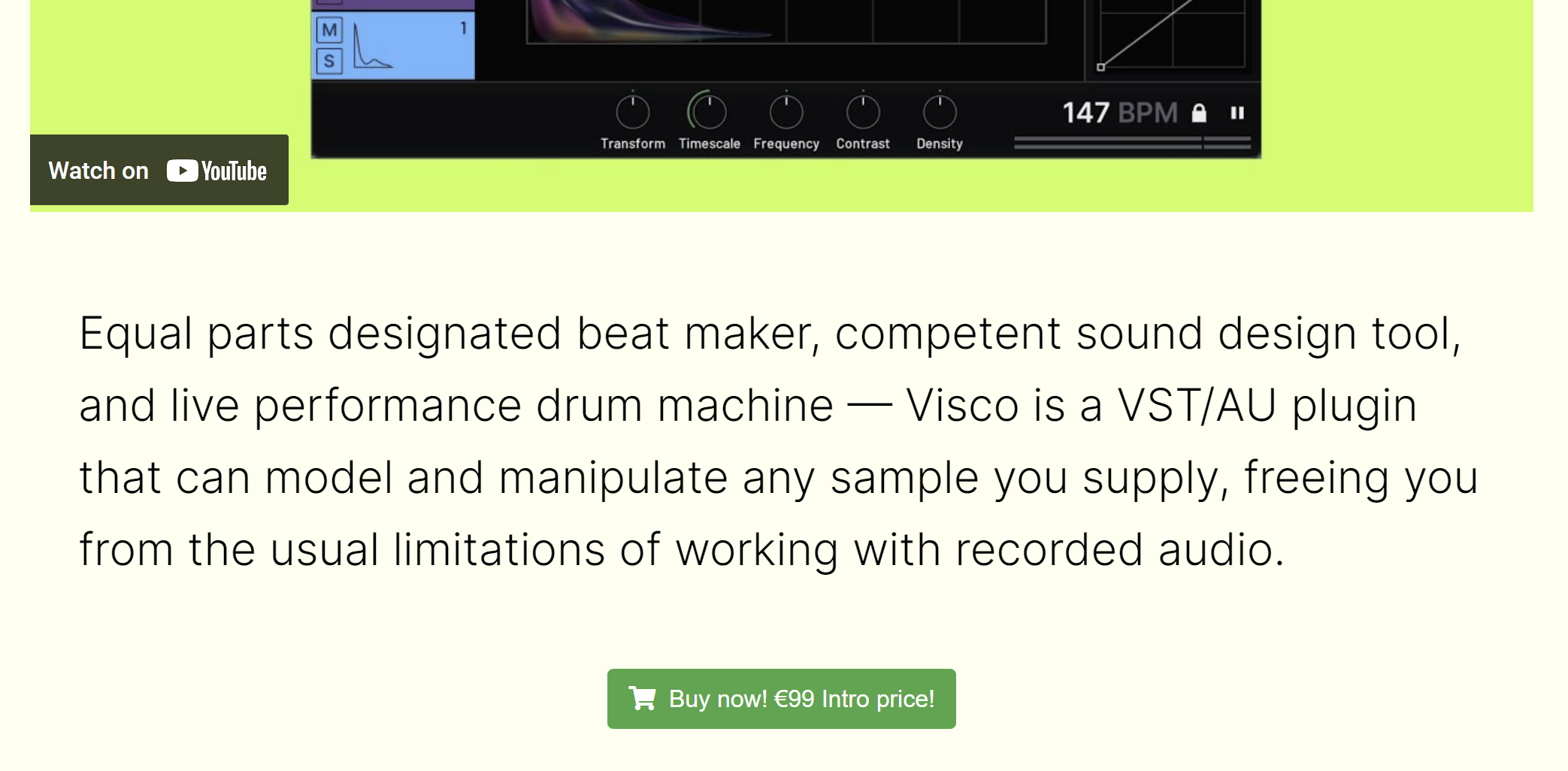
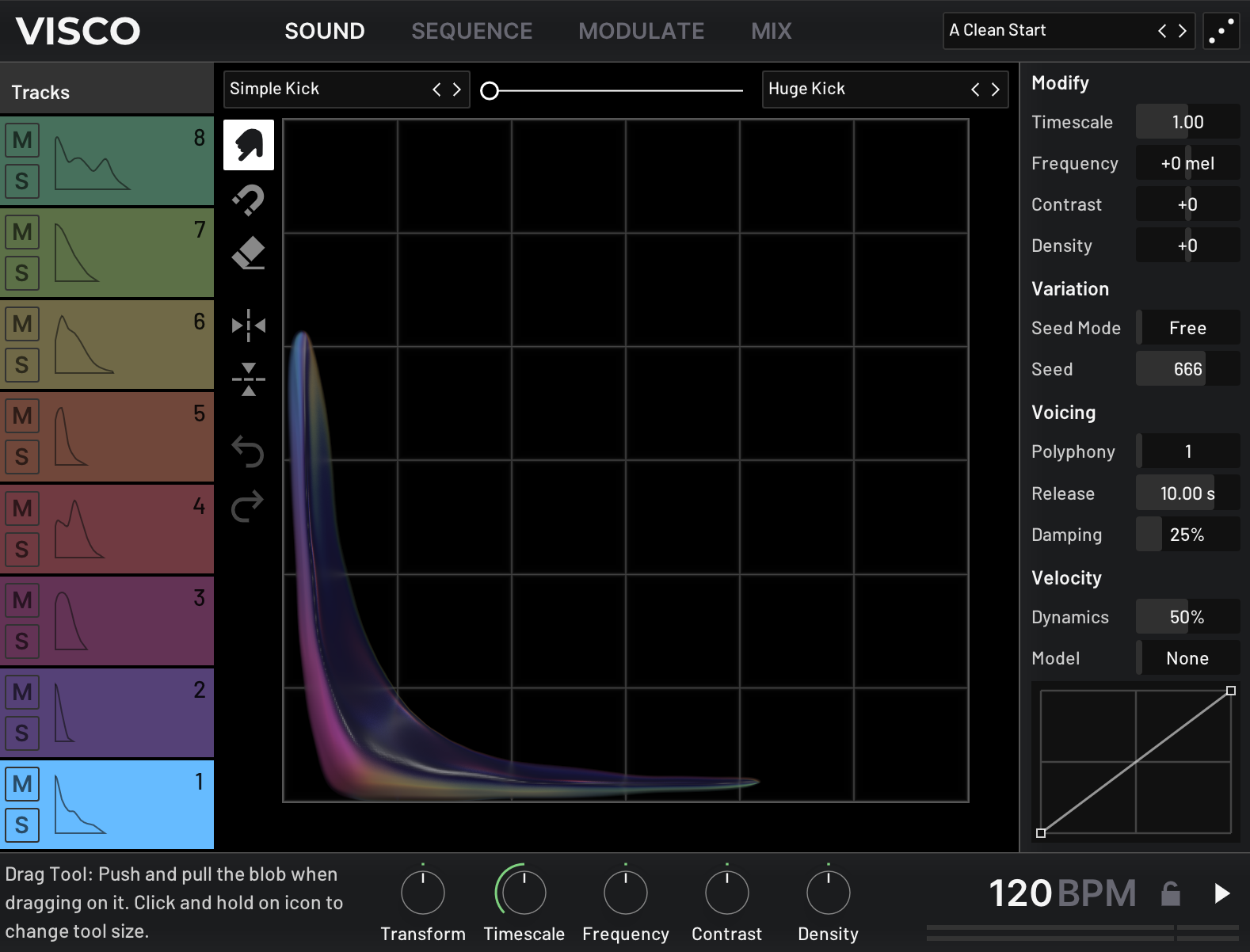
Visco is built around a unique set of tools for blending and shaping sound. With version 2.0, Visco introduces Tonal Mode, a new way to play any sound chromatically across your keyboard, while still using the same creative tools to stretch, pull, and combine sounds in unexpected ways.
With 2.0, you can now choose between two modes inside Visco:
- Kit Mode - Sequence up to eight sounds, classic drum machine-style
- Tonal Mode - Perform with one sound chromatically across your keyboard, with access to additional synth parameter
Both modes provide complete control over how sounds behave and interact, and Tonal Mode adds parameters like harmonic spacing, key tracking, and unison for even deeper sound design.
Whether you’re merging two leads from your favorite analog synths or combining a pad with a kick just to see what happens, Visco creates a space to experiment, without overcomplicating the process.
What’s New in Visco 2.0
- Tonal Mode – Play any sound chromatically with access to oscillator types, harmonic stretch, unison, and more
- FLAC Support – Visco now supports the FLAC format
- Stability & Performance – Improved reliability and efficiency across the board
Learn more about Visco
Topos
Tone In, Character Out
Topos provides versatile signal-shaping tools at both the input and output stages, maximizing creative flexibility. The Input Filter offers a low/high-pass filtering with adjustable slopes, letting users tailor the tonal range before amplification.
At the output stage, Flux and Dynamics controls enable detailed refinement of signal evolution, from tightening transients to subtly smoothing peaks - reducing the need for additional external processing.
Features
- Saturating Amplifier Section - Detailed emulations of classic pedals, tape machines, and tube amplifiers, with Drive and Auto-Gain
- Amp Map - Interactive visual blending between different amp models.
- Amp Designer - Precise adjustments with Emphasis, Rectify, Smoothing, and more.
- Speaker Simulation Section - Shape tone and perceived space with Fidelity, Size, and Presence adjustments.
- Speaker Map - Visual blending of diverse speaker models for custom configurations.
- Speaker Designer - Fine-tune speaker characteristics with venting, scatter, leak, and damping parameters.
- Input Filter - Adjustable low/ high-pass filtering before amplification.
- Flux & Dynamics Controls - Sculpt signal movement and response at the output stage.
- CPU-friendly, zero-latency anti-aliased processing - Ideal for real-time performance without system strain.
- Easy Licensing - No iLok, and no online authorization is required.
Learn more about Topos
macOS
- Apple Silicon M1 or Intel 2.0 GHz processor
- macOS 10.13 and later
- AudioUnit or VST3 host software
- 1GB of RAM
- 64-bit only
Windows
- X86 processor with SSE3 support
- Windows 10 and 11
- AudioUnit or VST3 host software
- 1GB of RAM
- 64-bit only