/ Expansion Packs / HALO-2 Expansion: BEAST-MODE
DHPlugins

HALO-2 Expansion: BEAST-MODE

4.8 (41 Reviews)
$15.00
DH Plugins HALO Expansion: BEAST-MODE
BEAST-MODE HALO Expansion Pack Demo gallery thumbnail
Buy Now
Product information

Featuring 65 brand new presets and 36 Sample Banks containing snarling Reeses, growling basses and grinding stabs straight out of the underworld and beyond, these sounds have been extensively tweaked and processed using primarily hardware wavetable synthesisers and cutting edge software processing.

Expect heavyweight sounds driven hard by digital distortion and complex modulations resulting in beastly yet organic bass riffs.

Features

  • 65 Presets
  • 36 Sample Banks

System Requirements

  • Requires the full version of HALO
Installation Instructions
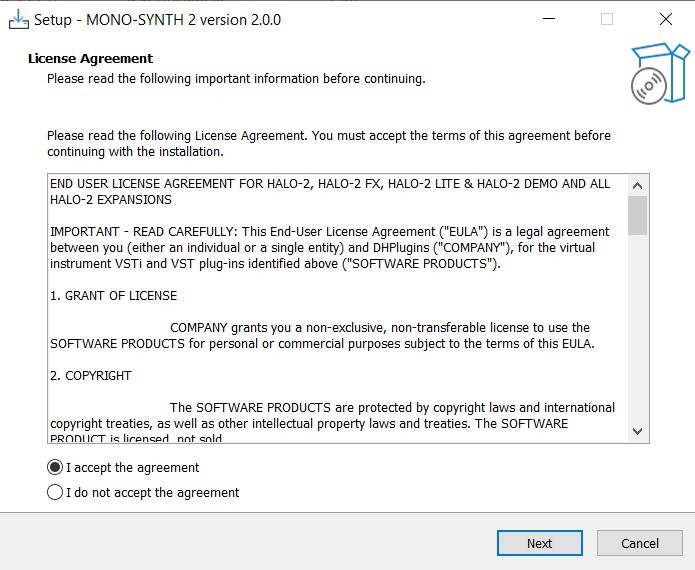
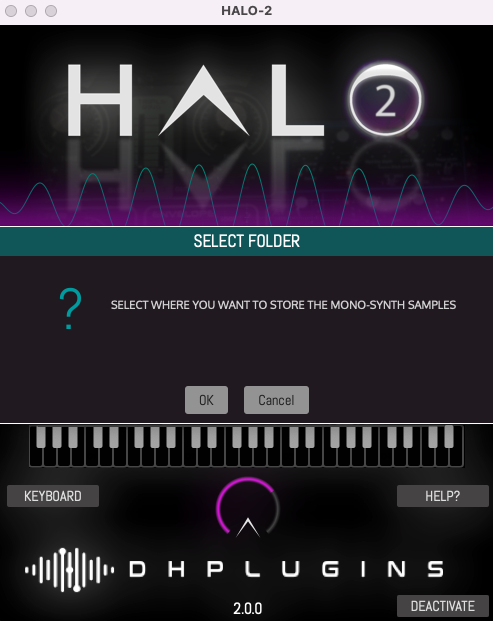
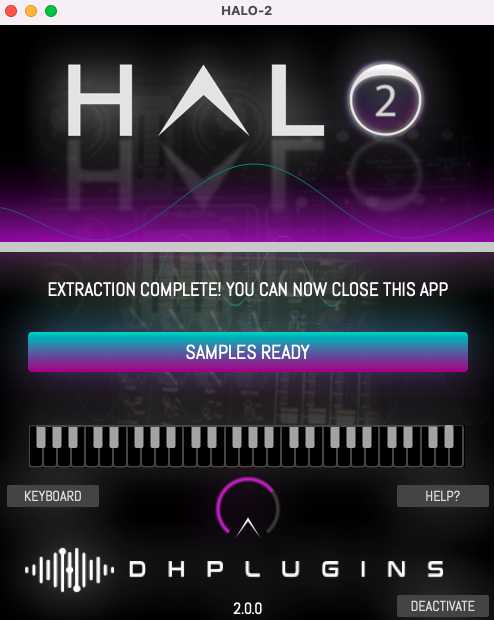
Note: HALO-2 Expansion - Mono-Synth is used as an example.

Windows

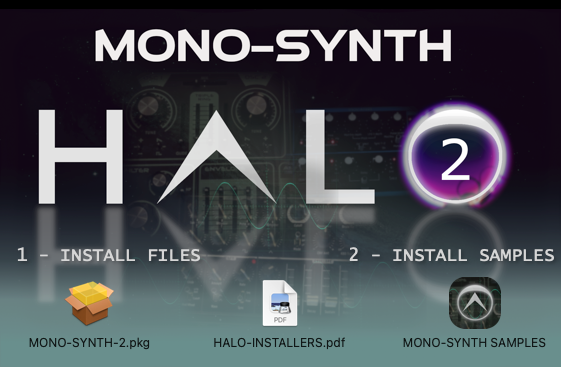
1. Download the installation pack from within your Plugin Boutique User Account, and unzip the contents.

2. Launch the 'MONO-SYNTH 2' installer.

3. Select 'I accept the agreement', then click 'Next'.

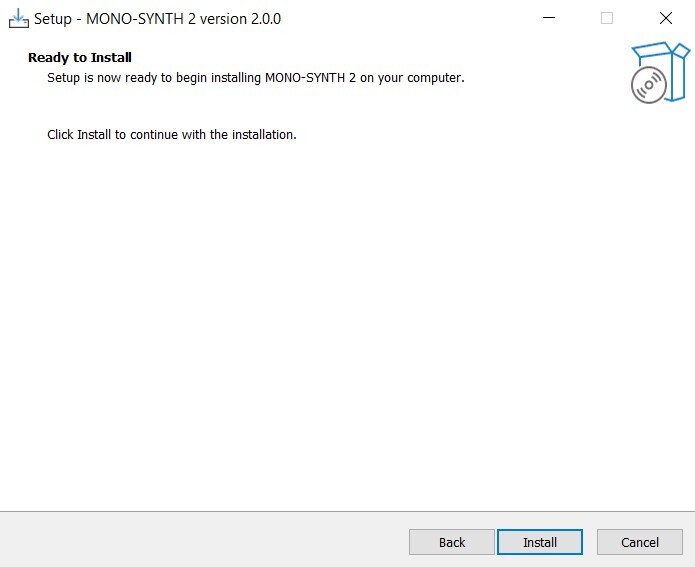
4. Click 'Install'.

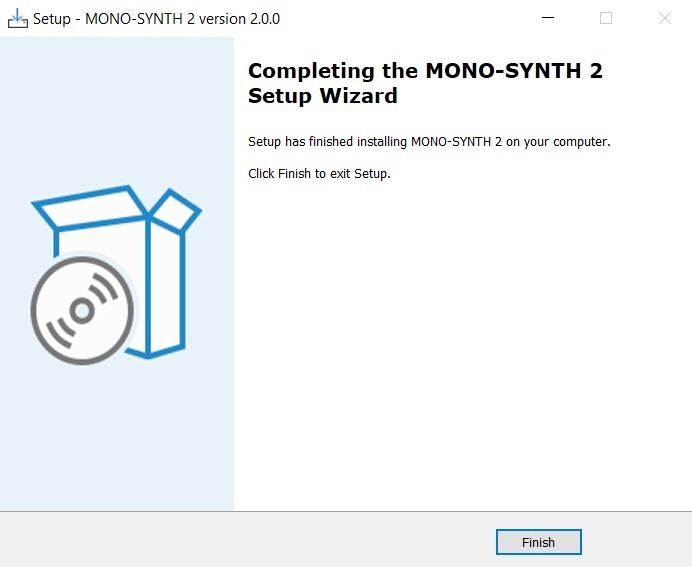
5. Once installation is complete, click 'Finish'.

6. Launch the 'MONO-SYNTH 2 SAMPLES' installer from within your downloaded installation package.

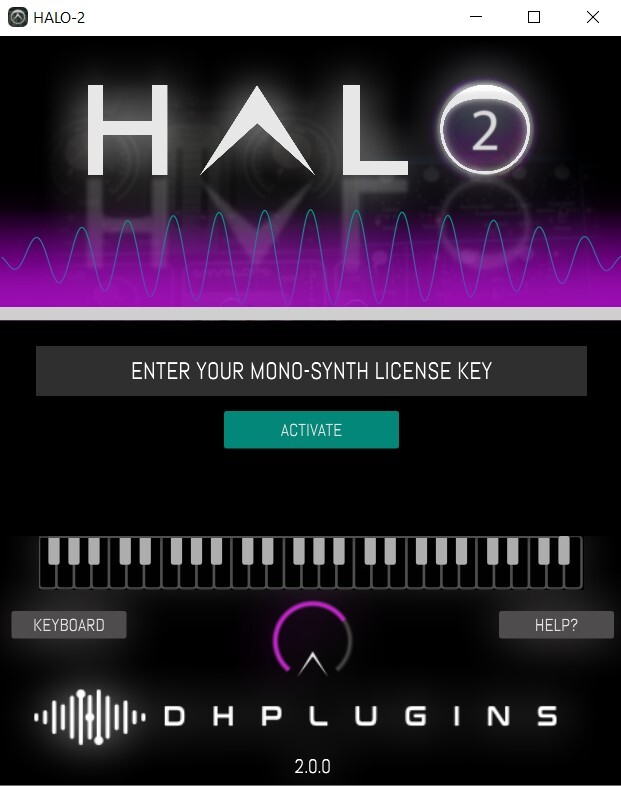
7. Enter the license key from within your Plugin Boutique User Account, and click 'Activate'.

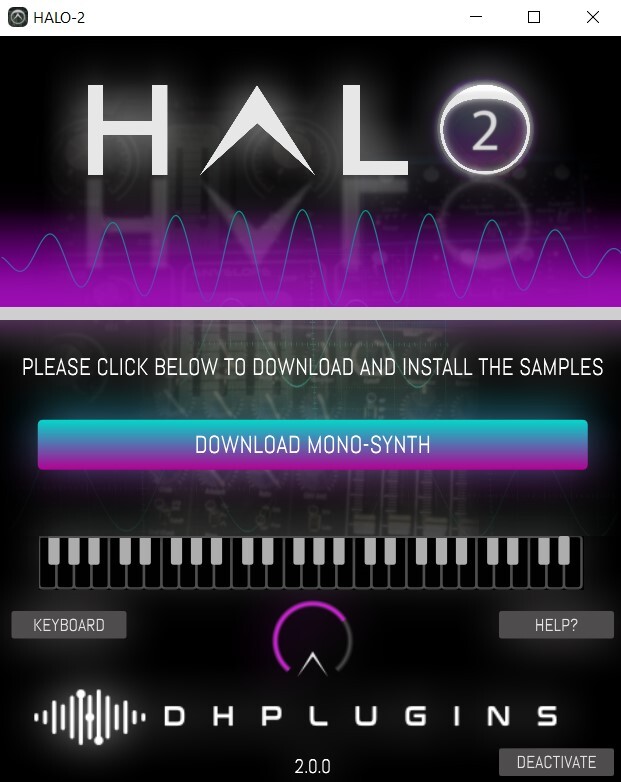
8. Click 'Download Mono-Synth'.

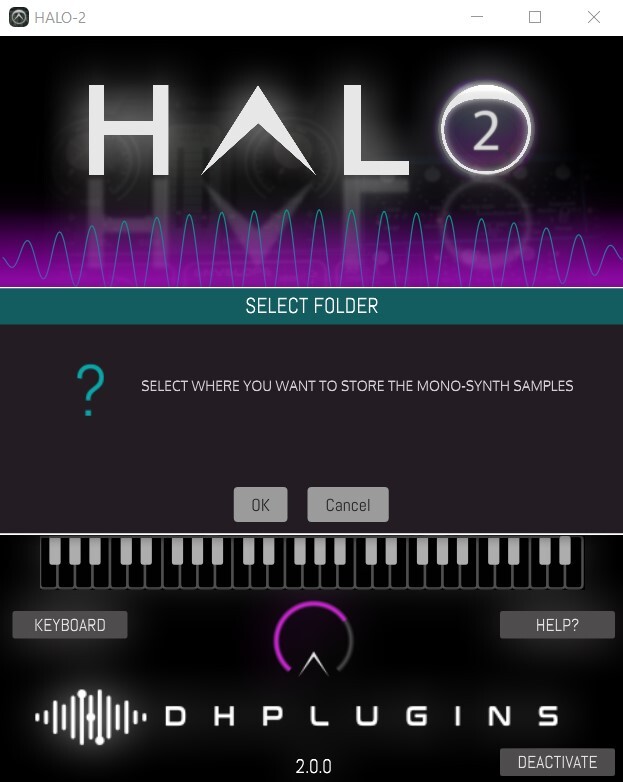
9. Click 'OK', and select a download location for your samples.

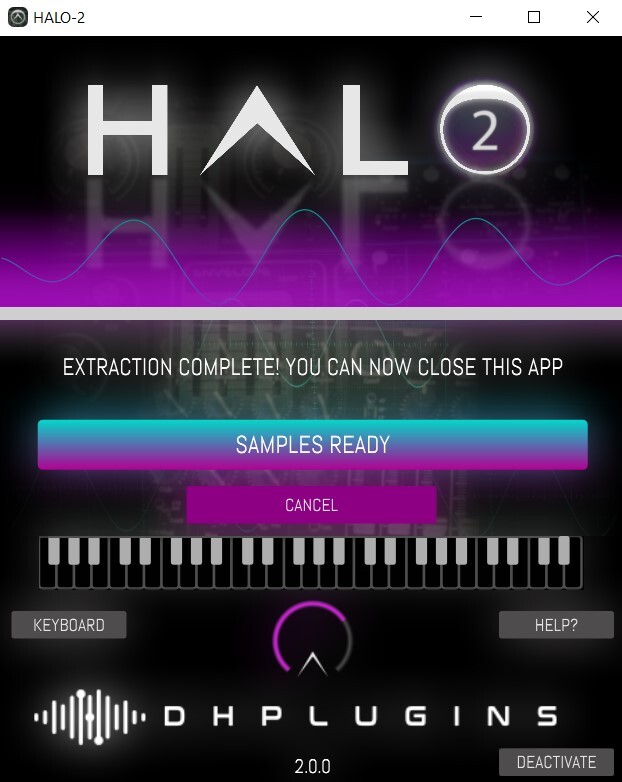
10. Once installation is complete, close the window (do not click 'Cancel').

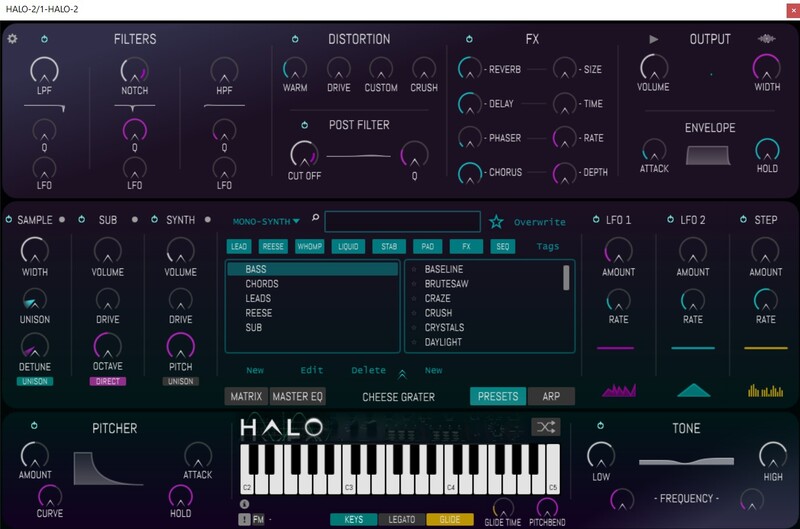
11. You're ready to go! Launch HALO-2 within your DAW, and navigate to your newly activated expansion pack.

Mac

1. Download the installation pack from within your Plugin Boutique User Account, and unzip the contents.

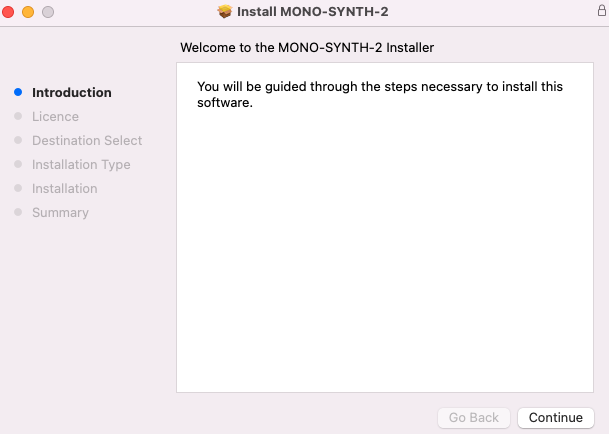
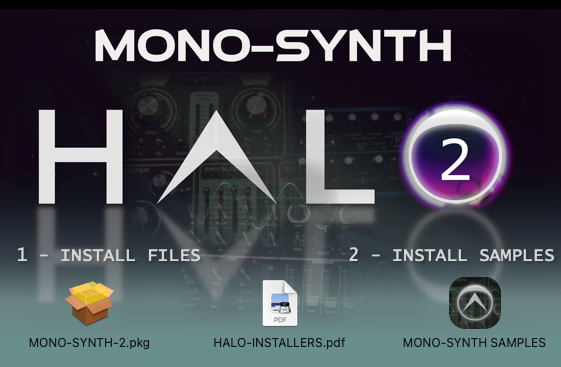
2. Launch the 'MONO-SYNTH 2' installer.

3. Double click on 'MONO-SYNTH-2.pkg'.

4. Click 'Continue'.

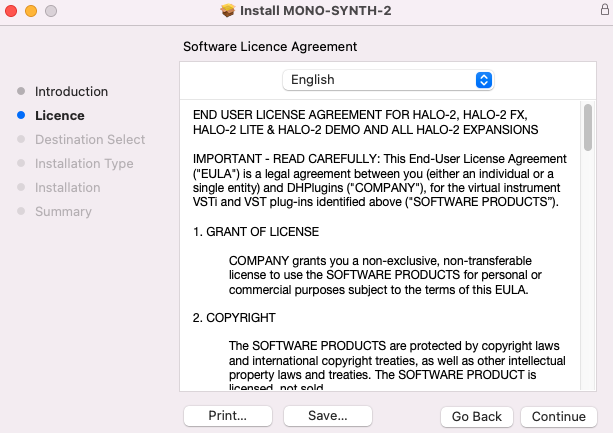
5. Click 'Continue'.

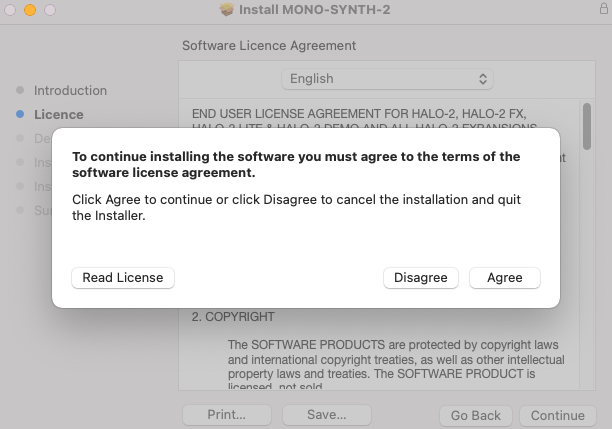
6. Click 'Agree'.

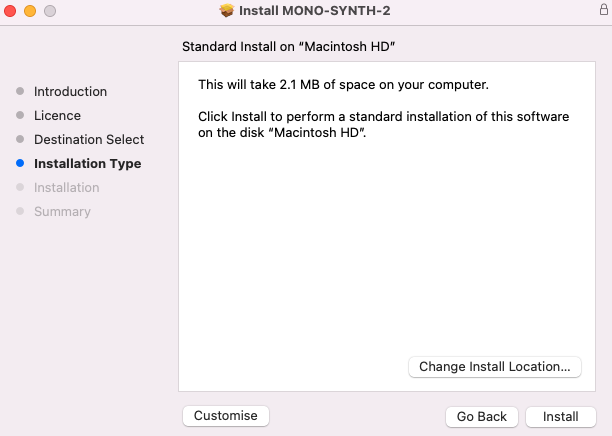
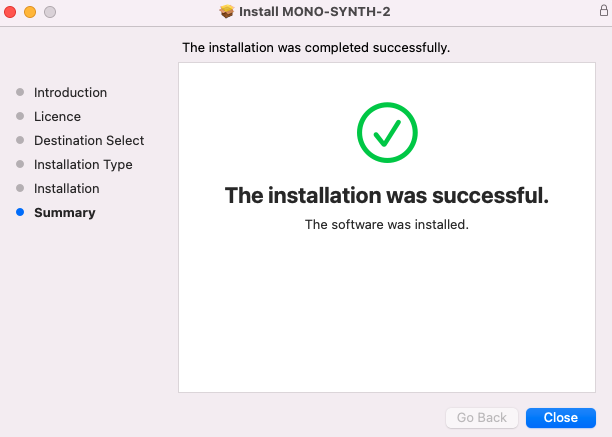
7. Click 'Install'.

8. Click 'Close'.

9. Return to the installer and launch 'MONO-SYNTH SAMPLES'.

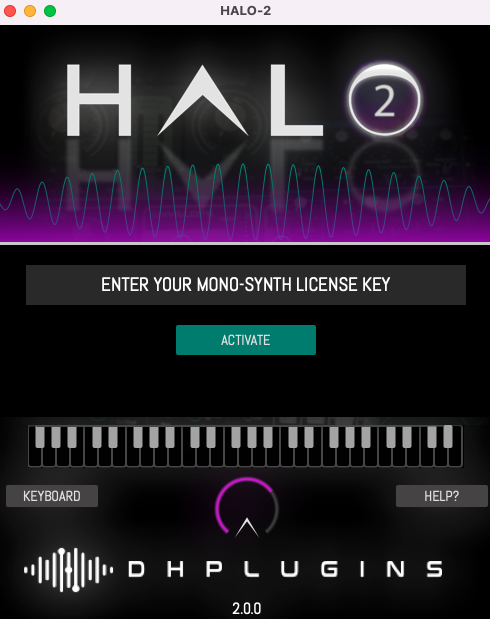
10. Enter the license key from within your Plugin Boutique User Account, and click 'Activate'.

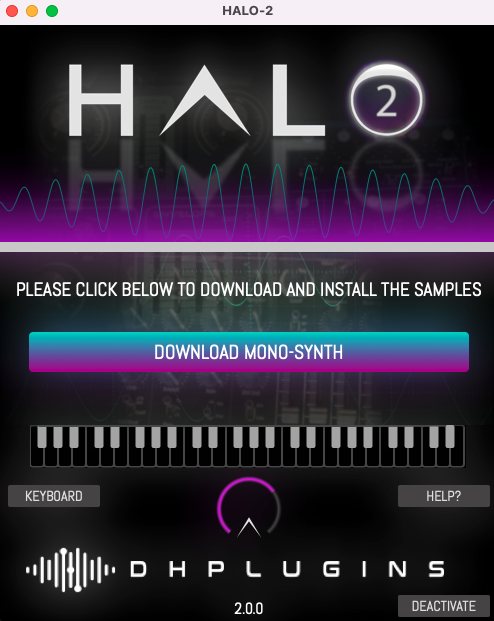
11. Click 'Download Mono-Synth'.

12. Click 'OK'.

13. Once installation is completed, close the window.

14. You're ready to go! Launch HALO-2 within your DAW, and navigate to your newly activated expansion pack.

Bundle & Save

HALO-2 + Expansions Bundle
$89.00
$149.00 (40% off)
HALO-2 Expansions Bundle
$45.00
$49.00 (8% off)
HALO-2 Expansion: Bass Bundle
$39.00

Plugin Boutique Rewards

Discover the most rewarding loyalty programme among all plugin retailers.

  • Free Loopmasters Samplepacks
  • Discounts on products and courses
  • Extra Virtual Cash claimed immediately at checkout
Find out more

Follow us:

X (Twitter) Facebook YouTube Instagram
Logo Logo

Plugin Boutique Limited, Part of the Beatport Group LLC.

Copyright © 2011-2025 Plugin Boutique. All rights reserved