


 Log In
Free gifts available with your purchase
Please note: These presets are compatible with Serum v1 and v2
Introducing Serum Expansion Pack: Quest - a crowd-pumping collection of bass-laden presets for the best-selling software synth, Serum.
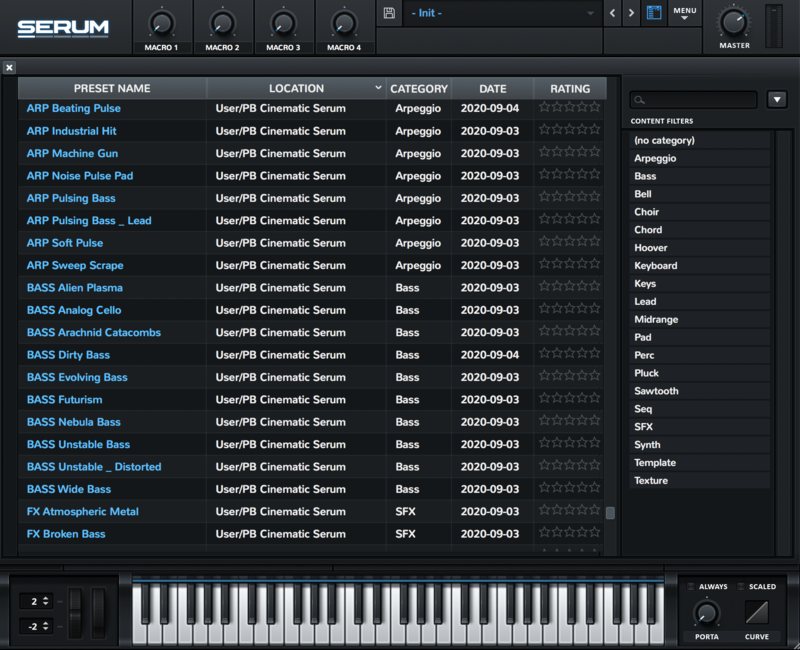
Covering everything from thudding drums and rumbling basses to warped leads and dissonant synths, this collection of 64 presets for Xfer Serum delivers everything you need to create modern bass music, be it in house, dubstep, techno, or any other genre.
Inspired by the production styles of Fred Again, Skrillex, and Four Tet, Serum Expansion Pack: Quest includes all of the elements you need to make your next project rumble.
Features
- 36 Basses
- 2 Drums
- 14 Leads
- 5 Plucks
- 7 Synths
Reviews Summary
While it aims to provide a helpful overview, it may not capture every perspective or detail. We encourage you to read individual reviews to make an informed decision.
Customers highly praise the Quest preset pack for its excellent value, quality sounds, and diverse presets. It is particularly well-received by modern bass music producers who appreciate its punchy, contemporary sounds, including rumbling low ends and warped leads that deliver immediate, hard-hitting results.


