


 Log In

Free gifts available with your purchase

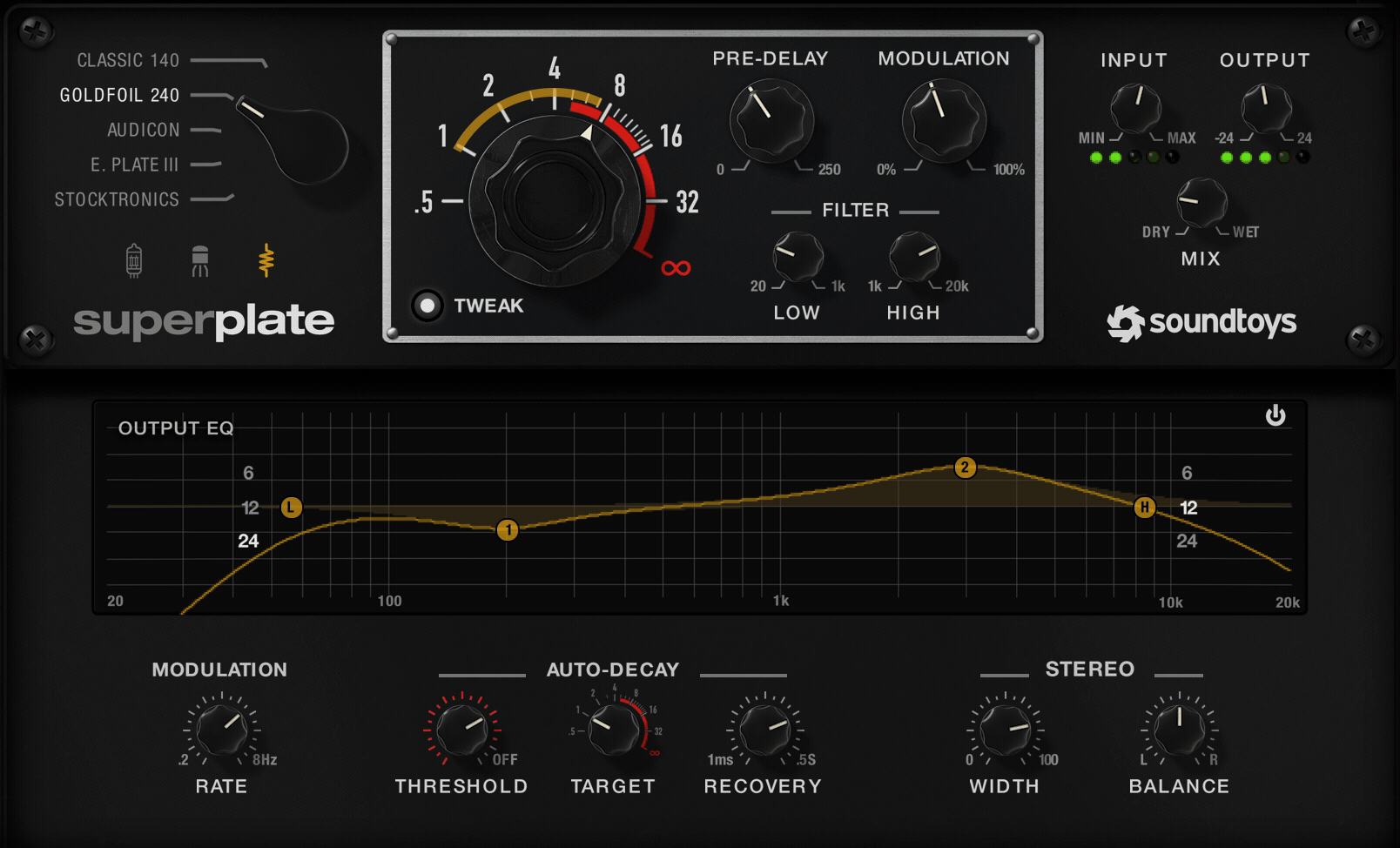
An Immersive Reverb Experience
SuperPlate brings the unique tonal character of five classic electromechanical plate reverbs into your studio – without the massive investment and back-breaking weight of the originals. Its advanced algorithms capture a level of unmatched realism and versatility and create luscious, expansive effects.
At the core of SuperPlate are meticulous models of the EMT 140, EMT 240, Audicon, Stocktronics RX4000, and EcoPlate III reverb units. Its three different flavors of analog coloration – Tube, Solid-State and Clean – can be used in combination with any of SuperPlate’s styles. Its wide range of modern digital features includes infinite decay time, built-in predelay, expanded modulation controls, full-featured EQ for detailed tonal shaping, and a unique decay ducking option that adjusts decay time to reduce overlap or build-up.
SuperPlate accurately reproduces the tonal characteristics and unique sonic signatures of each of its five plate styles. Inside one plug-in is packed a collective 1450 pounds (659 kg) and 330 cubic feet (9.4 m3) of plate reverb evolution.
E. PLATE III
Based on the EcoPlate III (c. 1982). The EcoPlate III was the third and smallest version of the EcoPlate series. All three EcoPlate versions were designed by Jim Cunningham. The EcoPlate series uses a stainless steel alloy to create its reverberation and all three versions have an exceptionally bright and spacious sound.
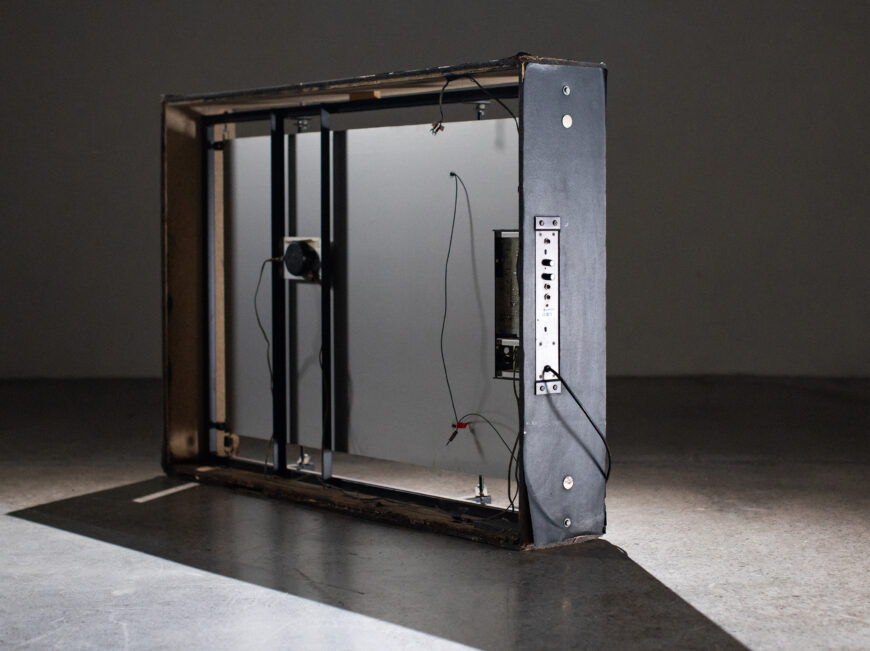
GOLDFOIL 240
Based on the EMT 240 (1970) the successor to the EMT 140. The EMT 240 was technically not a plate at all, and was designed to create a more compact and portable reverb. Instead of a steel plate, it used a thin foil of 24-karat gold to create its distinctive darker and tighter sound.
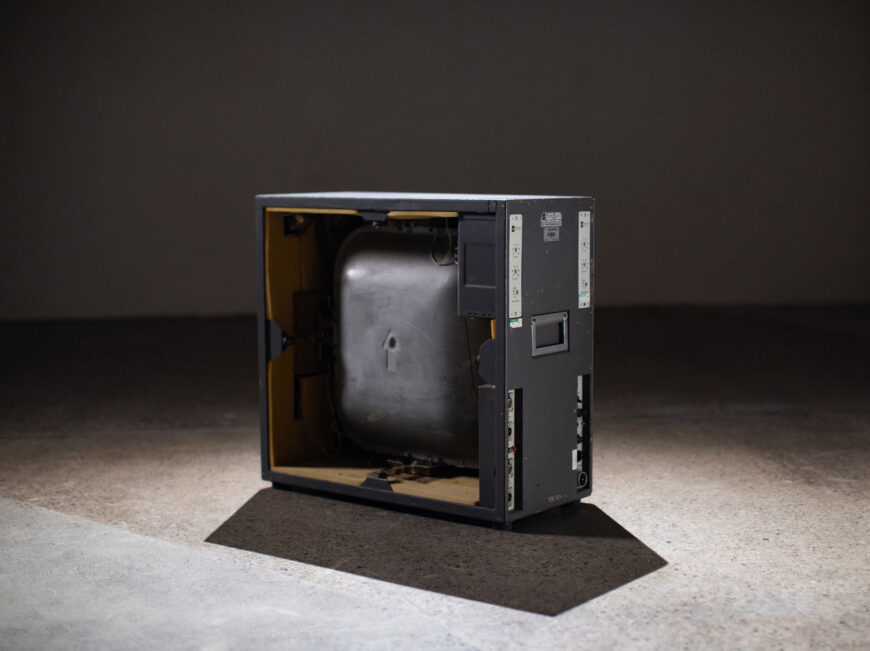
CLASSIC 140
Based on the EMT 140 (1957), the most well-known and the first commercially successful plate reverb. It was made by hanging a plate of cold-rolled steel in a metal frame, and as legend has it, the steel came from one specific Welsh ore mine. The EMT 140 was a studio standard for many years, and is what most people reference when they talk about plate reverb.
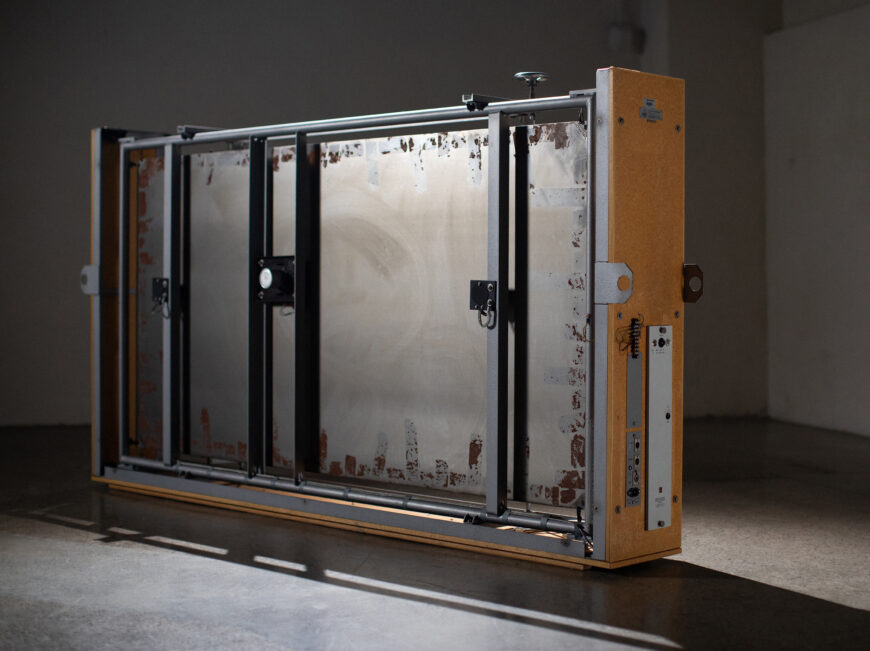
AUDICON
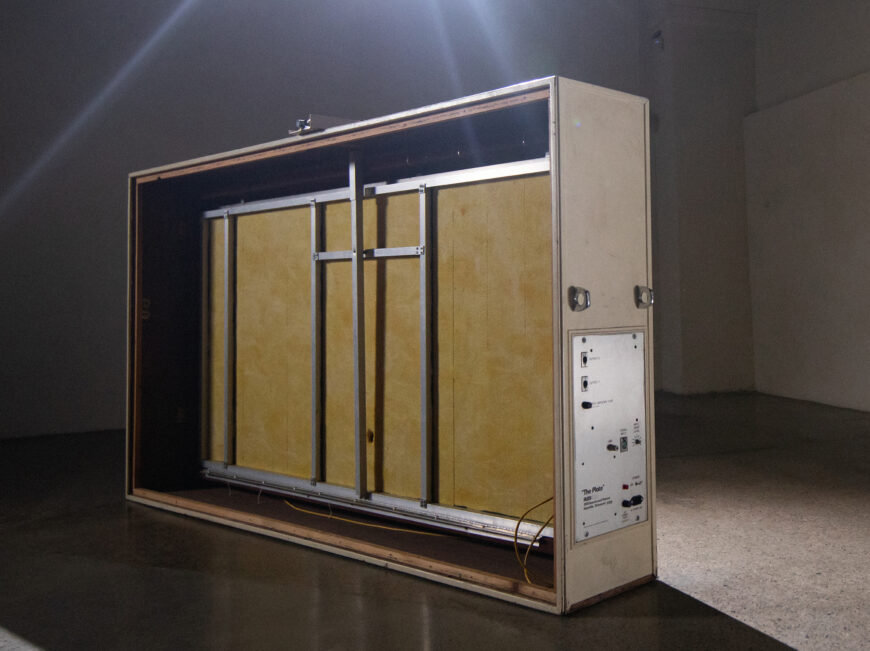
Based on Audicon’s “The Plate” (c. 1971) also known as the “Lawson Plate”. It was designed by Gene Lawson (Lawson Microphones) in Nashville to be a more economical plate reverb for those who couldn’t afford an original EMT 140. It was manufactured by console manufacturer Auditronics out of Memphis, Tennessee.
STOCKTRONICS
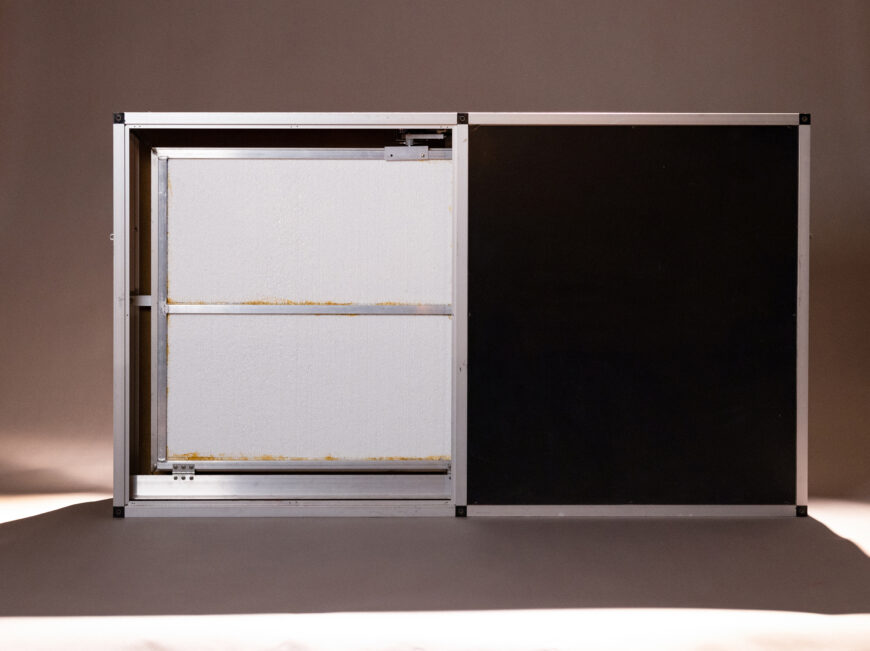
Based on the Stocktronics RX4000 (1978). The RX4000 is the only Swedish plate we know of, and it uses a steel alloy plate with “low internal crystallic damping characteristics” [1] which gives it a very distinctive extended high frequency response. In other words, this plate has zing!
Pick Your Preamp
All plate reverbs use a pre-amplifier to drive the “voice coil” that turns electrical sound waves into the physical vibrations of a plate reverb device. Included are two different preamp models in SuperPlate, Tube and Solid-State, along with a Clean mode – which can each be used in combination with any of SuperPlate’s styles.
- The Tube mode is modeled on the original EMT V54 preamp that was used in the earliest EMT 140 plates and can be used to add a little (or a lot) of harmonic spice to your sound before it hits the reverb.
- The Solid-State mode is modeled on the EMT 162 preamp that was used in later versions of the EMT 140. This model has a built-in compressor that can be used to help control and tame transients on their way into the reverb.
- SuperPlate’s Clean mode strips out all preamp modeling and preserves the pure sound of the various plate models without any additional harmonic distortion or dynamics.
Let It Breathe
SuperPlate’s unique Auto-Decay feature shortens the decay time to a desired “target” setting when the input signal is above the adjustable threshold. This feature is crucial in keeping the sound clear and prevents punchy transients from being overpowered by excessive reverb tails. Combined with the recovery speed control, you can make your reverb breathe with the pacing of your music.
Tame Your Tail
SuperPlate’s built-in 4 band EQ makes it easy to sculpt the reverb to fit your mix. The low-cut filter is essential to prevent excessive low-frequency energy from building up, and the high-cut filter can be used to help the reverb to blend in naturally with the original sound. The two parametric bands are super flexible and can be used to help tame mid range resonances or add high frequency sheen.
Features
- Five Analog Plate Styles
- Three Preamp Options
- Infinite Decay
- Built-in Pre-delay
- Modulation Controls
- Decay Ducking options
- Full-featured EQ
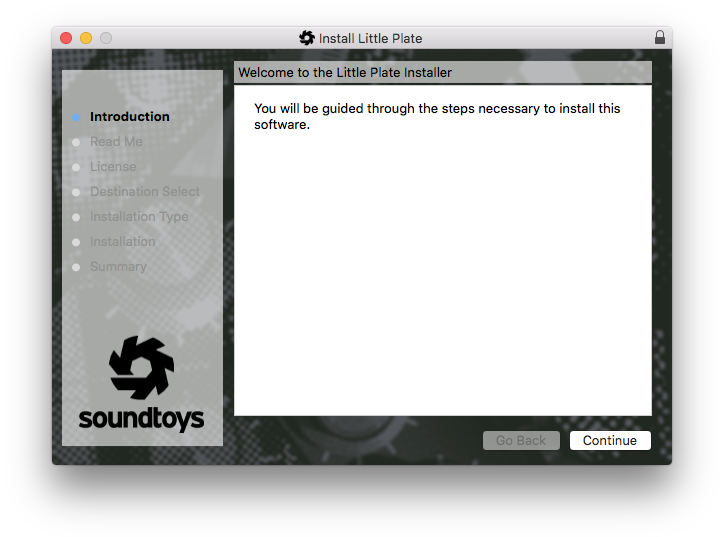
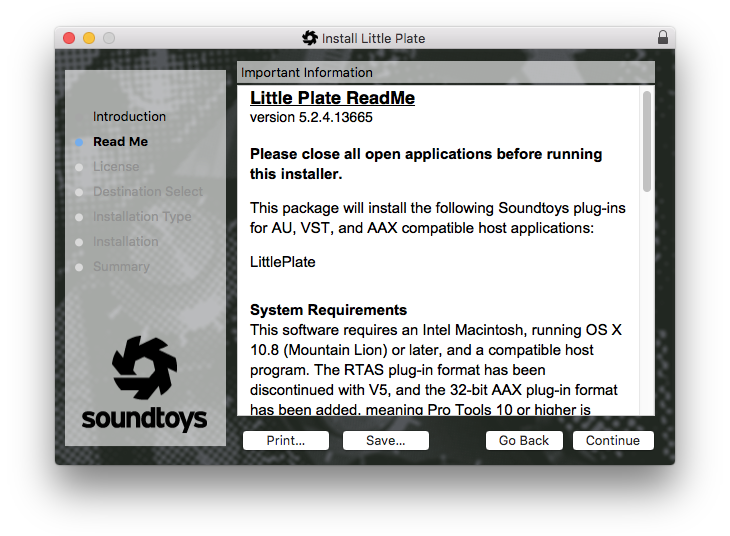
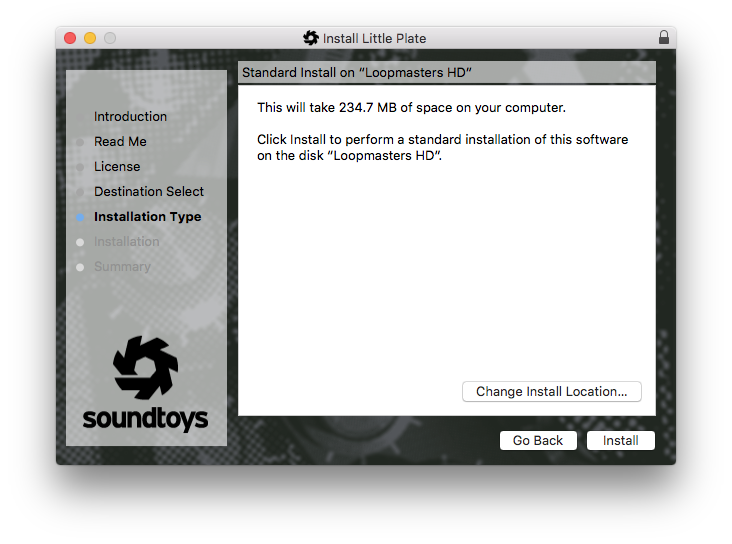
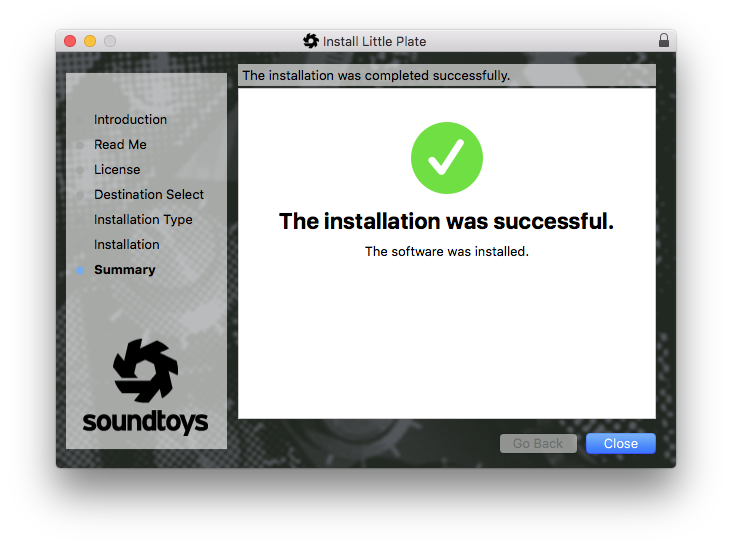
- Little Plate is included with your SuperPlate purchase
System Requirements
- Operating systems: Mac OS X 10.12 or later; Windows 7 or later. Apple Silicon is supported.
- 64-bit only
- AAX Native, AAX AudioSuite, VST 2, VST 3, and Audio Units (AU)
- An internet connection is required at the time of activation.






Reviews Summary
While it aims to provide a helpful overview, it may not capture every perspective or detail. We encourage you to read individual reviews to make an informed decision.
Users overwhelmingly praise this plate reverb plugin for its superb, lush sound quality, intuitive workflow, and ease of use. Reviewers highlight its ability to create expansive soundscapes and consider it one of the best and most adaptable plate reverbs available.


