


 Log In

Free gifts available with your purchase
Piano V3
Universal Piano Expression
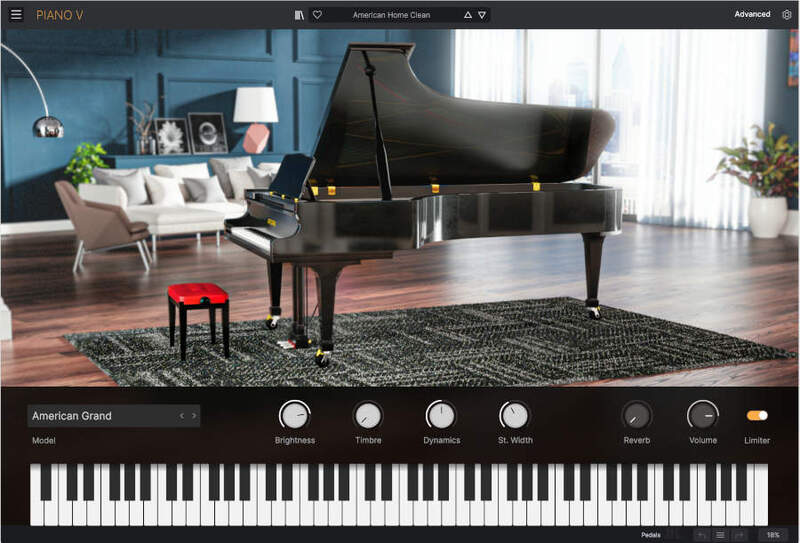
Discover the finest array of production-worthy pianos, from luxurious German concert grands to contemporary metal and glass-framed designs, brought to life with dynamic physical modeling and infused with unprecedented tonal control - all in a single instrument.
The Perfect Production Piano
The piano is the most played, recorded, and emulated instrument in the world, and finding the right one can be a challenge. Piano V aims to change that.
Distilling the most essential, experimental, and inspiring piano models into a single instrument, Piano V uses advanced physical modeling to recreate not just the perfect piano sound, but authentic mechanical and sonic behavior. Enjoy a full customizable piano studio right in your DAW.
Any Type of Piano
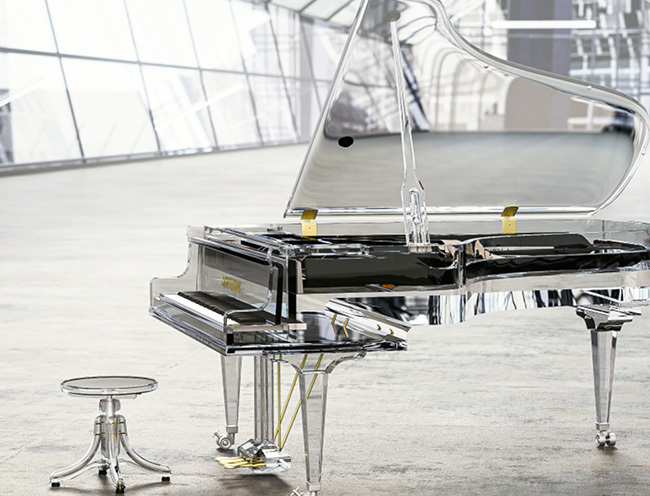
Warm classical, punchy hip hop, platinum pop, shimmering cinematic; from the timeless to the most outside-the-box piano concepts, Piano V’s 12 models cover an entire spectrum of ebony & ivory sound to breathe new life into your production, performance, and composition.
Ultra-Real, No Samples Needed
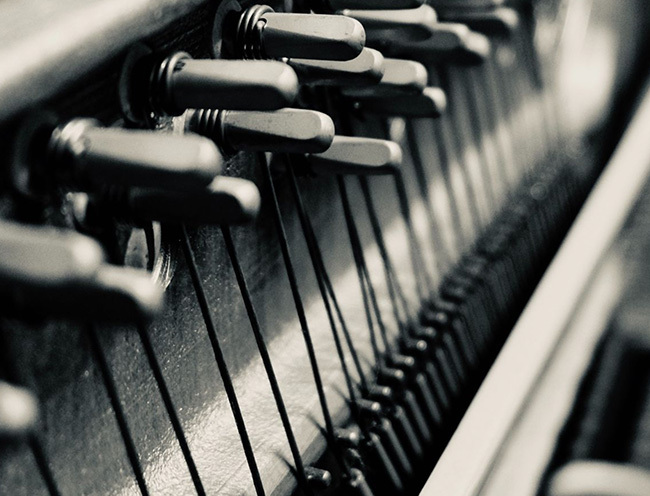
Say no to heavy sample libraries and inconsistent sonic response - Piano V’s engine represents a real-time simulation of the physics and acoustics of a piano, guaranteeing consistency, authenticity, and flexibility that transcends the real thing.
Instant Customization
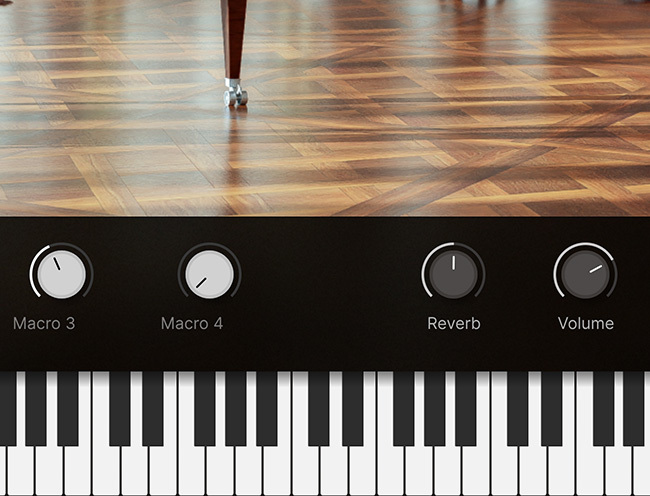
More impact? Deeper harmonics? A wider sound? Any adjustments you need are no more than a click away. Piano V’s advanced engine gives you total control over the behavior of your piano - no tools or tuning forks required.
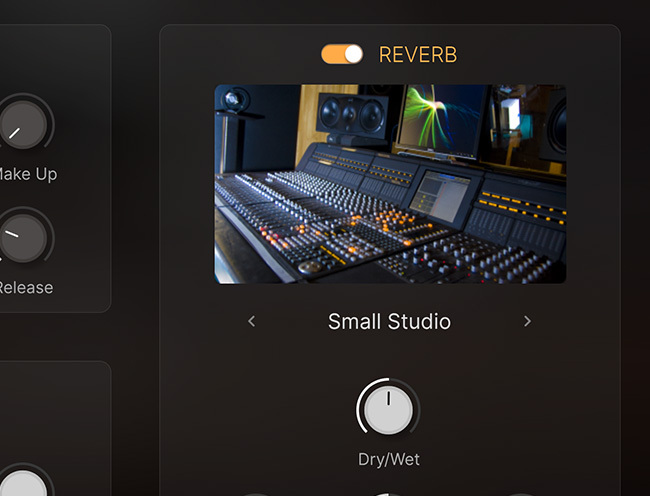
Studio Included
Experiment with mic positions, immerse your piano in real acoustic space, and polish every aspect of your sound without ever leaving Piano V’s interface. This is a full production piano studio, fully equipped to slot the finest piano sounds seamlessly into your projects.
A Priceless Line-Up
Imagine having 12 customized spaces, each containing a different model of piano, surrounded by equipment to maximize its sonic potential.
Piano V brings these magnificent instruments to life in the virtual sphere like never before.
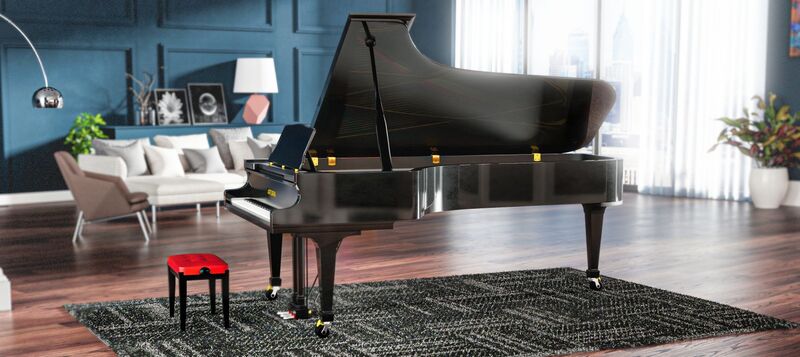
American Grand
A warm, balanced sound with plenty of projection, ideal for classical performance clarity.
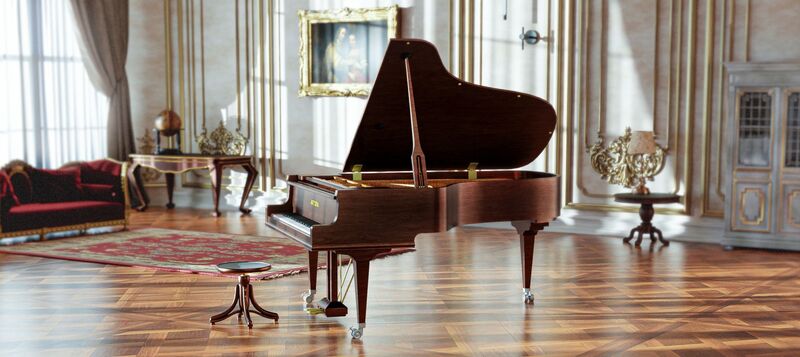
German Grand
A softer, resonant sound brimming with luxurious character; the quintessential grand piano.
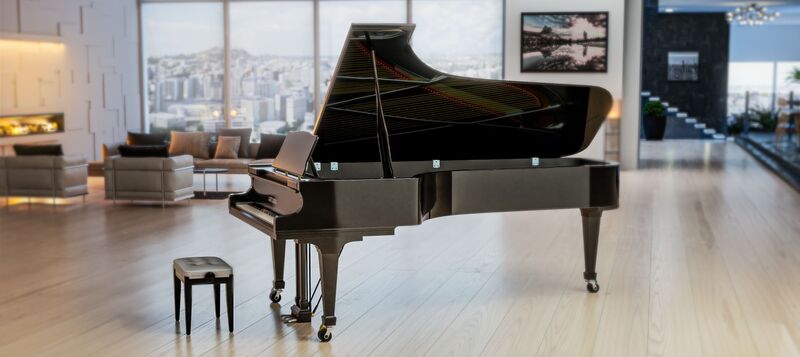
Japanese Grand
Pristine, modern, and bright, this grand offers a more contemporary sound that makes every note shine.
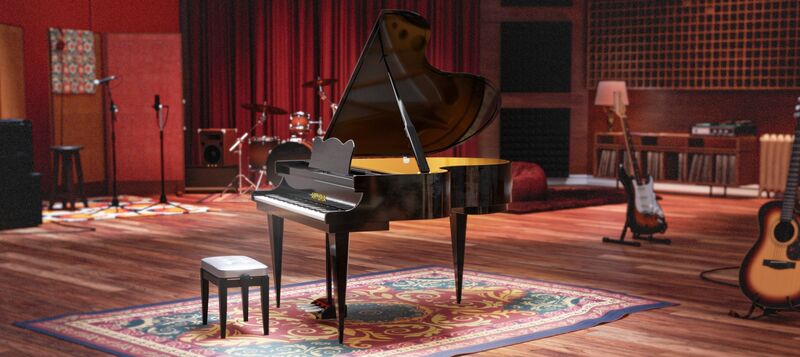
Pop Grand
An immediate, crystal-clear sound that commands attention, perfect for cutting through any mix.
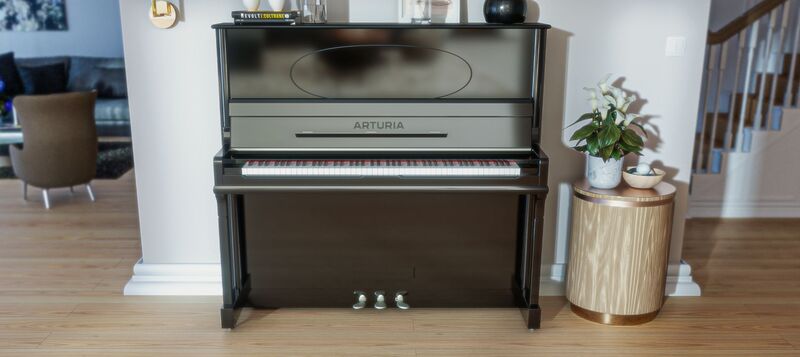
Classical Upright
Warm, dynamic, and harmonically rich, this contemporary upright swaps projection for intimacy.
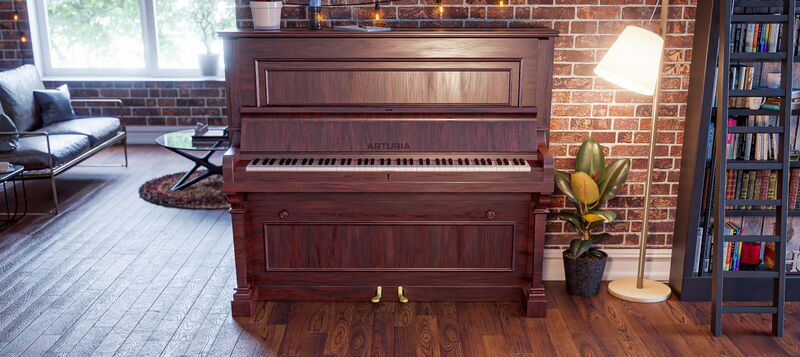
Jazz Upright
A modern upright boasting a rounder and more mellow sound, ideal for expressive blues and jazz.
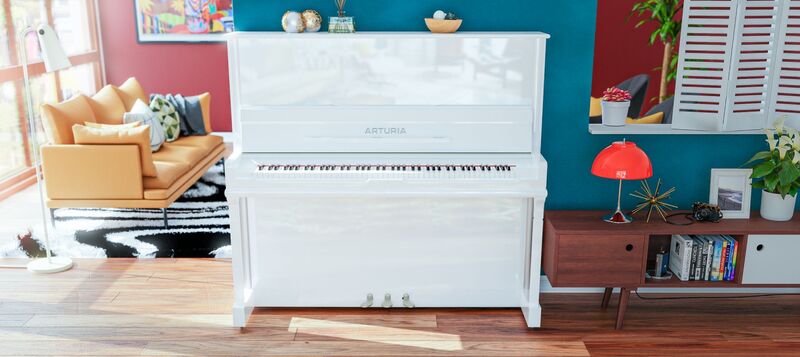
Pop Upright
A close sound with huge dynamic range; perfect for contemporary pop mixes where a grand is too much.
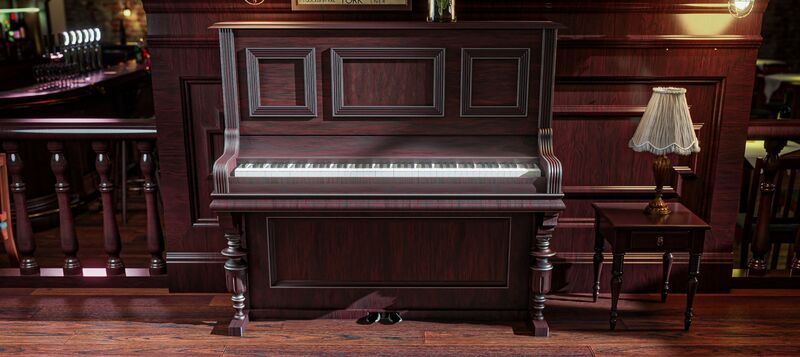
Piano-Bar Upright
Sentimental and a little rough around the edges, this upright comes full of quirk and character.
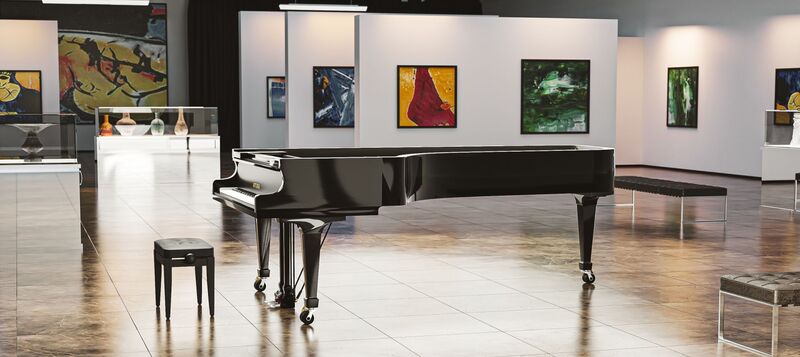
Plucked Grand
A grand that swaps hammers for plucks, producing an organic stringy sound with unique resonance.
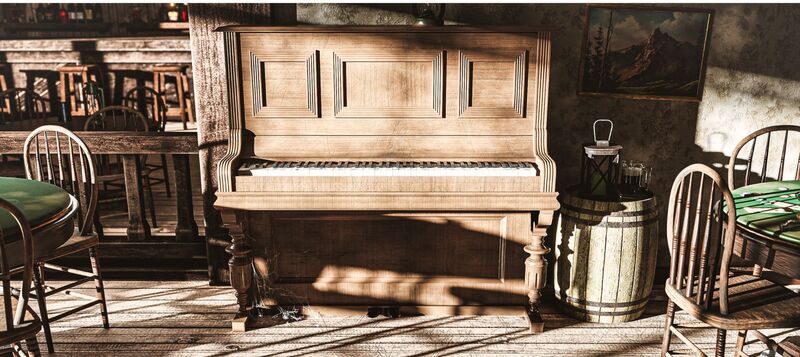
Tack Upright
With altered hammers, this upright boasts a sharper, more metallic attack on each note.
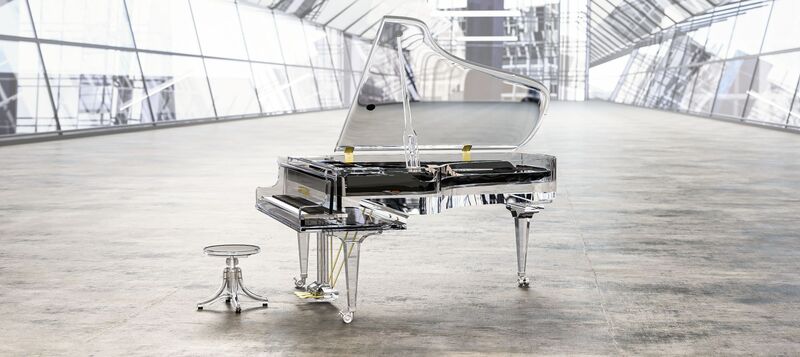
Glass Grand
Urgent, edgy, and bold in the higher frequencies, this glass-framed design is for those outside-the-box moments.
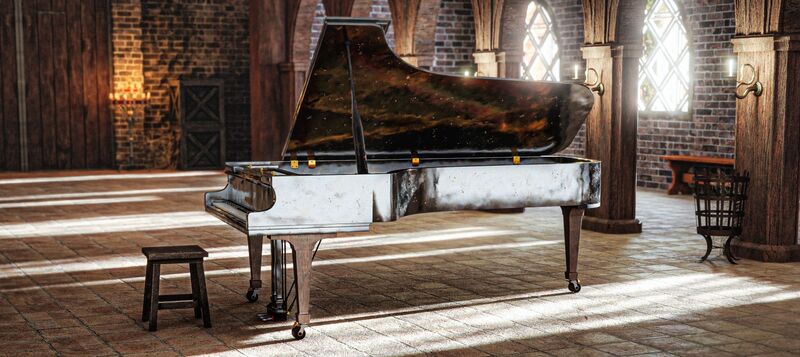
Metal Grand
Bold and bright, this metal-framed piano brings distinct overtones suited to modern cinematic and ambient sounds.
The Universal Musical Instrument
The piano isn’t just the most successful keyboard in history. It’s also the first velocity-sensitive one, with a sound so infectious it influenced literally every style of music.
Intuitive Control
Piano V’s main window gives you only the most essential controls you need to adjust your sound in real-time. Tweak, customize, and play uninterrupted.
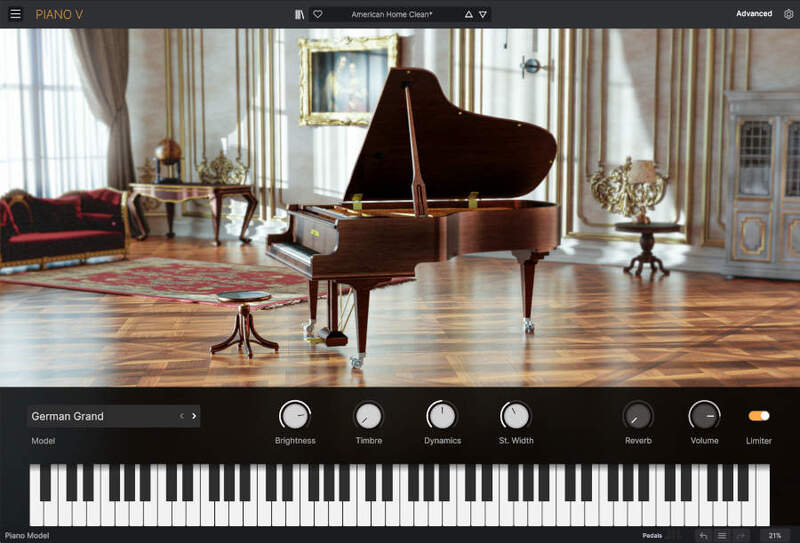
Choose Your Model
Quickly switch between any of Piano V’s 12 models for quick comparisons, so you can hone in on the perfect piano for your project.
Refine Your Sound
4 versatile controls, 4 focused ways to change your sound in an instant. Find the perfect type of response, clarity, and character to suit your style.
Shape Your Space
Dial in whatever degree of ambience your piano needs with the Reverb control, from dry room space to drenched convolution reverb.
Your Custom Piano Studio
There’s often more to the final sound of a piano than meets the eye. Piano V’s Model panel takes you deeper into each instrument’s mechanical behavior, musical response, and even the mics used to record it. Impossible piano flexibility made effortless.
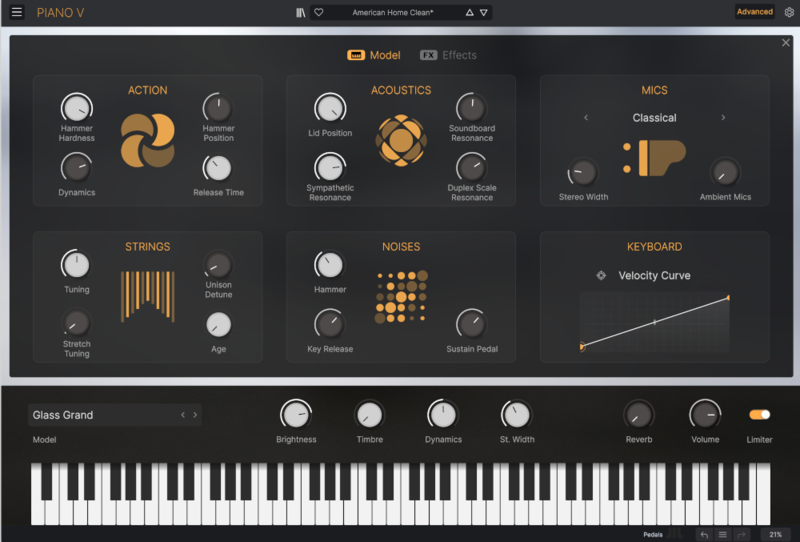
Action
Pianos are physical, kinetic instruments; Piano V allows you to go beyond the real thing by tapping into their mechanical behavior, from adjusting hammer action to refining their dynamic response. Create a piano action that’s truly your own.
Acoustics
Shape the projection and resonance of any of the 12 piano models to suit your performance or production. Lift the lid for a full sound, adjust the soundboard’s response, and even dial in Duplex resonance for colorful harmonic overtones.
Mics
Choose how your piano is captured by cycling through multiple mic configurations to suit any style, incorporate room sound into the mix for an immersive feel, and inject some extra stereo width for those cinematic chorus moments.
Strings
Tailor your piano’s tuning to maximize resonance, introduce dissonance, or create unique harmonic content to fit your mixes. You can even age your strings with a single click for that characterful worn-in sound.
Noises
The strings aren’t the only thing that makes sound on a piano. Dial in additional noise from hammers, keys, and pedals for that real instrument-in-motion feel.
Keyboard
Match Piano V to your playing style and calibrate it to match any MIDI controller simply by playing the way you play - Piano V does all the work. The world’s quickest and easiest velocity curve editor.
Effects Included
More than finishing touches, Piano V’s Effects section works in perfect harmony with its physical modeling engine to boost, sharpen, and sculpt your piano sound to its full potential.
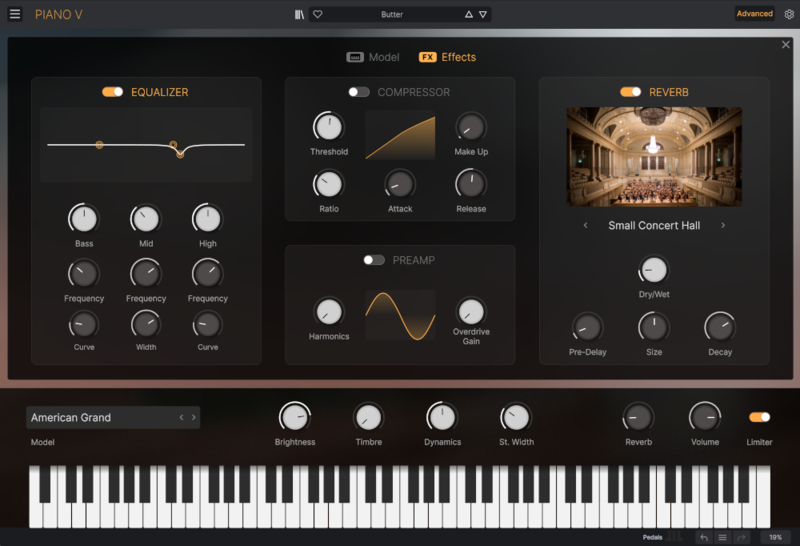
3-Band Equalizer
Notch out troublesome frequencies or give the top end some air with Piano V’s precise 3-band parametric EQ.
Preamp & Compressor
Lift Piano V in a mix, dial in the perfect dancefloor stabs, or create an artificially cranked sound using the Preamp and Compressor from Arturia's proprietary Bus FORCE for whatever degree of heat and pressure your sound needs.
Reverb
Play Piano V inside virtual concert halls, clubs, studios, and other virtual acoustic spaces using a simple but state-of-the-art convolution reverb.
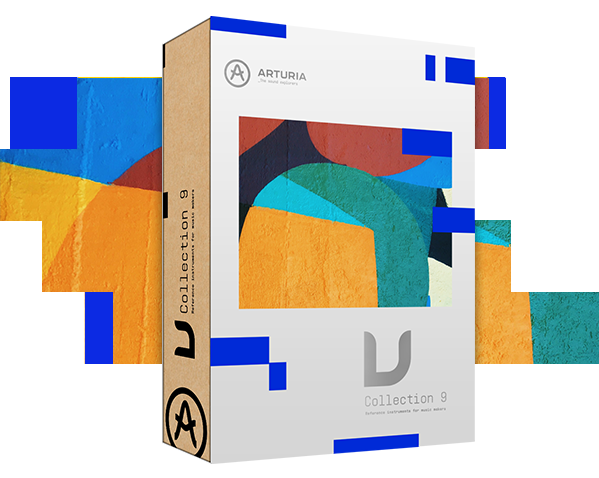
Included in V Collection
This instrument is also part of the V Collection - your complete dream line-up of the legendary synths, organs, pianos and more that made keyboard history. They’re modeled with the most advanced technologies for authentic realism, and enhanced with new creative options. Whether you use it as DAW plugins in the studio or standalone at gigs, V Collection puts the greatest keys of all time at your fingertips for instant inspiration.
Features
- Virtual Instruments playable in a DAW (Live, FL Studio, Logic,...) or standalone with a MIDI keyboard.
- Advanced Physical modeling engine (no samples needed)
- 12 different piano models to choose from
- American Grand
- German Grand
- Pop Grand
- Jazz Upright
- Piano-bar Upright
- Pop Upright
- Classical Upright
- Glass Grand
- Metal Grand
- Japanese Grand
- Plucked Grand
- Tack Upright
- 4 flexible macro controls for quick sound tweaking
- Customizable mechanics and dynamics
- Hammer action
- String age
- Unison detuning
- Stretch tuning
- Dynamic range
- Lid position
- Soundboard, Sympathetic, and Duplex resonance
- Velocity Curve editor to match your keyboard action
- Multiple microphone positions
- Customizable Mechanical noises
- Pedal Noise
- Key noise
- Hammer noise
- MTS-ESP ODDSOUND microtuning compatibility
System Requirements
- Works in Standalone, VST, AAX, Audio Unit, NKS (64-bit DAWs only).
Windows
- Win 10+ (64bit)
- 4 GB RAM
- 4 cores CPU, 3.4 GHz (4.0 GHz Turbo-boost)
- 3GB free hard disk space
- OpenGL 2.0 compatible GPU
- ARM processors not supported on Windows
Mac
- Mac OS 10.13+
- 4 GB RAM
- 4 cores CPU, 3.4 GHz (4.0 GHz Turbo-boost) or Apple Silicon CPU
- 3GB free hard disk space
- OpenGL 2.0 compatible GPU


