


 Log In

Uniquely Powerful Stereo Expansion Got Even Better
Pseudo Widener Without Phase Issues
Polyverse Wider gives any mono signal the illusion of an expanded stereo image with an awe-inspiring amount of width. It’s a unique stereo widener plug-in that is completely “mono-compatible” — any signal that has been widened will always remain in phase with itself, even when it is summed back into mono. Best of all, Wider is a completely free plug-in!

Broaden Your Horizons
Many stereo effects currently in use have the nasty habit of knocking signals out of phase. This can quickly make a track sound muddy and unbalanced, or make sounds seem flat and lacking in dynamics. But thanks to Wider’s diverse all-pass and comb filtering algorithm, a natural-sounding stereo image is created. Your tracks can benefit from widened mono channels without compromising the phase between the sides.
Wider can be used to increase the stereo image of any mono signal up to 200% of full stereo for an extra wide, exaggerated effect. Because Wider cancels itself out when summed to mono, you can widen your tracks as much as you like without worrying over keeping your original signal intact.
The Power Of Polyverse & Infected Mushroom
Wider is an expansion of the massively popular stereo effect from its plug-in sibling Manipulator. Developed in collaboration with legendary electronic music duo Infected Mushroom, Polyverse Wider can help you achieve the same depth and clarity their cutting-edge sound is known to have. No matter how experimental Infected Mushroom’s sounds get, they always keep their channels clean, crisp, and translatable without sacrificing power. And now with Wider, you too can have expanded channels of extraordinary quality for free!
Features
- Increase the stereo image of any mono signal by up to 200%
- Maintain full mono compatibility
- Bypass low frequencies from the effect
- Check mono compatibility
- 100% FREE
System Requirements
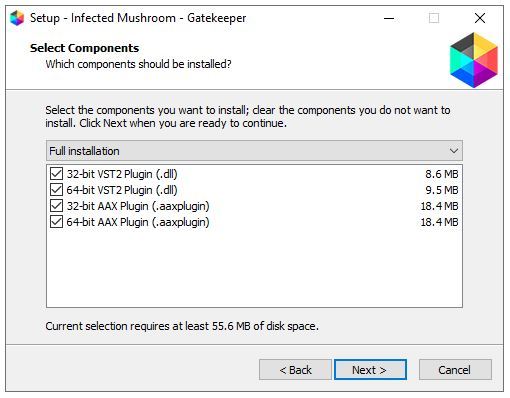
Windows
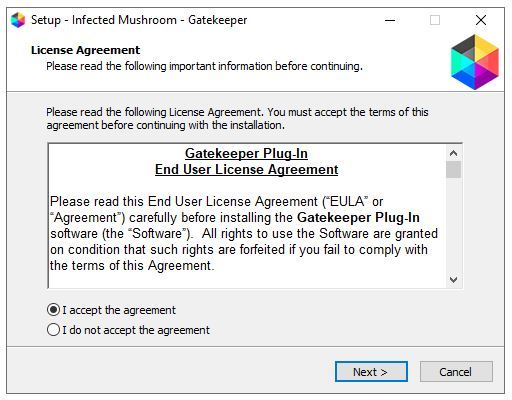
- Windows 10+ (64 bit)
- VST2 / VST3 / / AAX
macOS
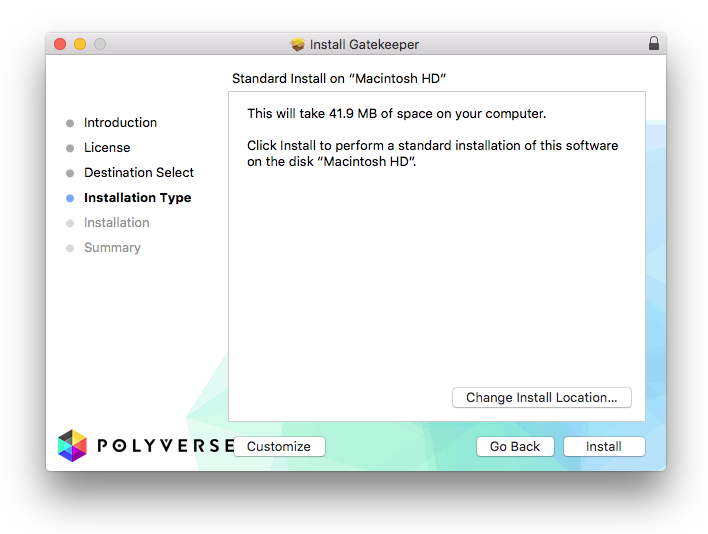
- OSX 10.9+
- VST2 / VST3 / AU / AAX
Reviews Summary
While it aims to provide a helpful overview, it may not capture every perspective or detail. We encourage you to read individual reviews to make an informed decision.
Users highly praise this free stereo widener for its simplicity, fast workflow, and transparent sound that avoids mono phase issues. It is widely considered an intuitive and effective tool for widening synths, melodies, and vocals, featuring a great doubling effect. While it has limited features and can occasionally glitch, its overall reliability and seamless integration make it highly recommended.


