/ Filter / TDR Elliptical
Tokyo Dawn Labs

TDR Elliptical

4.9 (24 Reviews)
$40.00
Main Image
Main Image
Introduction to TDR Prism and TDR Special Filters gallery thumbnail
Image 2
Image 3
Image 4
Buy Now
Product information

TDR Elliptical specializes in controlling the stereo width at low frequencies. Elliptical filters operate on the stereo difference channel. They have important applications in disk mastering, and whenever the amount of positional information in a mix asks for control.

Contrary to traditional elliptical filters, this filter offers a continuously variable slope, minimum and linear phase modes, and a dry mix control. Various compensation options ranging from Dynamic Bump over harmonic generators to “Haas delays”, permit the operator to creatively counter-act subjective energy losses introduced by the filtering and/or stereo to mono summing.

TDR Elliptical comes with a freely resizable user interface, including a frequency analyzer that offers insight into the stereo difference at lowest registers, down to DC.

Features

  • Minimum phase and linear phase operation
  • Continuously variable filter slope
  • Various filter energy compensation options, incl. Harmonic generators
  • Effective “stereo to mono” loss compensation
  • Freely resizable hardware accelerated user interface, full-screen capable

Note: Elliptical filters are not to be confused with Elliptic filter specification. The latter is also called a Causer or Zolotarev-filter, and describes a way to specify “Q” in higher order filters (much like Butterworth, Chebychev, Linkwitz-Riley or Bessel). Elliptic filters tolerate ripple both in the stopband and passband, making them largely inadequate in audio applications

System Requirements

Windows

  • Win 7 or above
  • VST2 / VST3 (32-bit / 64-bit)
  • AAX (64-bit only)

Mac

  • macOS 10.9 or above
  • VST2, VST3, AU, AAX (64-bit only)
Installation Instructions

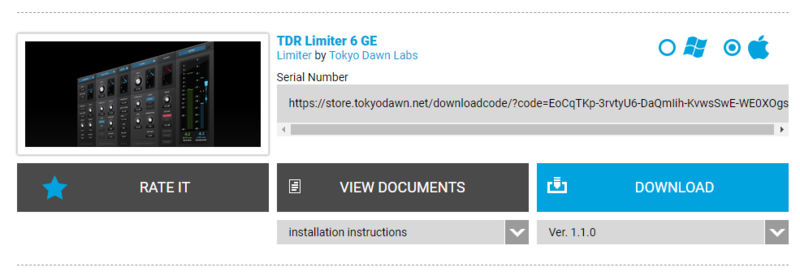
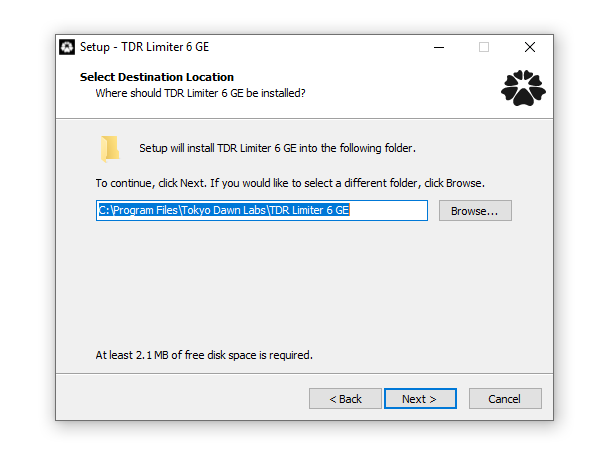
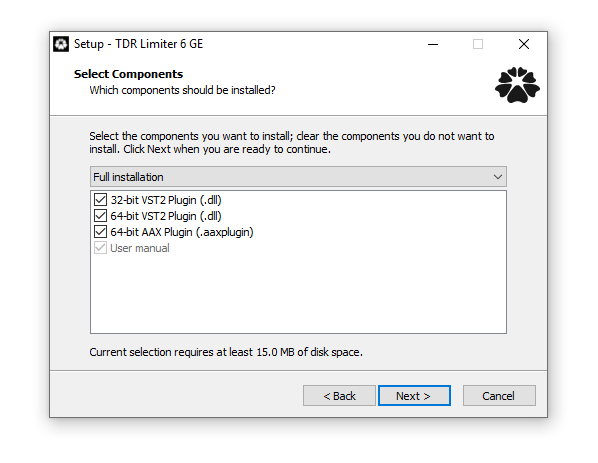
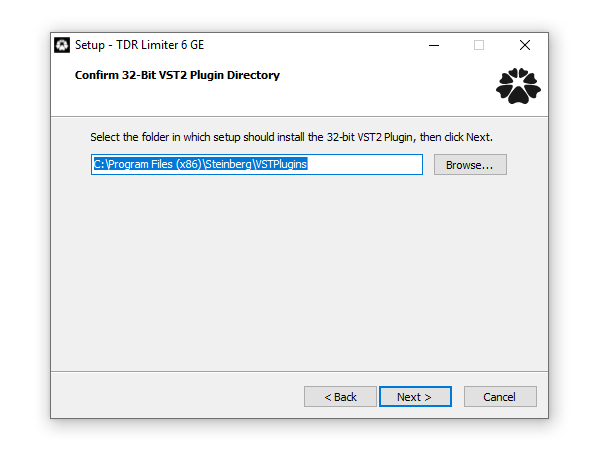
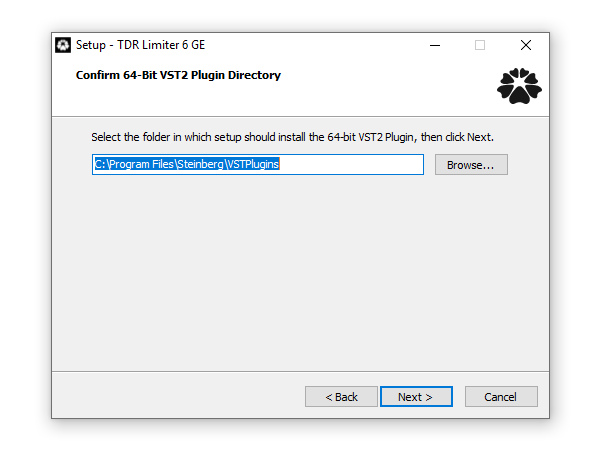
Note: TDR Limiter 6 GE is used as the example.

Mac

Registration

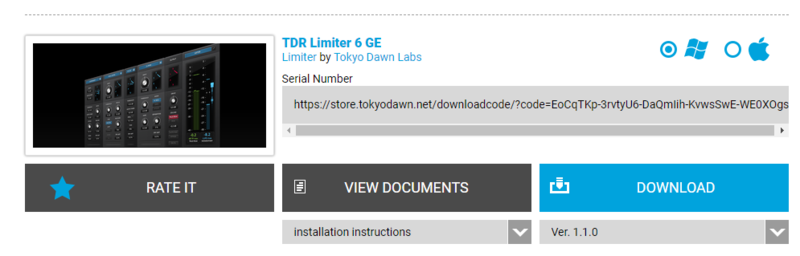
1. Go to your Plugin Boutique User Account > Copy and paste your serial number into your web browser search bar and press 'enter' on your keyboard.

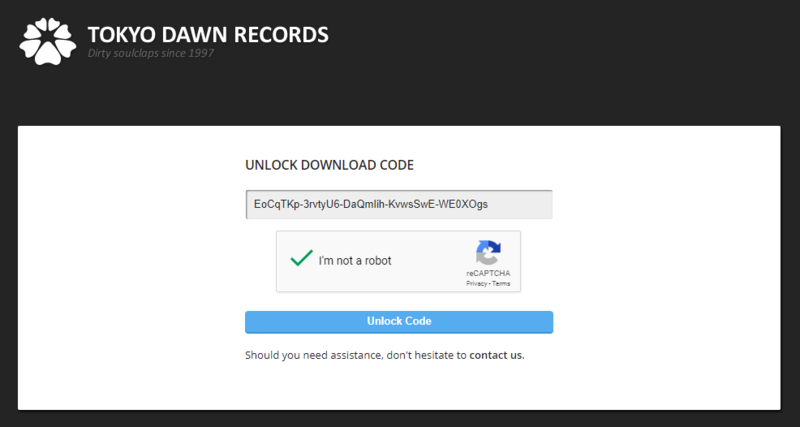
2. Check the box that states 'I'm not a robot' > Click 'Unlock Code'.

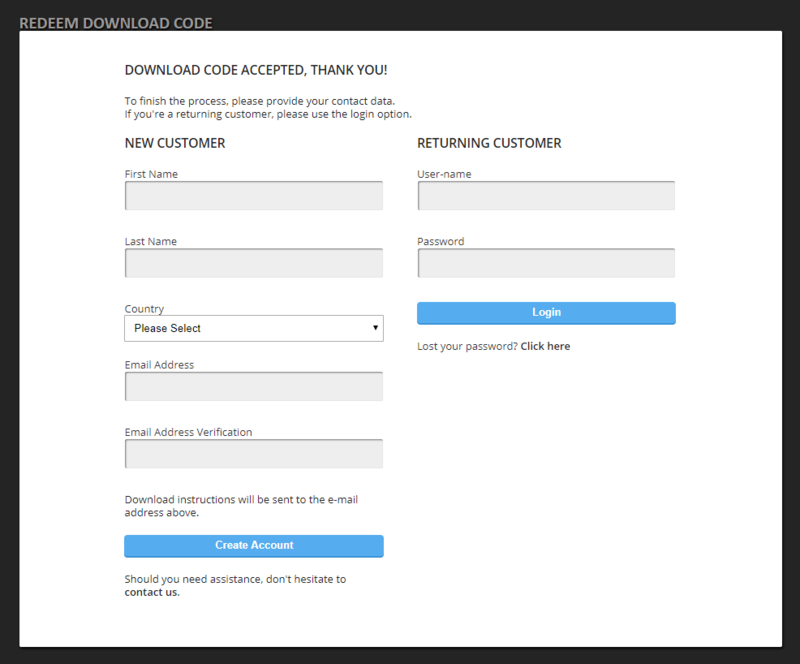
3. Enter your Name & email address and select your country from the drop-down menu > Click 'Create Account'.

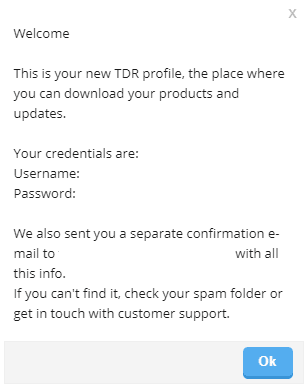
4. Click 'Ok'.

Installation

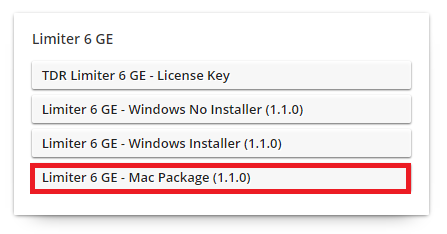
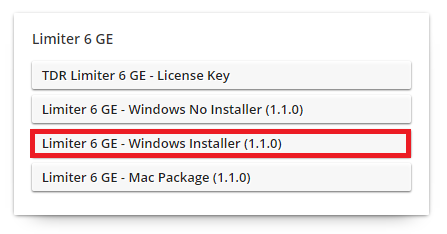
1. Click the Mac installer link to download the correct installer for your operating system.

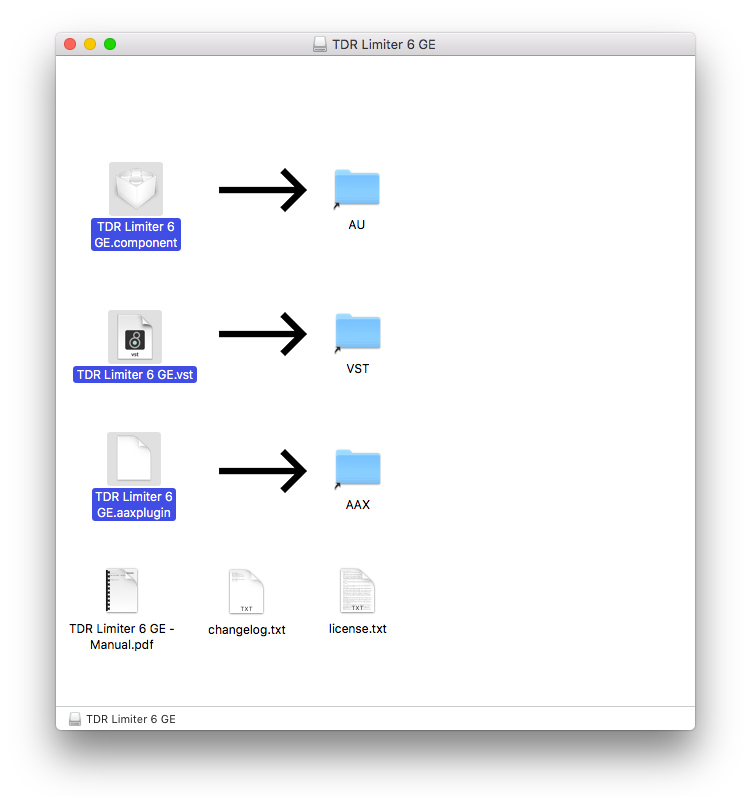
2. Open the .dmg file > Click and drag the Component, VST and AAX Plugin files into their respective folders.

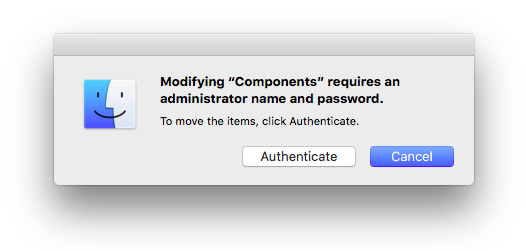
3. Click 'Authenticate'.

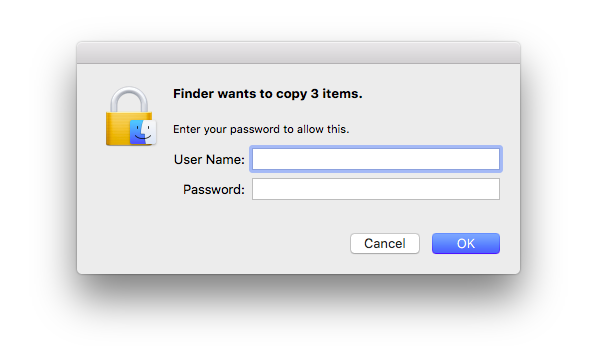
4. Enter your computer Username and Password > Click 'Ok'.

Online Activation

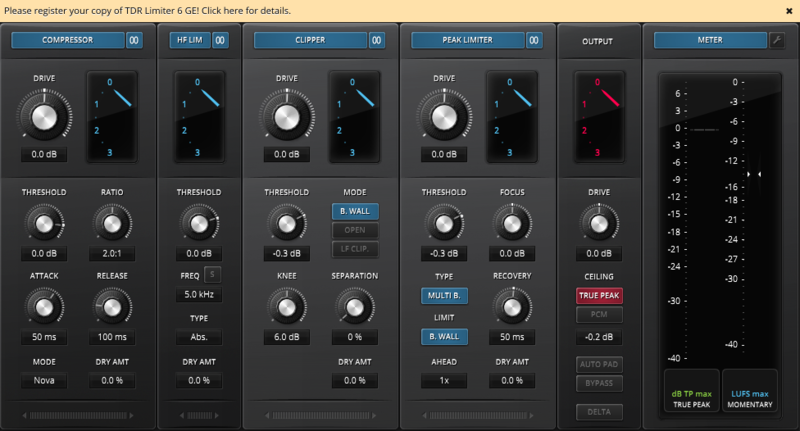
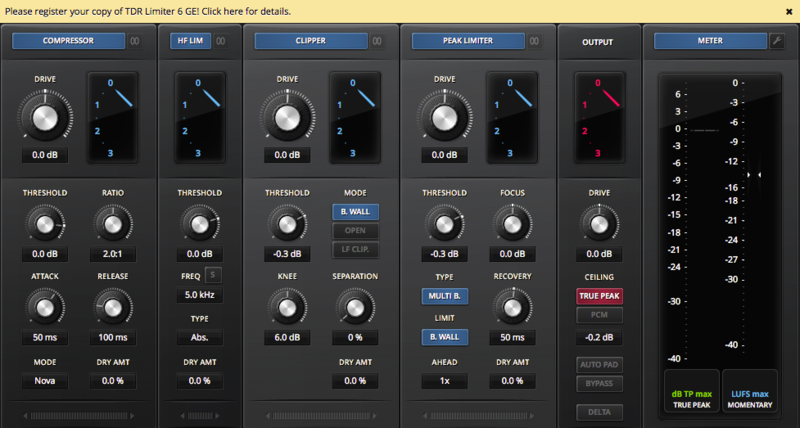
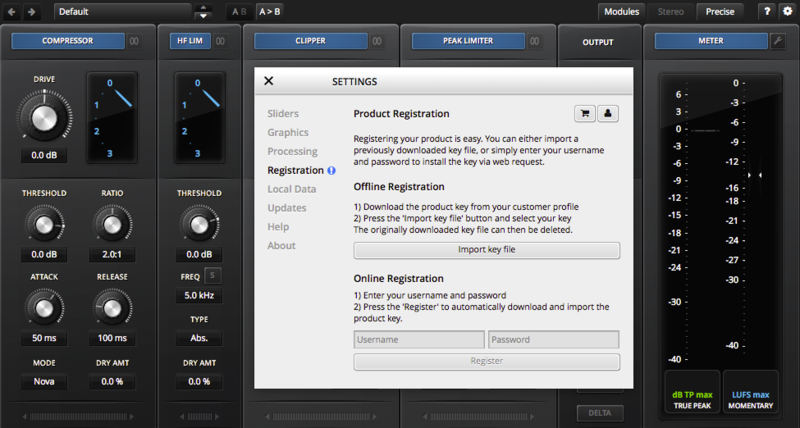
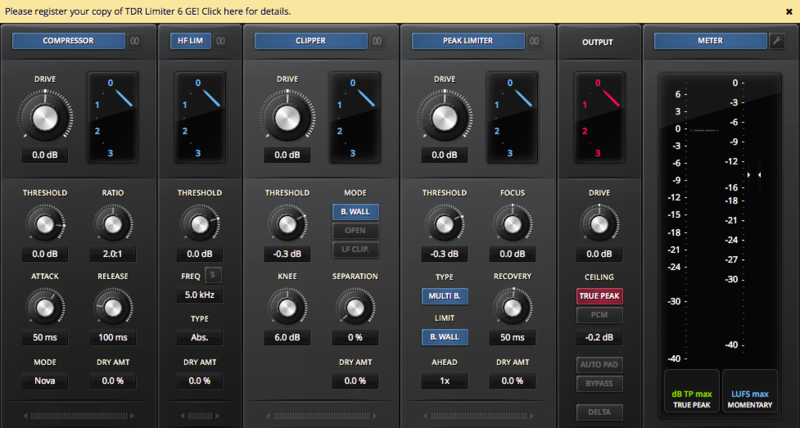
1. Open the installed software in your DAW > Click the dialogue box at the top of the plugin to open the activation menu.

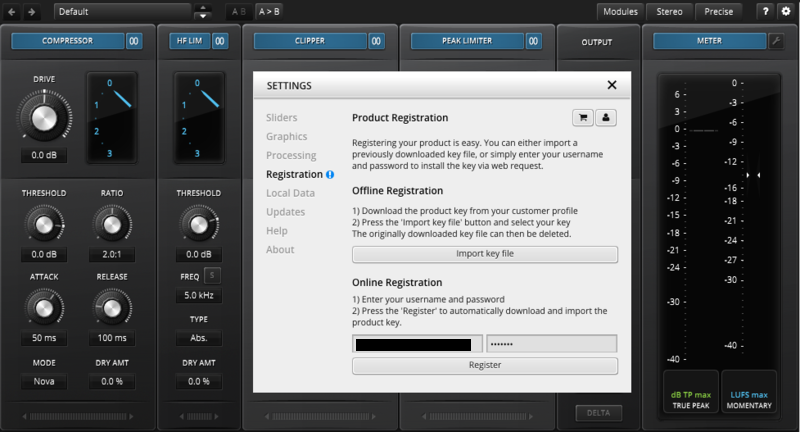
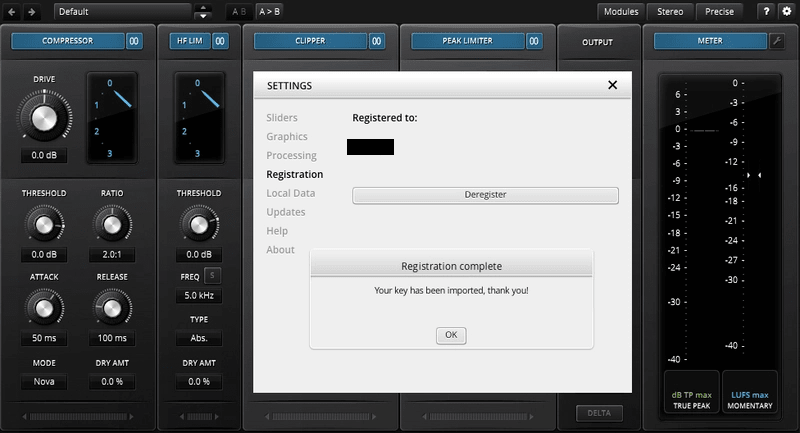
2. Enter your Tokyo Dawn Labs registered email address and password > Click 'Register'.

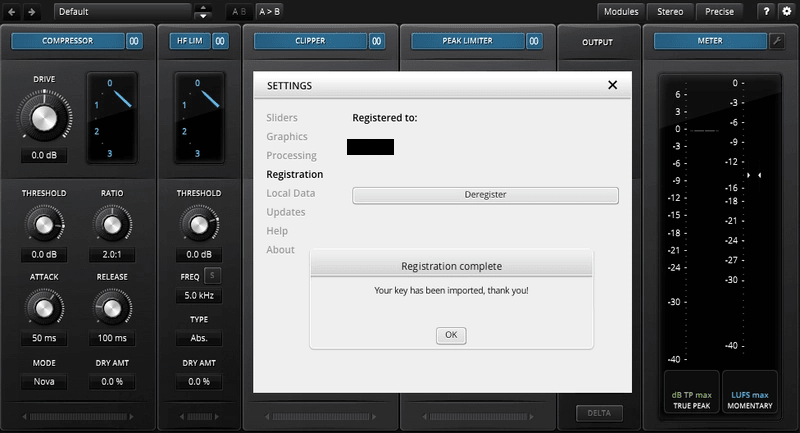
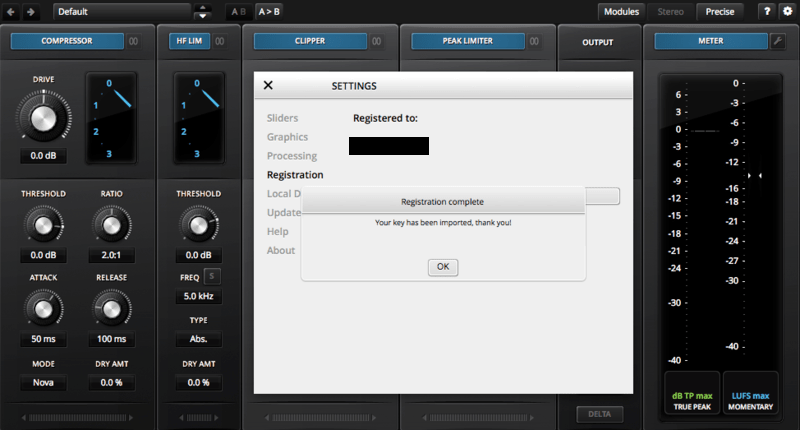
3. Click 'Ok'.

Your software is now activated and ready to use within your DAW.

Offline Activation

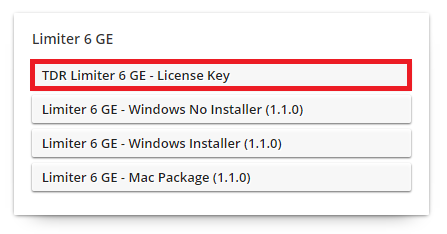
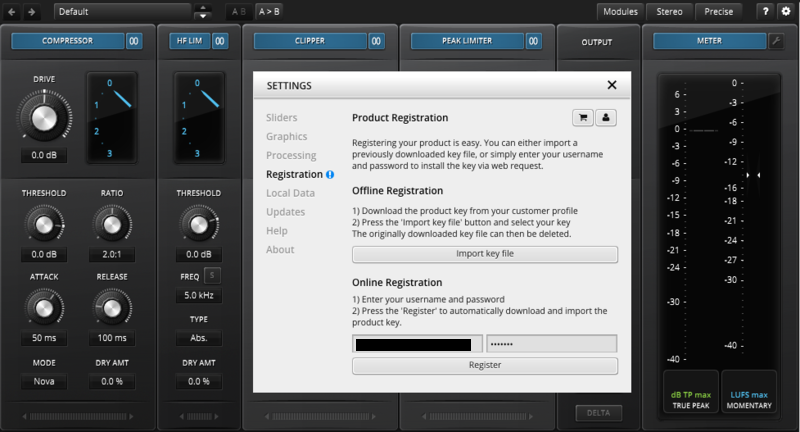
1. Go to your Tokyo Dawn Labs User Account > Download the License Key File for your software.

2. Open the installed software in your DAW > Click the dialogue box at the top of the plugin to open the activation menu.

3. Click 'Import Key File'.

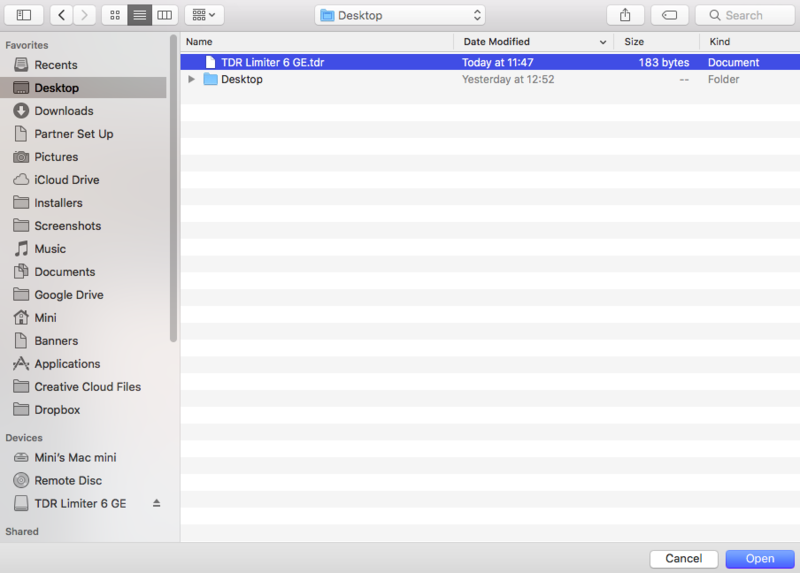
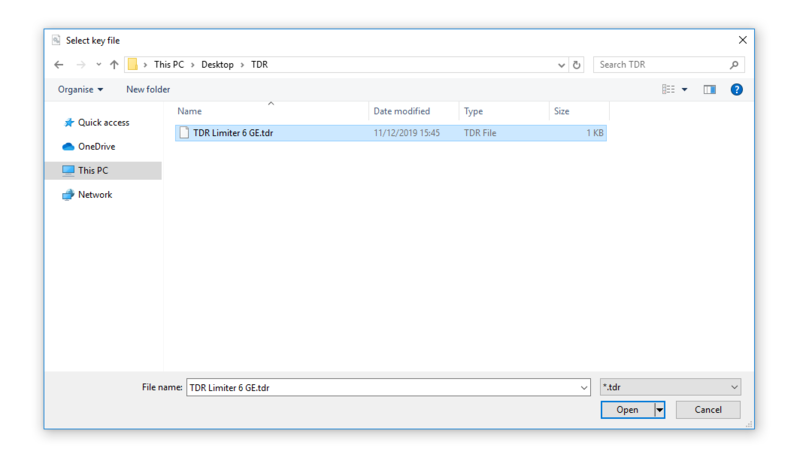
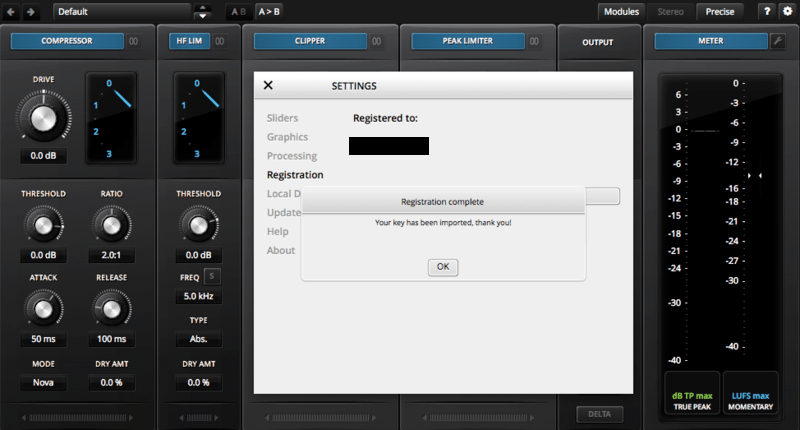
4. Select the License Key File > Click 'Open'.

5. Click 'Ok'.

Your software is now activated and ready to use within your DAW.

Windows

Registration

1. Go to your Plugin Boutique User Account > Copy and paste your serial number into your web browser search bar and press 'enter' on your keyboard.

2. Check the box that states 'I'm not a robot' > Click 'Unlock Code'.

3. Enter your Name & email address and select your country from the drop-down menu > Click 'Create Account'.

4. Click 'Ok'.

Installation

1. Click the Windows installer link to download the correct installer for your operating system.

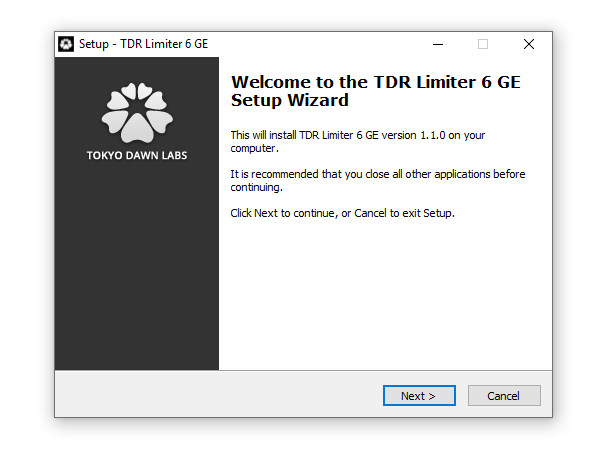
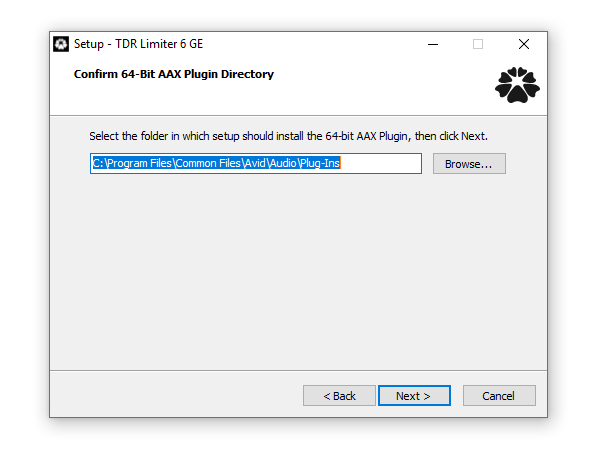
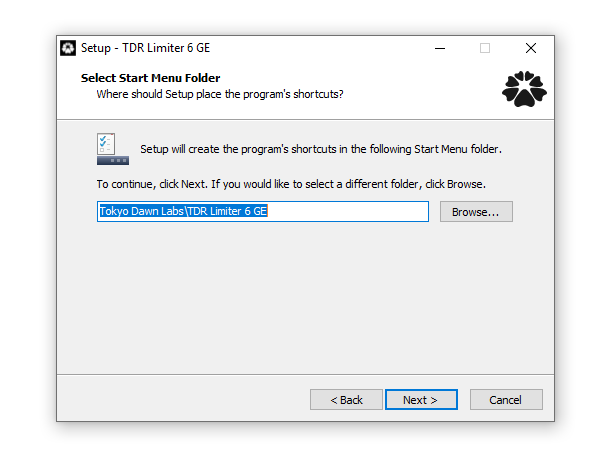
2. Double-click the .zip file to extract the contents and open the .exe file to begin the installation > Click 'Next'.

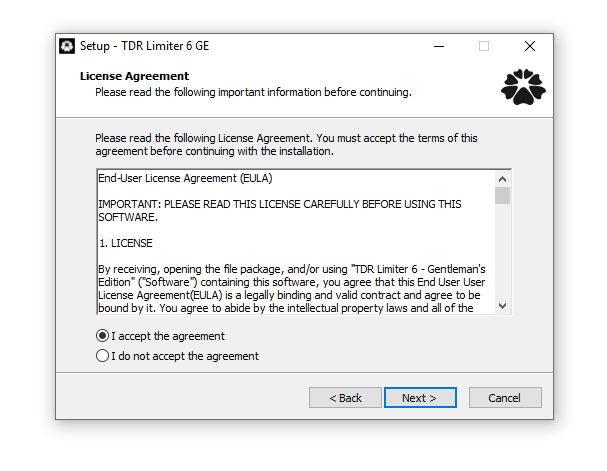
3. Select 'I accept the agreement' > Click 'Next'.

4. Click 'Next'.

5. Click 'Next'.

6. Click 'Next'.

7. Click 'Next'.

8. Click 'Next'.

9. Click 'Next'.

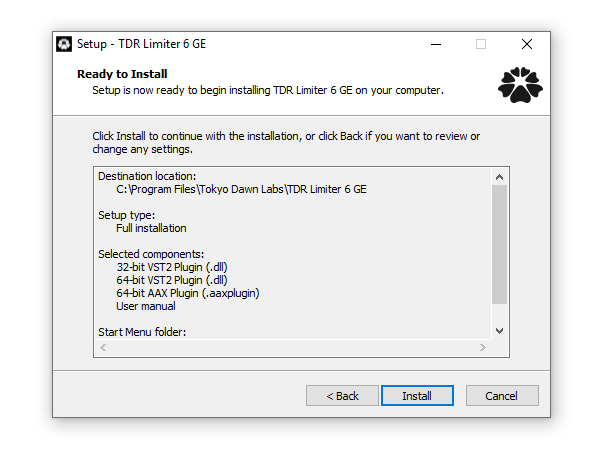
10. Click 'Install'.

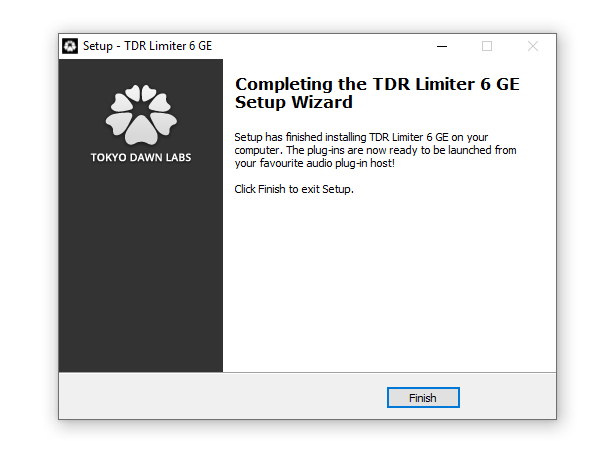
11. Click 'Finish'.

Online Activation

1. Open the installed software in your DAW > Click the dialogue box at the top of the plugin to open the activation menu.

2. Enter your Tokyo Dawn Labs registered email address and password > Click 'Register'.

3. Click 'Ok'.

Your software is now activated and ready to use within your DAW.

Offline Activation

1. Go to your Tokyo Dawn Labs User Account > Download the License Key File for your software.

2. Open the installed software in your DAW > Click the dialogue box at the top of the plugin to open the activation menu.

3. Click 'Import Key File'.

4. Select the License Key File > Click 'Open'.

5. Click 'Ok'.

Your software is now activated and ready to use within your DAW.

Plugin Boutique Rewards

Discover the most rewarding loyalty programme among all plugin retailers.

  • Free Loopmasters Samplepacks
  • Discounts on products and courses
  • Extra Virtual Cash claimed immediately at checkout
Find out more

Follow us:

X (Twitter) Facebook YouTube Instagram
Logo Logo

Plugin Boutique Limited, Part of the Beatport Group LLC.

Copyright © 2011-2025 Plugin Boutique. All rights reserved