Log In

Free gifts available with your purchase
Meet Visco 2.0
Meld, blend, and play anything
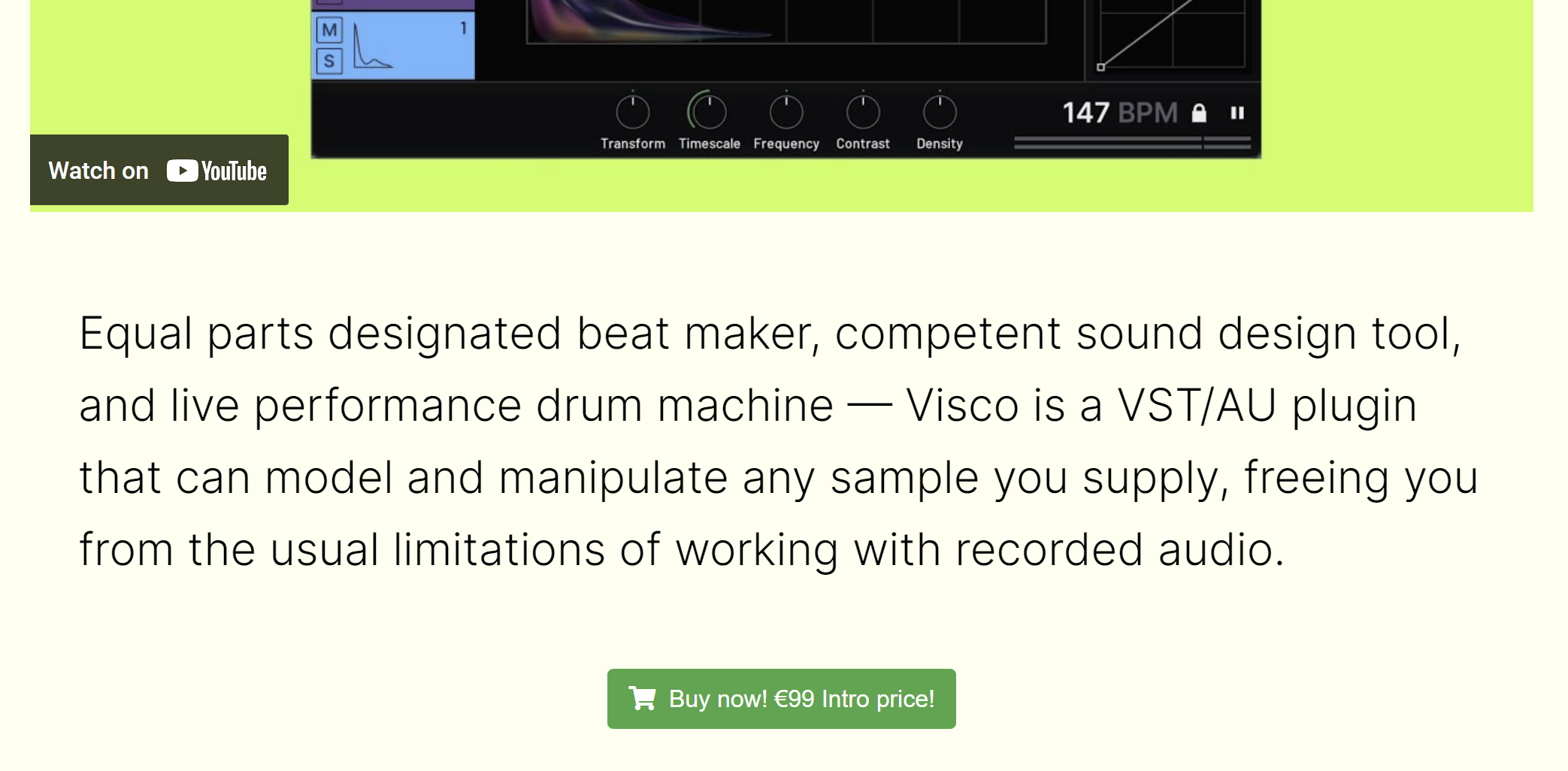
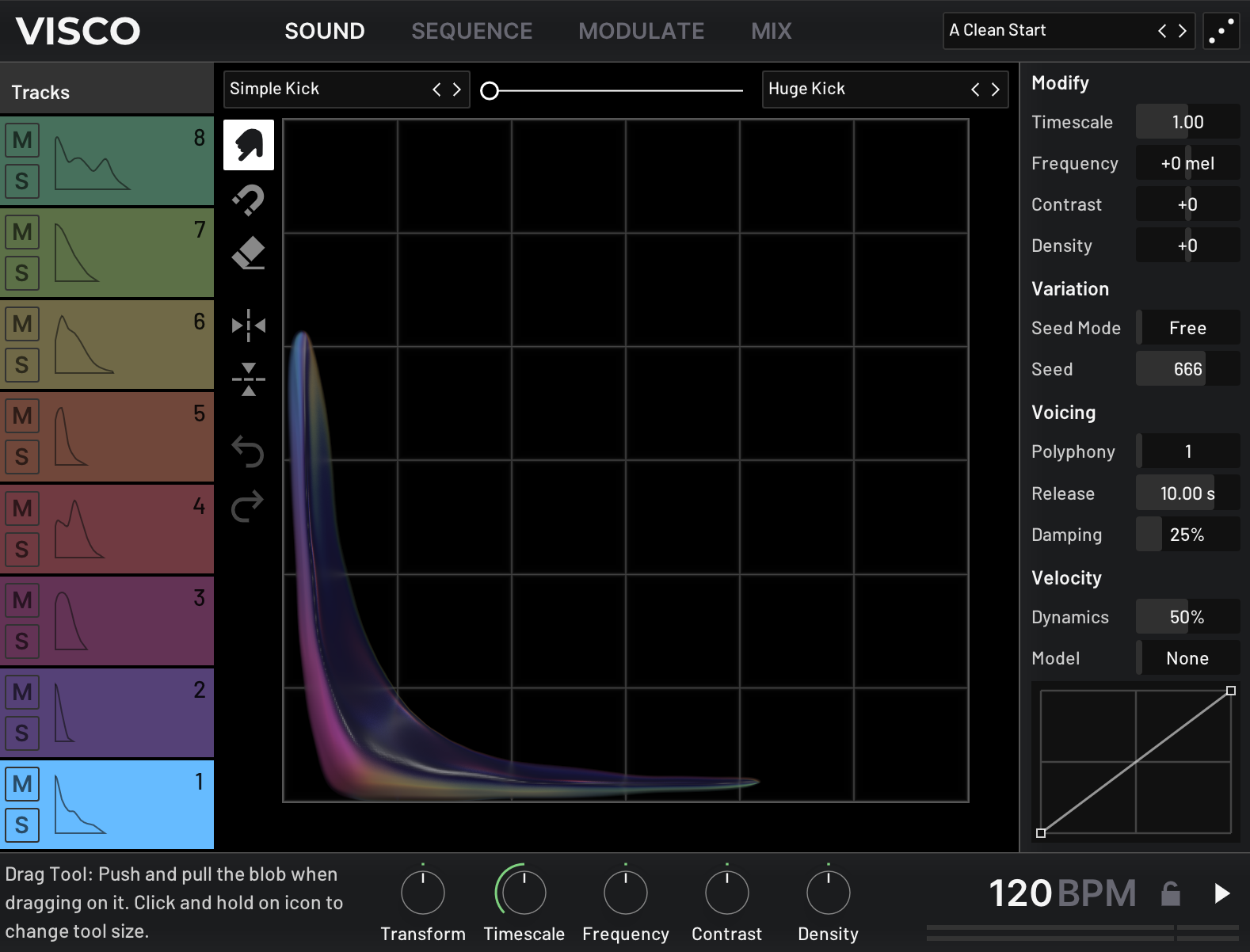
Visco is built around a unique set of tools for blending and shaping sound. With version 2.0, Visco introduces Tonal Mode, a new way to play any sound chromatically across your keyboard, while still using the same creative tools to stretch, pull, and combine sounds in unexpected ways.
With 2.0, you can now choose between two modes inside Visco:
- Kit Mode - Sequence up to eight sounds, classic drum machine-style
- Tonal Mode - Perform with one sound chromatically across your keyboard, with access to additional synth parameter
Both modes provide complete control over how sounds behave and interact, and Tonal Mode adds parameters like harmonic spacing, key tracking, and unison for even deeper sound design.
Whether you’re merging two leads from your favorite analog synths or combining a pad with a kick just to see what happens, Visco creates a space to experiment, without overcomplicating the process.
What’s New in Visco 2.0
- Tonal Mode – Play any sound chromatically with access to oscillator types, harmonic stretch, unison, and more
- FLAC Support – Visco now supports the FLAC format
- Stability & Performance – Improved reliability and efficiency across the board
System Requirements
macOS
- Apple Silicon M1 or Intel 2.0 GHz processor
- macOS 10.13 and later
- AudioUnit or VST3 host software
- 1GB of RAM
- 64-bit only
Windows
- X86 processor with SSE3 support
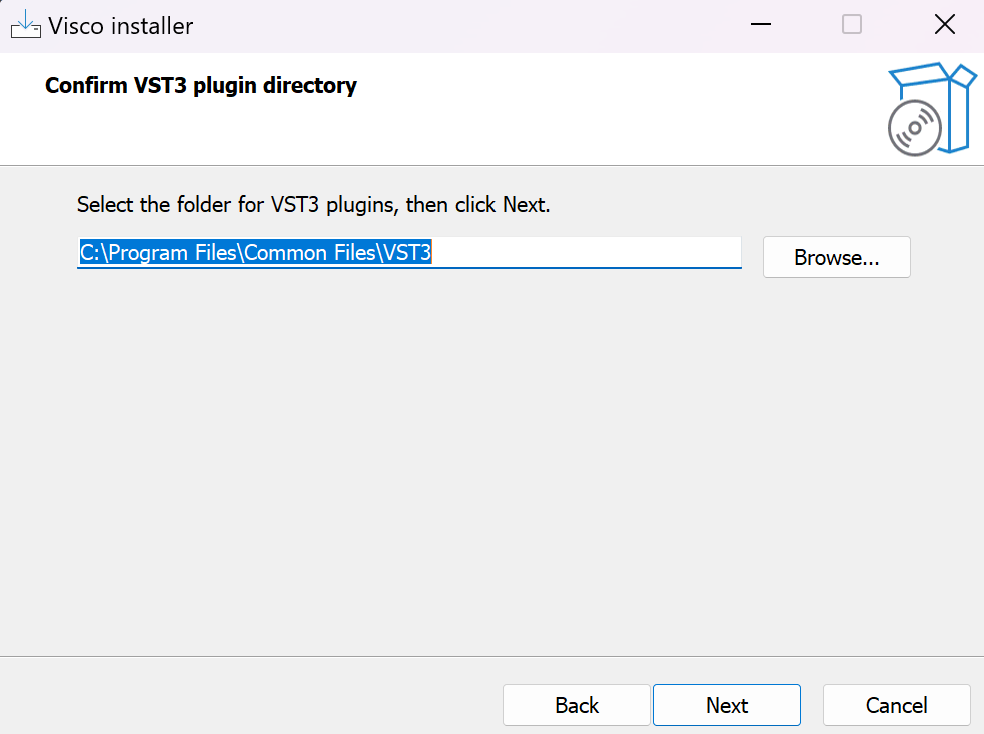
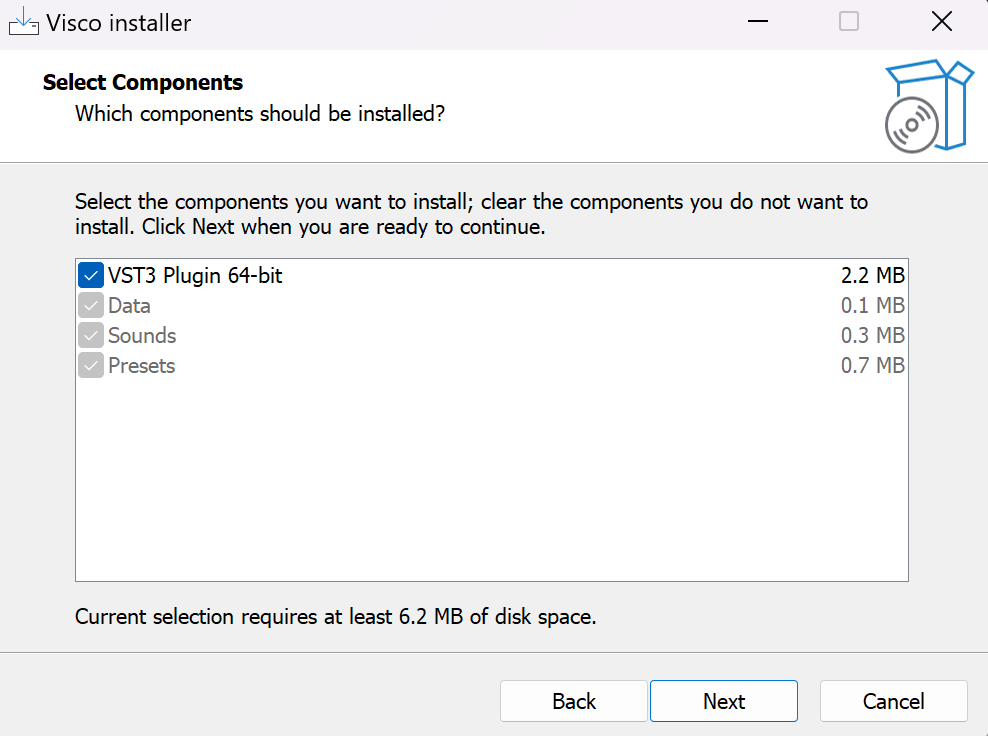
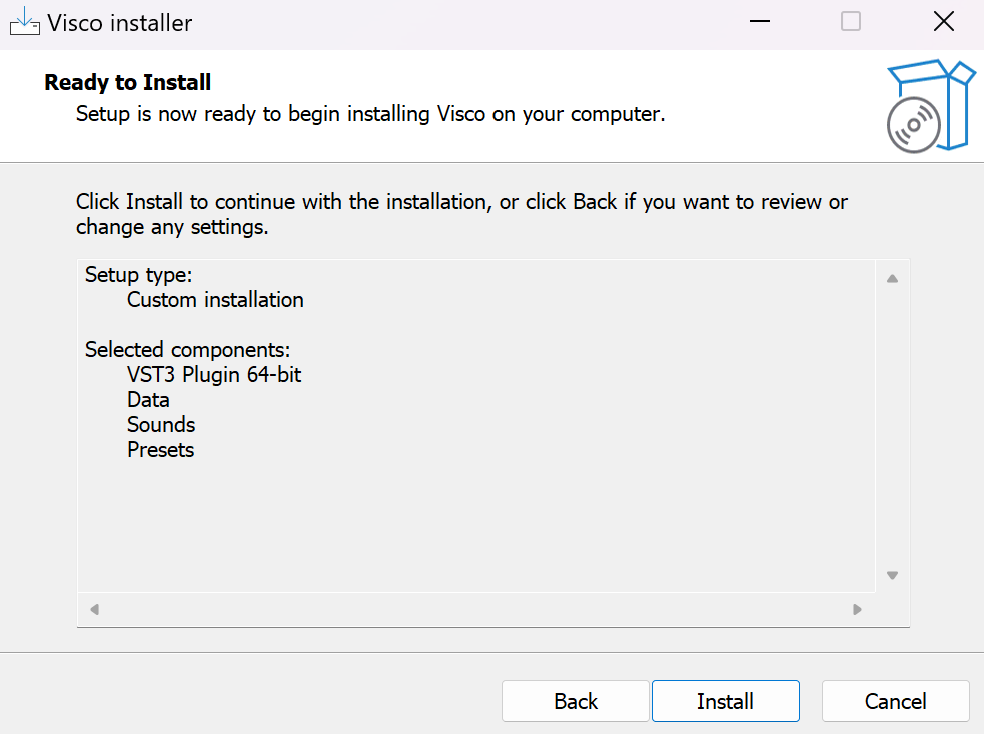
- Windows 10 and 11
- AudioUnit or VST3 host software
- 1GB of RAM
- 64-bit only