/ Various Category / Restoration Bundle
Waves

Restoration Bundle

$89.99 $429.00

79% off until Dec 07

Waves Restoration Bundle
Buy Now
Product information

Restoration Bundle
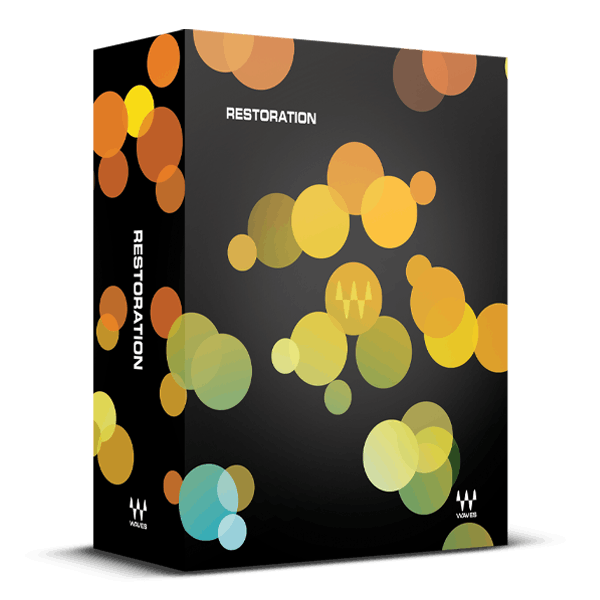
Now You Really Can Fix It In the Mix

Clicks, crackles, noise, and hum are inevitable intruders in your audio recordings. Fortunately, Restoration provides a comprehensive toolkit to rescue damaged recordings, revive old vinyl and shellac discs, safeguard archives, repair deteriorating film and television soundtracks, and enhance live and field recordings.

Whether you need to restore audio to its former glory or prepare sounds for post-production, podcasts, or remixes, Restoration combines essential repair tools into a convenient, all-in-one audio cleaning solution.

Included plugins:

  • X-Click
  • X-Crackle
  • X-Hum
  • X-Noise
  • Z-Noise

Features

  • Reduce computer noise, tape hiss, and constant artifacts with X-Noise
  • Clean surface noise and other low-level crackling with X-Crackle
  • Clear clicks and spikes with X-Click: from vinyl clicks to digital clocking
  • Remove hum from sensitive audio recordings with X-Hum
  • Profile unwanted sound and remove it surgically with Z-Noise
  • Spectral displays and meters show artifact attenuation
  • Monitor cleaned audio, or just the audio being removed
  • Profile-based processes include “learn” modes to identify artifacts

System Requirements

Mac

  • macOS Monterey 12, Ventura 13, Sonoma 14, Sequoia 15
  • VST / AU / AAX

PC

  • Windows 10+
  • VST / AAX
Installation Instructions

1. Head to https://www.waves.com/create-account

2. Enter your email and choose a password to create an account (if you already have a Waves account, choose Log in, enter your details and head to Step 5) > click 'Submit'

3. Open your email inbox > click the activation link in the email from Waves

4. Click 'Log in here' > Log in to your Waves account

5. Click 'Register New Products'

6. Enter the Serial Number found in your Plugin Boutique user account > click 'Submit'

7. Click download in your Plugin Boutique user account or head to https://www.waves.com/downloads/central > download the Waves Central app for your operating system

8. Install Waves Central > Open Waves Central

9. Click 'Log in' > enter your log in details

10. Click the 'Install Products' tab

11. Tick the blue dot on all products you wish to install or click the top dot to install all products > click 'Install & Activate'

12. Click 'OK'

13. Open your DAW > open the Waves plugin

Your Waves plugins are installed and ready to use, enjoy!

Plugin Boutique Rewards

Discover the most rewarding loyalty programme among all plugin retailers.

  • Free Loopmasters Samplepacks
  • Discounts on products and courses
  • Extra Virtual Cash claimed immediately at checkout
Find out more

Follow us:

X (Twitter) Facebook YouTube Instagram
Logo Logo

Plugin Boutique Limited, Part of the Beatport Group LLC.

Copyright © 2011-2025 Plugin Boutique. All rights reserved










