/ Enhancer / BASS-FACE
DHPlugins

BASS-FACE

4.5 (178 Reviews)
$9.00 $15.00

40% off until Dec 07

BASS-FACE
BASS-FACE
BASS-FACE - OFFICIAL gallery thumbnail
BASS-FACE - GUI
Buy Now
Product information

Enhance Your Sound

A small yet BIG sounding 'one knob' style plug-in from DHPlugins...

Essentially a multi-effect enhancer & distortion plug-in, BASS-FACE is a simple but HUGE sounding way to inject extra weight and life into your sound.  With 3 different modes, each with increasing aggression, BASS-FACE delivers a variety of tones and craft to enhance your audio with the least amount of effort.  Whilst great on bass sounds BASS-FACE also works wonders on leads, drums, fx, guitars, or anything else you can feed it!

BASS-FACE is designed as an enhancer / drive unit, processing several effects to add character, drive, width, modulation and presence to your sounds.

  • TYPE 1 – Gentle Presence, Space and Subtle Modulation
  • TYPE 2 – Saturation, Presence, Space and Subtle Modulation
  • TYPE 3 – Drive, Presence and Subtle Modulation
  • CLIP – Adds a no-frills hard clipper to the end of the signal chain
  • XTRA – Boosts the Spacial and Modulation effects

System Requirements

  • AU / VST3 / AAX 64 bit
  • 1GB RAM
  • 1GB HDD SPACE
  • WIN 7 OR LATER
  • OSX 10.8 OR LATER, M1/M2/M3 READY
  • 3 LICENSE ACTIVATIONS PER PURCHASE

Important note: When accessing this software via a Rent to Own plan or the Beatport Studio membership, it's installed and run through the Beatport Access portal. An internet connection is required every 30 days to validate your license.

Testimonials

Joel Carlo

"There is something oddly satisfying about the Type-1 setting - almost everything I'm running through it feels improved. It has a weird way of giving everything more weight while lifting it in the mix. Makes me want to run everything through it!"

Jem One

"I’ve been using it a lot - It’s got a really nice saturation tone that’s not too sharp. It’s simple to use and I like that"

Gareth Worthy

"I've been running various instances, on lots of different types of inputs. It sounds great, i really like it"

Installation Instructions

Windows

1. Download the installation pack from within your Plugin Boutique User Account

2. Launch the 'HALO-2.exe' installer.

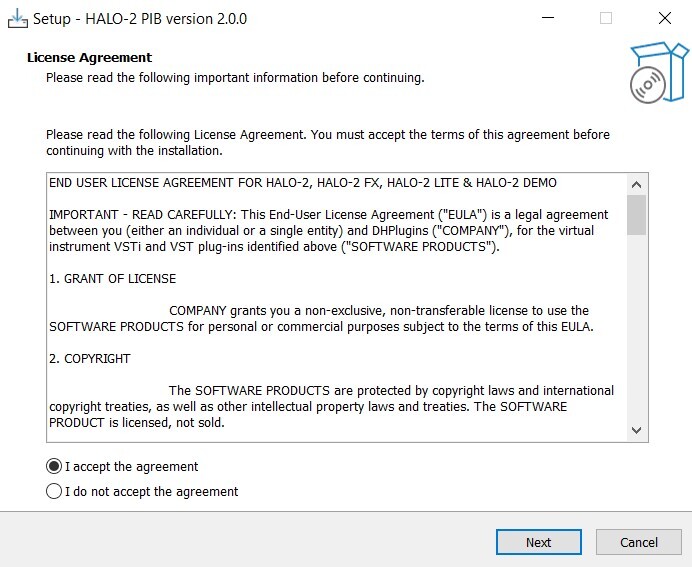
3. Select 'I accept the agreement', then click 'Next'.

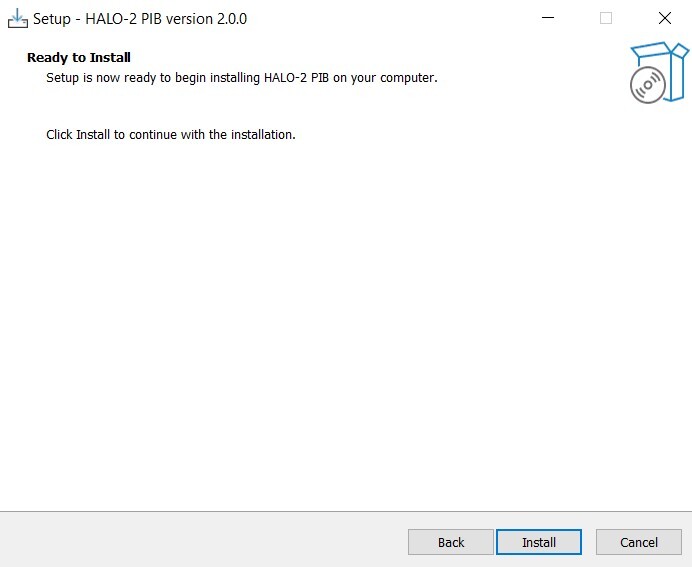
4. Select 'Install'.

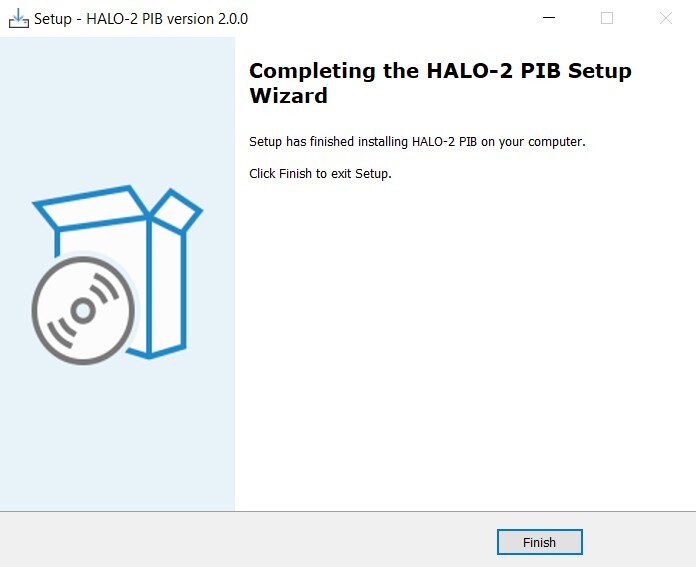
5. Once installation has concluded, click 'Finish'.

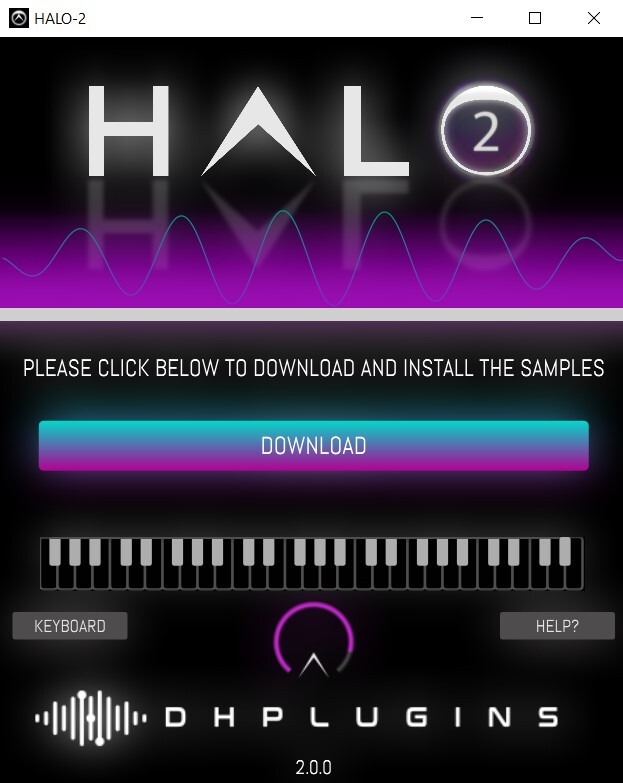
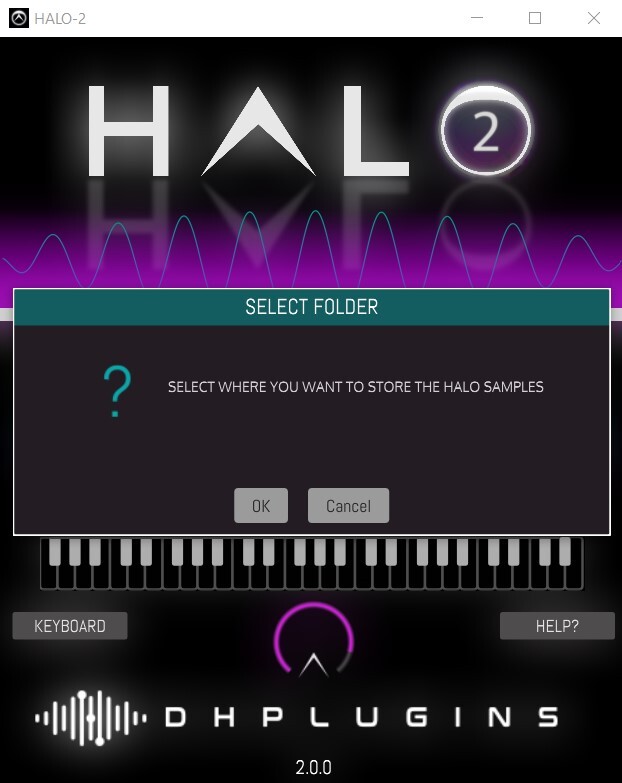
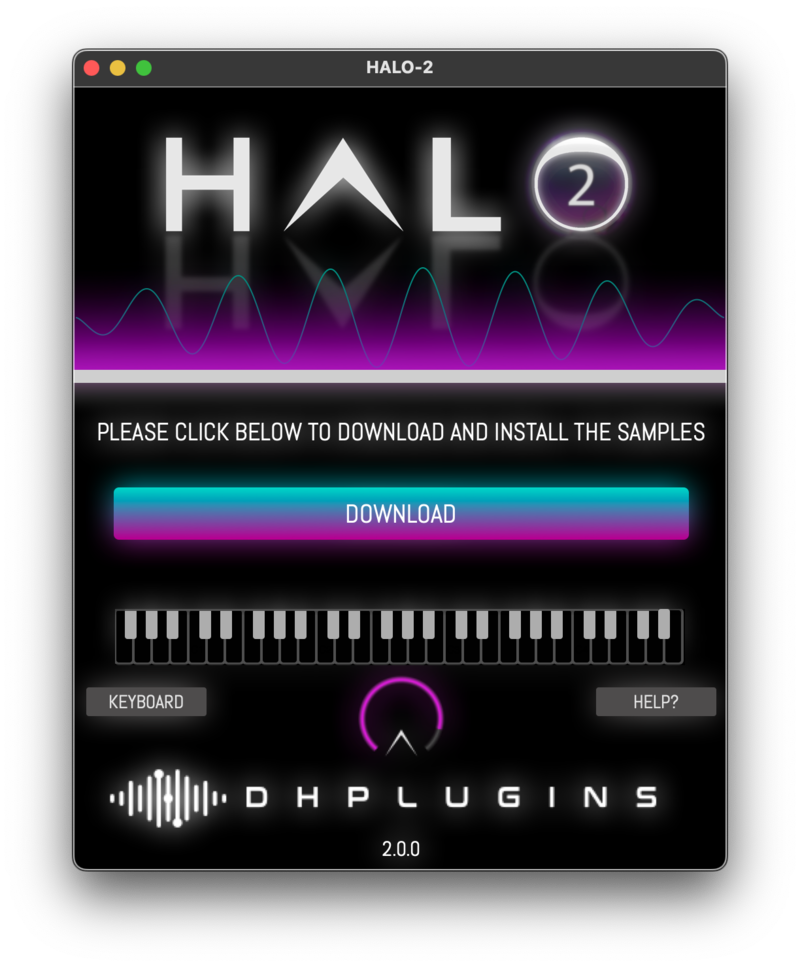
6. Launch the 'HALO-2 SAMPLES' file from within your installer pack. Click 'Download'.

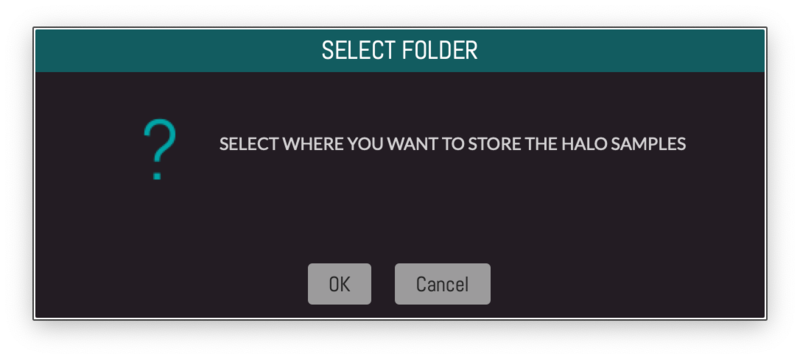
7. Click 'OK', and select a folder in which to store your samples.

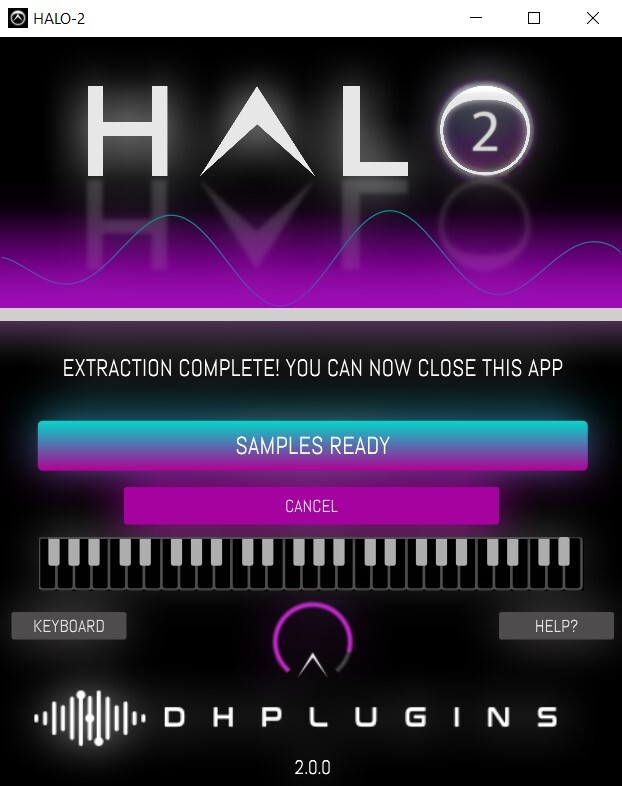
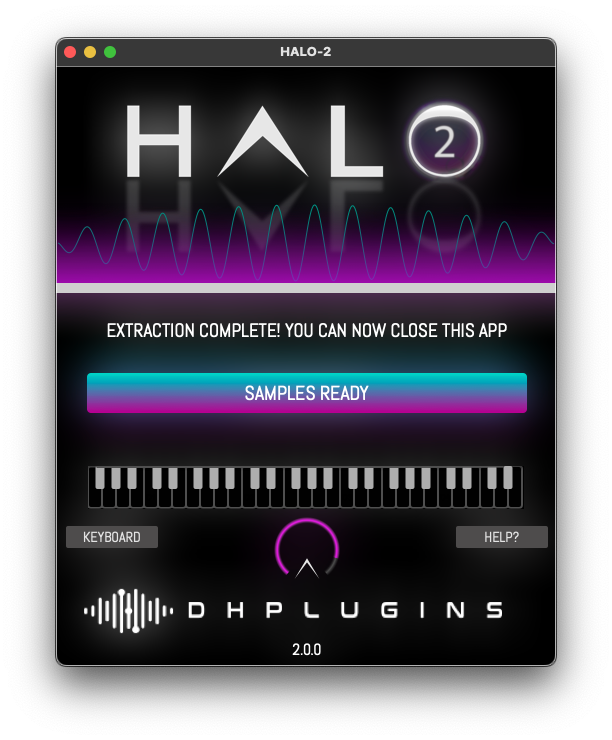
8. Once installation is completed, close the application. Do not click 'Cancel'.

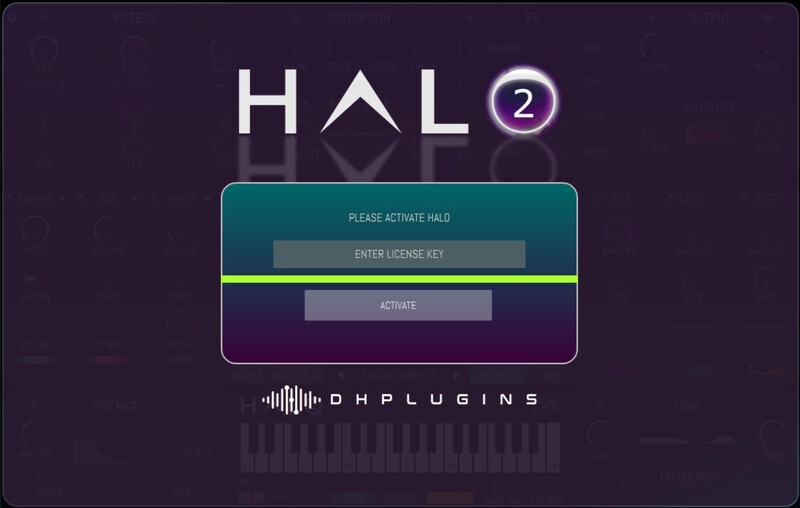
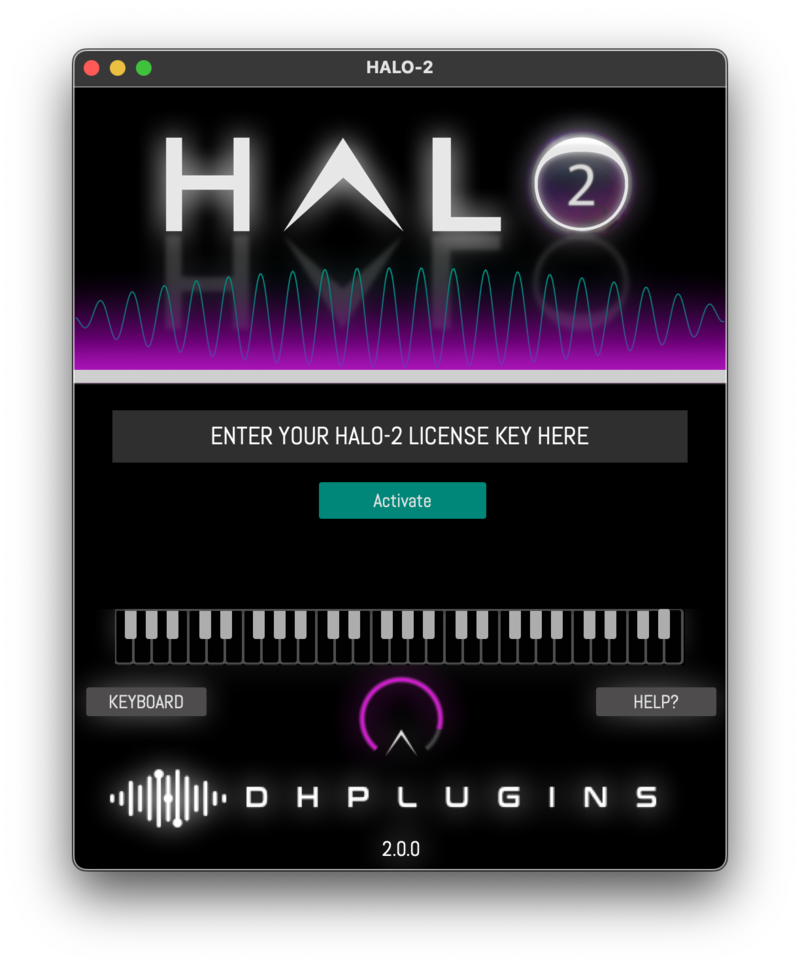
9. Launch Halo 2 within your DAW, and enter the License Key found within your Plugin Boutique User Account.

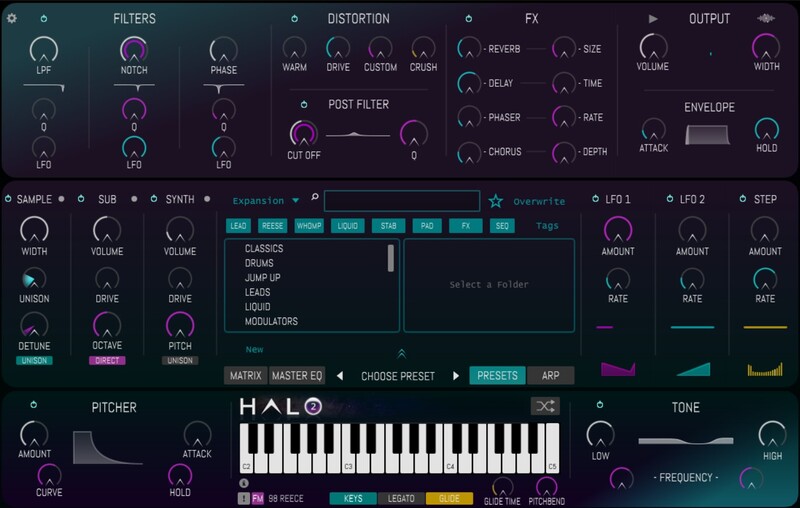
10. Your plugin is now installed and ready to use!

Mac

1. Download the installation pack from within your Plugin Boutique User Account.

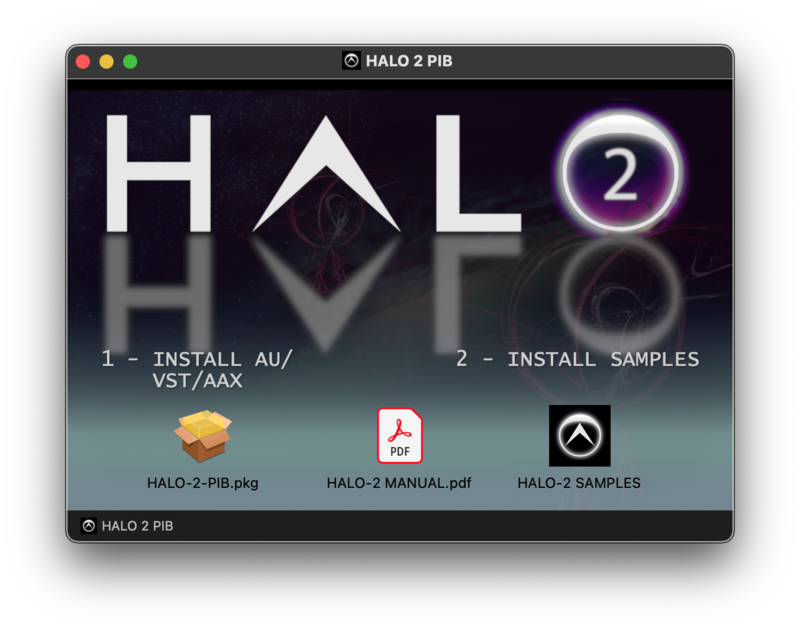
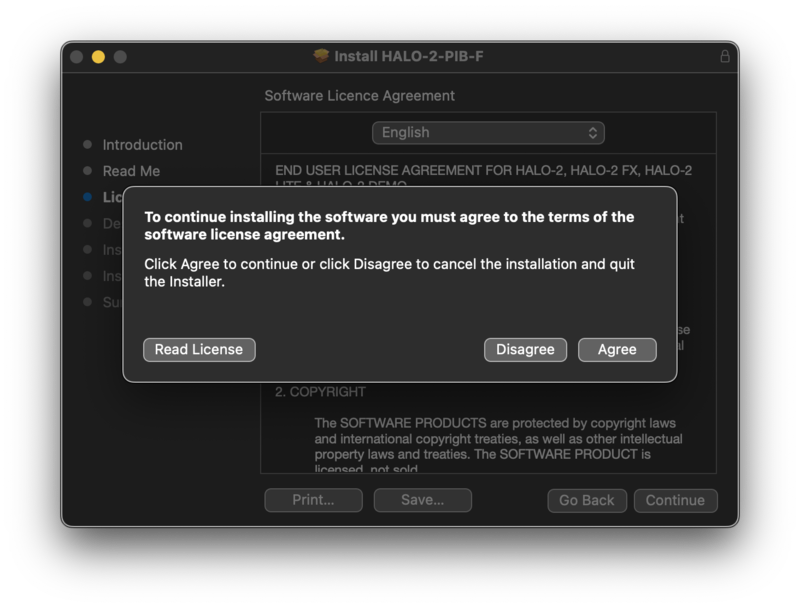
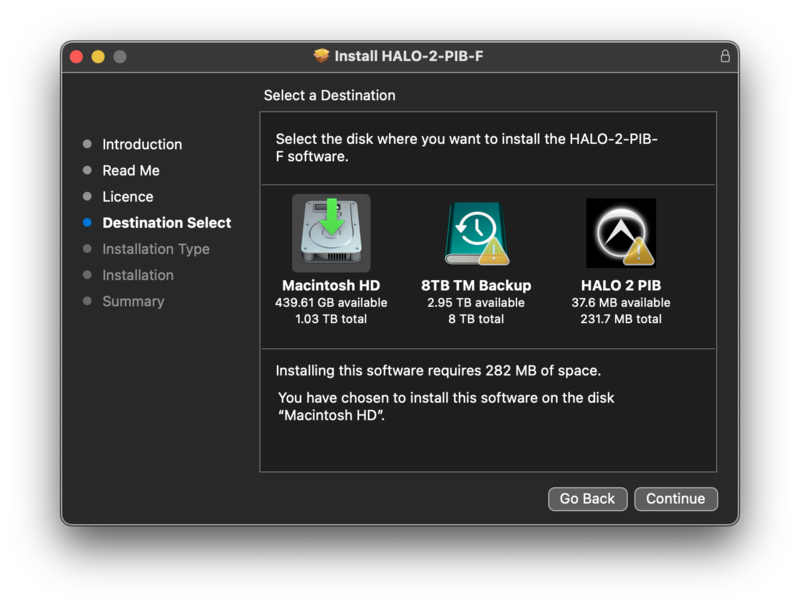
2. Launch the 'HALO-2.pkg' installer.

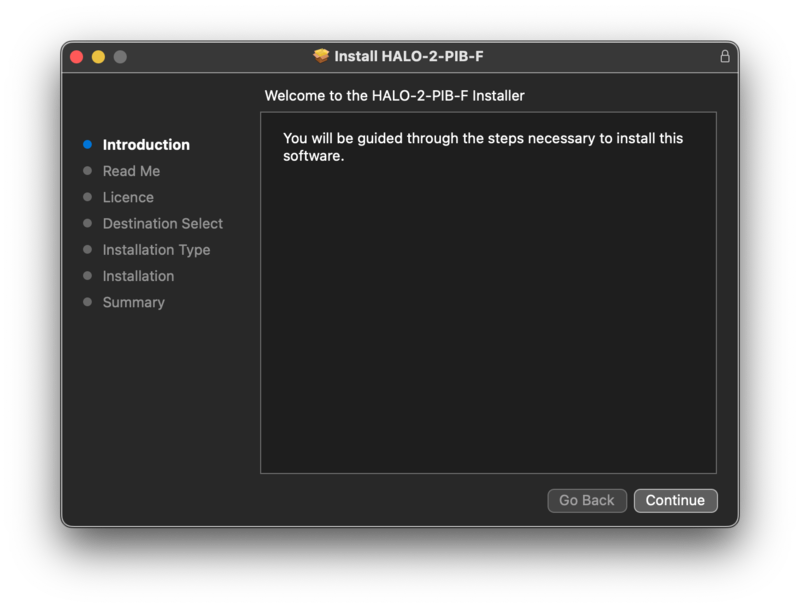
3. Click 'Continue'.

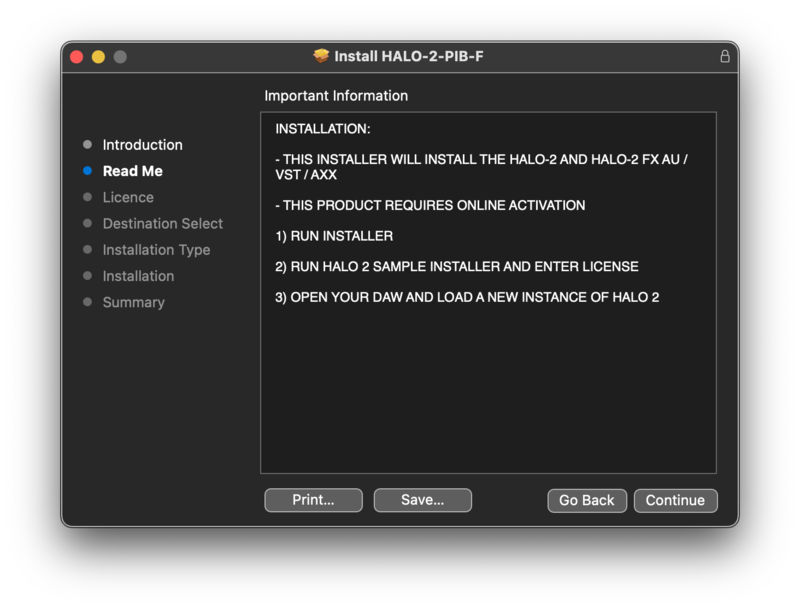
4. Click 'Continue'.

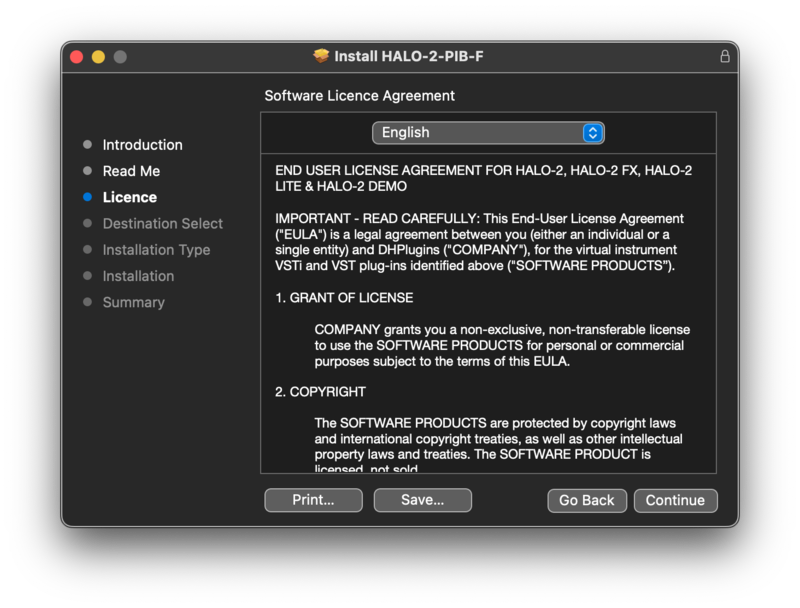
5. Click 'Continue'.

6. Click 'Agree'.

7. Click 'Continue'.

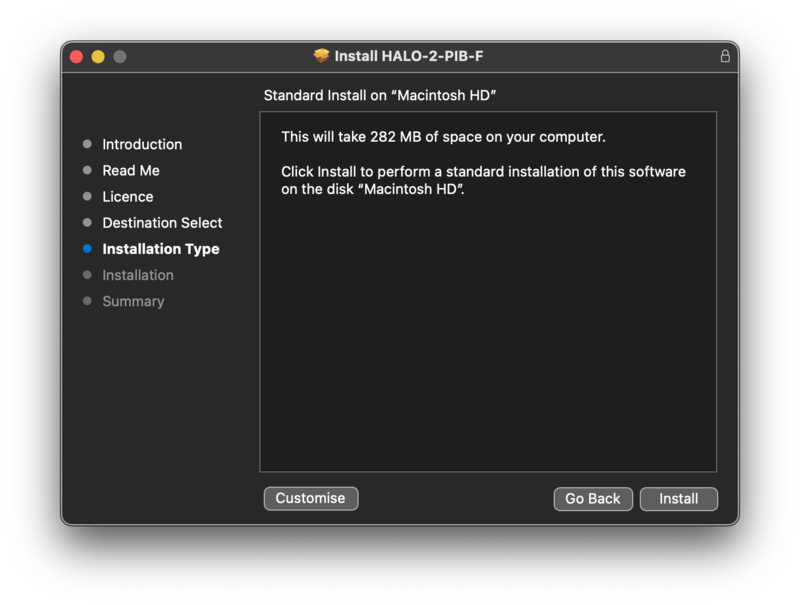
8. Click 'Install'.

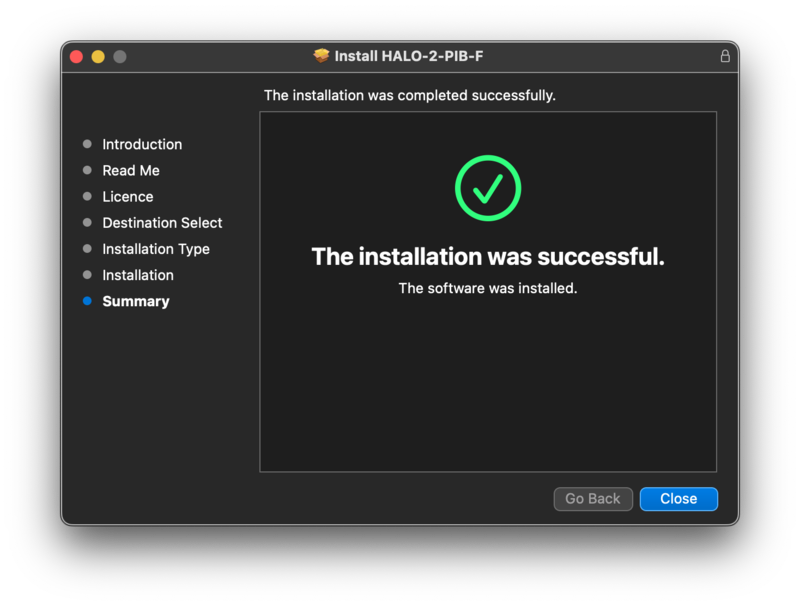
9. Click 'Close'.

10. Launch the 'HALO-2 SAMPLES' file from within your installer pack, and enter the License Key found within your Plugin Boutique User Account.

11. Click 'Download'.

12. Click 'OK', and select a folder in which to store your samples.

13. Once installation is completed, close the application. Do not click 'Cancel'.

14. Launch Halo 2 within your DAW, and enter the License Key found within your Plugin Boutique User Account.

15. Your plugin is now installed and ready to use!

Plugin Boutique Rewards

Discover the most rewarding loyalty programme among all plugin retailers.

  • Free Loopmasters Samplepacks
  • Discounts on products and courses
  • Extra Virtual Cash claimed immediately at checkout
Find out more

Follow us:

X (Twitter) Facebook YouTube Instagram
Logo Logo

Plugin Boutique Limited, Part of the Beatport Group LLC.

Copyright © 2011-2025 Plugin Boutique. All rights reserved