Log In

Free gifts available with your purchase

Do you want a perfect low-end every mix?
Sub Ninja is the perfect visual tool to help you nail the mix of your sub/bass and kicks. It helps you by showing you exactly what's going on in your low-end, making it easy to get a great mix.
Synced Visualization
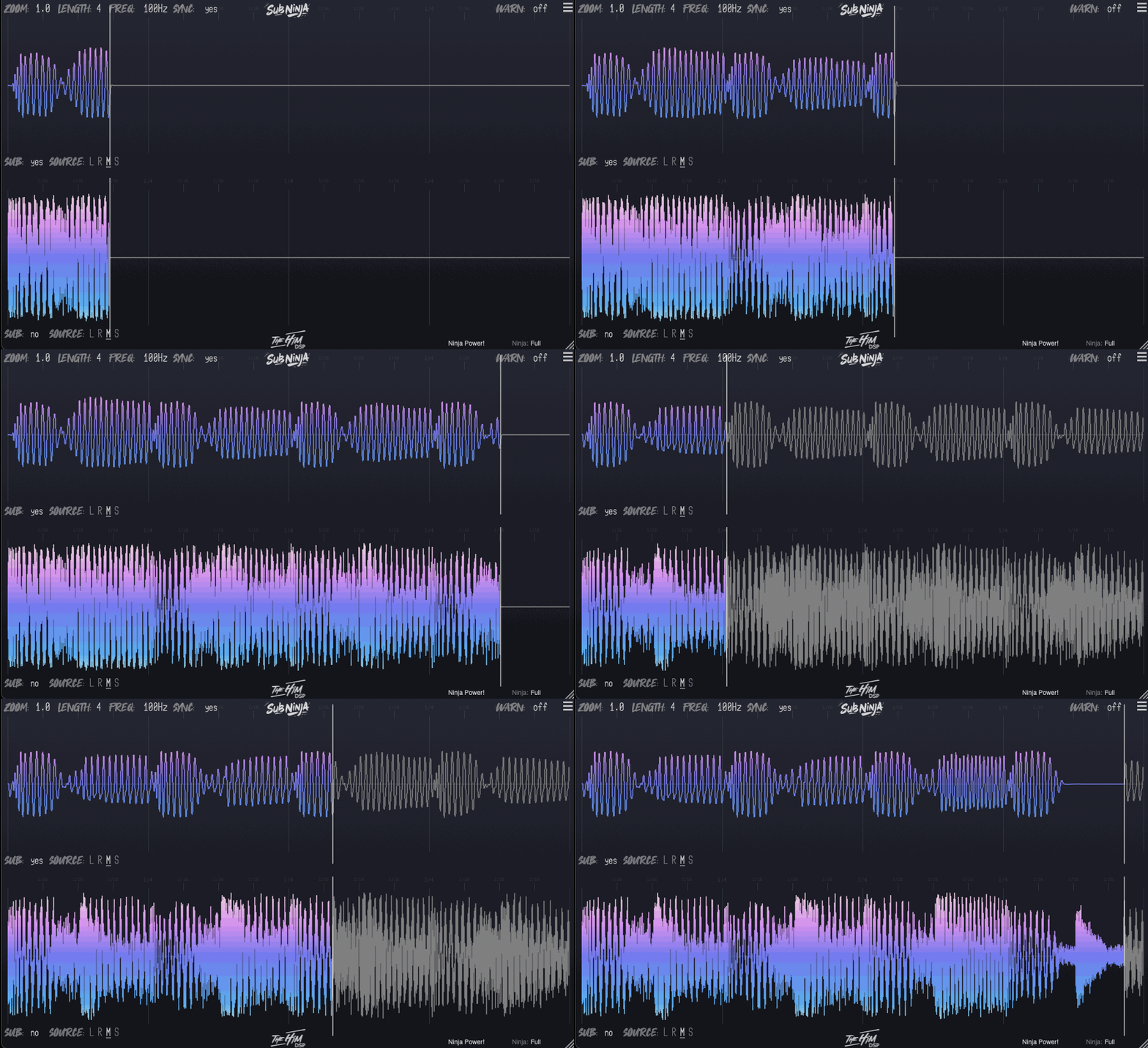
Experience real-time audio-waveform synchronization, bringing your project’s bass to life.
Waveform vs. Spectrum
See why Sub Ninja’s waveform visualization outperforms traditional spectrum analyzers for bass level insight. A spectrum only shows you brief snapshots of your frequency response, and doesn't nearly have enough detail to accurately display what's going on in the bass area. Sub Ninja shows you your bass over time, in great detail giving you crucial insight into the balance, levels, length and frequency of the foundation of your mix.
Instant Filter Control
Tailor your lowpass filter on-the-fly. Redraw waveforms instantly, even in silence, for precise frequency tuning.
Sidechain Inputs
Route individual channels into the 4 separate sidechain inputs and visualize them where you want to know exactly what is happening.
Microscopic Detail
Zoom in to the sample level with unmatched visual clarity. Intuitive controls for in-depth waveform analysis.
Features
- Visual tool for perfecting sub/bass and kick mixes
- Real-time synced audio-waveform visualization for low-end clarity
- Waveform visualization offers more detailed bass insight than traditional spectrum analyzers
- Displays bass over time with crucial detail on balance, levels, length, and frequency
- Instant lowpass filter control for precise frequency tuning
- Four separate sidechain inputs for visualizing individual channels
- Zoom in to sample-level detail with unmatched visual clarity
- Intuitive controls for in-depth waveform analysis

Mike Mago
DJ/Producer - Spinnin', Armada, Hexagon
“I’ve used Sub Ninja for a while now and I must say, it's such a handy tool for mixing those lower frequencies which are hard to hear. Being able to see the balance between sub/bass and kick is a lifesaver!!”

Nicky Romero
Dutch DJ, record producer and remixer - Tiësto, Fedde le Grand, Sander van Doorn, David Guetta, Calvin Harris, Armand van Helden, Avicii and Hardwell
“Super useful tool, I was waiting for a plugin like this for a while, easy to use and very effective.”

Sam Feldt
Dutch DJ, record producer and entrepreneur
“Sub Ninja is an amazing tool for making sure my kick and bass levels are perfect even when I'm on the road.”
macOS
- Mojave 10.14 and above
- Intel Core i5 or better
- Apple Silicon M1 or better
- Formats: AU, VST3, AAX
- Internet connection
Windows
- Windows 7 64 bit and up
- Formats: VST3, AAX
- Internet connection
Please note that in Logic Pro, Bitwig and Pro Tools, you can only use 1 sidechain input. This is a limitation of the DAW :(