Log In

Powerful multi-sampler + synth plugin with vast library
Full free access to Flite Play - 200 presets across 2.5GB of samples from the world's rarest synths.
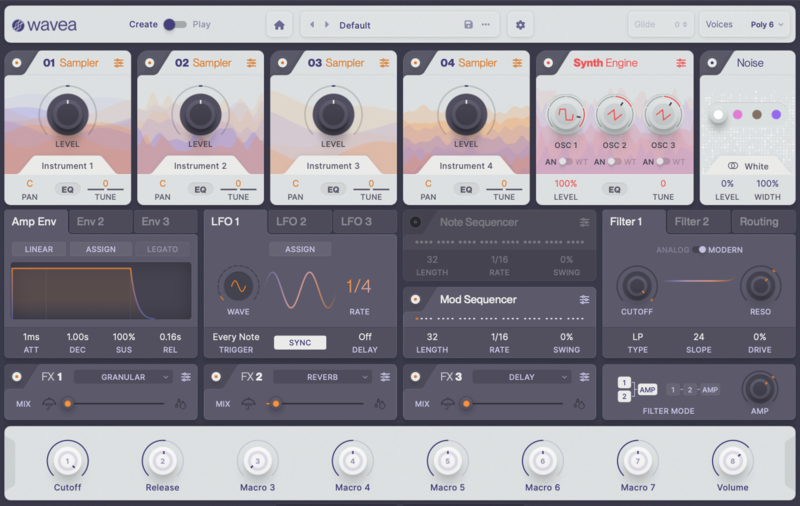
Flite is a versatile sound designer palette plugin with 4 x multi-samplers, 3 oscillator FM/Wavetable/AM/virtual analog synth and dual note/parameter sequencers.
What are Flite's Play and Create Modes?
Flite's Play mode is fully free and includes a host of beautiful sounds. Flite Create is a paid purchase giving enhanced access to all instrument controls and full preset saving, patch creation and DAW automation. Play and Create exist within the same plugin / installer and so you can upgrade to Create as a free Play user.
The free (Play) version of Flite allows you to play all the beautifully created presets with the bundled sample library, but restricts deeper tweaking of sounds in Create mode. Create runs as a 20 min trial with restrictions on saving presets and importing samples which are removed if you upgrade.
What Does Flite's Create Mode Give Me?
With Flite Create you can make fully original sounds and not be restricted to solely playing presets. You can import your own samples, use filters, tweak full FX parameters, set the modulation / note sequencers and much more.
Bundled Sound Library
2.5GB of samples including Yamaha CS-80, Yamaha U3 piano, Juno 106, Jupiter 8, TB-303, TR-808, TR-909, SH-101, Oberheim OB-8, Xpander, Sequential Circuits T8, Pro-One, Prophet 5, Korg Monopoly, Linn Drum, Foley, FX and much more, tracked in 24-bit/48kHz clarity.
Presets
200+ patches by Sharooz Raoofi, Wavetick, Principleasure and more.
Beat Magazine
Guides, tutorials, VST plugins, WAV loops, synth presets and free samples for musicians, producers and beat makers.
“The sound quality is consistently impressive. Operation is intuitive and comfortable. Could become a cult classic”
- 8GB RAM.
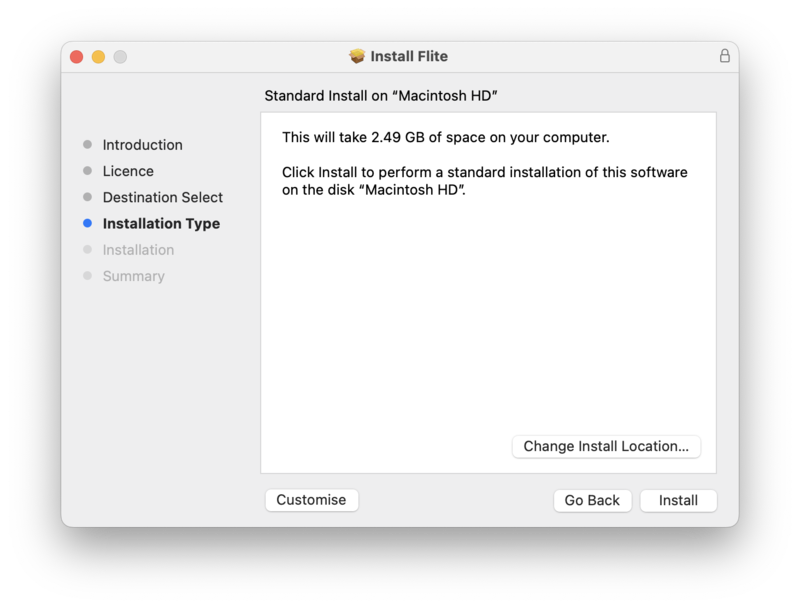
- 3GB disk space.
- Includes VST3 / AU installers compatible with most DAWs.
Mac
- OS 10.13 and 10.14.
PC
- Windows 10 and up.