


 Log In
Free gifts available with your purchase
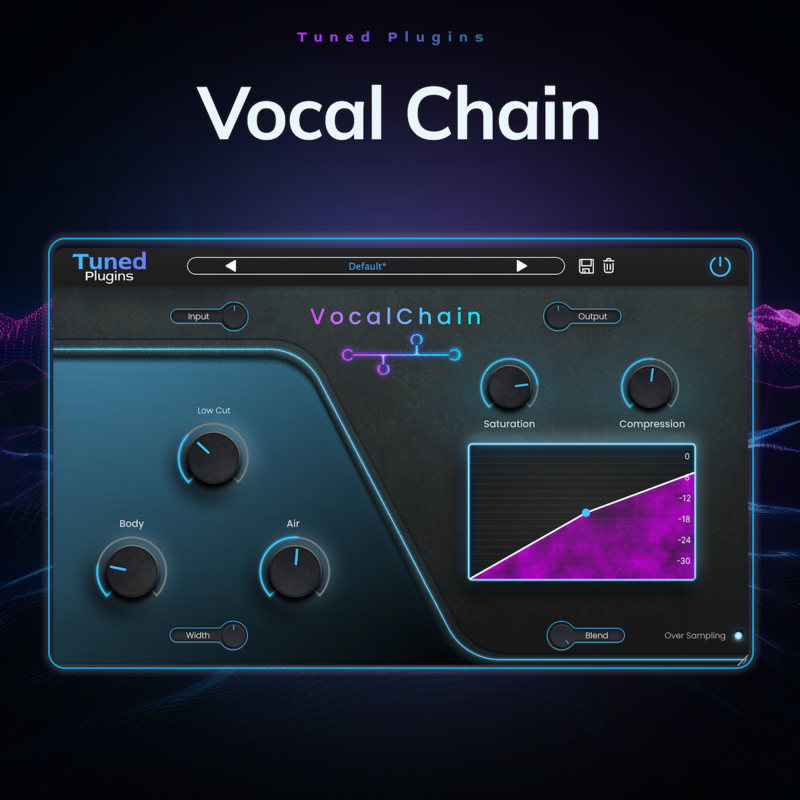
Introducing Vocal Chain by Tuned Plugins, the essential tool for transforming your vocal tracks into polished, professional performances. As part of the acclaimed Tuned Vocal Bundle, Vocal Chain integrates seamlessly into your workflow, offering a suite of features designed specifically for vocal processing.
Whether you're a seasoned producer or just starting, Vocal Chain makes it easy to achieve a professional vocal sound with minimal effort. Elevate your vocal production with Tuned Plugins' Vocal Chain, and let your vocals shine.
Features
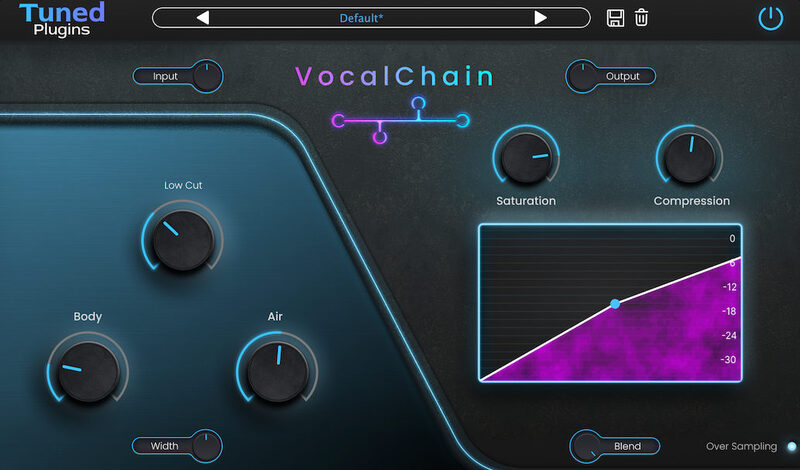
- EQ Tailored to Vocals: Sculpt your sound with precision using an equalizer specifically designed to enhance the natural qualities of the human voice.
- One-Knob Simple Compression: Achieve perfect dynamic control effortlessly with our intuitive one-knob compressor. Just dial in the right amount of compression without the hassle of complex settings.
- One-Knob Simple Saturation: Add warmth and character to your vocals with a single knob. This easy-to-use saturation tool provides the perfect touch of harmonic richness.
- Blend Knobs: Find the perfect mix with blend knobs that allow you to adjust the balance of your processed and unprocessed signals, giving you ultimate control over your sound.
- Over Sampling: Enjoy pristine audio quality with over sampling, ensuring your vocals retain their clarity and detail even under heavy processing.
System Requirements
- MacOS: VST3, AU, AAX
- Windows (64-bit): VST3, AAX
- Processor: 2 GHz Intel Dual Core or AMD equivalent
- RAM: 8GB (16GB recommended)
- OS: Mac OS X 10.15 or higher, Windows 8 & above


Reviews Summary
While it aims to provide a helpful overview, it may not capture every perspective or detail. We encourage you to read individual reviews to make an informed decision.
Reviewers generally find Vocal Chain to be an easy-to-use, efficient tool with good presets that streamline vocal processing for beginners, podcasters, and quick demos. However, experienced users note that while it gets the job done quickly, it lacks the harmonic depth, analog warmth, and detailed control required for professional high-end mixing.


