Log In
Free gifts available with your purchase
Tape Your Tracks
Reel Analog Aesthetics
Flywheel injects the lush analog sound of reel-to-reel tape recording systems into your music. Instead of focusing on the specifics of a single machine, this magnetic marvel combines all the beautiful analog imperfections such as saturation, hysteresis, high frequency loss and head bump in a single, clearly laid out tone shaping interface.
Biased? Absolutely.
Whenever you feel your music could sound more organic, cohesive, diversified and interesting, Flywheel will add that special sauce to your tracks. Adding vibrant warmth and presence to your recordings, mixings and masters has rarely been that simple and that much fun before. No credit plan, no service tech, no tape salad – just pure analog awesomeness.
As Easy as That
A lot of thought has been put into reducing the parameter set, offering plenty of sonic flexibility while maintaining a most straightforward user experience: Simply dial in the record gain, select tape speed and formula and then tweak the results with the hysteresis and EQ. Only a hand full of controls grants access to a sea full of interesting textures.
Wow!
The magnetic sound experience wouldn't be complete without different tape formulas, adjustable motor speed variances as well as a tape transport stop/start... and Flywheel delivers. Rounded off by optional oversampling for improving overall audio quality, this tape emulation is a reliable first pick for applying a remarkable polish to your very own masterpieces.
Features
- Emulates the lush, analog sound of reel-to-reel tape recording systems
- Combines analog imperfections like saturation, hysteresis, high-frequency loss, and head bump
- Simple, intuitive interface with controls for record gain, tape speed, and formula
- Adjustable wow and flutter effects for authentic tape sound, along with tape transport stop/start feature
- Adds warmth, presence, and cohesion to recordings, mixes, and masters
- Optional oversampling to enhance overall audio quality
- Ideal for adding vibrant, organic tape textures to any track or mix
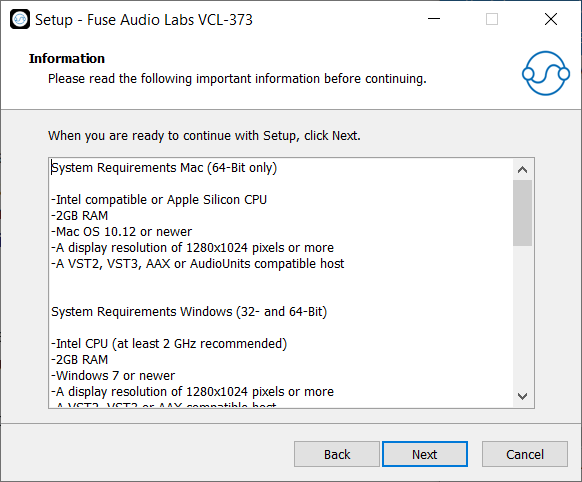
System Requirements
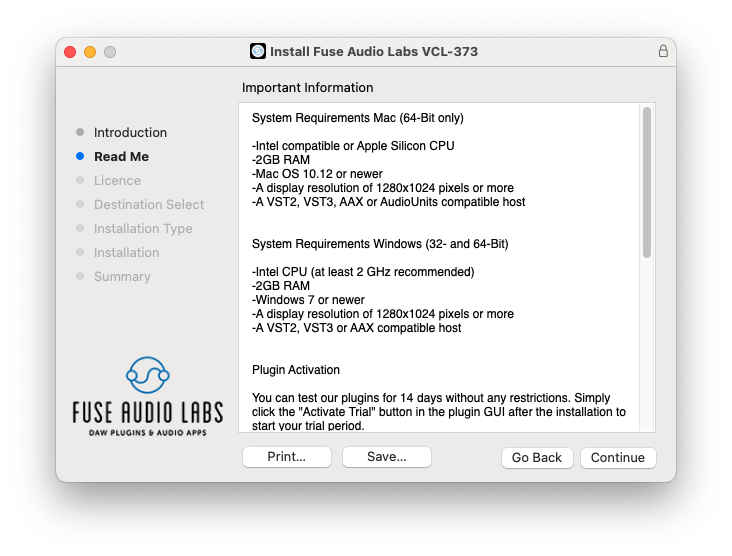
Mac (64-Bit only)
- Intel compatible or Apple Silicon CPU
- 2GB RAM
- Mac OS 10.12 or newer
- A display resolution of 1280x1024 pixels or more
- A VST2, VST3, AAX or AudioUnits compatible host
Windows (32- and 64-Bit)
- Intel compatible CPU (at least 2 GHz recommended)
- 2GB RAM
- Windows 7 or newer
- A display resolution of 1280x1024 pixels or more
- A VST2, VST3 or AAX compatible host