Log In
Free gifts available with your purchase
Done Dirt Cheap
Round Meets Green
Dozer Drive unites two of the most iconic guitar pedals of all time in a single enclosure: The legendary circular fuzz from 1966 and the little green overdrive monster from 1979! No matter if you just want to add a little boost to your signal or push it to the point of saturation heaven, it’s all there. Will it fuzz? Will it distort? And overdrive? Oh, yeah.
Dual Drive DNA
If you’re looking for a fuzz that covers all the treasured classic tones, just engage the Face and look no further. The Screamer, on the other hand, will give you the typical mid-pronounced tone which became nothing less than the industry standard for overdrive. You like to tweak? Then get all in - Screamer after Fuzz, Fuzz after Screamer, or both of them in parallel!
Straight Forward Mods
The Face provides an NPN vs. PNP switch which lets you choose between the typical clipping characteristics of Silicone and Germanium transistors, as well as the Doom Mod for conjuring ultimate grind. The Fat Mod of the Screamer shifts the mid-focused tone towards a much stronger bottom end. Finally, the mix controller allows to fine-tune the fuzz/overdrive ratio in parallel mode.
Classics for You
If you want to sound like Jimi or Stevie Ray, or you prefer to find the perfect tone all by yourself, Dozer Drive will become your best friend. It’s super versatile and still just takes a few seconds to dial in amazing drive sounds for your guitar… or other instruments, if you dare. Dwell on the classic tones, give them a good tweak and make them your own.
Dozer Drive has been created in cooperation with Honest Amp Sim Reviews.
Features
- Combines two iconic guitar pedals: a classic 1966 fuzz and a 1979 overdrive in one unit
- Fuzz delivers vintage tones with an NPN vs. PNP switch for Silicone or Germanium transistors
- Overdrive provides the mid-pronounced tone that's become the industry standard
- Features Doom Mod for heavier fuzz and Fat Mod for enhanced low-end overdrive
- Flexible signal routing: use fuzz and overdrive in series, or blend both in parallel
- Mix control for fine-tuning fuzz/overdrive balance when used in parallel mode
- Ideal for recreating legendary tones or crafting unique sounds for guitar and beyond
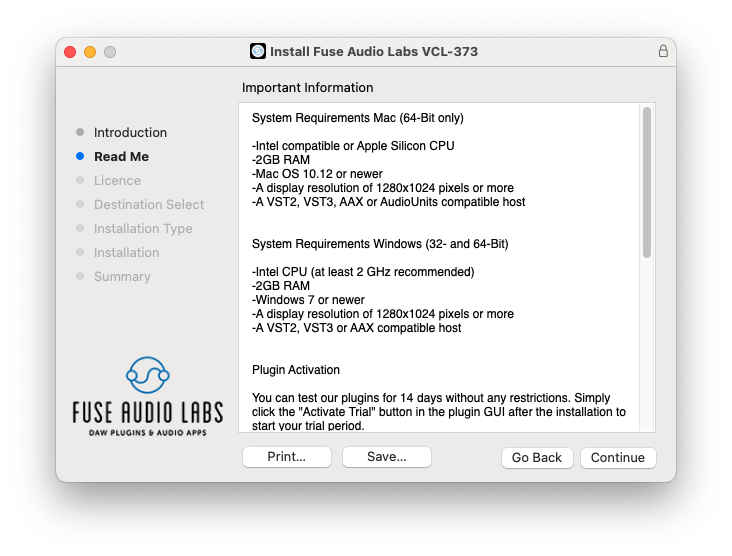
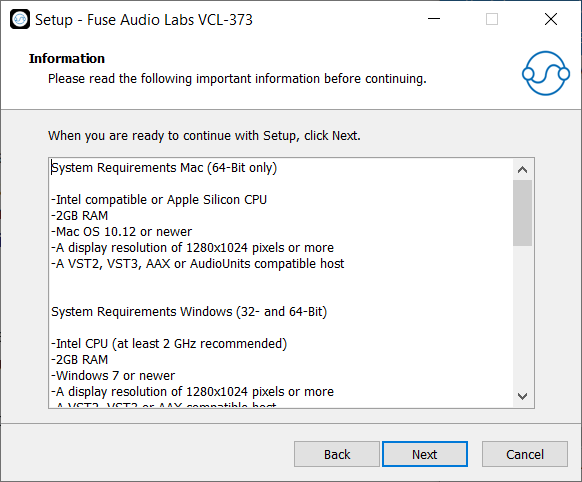
System Requirements
Mac (64-Bit only)
- Intel compatible or Apple Silicon CPU
- 2GB RAM
- Mac OS 10.12 or newer
- A display resolution of 1280x1024 pixels or more
- A VST2, VST3, AAX or AudioUnits compatible host
Windows (32- and 64-Bit)
- Intel compatible CPU (at least 2 GHz recommended)
- 2GB RAM
- Windows 7 or newer
- A display resolution of 1280x1024 pixels or more
- A VST2, VST3 or AAX compatible host