Log In

Free gifts available with your purchase
Product information
Sample-Rate
Slash the rate of samples taken from the incoming audio all the way down to 10hz for you infrasonic eggheads out there.
Bits
Scramble the resolution of the audio down to a single bit, use the range booster to exploit all available bits into an eggs-treme sound.
Dynamics
Refine your musical egg-splosions using the envelope to shape the original dynamics of the incoming signal. Balance it all with the Mix control for an egg-squisite result.
Bunny
It's a bunny.
Features
- Crack open that mix and animate your tracks with egg-stra textures.
- No-bunny crushes your audio while retaining dynamics like DynaBunny does.
- Straightforward, powerful, bit crushing with an easter twist.
- Hop to it, it´s egg-sactly what you need.
System Requirements
Windows
Requires Windows 7 or higher. VST3 & AAX (AAX is 64-bit only).
macOS
Requires macOS 10.13 or higher (64-bit only). AU, VST3 & AAX. Native Apple Silicon support.
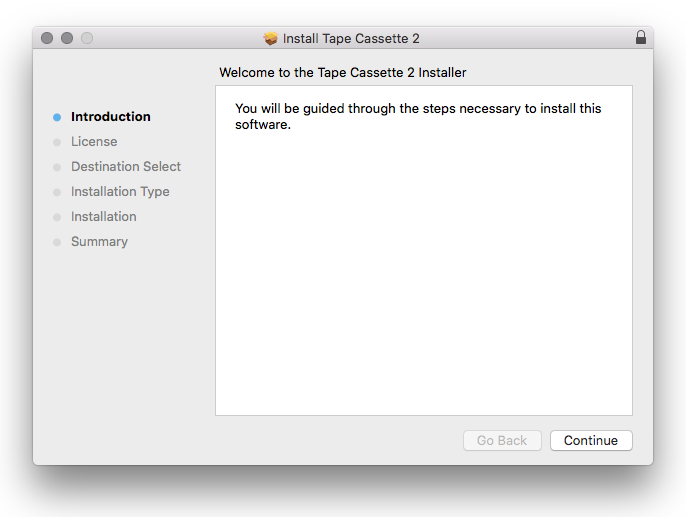
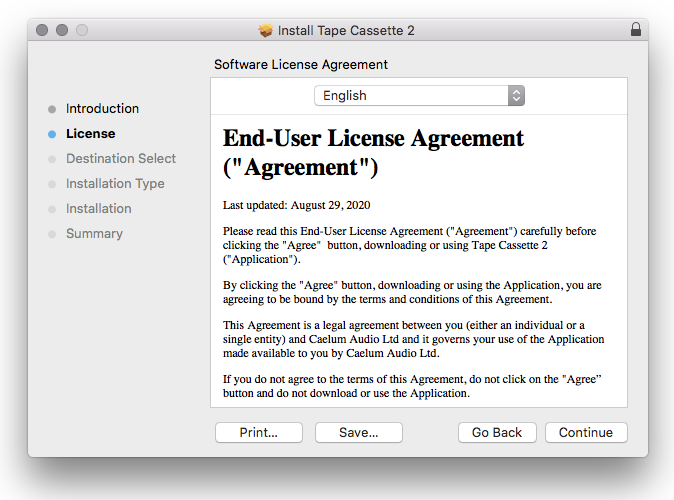
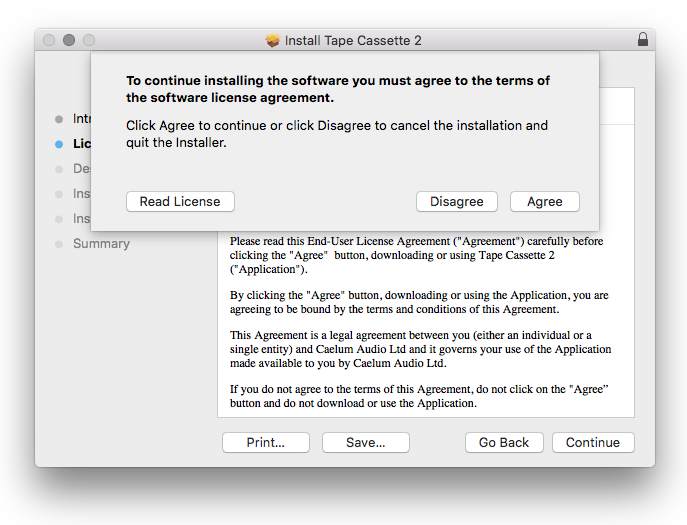
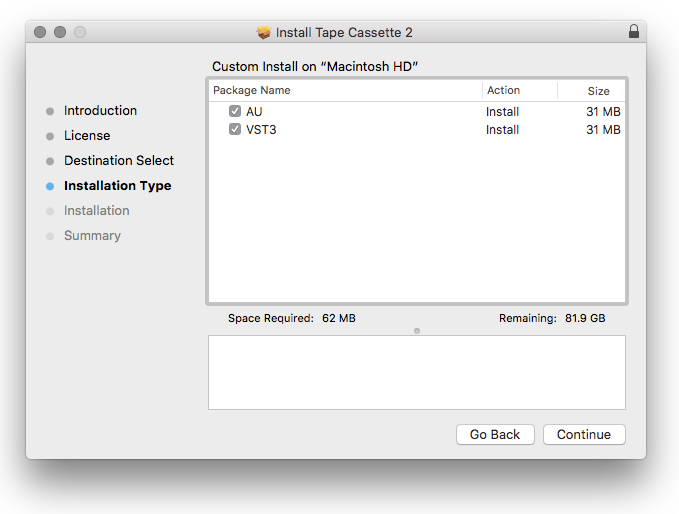
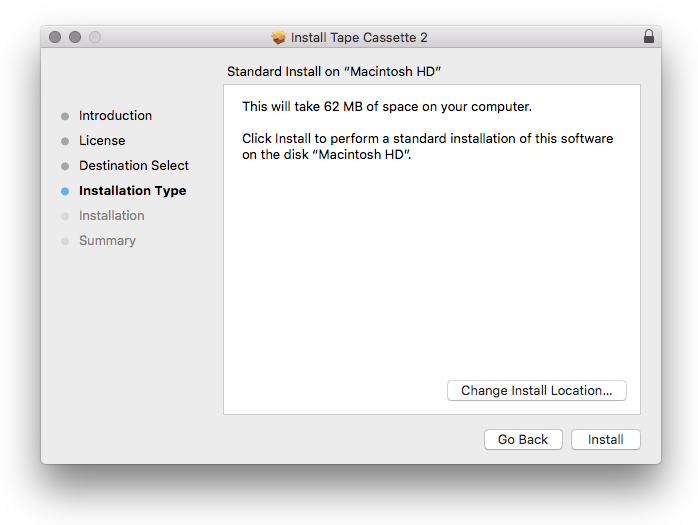
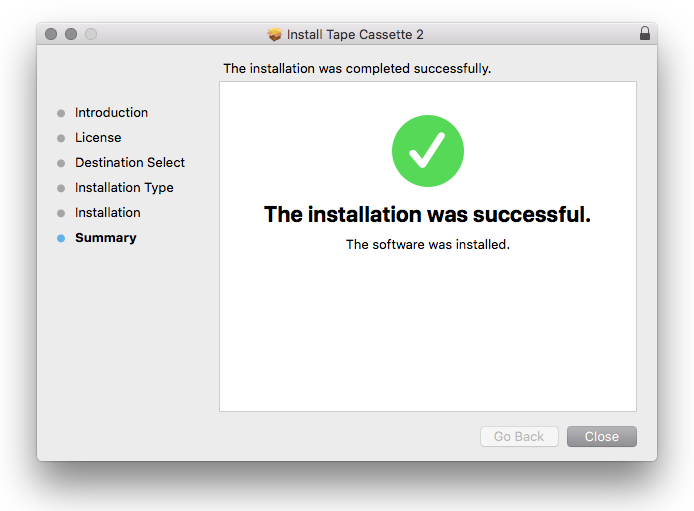
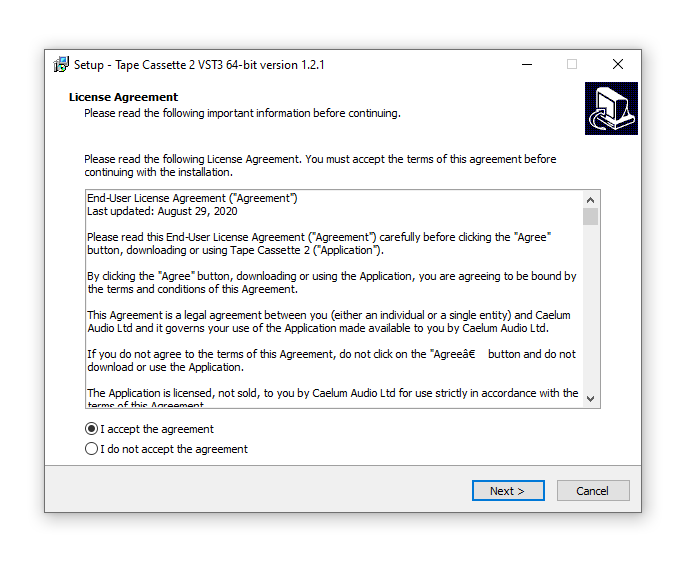
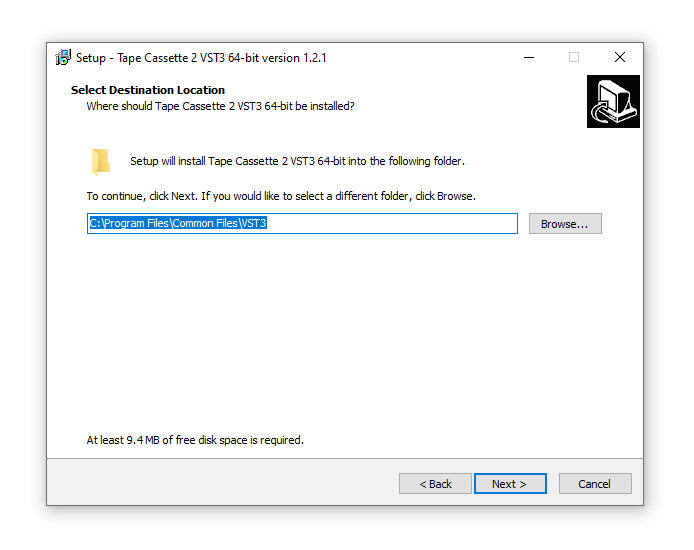
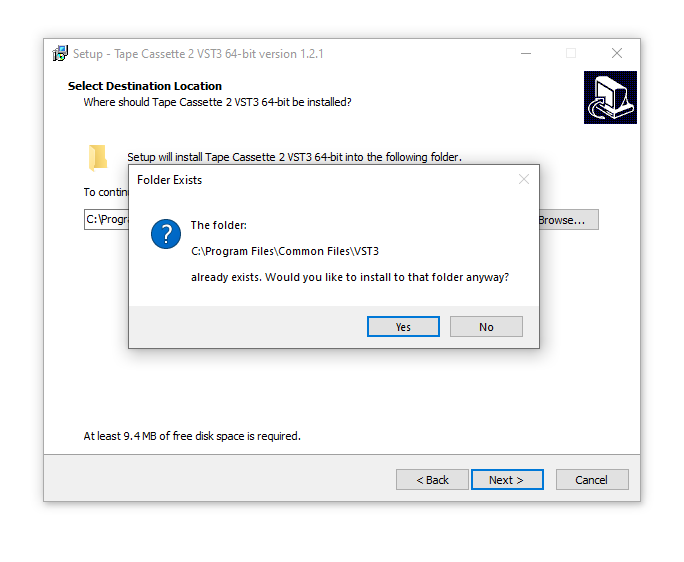
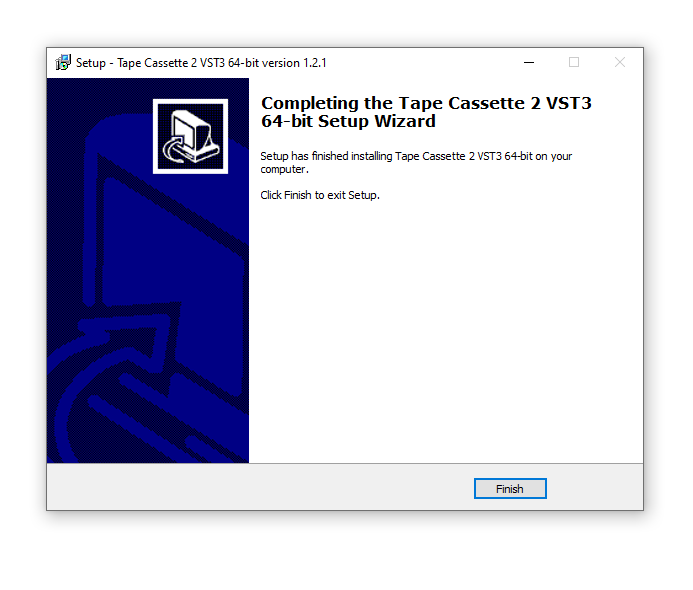
Installation Instructions