/ Transient Shaper / Dyno Mite
Harrison Consoles

Dyno Mite

$49.00
Main image
Main image
Harrison - 3D Delay, Dyno Mite, Spectral Gate & Stunning Phaser Plug-in Overview with Jacob Lyons gallery thumbnail
Dyno Mite - 2
Dyno Mite - 3
Buy Now
Product information

Explosive Transient Shaping

Transients are the brief, high-energy spikes at the start of each sound—the crack of a snare, the pluck of a guitar string, or the click of a hi-hat—and they’re what give percussive elements their clarity, punch, and presence. With Harrison Dyno Mite’s precision transient-shaping engine, you can dial in razor-sharp attacks that cut through dense mixes or sculpt sustained tails for airy, cinematic textures. 

Inspired by the legendary hardware transient designer that became a studio staple, Harrison Dyno Mite adds control to any producer or engineer’s toolkit. Whether you’re chasing the fierce punch of modern electronic music, the warm, organic feel of acoustic rock kits, or the expansive decay of orchestral percussion, Dyno Mite delivers swift, surgical control.

By mastering transient dynamics, you’ll achieve mixes that hit harder, breathe easier, and resonate longer – create explosive mixes and make every hit count with Harrison Dyno Mite!  

Features

  • Punch and Space Sculpting: Boost attack and trim sustain for razor-sharp drum hits, or reduce attack and lift tails for airy, expansive tones. 
  • Works on both mono and stereo tracks; perfect for processing instrument recordings, on-shot sounds, loops, synths, and more.  
  • Intuitive Workflow: Simple Threshold slider sets the level at which shaping occurs, while the Sustain knob controls both the type and intensity of transient adjustment. 
  • Real-Time Meters: 
  • Input Meter displays incoming signal level. 
  • Sustain Meter shows reduction (left/red) and boost (right/green) amounts. 
  • Output Meter visualizes post-processing levels. 
  • Output Trim: Compensate for level shifts introduced by transient shaping. 
System Requirements

System Requirements

  • Mac: macOS 13+, AAX/AU/VST/VST3
  • Windows: Windows 10+, AAX/VST/VST3
  • Linux (for supported products): GCC 5 compatible systems, OpenGL 3.2 or higher, with libcurl-gnutls installed
Installation Instructions

Important note:

  • For licenses with the format - XXXXXXX-XXXX-XXXX-XXXXXXXX - please scroll down and follow the instructions for Harrison Multi Band Compressor, below
  • For iLok licences with the format XXXX-XXXX-XXXX-XXXX-XXXX-XXXX-XXXX-XX please follow the instructions for Harrison Bass Flow & SSL Guitarstrip immediately below

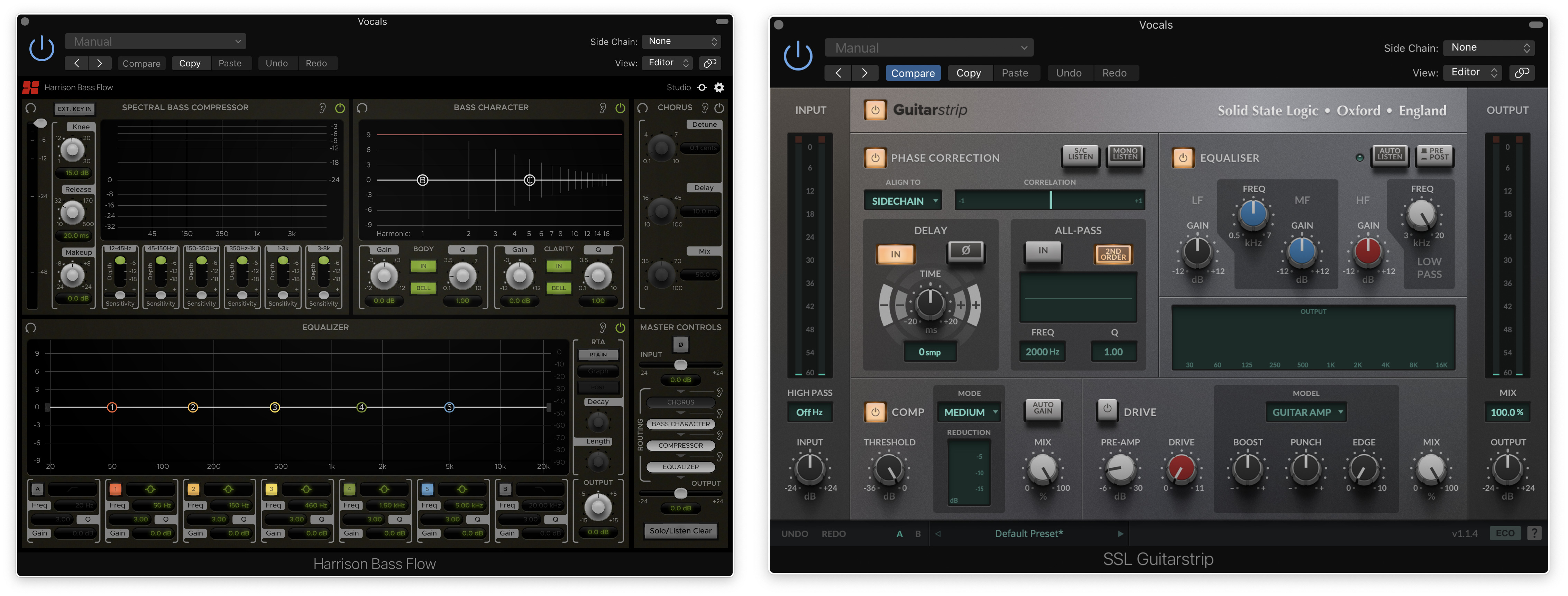
Please Note: Harrison Bass Flow & SSL Guitarstrip are used as examples

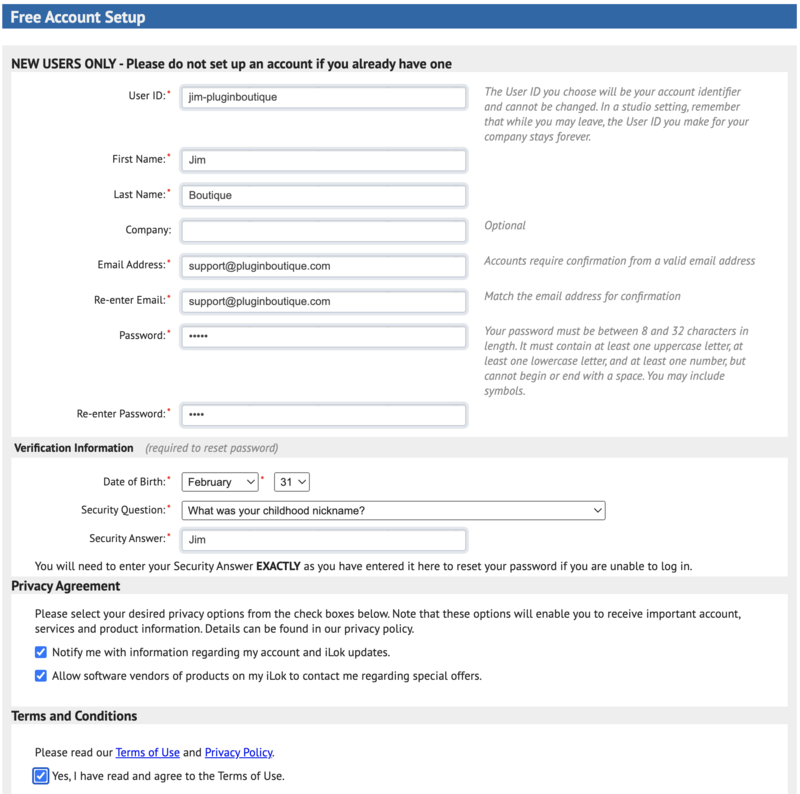
iLok Registration

1. Go to the iLok website and create a new account if you are not currently registered and do not have the iLok Licence Manager installed on your computer

Note: Skip to the 'Registration' procedure if you are already an iLok registered user

2. Download and install the iLok License Manager

SSL Download Manager Installation

1. Go to https://solidstatelogic.com/ssl-download-manager or click DOWNLOAD in your Plugin Boutique User Account

2. Click either macOS or Windows to download the installer (Linux versions available here)

3. Double-click installer > Follow the on-screen instructions to install

4. Open SSL Download Manager

5. Locate Harrison Bass Flow & SSL Guitarstrip > Click Install on each plugin

iLok Authorisation

1. Open your iLok license manager application > click Sign In

2. Enter your iLok registered User ID and password > click Sign In

3. Once you are signed in, click the ‘Redeem’ icon which is located at the top-right corner of the iLok Licence Manager’s interface

4. Copy and paste/manually enter the 30-digit code from your Plugin Boutique User Account into the available Activation Code boxes, and then click Next

5. Select your activation destination > Click Activate

6. Click OK

7. Open the plugins in your DAW

Your plugins are now installed and ready to use. Enjoy!


Please Note: Harrison Multi Band Compressor is used as an example

Note: Harrison and SSL plugins now share the same installation process via the SSL Download Manager

iLok Registration

1. Go to the iLok website and create a new account if you are not currently registered and do not have the iLok Licence Manager installed on your computer

Note: Skip to the 'Registration' procedure if you are already an iLok registered user

2. Download and install the iLok License Manager

Registration

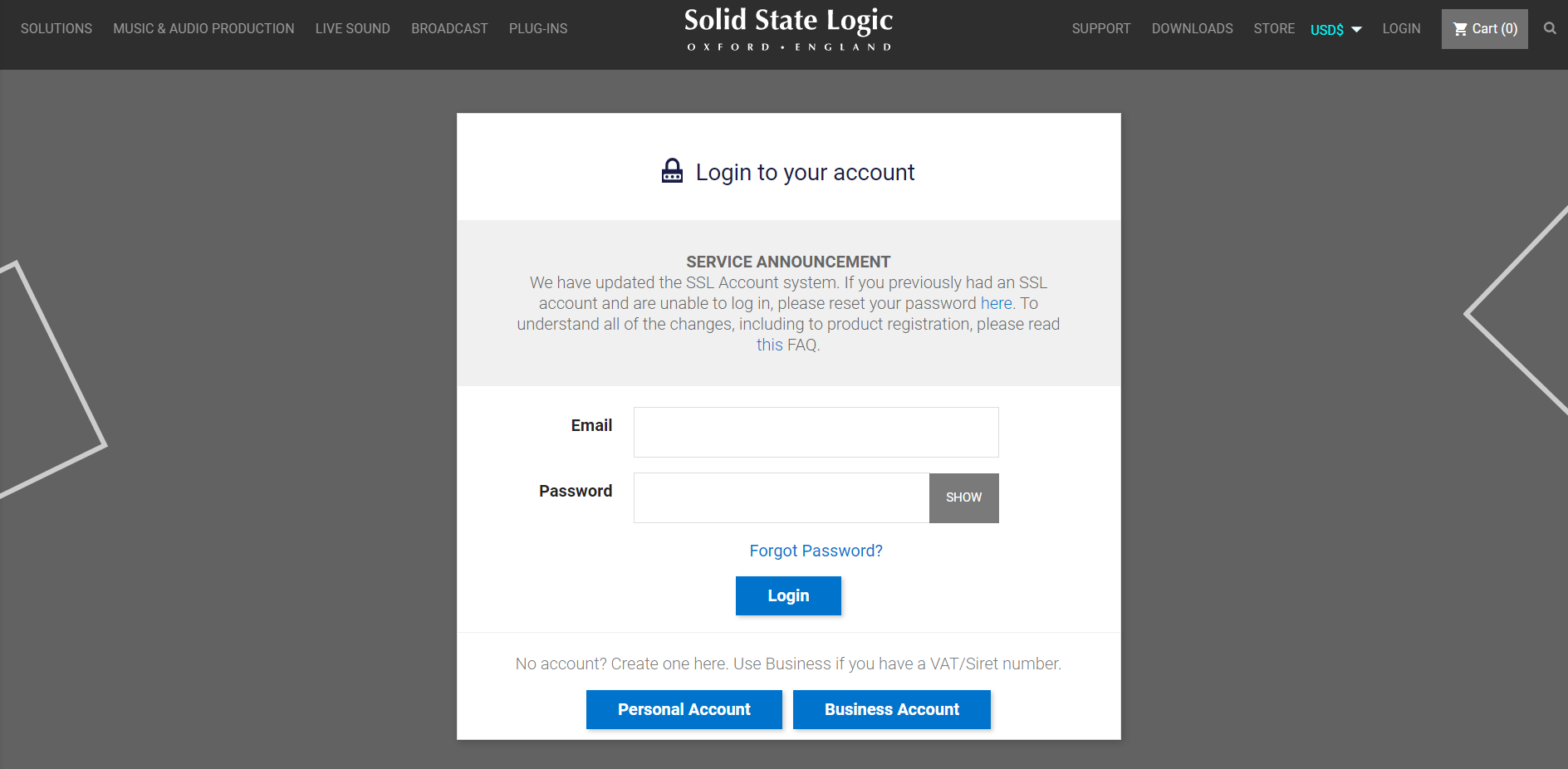
1. Go to https://account.solidstatelogic.com/register-software > Create a new account or log into your existing account if you have one

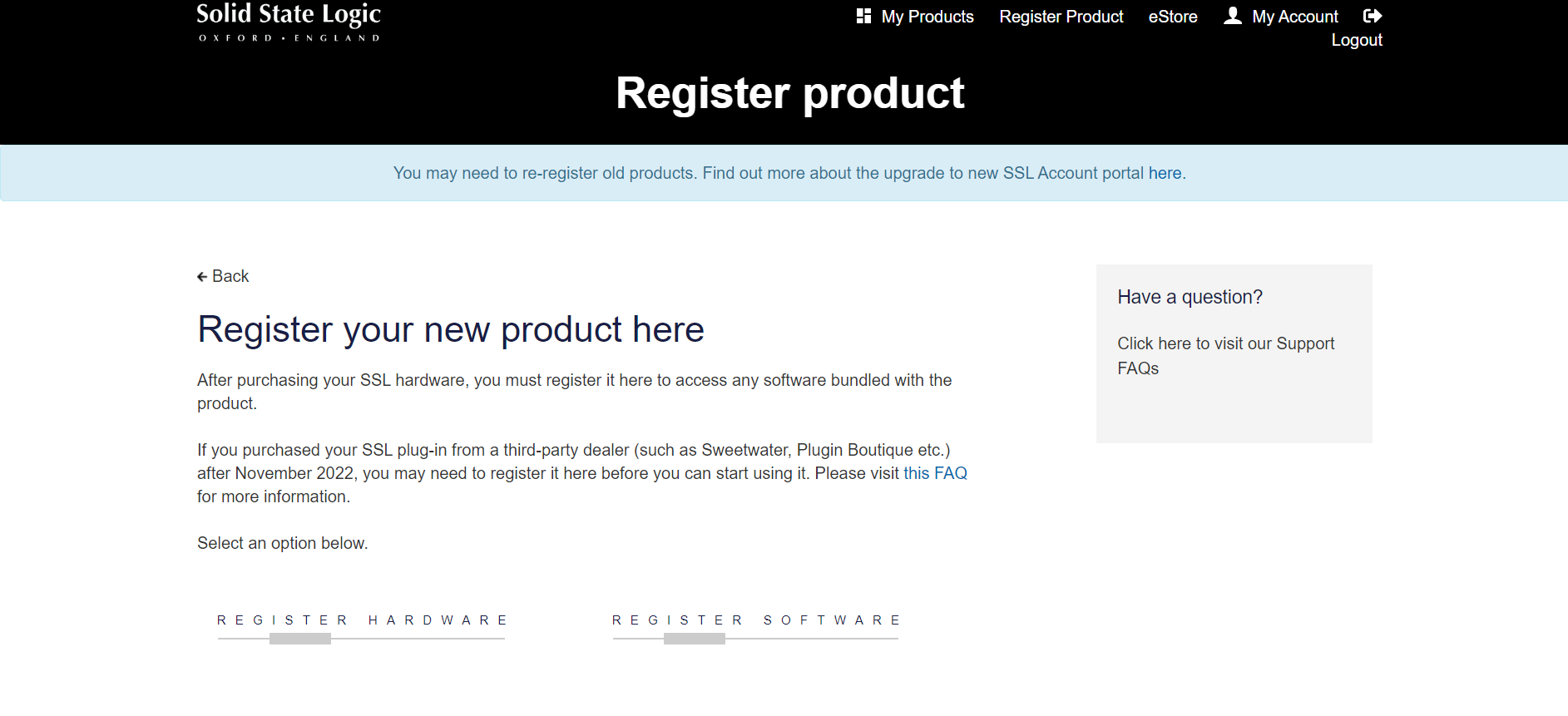
2. Click REGISTER SOFTWARE

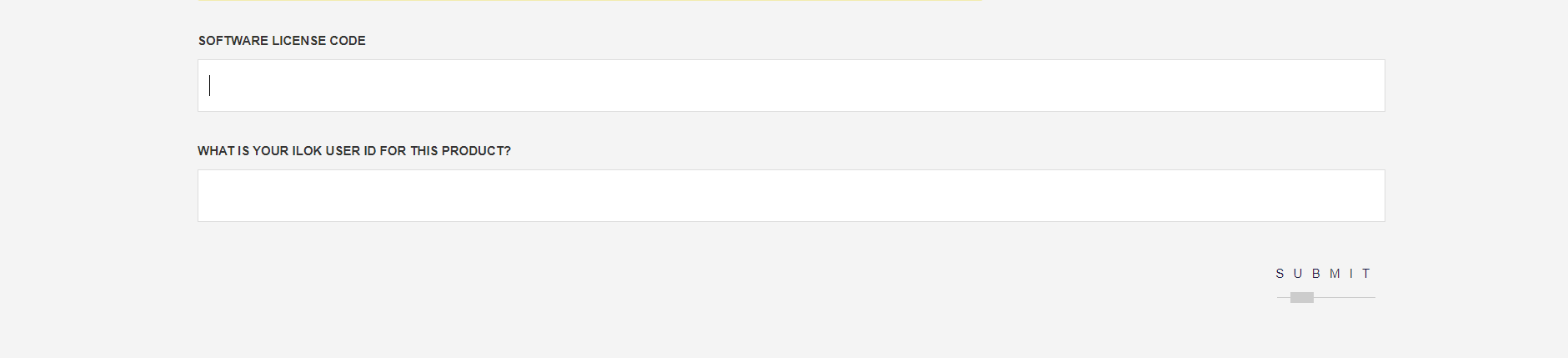
3. Enter your license code found in your Plugin Boutique User Account as well as your iLok ID > Click SUBMIT

SSL Software Installation

1. Go to https://solidstatelogic.com/ssl-download-manager or click DOWNLOAD in your Plugin Boutique User Account

2. Click either macOS or Windows to download the installer (Linux versions available here)

3. Double-click installer > Follow the on-screen instructions to install

4. Open SSL Download Manager

5. Locate Harrison Multi Band Compressor > Click Install

6. Open your DAW > Scan for plugins

7. Click Activate

8. Click Skip

9. Enter your iLok account details > Click Next

10. Select 'Harrison Multi Band Compressor' > Click Next

11. Select an activation location > Click Next

12. Click Continue

13. Open the plugin in your DAW

Your plugin is now installed and ready to use. Enjoy!

Plugin Boutique Rewards

Discover the most rewarding loyalty programme among all plugin retailers.

  • Free Loopmasters Samplepacks
  • Discounts on products and courses
  • Extra Virtual Cash claimed immediately at checkout
Find out more

Follow us:

X (Twitter) Facebook YouTube Instagram
Logo Logo

Plugin Boutique Limited, Part of the Beatport Group LLC.

Copyright © 2011-2025 Plugin Boutique. All rights reserved