Log In
Free gifts available with your purchase
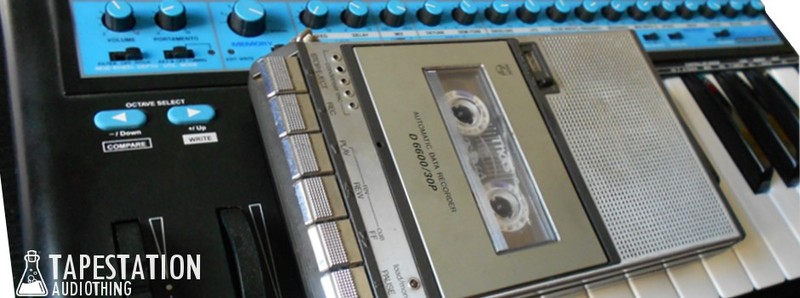
Synth Meets Tape
Important Note: This is a software instrument designed for the full version of the NI Kontakt engine, and is not a physical product!
What happens when a ’90s analog synth meets an ’80s tape recorder? We sampled a famous Analogue Bass Synth to tape using a new old stock cassette, and boxed it into a Kontakt Instrument. The original synth produced fat basses and sharp leads, but now the raw tape sounds and unstable pitch add perfect elements for “tron” like sounds. Each waveform (Sawtooth, Square, Pulse 5%) was sampled chromatically from C0 to C7 and each sample is more then 6 seconds long. In the custom Performance View a Saturation and Limiter Input Gain are added to the original synth’s parameters.
Features
- 2 Oscillators (Saw, Square, Pulse 5%)
- 12-24dB/oct filter
- 1 LFO (Random, Saw, Triangle) for Pitch and Cutoff
- 2 Envelopes
- 24 Factory Presets
- 24 User Presets (save function within the Kontakt GUI)
- 255 Samples (44.1Khz / 24Bit)
- Size: 200 MB
- Formats: Kontakt and WAV
System Requirements
- The full version of Kontakt 4.2.4 or higher is required to run this instrument
Important note: The full version of Kontakt 4.2.4 or higher is required to run this software.