


Save $127.00 compared to buying products individually
Buy Sound Design Starter Pack, get a free gift with purchase:
The Sound Design Starter Pack features BEAM, Volt, Fractals and Aura.
BEAM
Creative Effects Playground
BEAM is a modular effects playground filled with a growing collection of cutting-edge effects to transform your sounds. Use any Lunacy effect directly in BEAM to sparkle your keys, spice up your vocals, reshape your drums, and launch your synths into outer space.
Features
- 300+ Global Presets: Crafted by leading sound designers from across the globe, including designs from Venus Theory, J.Views, Dash Glitch, Databroth, Alckemy Neuro, and more.
- 200+ Impulse Responses: A collection of impulse responses ranging from otherworldly halls to synthetic textures. Wrap your sound in metal chains or a vast ambient space.
- 150+ Node Presets: Dial sounds in fast with dedicated sub-preset browsers for effect nodes and modulators.
- 4 Standalone Effects: Every module in BEAM can be used as a standalone plugin. BEAM automatically includes access to 4 of our standalone effects: Grains, Space, Filter, and Haze
- Deep Modulation: Harness 3 LFOs and a Macro control with a dedicated LFO preset browser and shape editor.
- Intelligent Preset Designer: Generate new presets from scratch with the click of a button using a proprietary probability cluster algorithm.
- Expanding Ecosystem: Easily power up BEAM with additional effects and preset packs. Any Lunacy effect can be loaded in the BEAM engine.
Learn more about BEAM
Volt
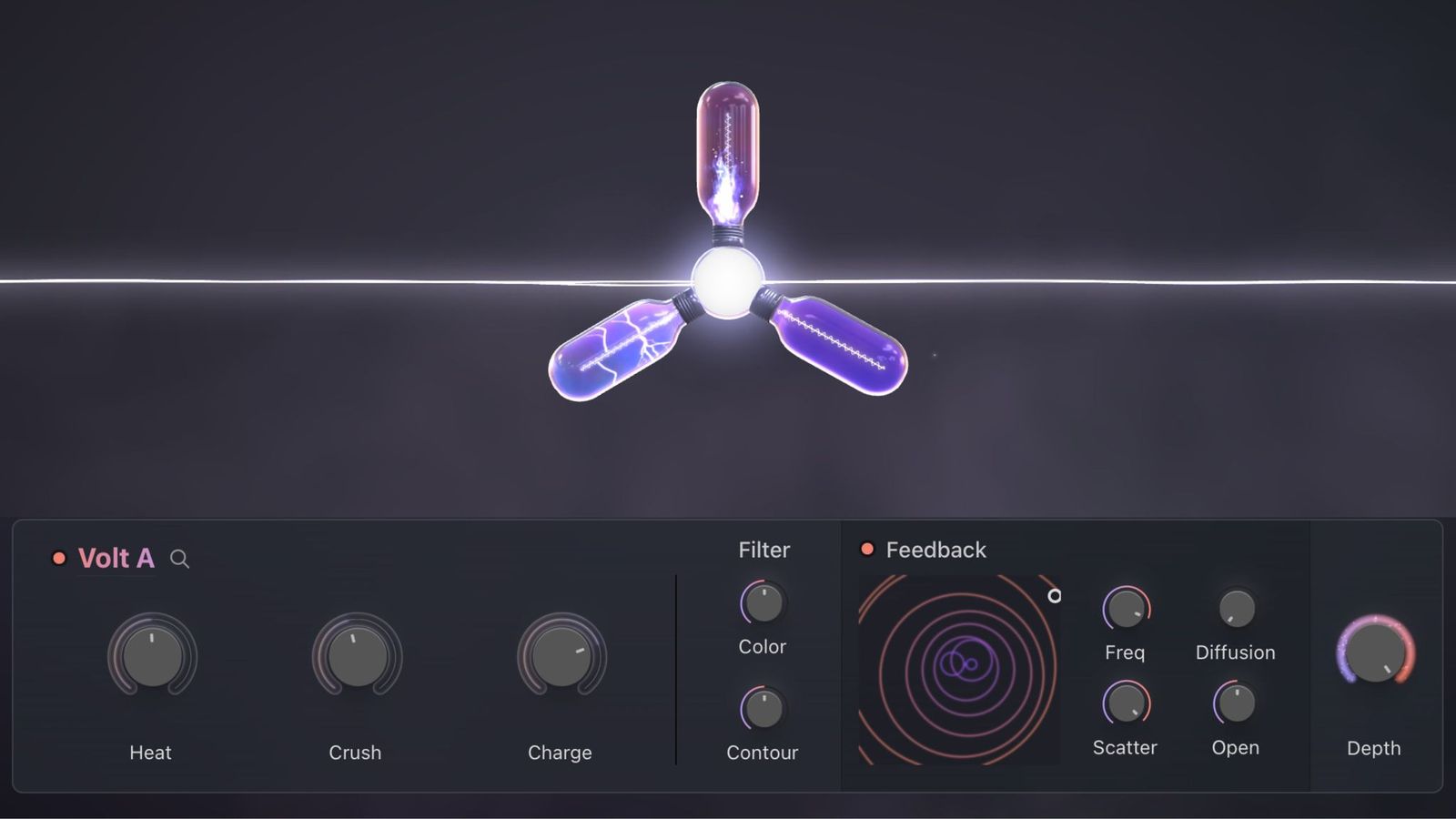
Resonant Analog Distortion
Volt is a creative 3-in-1 distortion module. Previously designed for the BEAM multi-effects engine, Volt, is now offered as a standalone effect plugin.
Combining analog-inspired saturation, multi-band compression, and digital bitshaping with a dynamic feedback delay network, Volt electrifies anything you plug into it. Add warmth, punch, and unpredictable resonances to any signal, from subtle tube-inspired drive to radical bitcrushing chaos.
The Feedback Delay Network in Volt integrates the Heat, Charge, and Crush effects into a dynamic feedback system inspired by the organic feedback resonance of guitar amplifiers.
- Use the Freq Knob to set delay times for each feedback line.
- Offset delay frequencies with Scatter for rhythmic or chaotic movement.
- Adjust Diffusion to control resonances and shape the timbre.
- The Open Knob lets you dial in the intensity of the feedback effect.
- Finally, the universal Depth Knob provides overall control of your distortion mix.
Combine these controls to take your sound in exciting new directions—from sculpting tight, controlled saturation to expansive, reverb-like resonances.
Features
- Volt Plugin: Use Volt as an audio plugin in VST, AU, and AAX formats compatible with all major DAWs.
- Volt in BEAM: For BEAM owners, access the Volt effect inside BEAM with the ability to use up to 3 Volt nodes in serial or parallel.
- 30 Volt Presets: Work faster with a collection of presets crafted by leading sound designers.
- 75 BEAM Presets: For BEAM owners, explore the “High Voltage” preset pack combining the Volt effect with all other BEAM effects.
Learn more about Volt
Fractals
Turn random to rhythm
Structure and art don’t have to be enemies. Harness the beauty of chaos with Fractals, a glitch preset expansion for BEAM, Lunacy’s effects playground.
Fractals includes 75 presets for BEAM and uses timeshaping to restructure incoming audio in beautiful, evolving ways. Every new pass opens up entirely new dimensions, shapes, and directions to take your sound, from glitchy trance gates to recursive audio patterns.
Features
- 75 Presets: A collection of glitchy trance gates, stutter pulses, and endless other recursive, standout audio patterns from Geoffrey Day, K/V, Dash Glitch, and other industry-leading preset designers.
Learn more about Fractals
Aura

Air. Motion. Color.
Transform any sound into radiant, immersive texture with Aura—a luminous preset expansion for BEAM crafted with layered reverbs, spacious delays, and gentle modulation.
Aura is designed to add depth, softness, and color—without introducing noise, distortion, or harshness. From dreamy vocal washes to delicate, ambient synths and guitars, these presets are perfect for ambient, cinematic, lo-fi, and genre-blurring productions.
Features
- 75 Presets: A signature collection of shimmering, expansive textures, playful color, and smooth, refined atmospheres.
Learn more Aura
- MacOS 10.15+ AU / VST3 / AAX (M1 / M2 recommended)
- Windows 10+ VST3 / AAX
- Supported by all major DAWs
- 8GB RAM required (16GB RAM recommended)
- At least 250 MB of free hard disk space
- Access to a stable internet connection for downloading and activating the product is required.
Registration
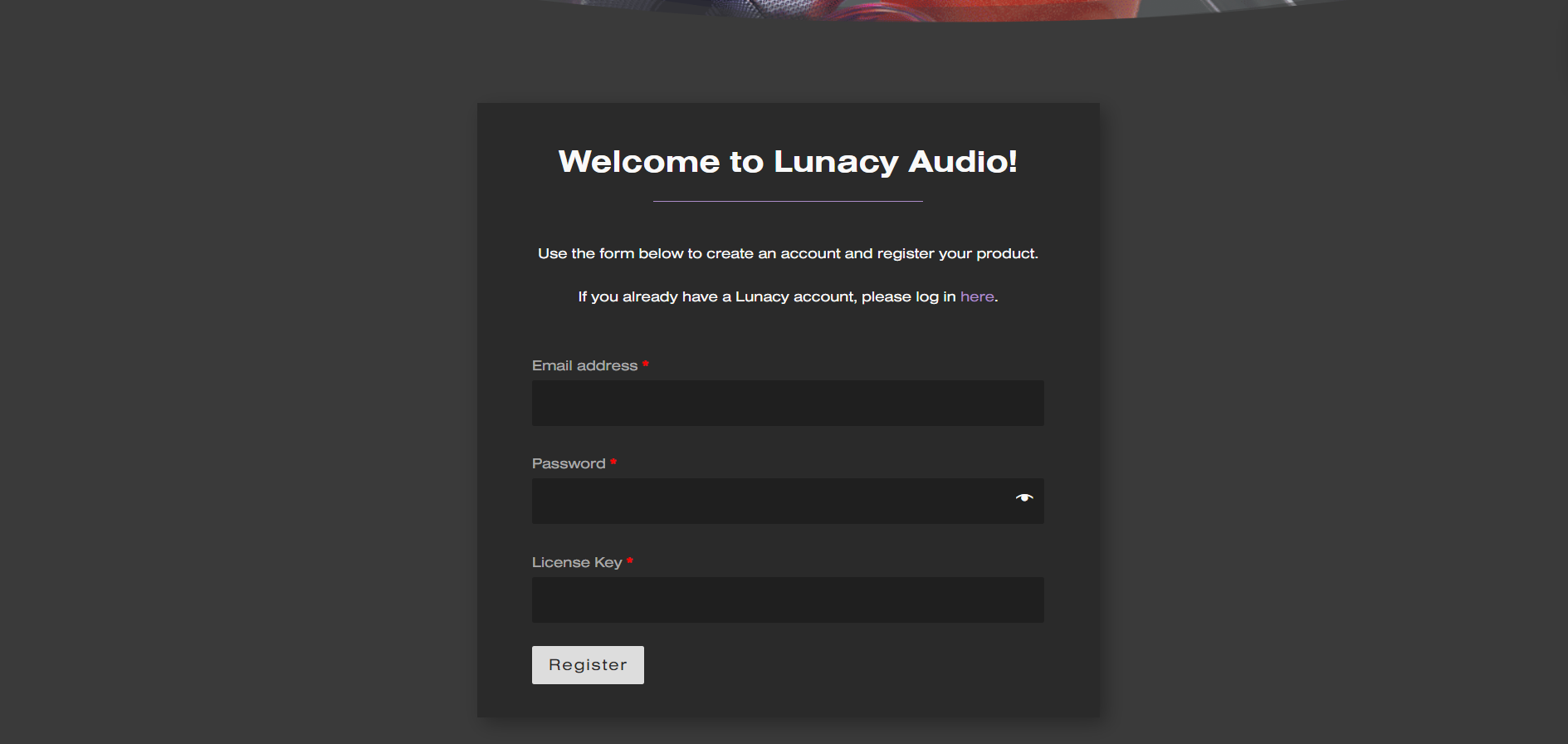
1. Go to https://lunacy.audio/register.
2. Enter your email address, the password you wish to use and your License Key which can be found in your Plugin Boutique User Account.
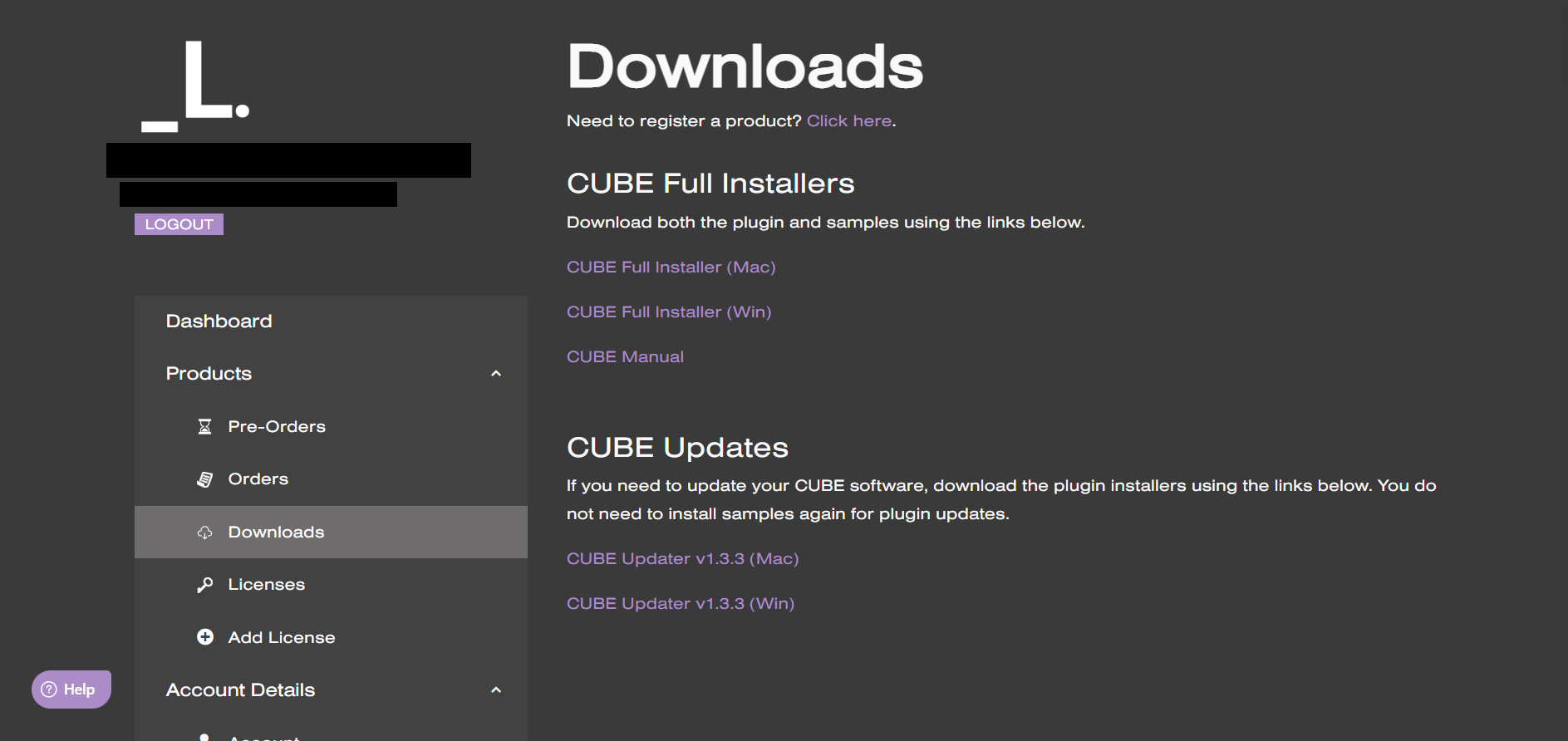
3. Download the relevant CUBE Full Installer.
Mac Installation
1. Download the installer from your Plugin Boutique user account and extract the zip folder.

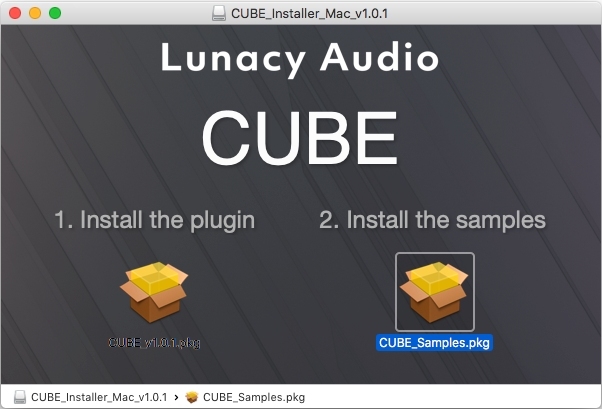
2. Run the "CUBE_Installer_Mac_v1.0.1.dmg" installer.
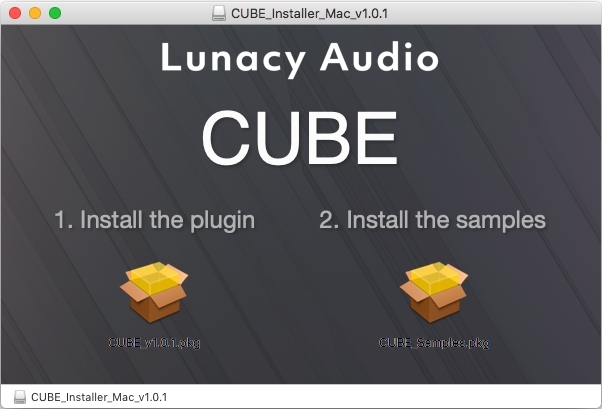
3. Run the left "CUBE_v1.0.1.pkg" under the heading "Install the plugin".
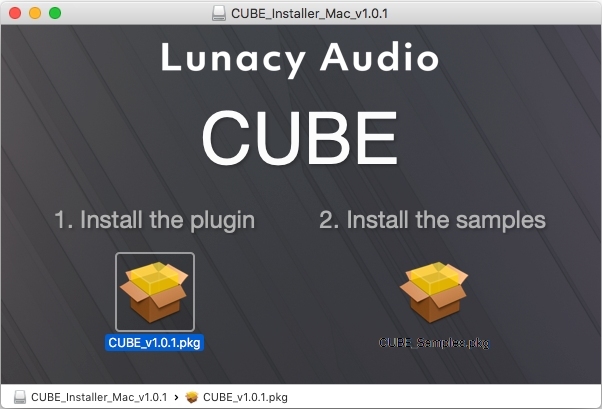
4. Click "Continue".
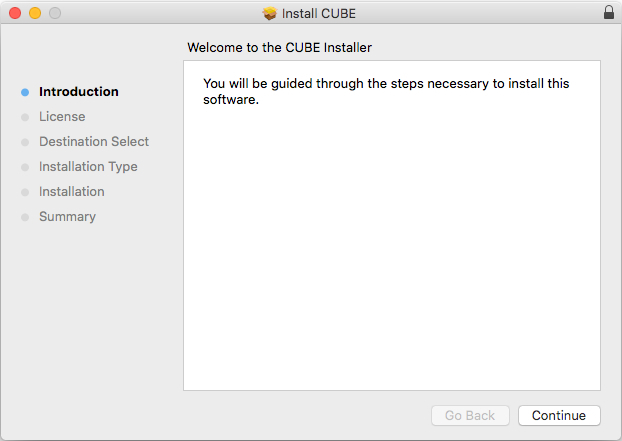
5. Click "Continue".
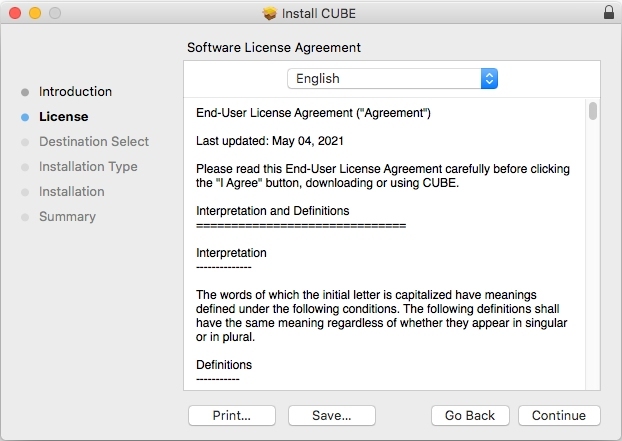
6. Click "Agree".
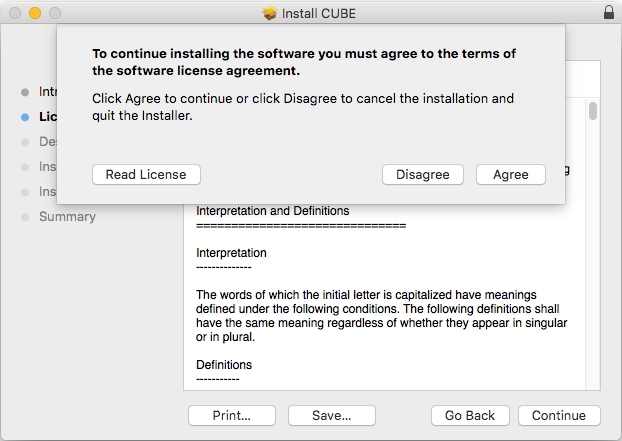
7. Click "Install".
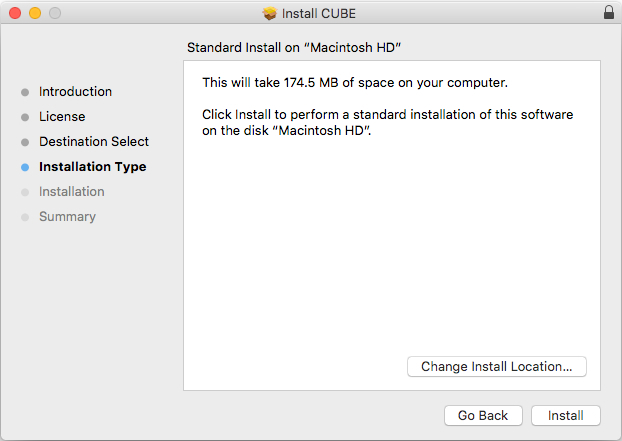
8. Click "Close".
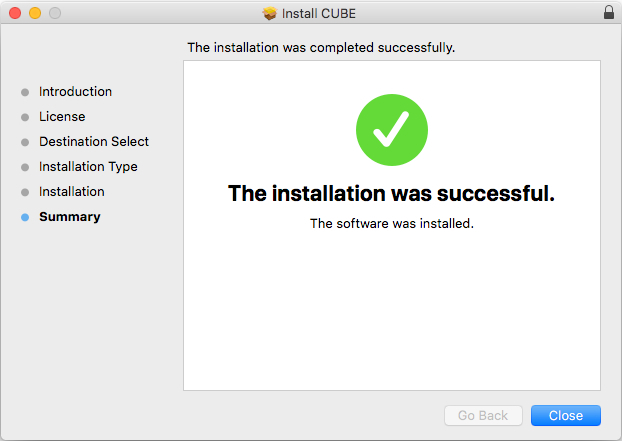
9. Run the right "CUBE_Samples.pkg" under the heading "Install the samples".
10. Click "Continue".
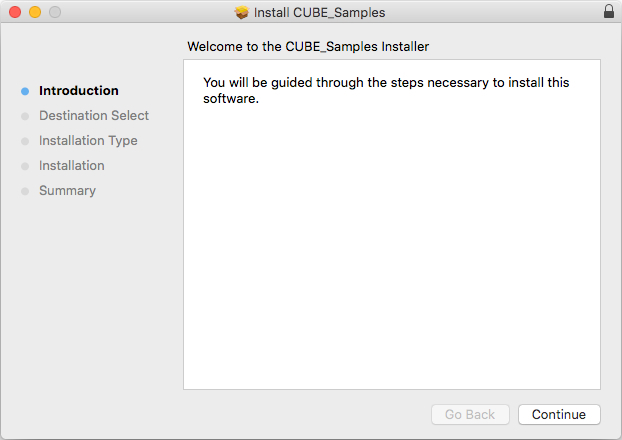
11. Click "Install".
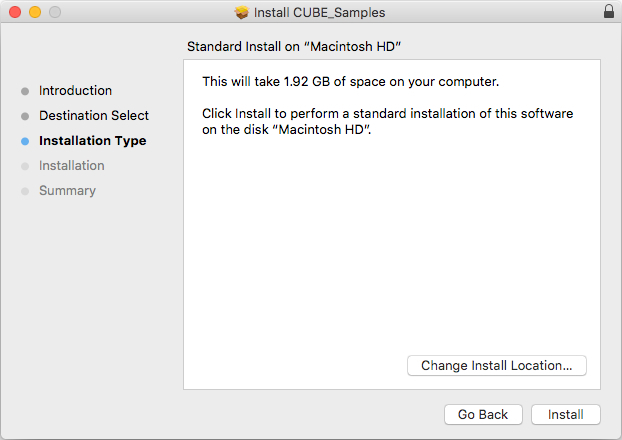
12. Click "Close".
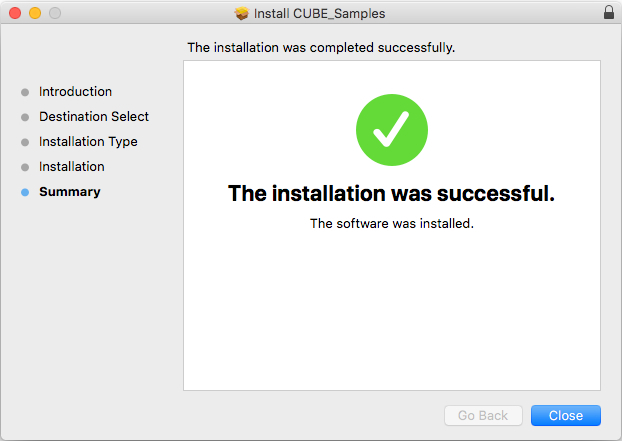
13. Launch your DAW and create a new stereo instrument track, then insert CUBE onto the channel.
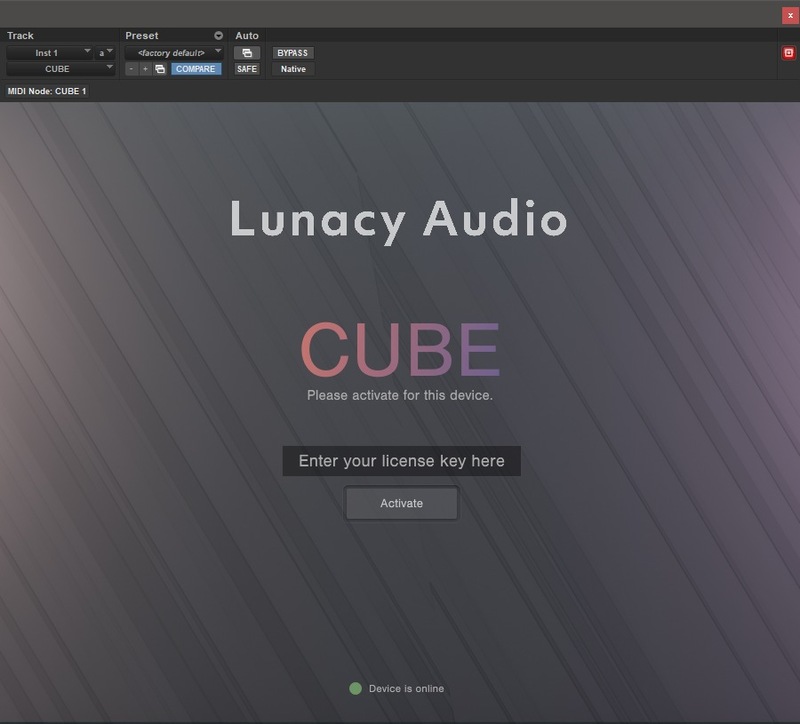
14. Enter your 20 digit serial code. This can be found on your My Account page. Make sure to include the first 4 letters. Then click Activate.
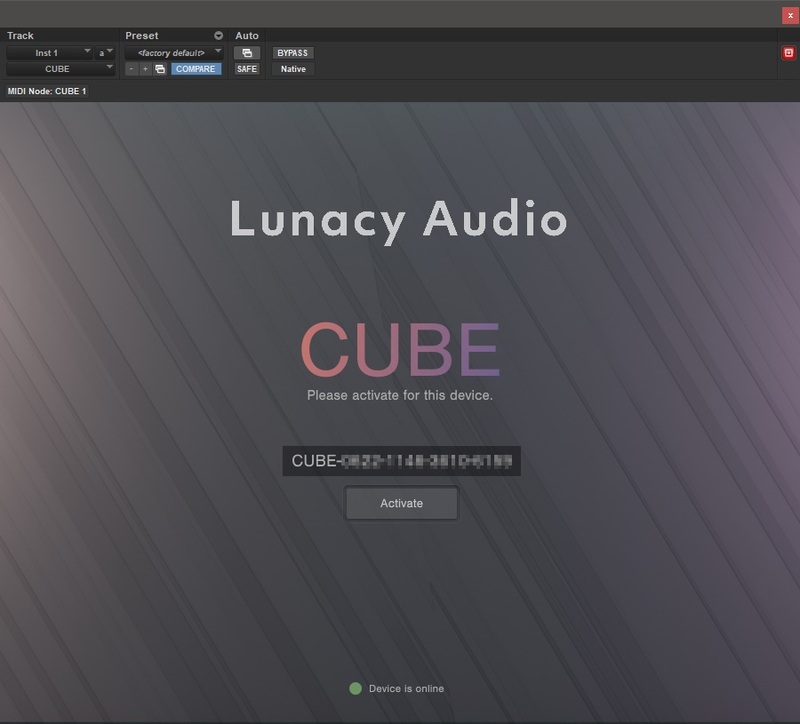
Your software is now activated and ready to use.
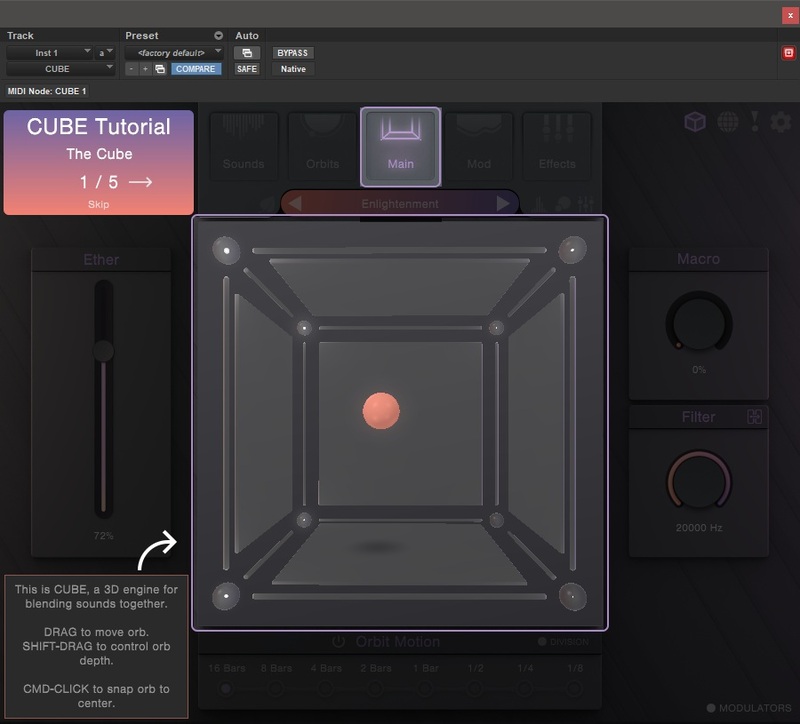
Windows Installation
1. Download the installer from your Plugin Boutique user account and extract the zip folder.
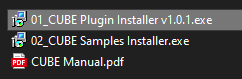
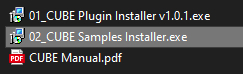
2. Run the first installer "01_CUBE Plugin Installer v1.0.1.exe".
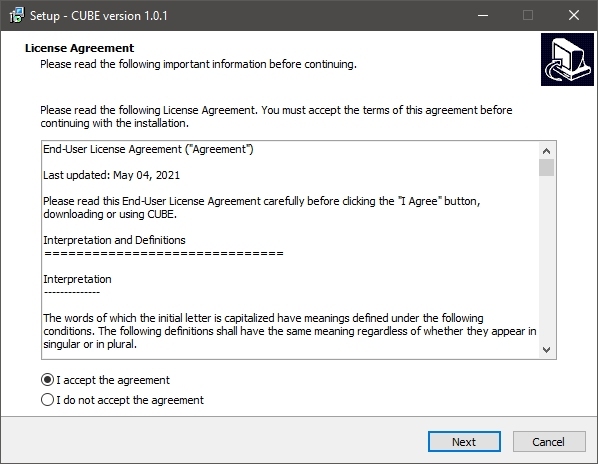
2. Click "I accept the agreement", then click "Next".
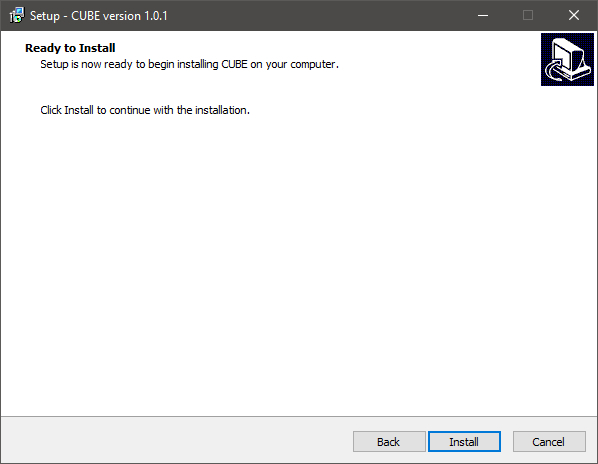
3. Click "Install".
4. Click "Finish".
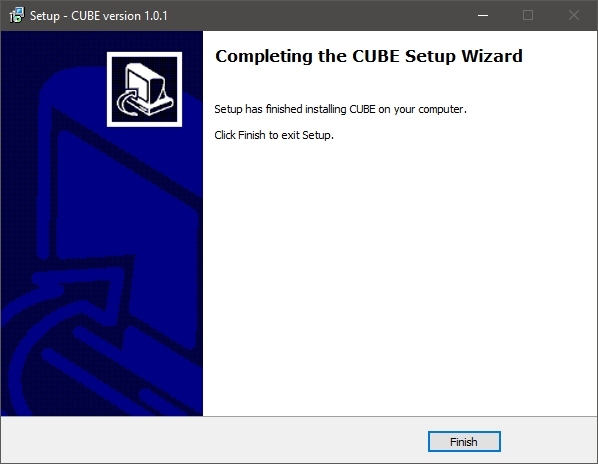
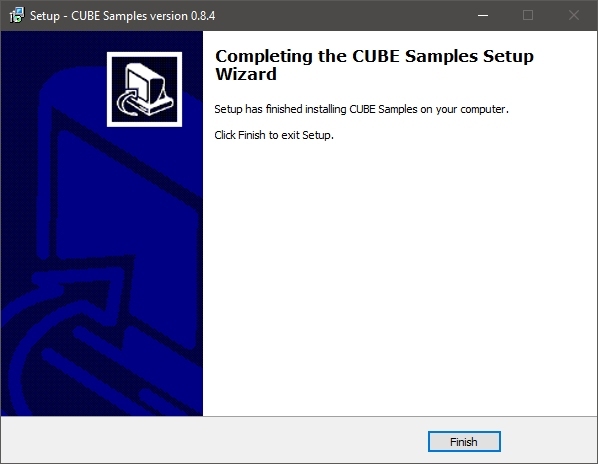
5. Now run the second installer "02_CUBE Samples Installer.exe".
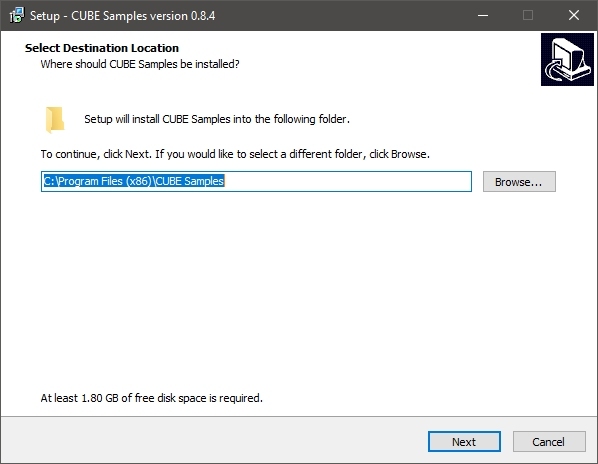
6. Click "Next".
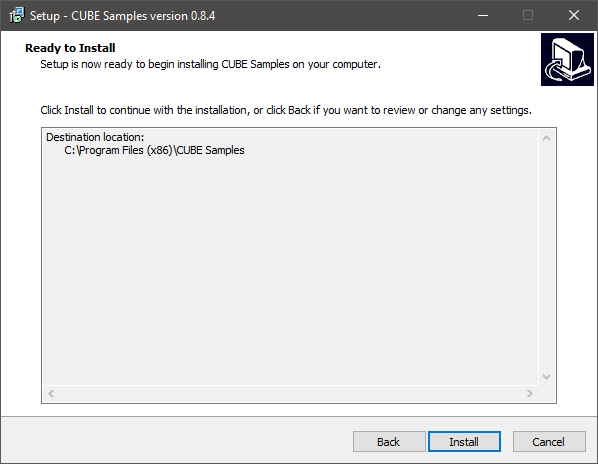
7. Click "Install".
8. Click "Finish".
9. Launch your DAW and create a new stereo instrument track, then insert CUBE onto the channel.
10. Enter your 20 digit serial code. This can be found on your My Account page. Make sure to include the first 4 letters. Then click Activate.
Your software is now activated and ready to use.


