/ Amp Simulator / AmpKnob BDE 120
Bogren Digital

AmpKnob BDE 120

$49.00
Bogren Digital AmpKnob BDE 120- Banner
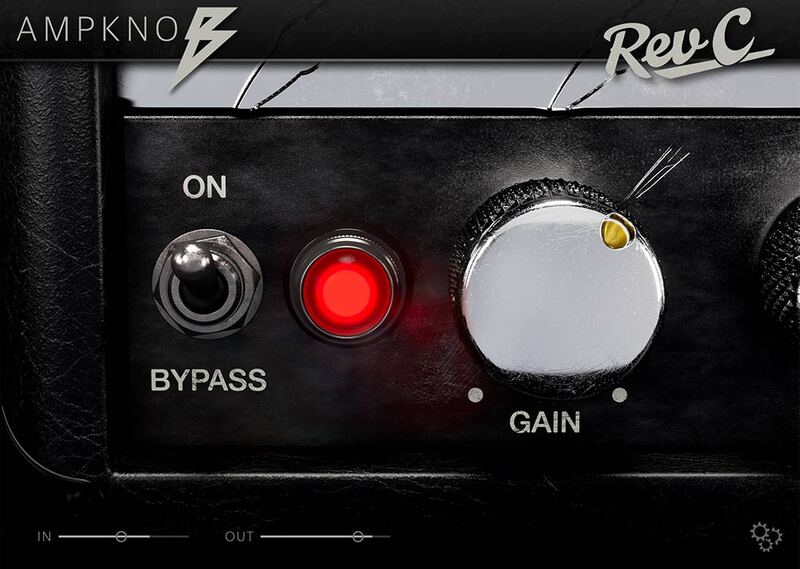
Bogren Digital AmpKnob BDE 120 - GUI
Buy Now
Product information


The Ampknob BDE 120 plugin is inspired by an amp powerhouse designed for pure, unapologetic aggression. Known for its raw bite, fast response, and massive low end, this amp has been the backbone of extreme metal for decades. In Ampknob BDE 120, you have two distinct high-gain channels, a tight boost pedal, and two matched cabs (Modern and Vintage) engineered to sit instantly in the mix.


Features

  • Hallmark German high-gain tones
  • Based on a powerhouse that has become one of the pillars of extreme metal
  • Engineered to perfection by Jens Bogren
  • Two switchable channels for increased tonal range
  • Built-in boost pedal, for incredibly high levels of gain
  • Modern and Vintage perfectly matched cabs: professional tone in seconds
  • IR loader for personalizing your sound
  • Includes IRDX technology for vivid, dynamic speaker response
  • Customizable gate for effortless noise control
  • Built-in riff recorder – capture inspiration without opening your DAW
  • Practical Tuner and Metronome tools
  • Works in all major DAWs (AU, VST3, AAX), and as a standalone app
System Requirements
  • Available in VST3, AU, AAX, Standalone formats
  • Windows 10 or newer
  • macOS 10.13 or newer (Intel and silicon native)
Installation Instructions

Note: AmpKnob RevC is used as an example.

Mac

Installation

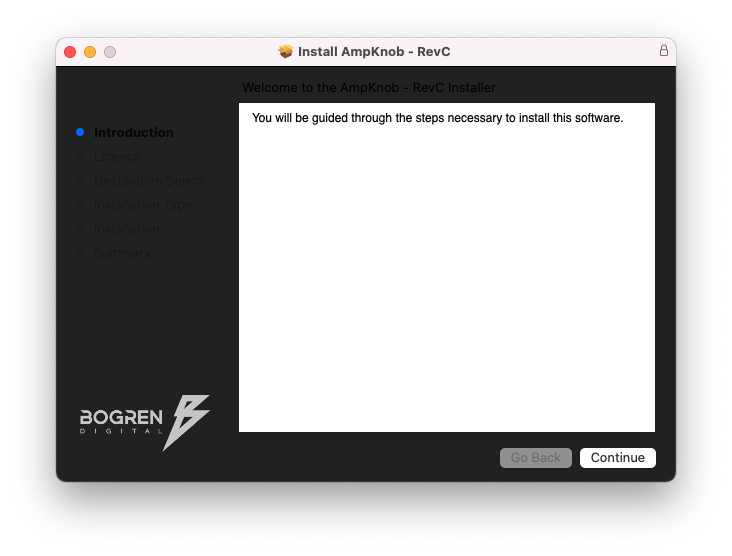
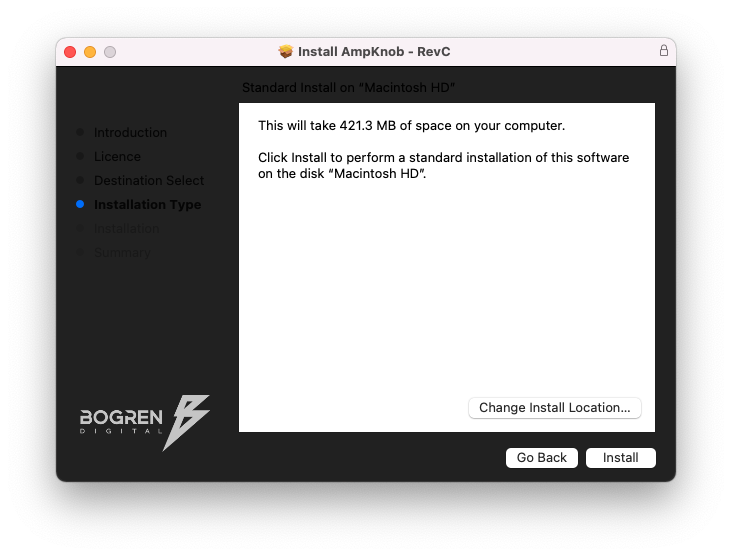
1. Download the .zip folder from your Plugin Boutique User Account > Double-click it to open and extract the installer file > Launch the installer file.

2. Click 'Continue'.

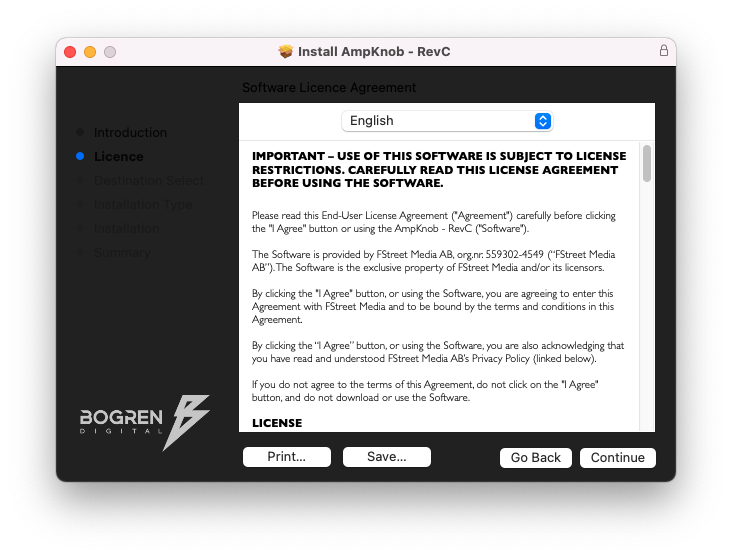
3. Click 'Continue'.

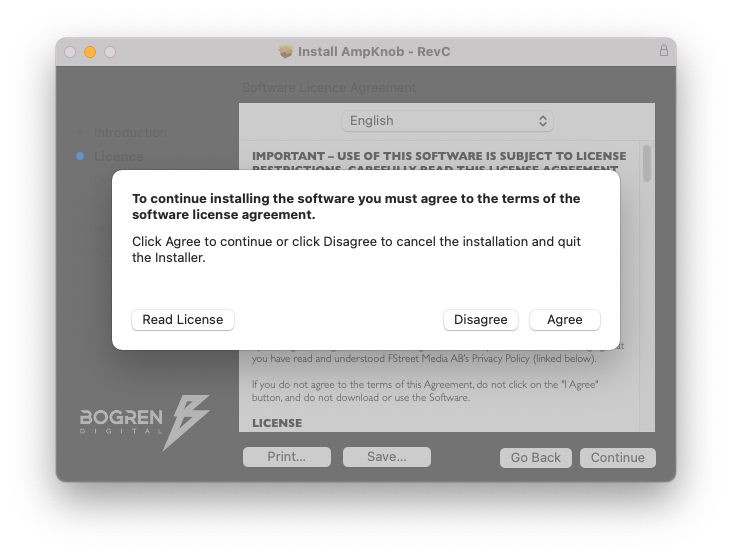
4. Click 'Agree'.

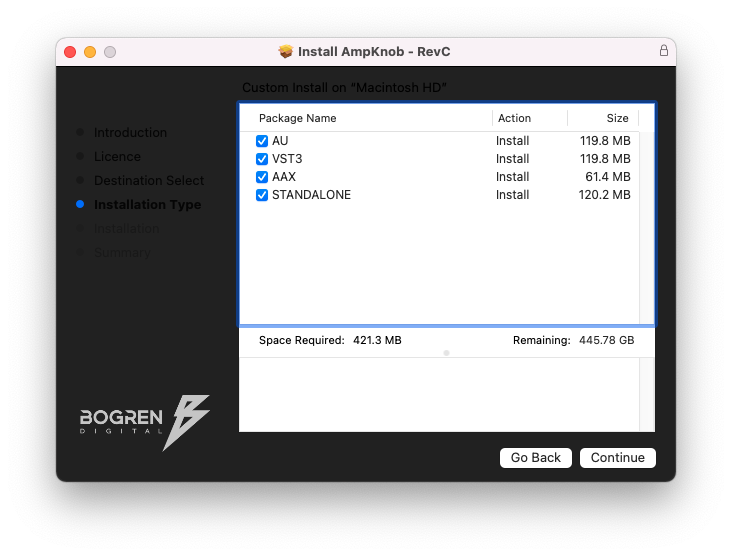
5. Select the appropriate installation types > Click 'Continue'.

6. Click 'Install'.

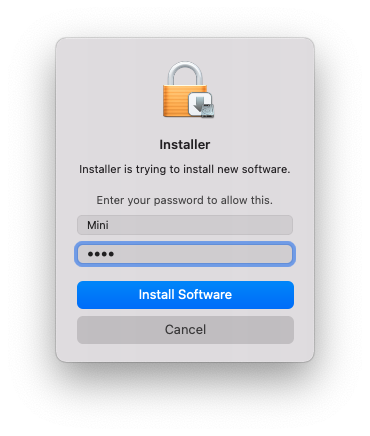
7. Enter your system password > Click 'Install Software'.

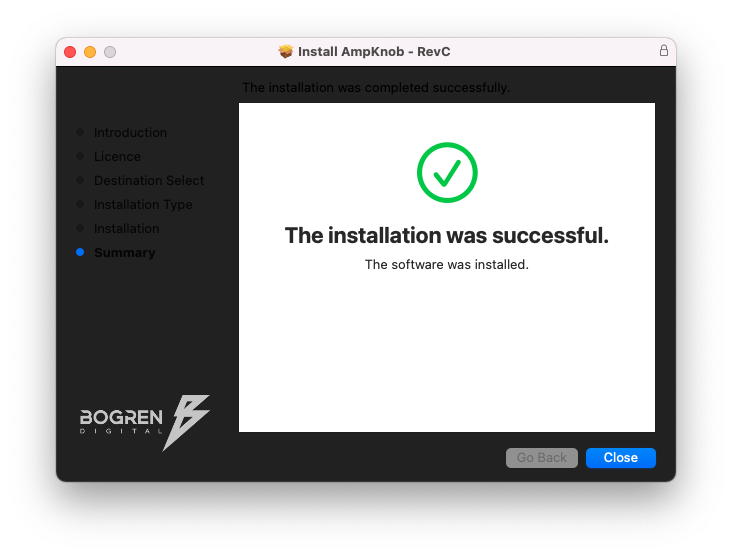
8. Click 'Close'.

Activation

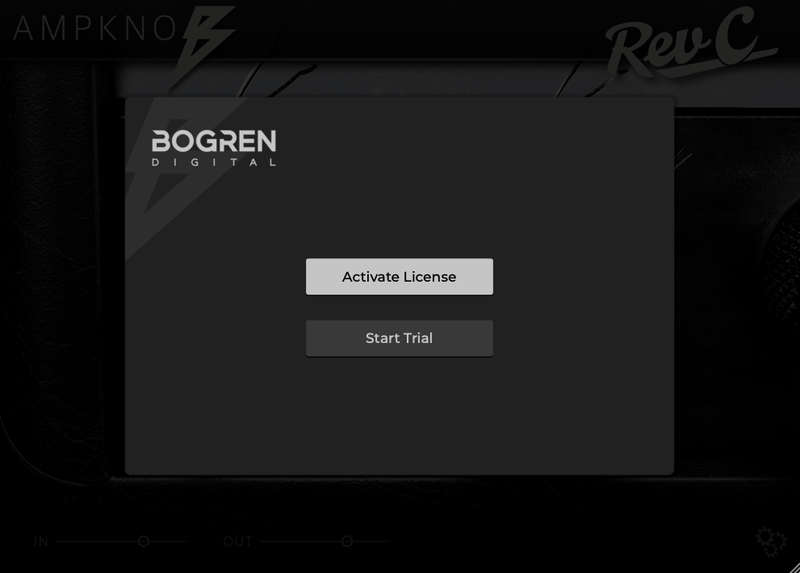
1. Launch your DAW and insert AmpKnob on a new track > Click 'Activate License'.

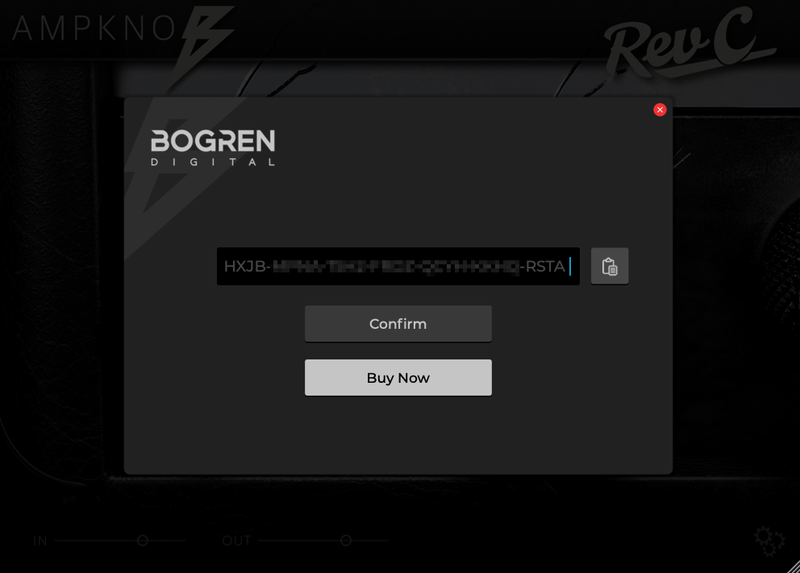
2. Enter your serial number found within your Plugin Boutique User Account > Click 'Confirm'.

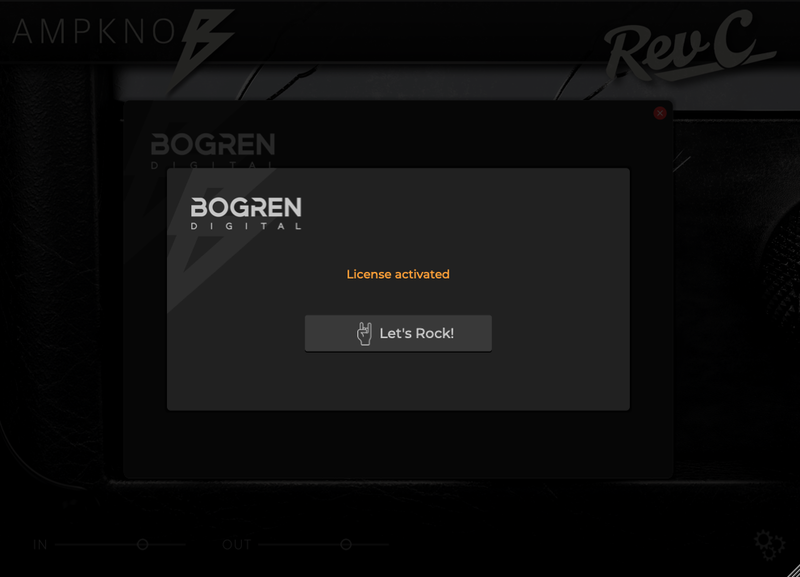
3. Click 'Let's Rock!' to close the activation window.

Your software is now installed and ready to use.

Windows

Installation

1. Download the .zip folder from your Plugin Boutique User Account > Double-click it to open and extract the installer file > Launch the installer file.

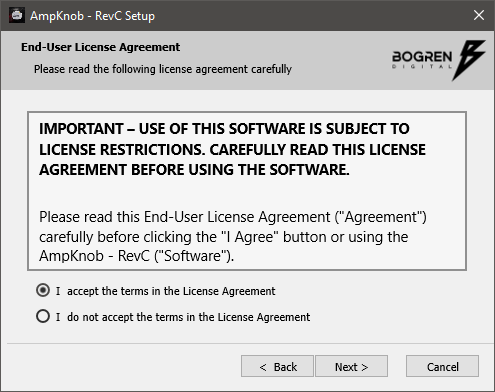
2. Accept the License Agreement > Click 'Next'.

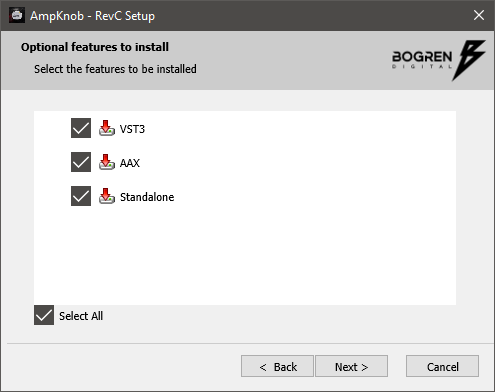
3. Select the appropriate installation types > Click 'Next'.

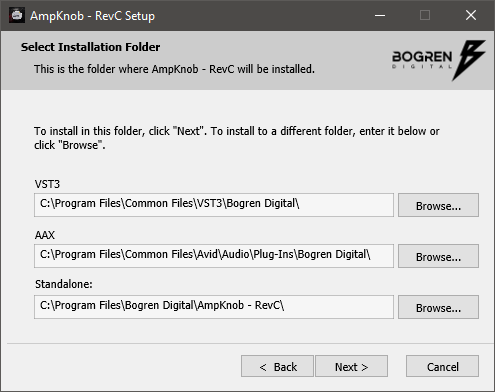
4. Select the installation location (default is recommended) > Click 'Next'.

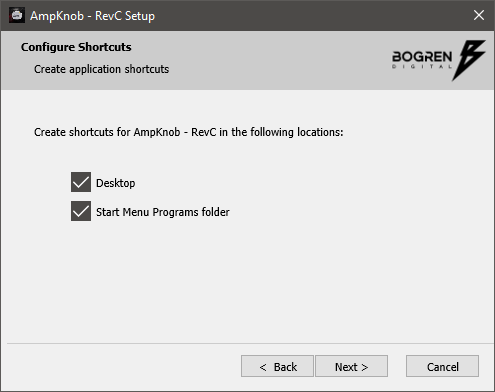
5. Click 'Next'.

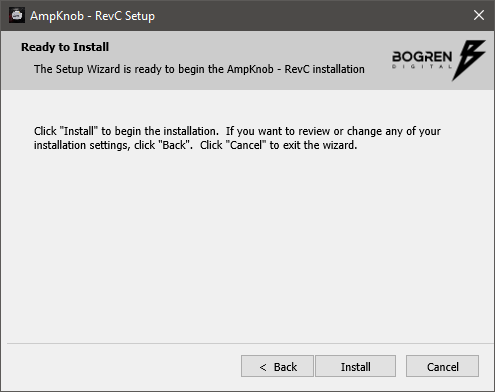
6. Click 'Install'.

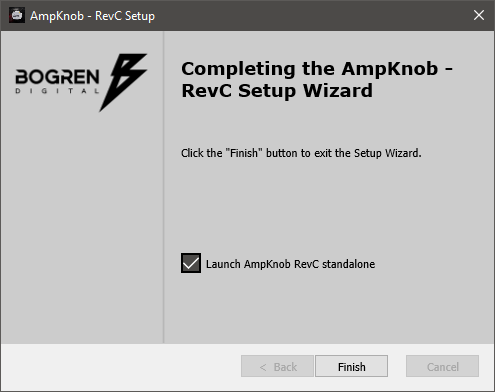
7. Click 'Finish'.

Activation

1. Launch your DAW and insert AmpKnob on a new track > Click 'Activate License'.

2. Enter your serial number found within your Plugin Boutique User Account > Click 'Confirm'.

3. Click 'Let's Rock!' to close the activation window.

Your software is now installed and ready to use.

Bundle & Save

Modern Ampknob Bundle
$98.00

Plugin Boutique Rewards

Discover the most rewarding loyalty programme among all plugin retailers.

  • Free Loopmasters Samplepacks
  • Discounts on products and courses
  • Extra Virtual Cash claimed immediately at checkout
Find out more

Follow us:

X (Twitter) Facebook YouTube Instagram
Logo Logo

Plugin Boutique Limited, Part of the Beatport Group LLC.

Copyright © 2011-2026 Plugin Boutique. All rights reserved