


 Log In

Free gifts available with your purchase
Product information
Creative Multi-Algorithm Reverb. VST, AU and AAX.
XenoVerb is a versatile reverb processor featuring both classic and creative reverb algorithms delivering a wide range of reverbs with a clean and simple interface.
13 Reverb Algorithms
- ROOM: A flexible room algorithm useful to create classic environments ranging from small studios to large dancing clubs.
- ROOM B: A smoother revision of the ROOM algorithm.
- HALL: A classic yet versatile hall reverb ranging from small concert venues to huge canyons. The smooth reflections and soft building tail are beautiful on pianos, drums and vocals.
- LARGE HALL: A bright large hall inspired by late ‘80s Japanese studio reverbs. The smooth tail works like a charm on drums, vocals and synthesizers.
- PLATE 1: A simplified version of a classic plate algorithm found in late ‘70s hardware processors.
- PLATE 2: An extended version of a classic plate algorithm found in late ‘70s hardware processors. Very smooth, great on vocals, drums and pads.
- PLATE XL: A huge and dense plate algorithm with a pitch shifting vibrato as modulator. Perfect for ambient synths, pads, guitars and vocals.
- SPRINGY: A fully algorithmic spring tank reverberator. Dirty, ringing and metallic, great on guitars and to add sparkle to synth and percussions.
- GLASS (FDN): A modern highly diffusive and transparent reverb. This versatile algorithm can be used on any source material and can range from small ambiences to outer world spaces.
- FLOW: A lush, smooth, hugely diffusive creative reverb based on the ‘90s hardware processors, where a lot of allpass blocks were used to create dense late reverberation. The result is a lush, soft building reverb, great for pads, guitars, voices and creative sound design.
- SHIMMER: A smooth reverb with a dual pitch shifter in a feedback loop creates an evolving harmonizing soundscape. That’s a classic effect pioneered by Eno, Lanois and U2’s The Edge.
- BODE: A weird sound design oriented algorithm made by placing a frequency shifter in the reverb feedback loop. Useful to create metallic resonances and drones.
- FORMANT: A creative reverb algorithm featuring a formant filter before the reverb tank.
Features
- 13 Reverb Algorithms: Room, Room B, Hall, Large Hall, Plate 1, Plate 2, Plate XL, Springy, Glass, Flow, Shimmer, Bode, Formant
- Over 250 presets
- Pre Delay
- Diffusion
- Modulation
- Tone Control
- Reverb Freeze / Loop
- Limiter
System Requirements
PC
- Windows 7 64bit or later
- Intel i5 or higher
- 2GB RAM
- Screen resolution: 1024×768
- VST2, VST3, AAX
- 64-bit only
Intel Mac
- OSX 10.13 or later
- Intel i5 or higher
- 2GB RAM
- Screen resolution: 1024×768
- VST2, VST3, AU, AAX
- 64-bit only
Silicon Mac
- macOS 11.0 or later
- Apple M1 or higher
- 2GB RAM
- Screen resolution: 1024×768
- VST2, VST3, CLAP, AU 64-bit host
- PT11 or higher, AAX 64-bit host
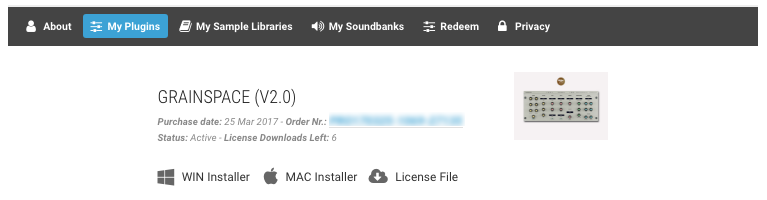
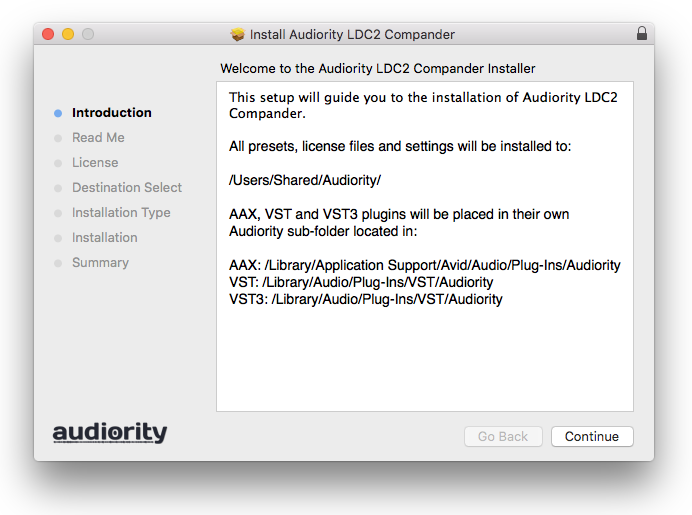
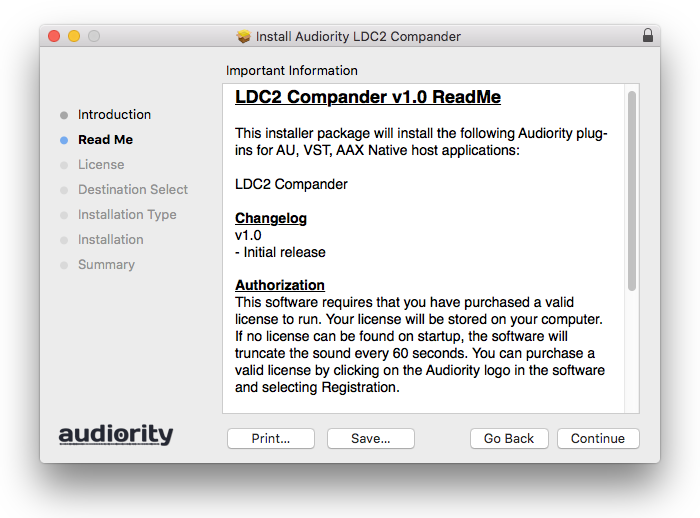
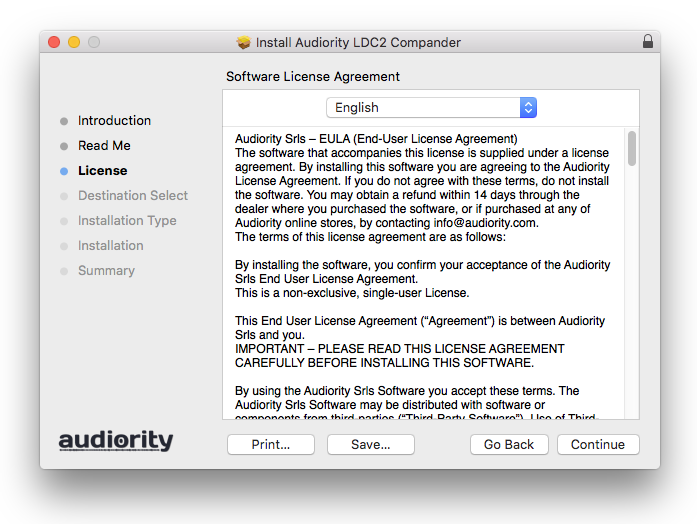
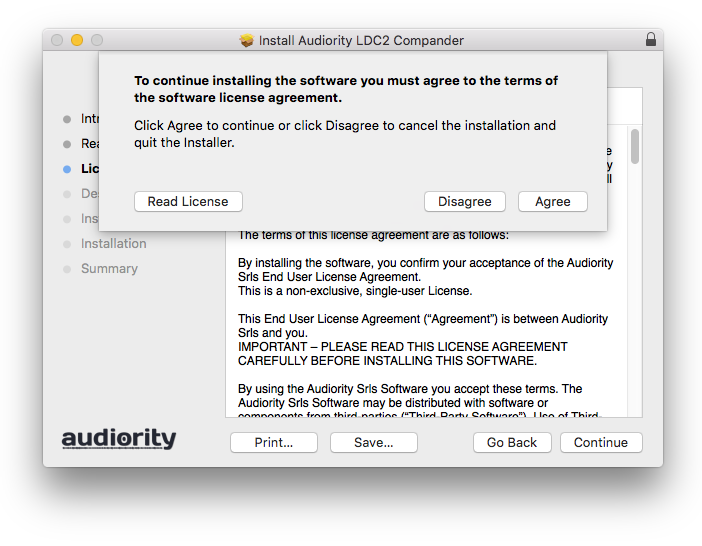
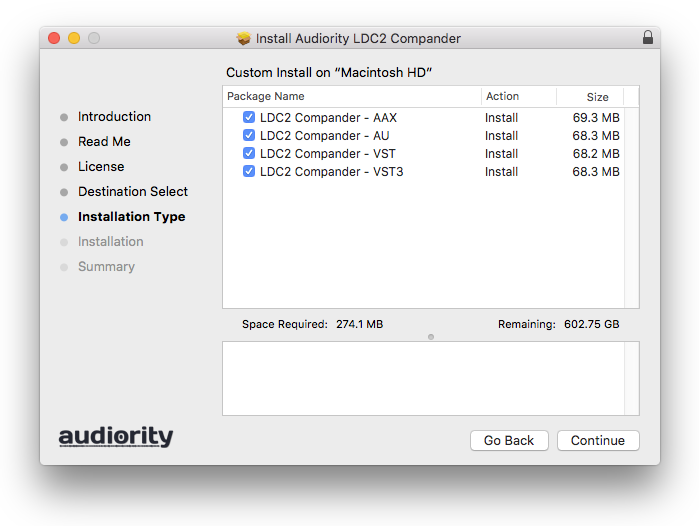
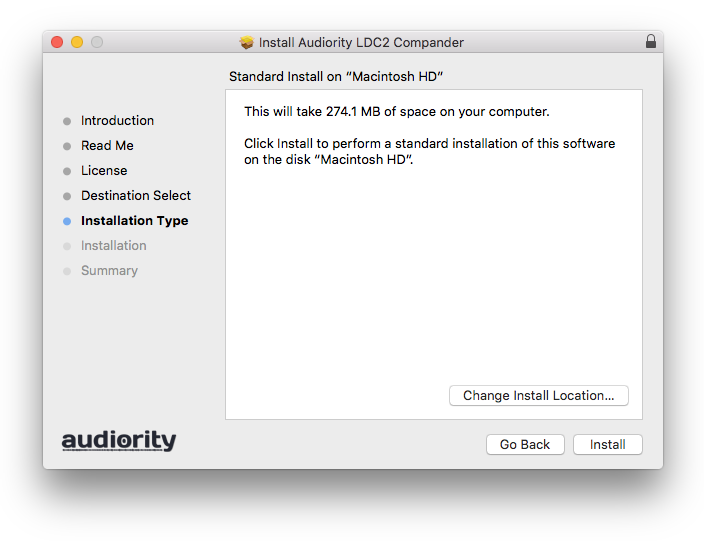
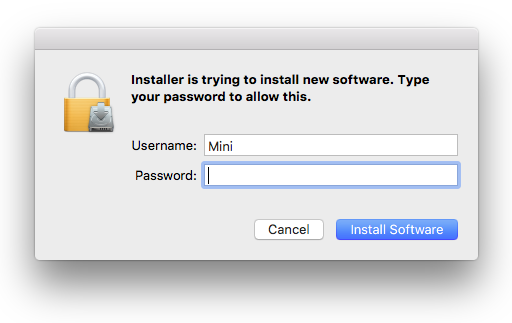
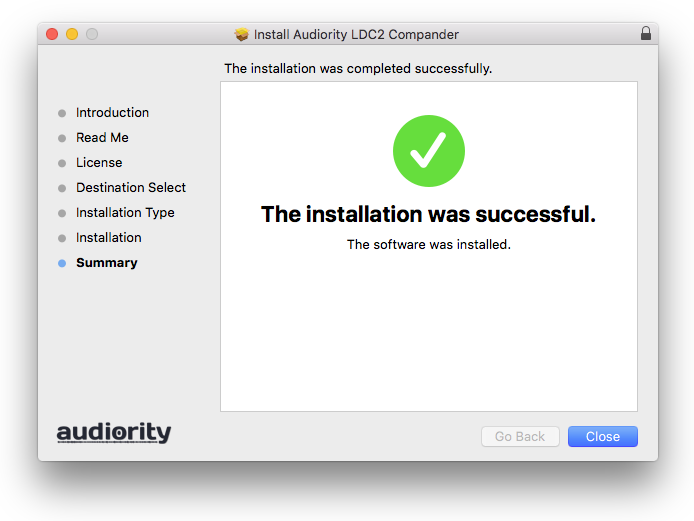
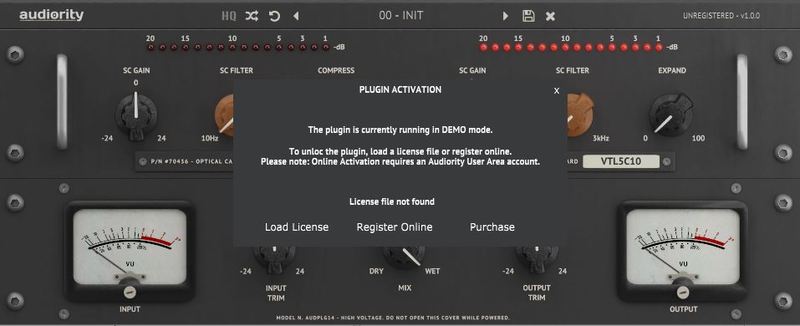
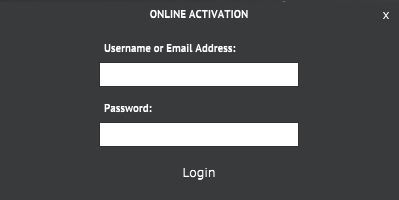
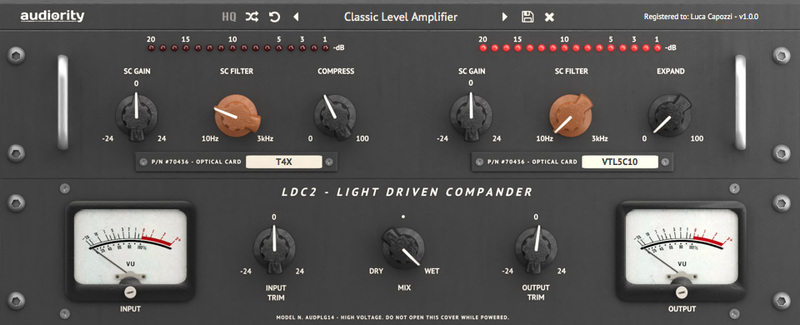
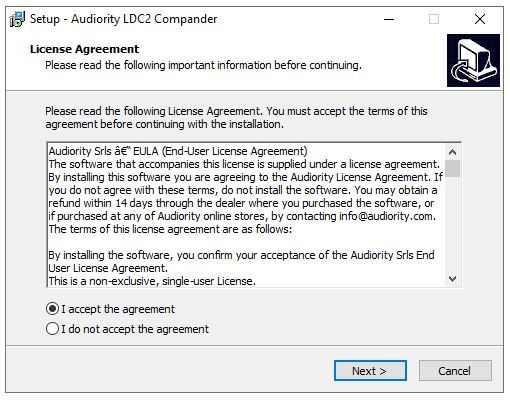
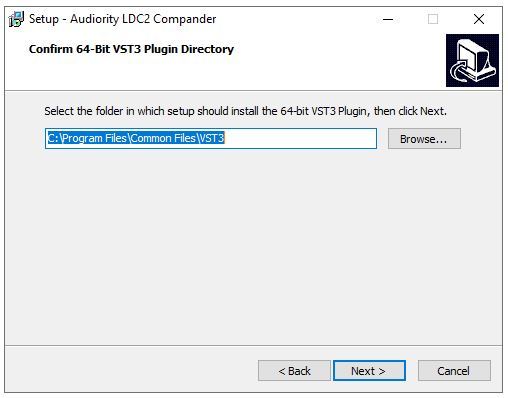
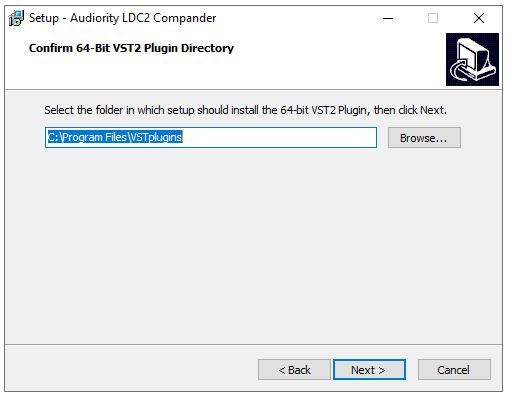
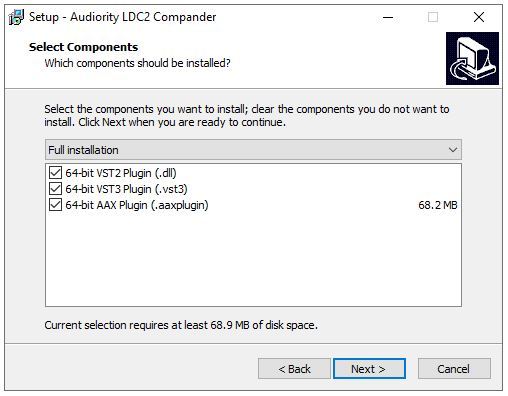
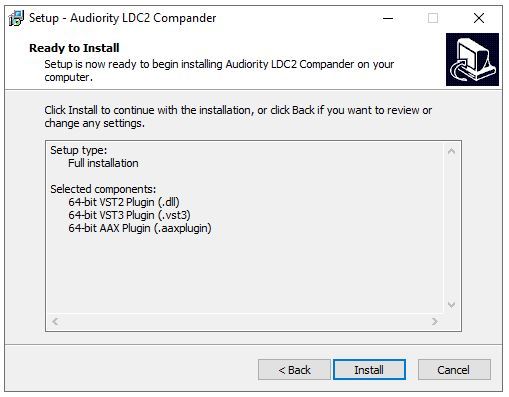
Installation Instructions


Customer Reviews
(4)


