


 Log In
Free gifts available with your purchase
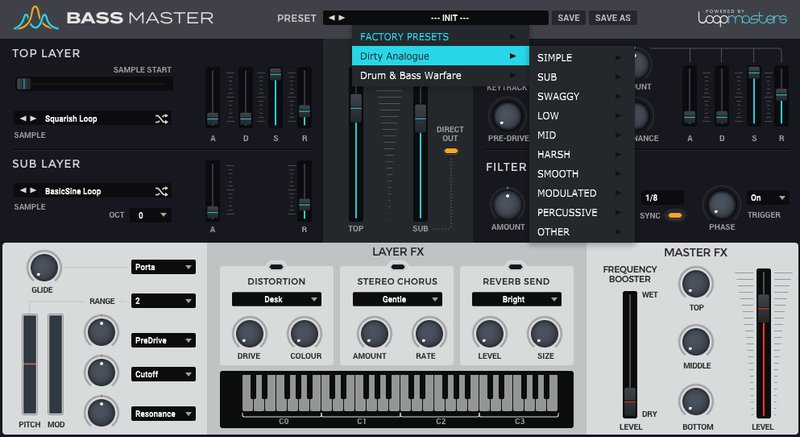
Loopmasters are proud to present Dirty Analogue, the latest expansion pack for Bassmaster - our very own sample-based bass synth built on our extensive and award-winning library of sonics! Within you’ll hear the direct end result of complex wav samples, recorded from vintage hardware synths and modern modular synthesiser modules, being processed through a mixture of hardware distortion pedals and being driven hard into analogue desks for a pure overdriven analogue feel.
Dirty Analogue brings you a massive host of new and customisable sonics to play with; including crunchy acid blips, fizzy mid-range basses, gut-wrenching drones, crushed subs and harmonic-rich Lows. This collection is a great addition to Bassmaster’s already top-drawer stock sounds that will enable you to layer gritty analogue overtones on top of your existing favourites.
Thanks to the diversity of the sounds available here, this expansion finds itself at home in a variety of contexts, not limited to DnB, techno, house, bass music or dark ambient!
In detail, expect to find 78 brand new driven waveforms, broken down into 21 complex sounds, 13 high bass sounds, 21 low bass sounds and 23 mid bass sounds. These are used to make up 105 brand new presets, broken down into 21 simple presets, 8 sub presets, 10 swaggy presets, 11 low presets, 9 mid presets, 18 harsh presets, 6 smooth presets, 13 modulated presets, 7 percussive presets and 2 miscellaneous presets.
Dirty Analogue for Bassmaster will step your synth parts up to the lofty heights of pure analogue bliss, so grab this one whilst it’s fresh!
Features
- 78 Waveforms
- 105 Presets
System Requirements
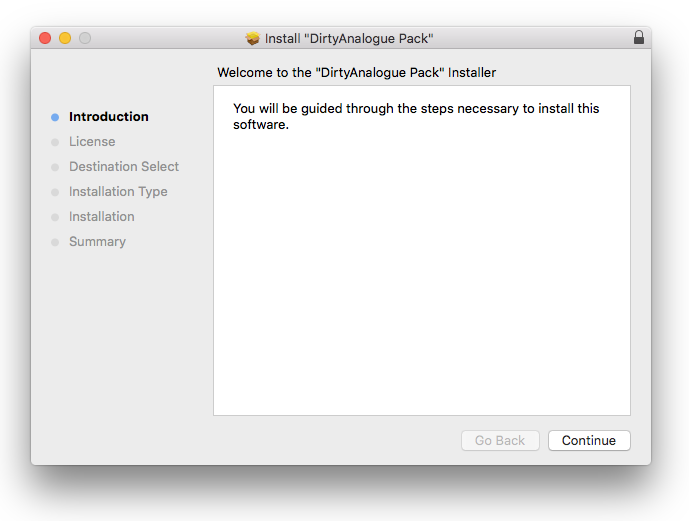
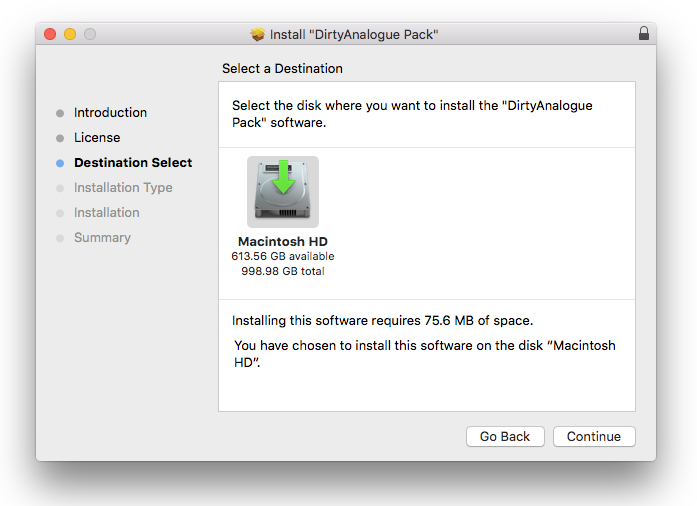
- Bass Master 1.1.3 is required to run this software.
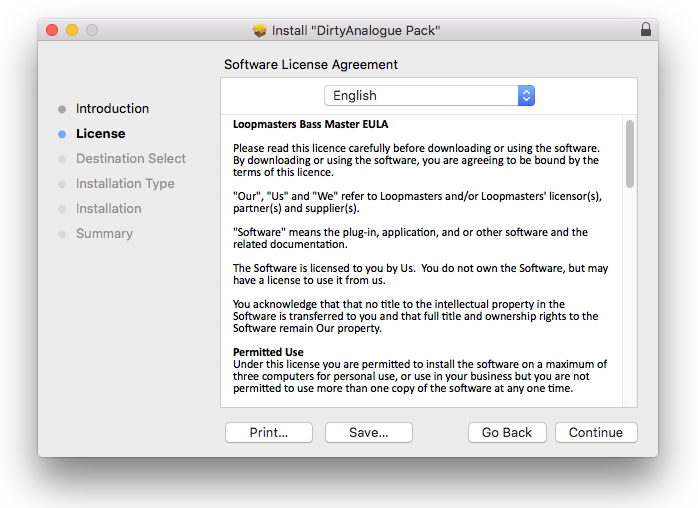
Important Note: Bass Master must be updated to at least version 1.1.3 in order to install the Bass Master expansion packs.
Reviews Summary
While it aims to provide a helpful overview, it may not capture every perspective or detail. We encourage you to read individual reviews to make an informed decision.
Customers highly praise the expansion pack for its top-quality, versatile sounds and abundant useful presets that are easy to tweak. While users find the audio content impressive and worth the investment, several reviewers note that the instrument is in need of software updates to improve operating system compatibility and prevent occasional crashes.


