


 Log In

Free gifts available with your purchase
Product information
Tuning with Cat-Ears
Blue Cat's Hot Tuna is a high precision chromatic tuner plug-in that can dim or mute the signal when active. The reference frequency can be adjusted to support any type of tuning. Hot Tuna is a very simple yet powerful plug-in: you can freely adjust the amount of dimming, an indispensable feature for live gigs!
The reference frequency can be changed (from 430 to 450 Hz), when non-standard tuning is required. Most of the processing is performed in the background so that the tuner does not impact the performance of the real-time audio engine of the host.
All in all, it is a very simple plug-in that will keep you safely in tune!
Features
- High precision tuner plug-in.
- Dim or mute the signal when active.
- Adjust the reference frequency from 430 to 450 Hz.
- Processing performed in the background, not impacting real-time audio.
Blue Cat Audio Standards:
- Available in most plug-in formats for Mac and Windows.
- Full MIDI control and automation support, MIDI Learn.
- No CPU load on idle: processing shuts down when fed with silence (optimal the CPU usage).
- Customizable user interface with transparency & zoom.
- Smooth Bypass: noiseless plug-in activation / deactivation.
- Undo/Redo.
- Full-featured integrated presets manager.
- Copy/paste the state of the plug-in between instances.
- Any sample rate supported.
System Requirements
Windows
- Windows Vista, Windows 7, 8 or 10 (32 or 64-bit)
- An SSE2-enabled processor (Pentium 4 or newer).
- Any VST / AAX compatible host software (32 or 64-bit).
Mac
- macOS 10.9 or newer (Intel or M1 Apple Silicon processor) (64-bit only)
- Any VST / Audio Unit / AAX compatible application (64-bit)
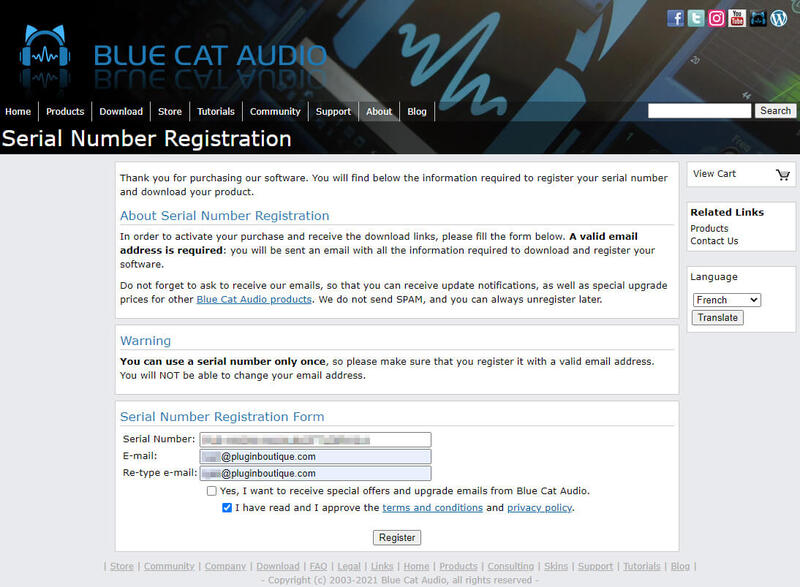
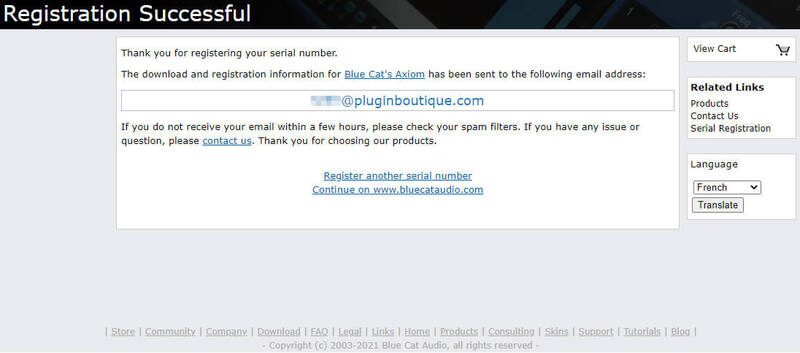
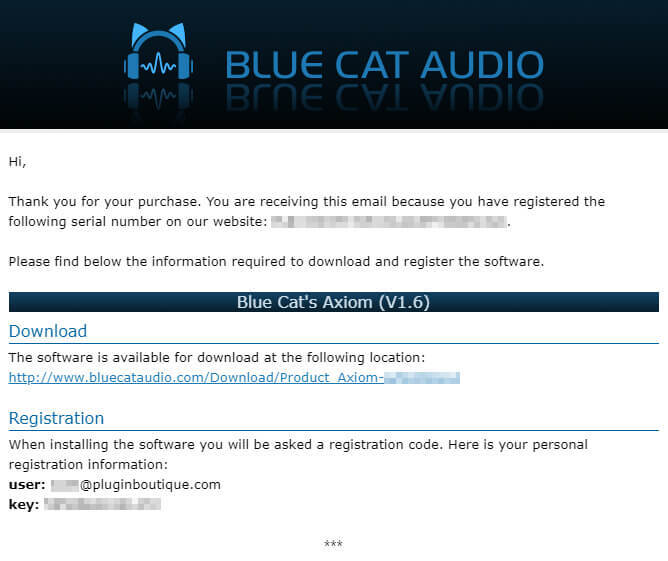
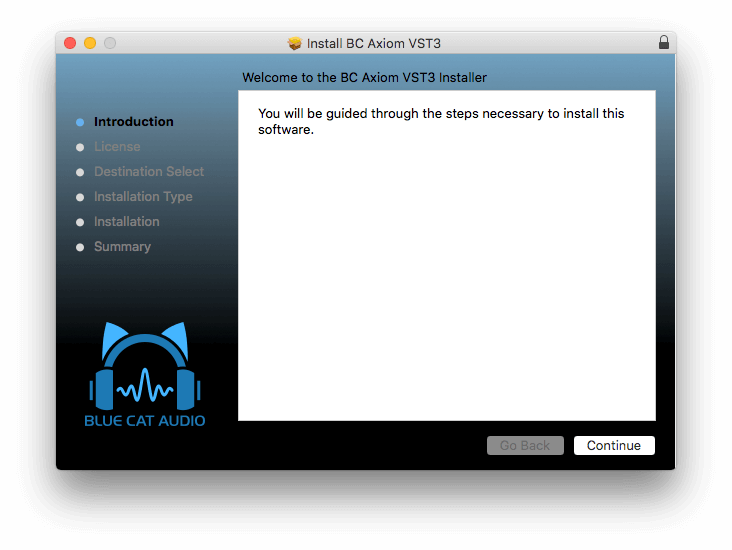
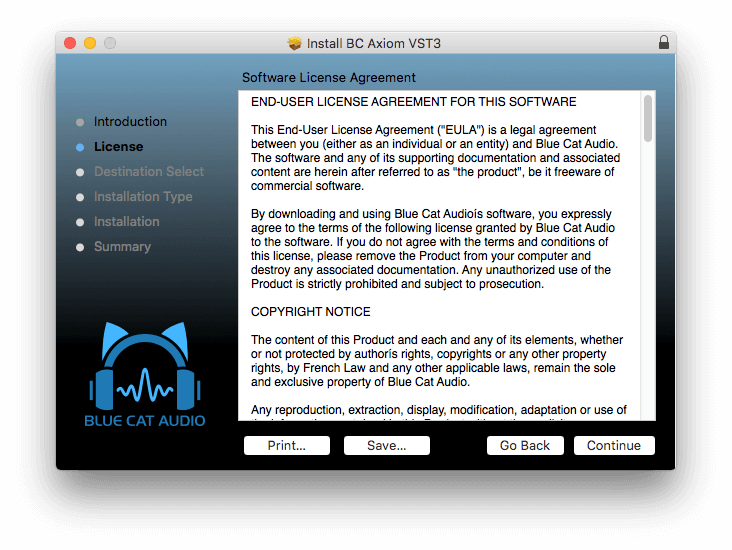
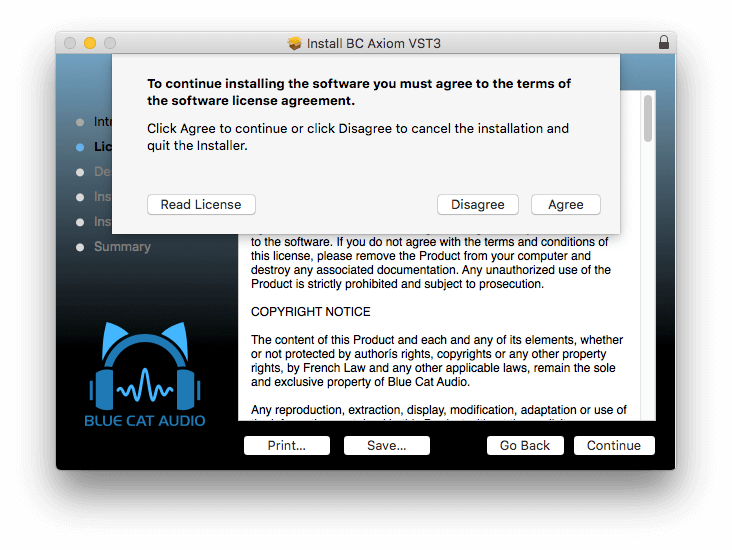
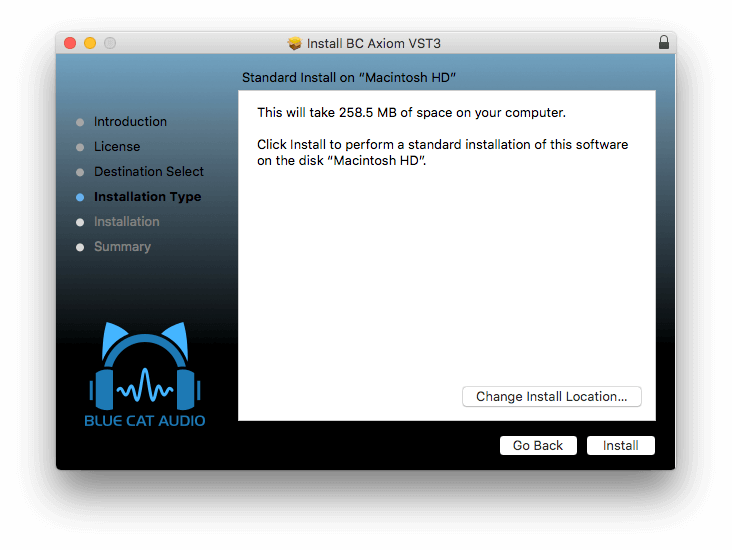
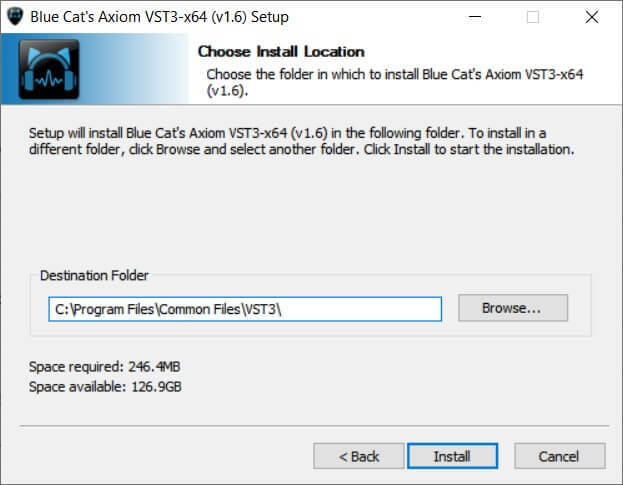
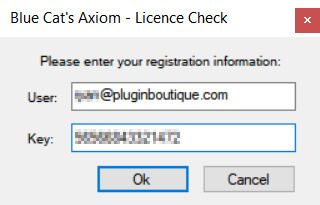
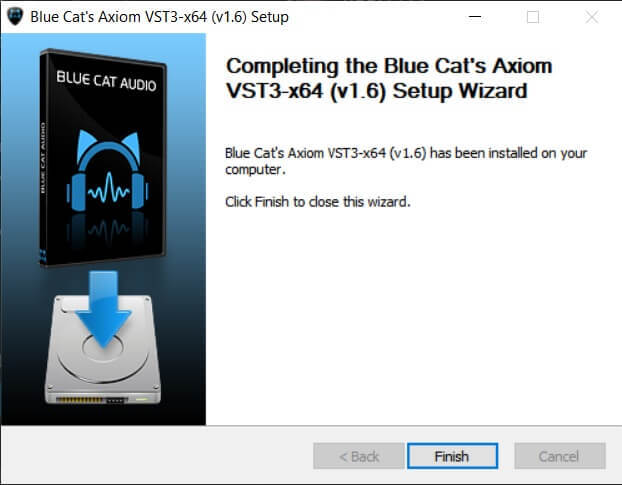
Installation Instructions


Customer Reviews
(4)


