Log In

A Distortion VST for Trap
Diginoiz are proud to present their new distortion plugin dedicated especially to the heavy side of trap music and every genre that is related to it! TrapDrive is tough, rough, harsh and possibly even drastic. At the same time, it will give your tracks that desirable edge, adding extra spice and making them stand out in a wild way!
If you get excited by the sounds heard in tunes like XXXtentacion – Look At Me, Scarlxrd – Heart Attack, Bones – HDMI and need an uncompromising distortion in your productions, this plugin is for you!
TrapDrive is perfect for distorting 808/Bass type sounds, is great on vocals and very suitable for crushing guitars or making synths more exciting. If you feel brave enough you can use it on the whole buses, or even mixes!
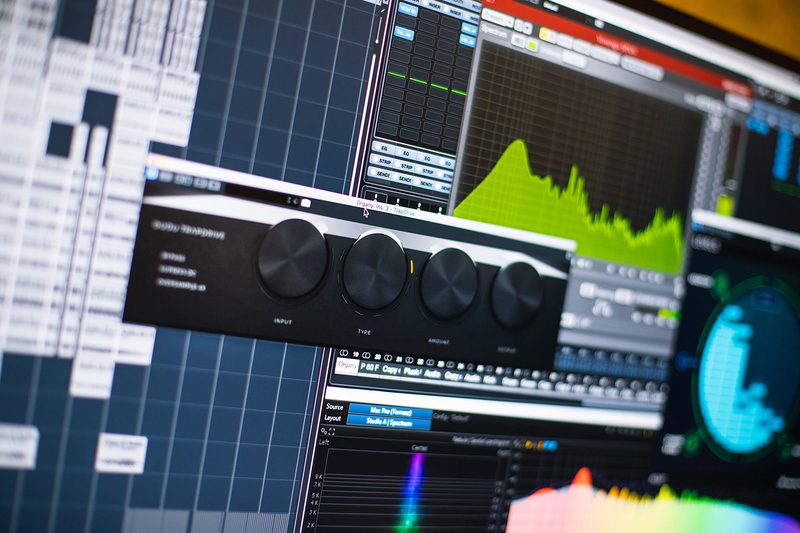
Trap Drive has 8 types of distortion to choose from, based on such operations as arctan function, hard clipping, bipolar exponential, unipolar exponential, bit-crushing and some more that only Diginoiz's own programmer can denominate, but do you really care about the theory? Just throw it on a track, turn up the Amount knob up and listen to the sound of violence!
Diginoiz wish you many exciting moments with this distortion purely dedicated to trap music and they are sure you’ll love it!
System Requirements
PC
- Windows 7 and higher (64-bit only)
- VST3 only
Mac
- MacOS 10.12 or higher (64-bit only) (Silicon compatible)
- AU/VST3