Log In
Free gifts available with your purchase

Pure Inspiration
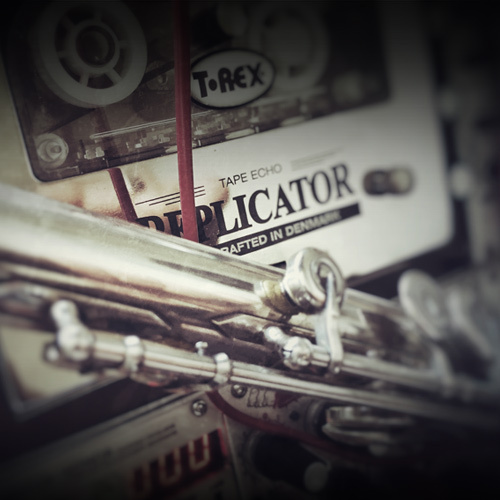
KLANG love tape sounds. So the TAPED collection of instruments are all about the inspiring potential of the nostalgic feelings around tape. Listening to radioplays before sleeping as a child, recording demo tracks on a four track.
Bringing back the warmness and imperfection with saturation, wow & flutter by playing instruments through all kind of tape gear and experimenting with it. TAPED is a nostalgic journey emphasizing the beauty of imperfection.
When you think of a flute, elegant, clear tones might be the first thing that come to mind. Detaching themselves from this, KLANG recorded a flute through an analogue tape delay while changing settings as the recording went on. Combining a calm and a noisy layer KLANG created a unique sound that they call Taped Flute.
System Requirements
- Ableton Live 10 Suite or above
Important note: This software requires Ableton Live 10 Suite or above and will NOT function in Ableton Live Intro or Standard.