Log In
.jpg)
Free gifts available with your purchase
Scoring Cello with an Intimate Tone Woven of Whispers and Screams
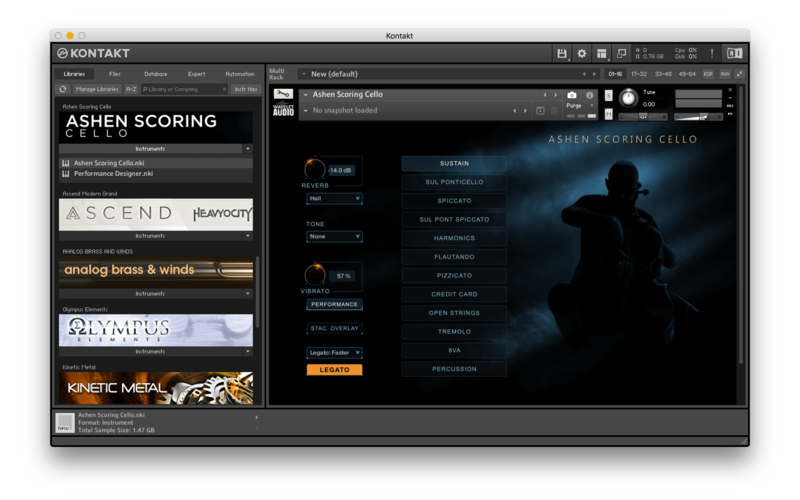
Ashen Scoring Cello is a solo cello library with an intimate tone, born out of insomnia and the idea of minimal post-classical compositions, trailer music, and post-horror soundtracks with its woebegone atmosphere. It concentrates on a highly expressive and emotive playing style.
Every note is sampled with multiple dynamics in a musical context from real performances. It gives more general musicality and energy. In addition to standard and non-standard articulations, this instrument contains a unique Performance Designer engine that can bring life and a unique atmosphere to your composition and gives control over the textures. Ashen Scoring Cello is not yet another run-of-the-mill strings library. Our instrument is designed to work in a wide context. From dark ambient and experimental to orchestral and trailer music.
As composers themselves, Wavelet Audio understand the importance of high-quality cello instrument featuring traditional and nontraditional articulations. Every sample was cut and edited by hand to catch the beautiful tone of the cello. Recorded with up to 8 Round Robins and 4 Dynamic Layers for incredible realism. For short articulations, they didn’t record one-shot samples one-by-one but real performances and took the samples from real repetitions. This technique is called “Repetition Sampling”. It gives more general musicality and energy, increased tightness, and focuses on the samples’ attack.
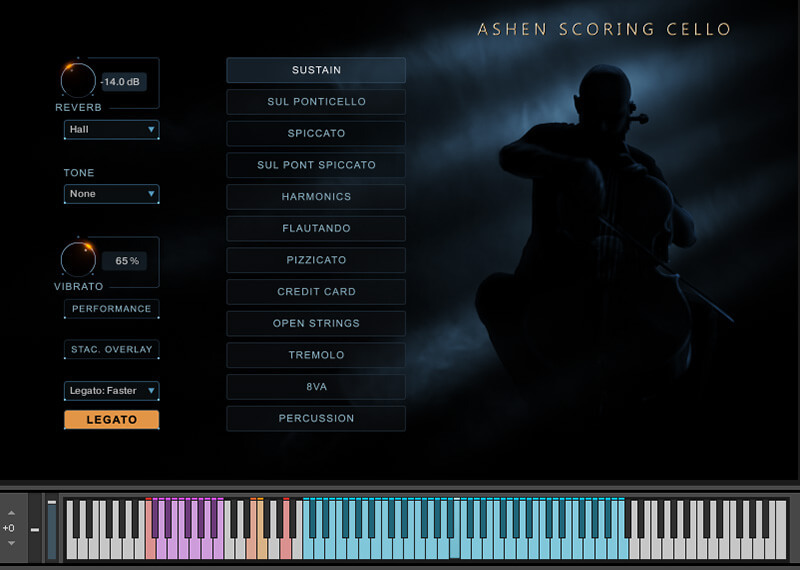
Ashen Scoring Cello is built primarily for film composers looking for a unique and idiosyncratic voice. It includes some standard repertoire like sustained legato and pizzicato, but it’s also got some really great articulations like strumming with a credit card, a very nasty sul ponticello, and even percussion on the cello body.
 .
.
The second important part of our library is a highly advanced Performance Designer. This tool can be used in many situations and for many purposes. For example, you can create harmony and then play a melody using playable instruments on over the top of it. Or you can generate interesting rhythmic patterns that will perfectly complement the basic rhythms of the composition. All performances are perfectly working together with each other and are divided into five categories: melodies, harmonies, rhythms, percussion, others. Also, Wavelet Audio prepared a bunch of presets/snapshots and programmed a smart randomizing function. The Performance Designer is not conceived to fully replace the entire cello player in the first place. But more as an addition to compliment the arrangement. It is not created as a soundtoy that replaces the artist completely.
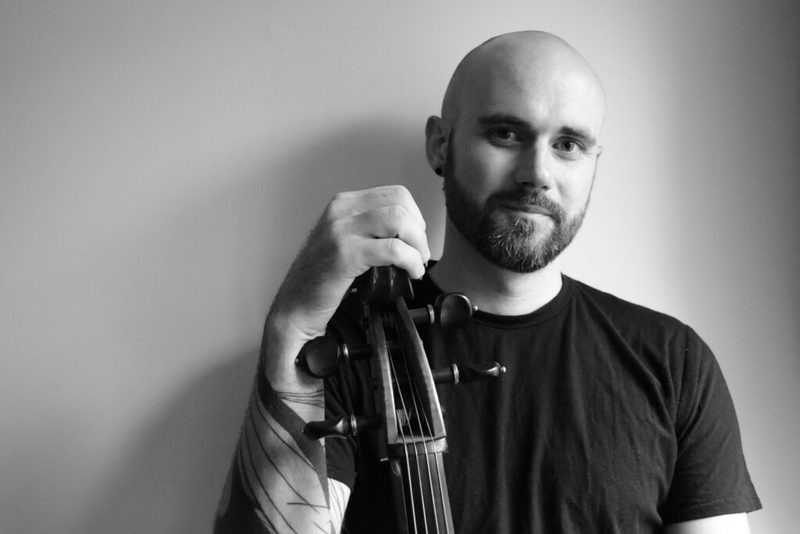
Beautifully performed by an extremely talented Alder & Ash and recorded in Montreal, Québec.
 .
.
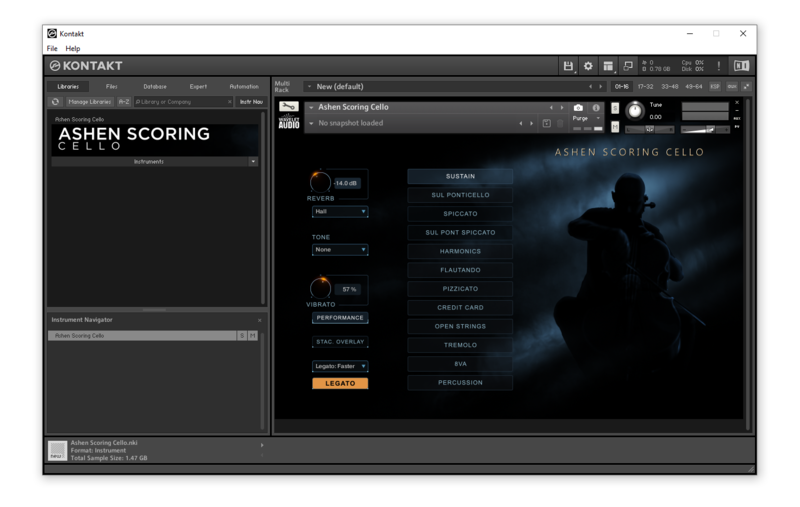
Made for Kontakt Player
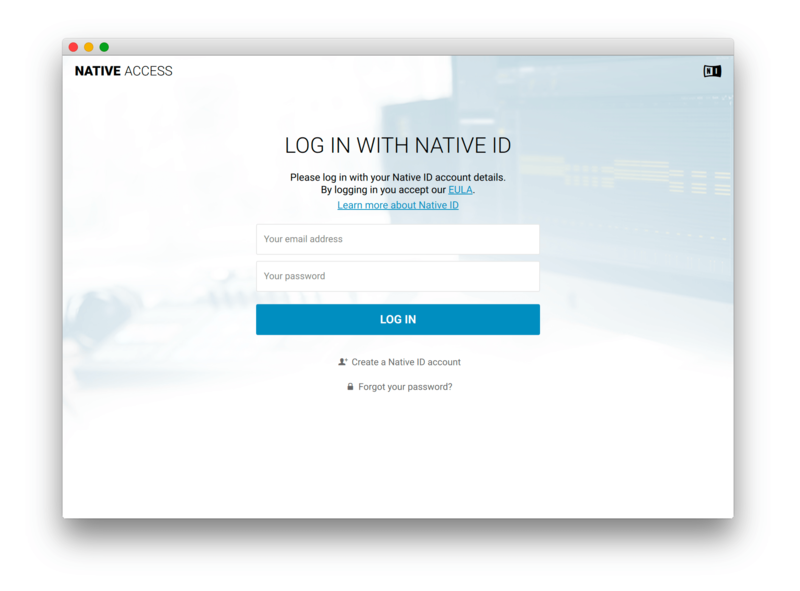
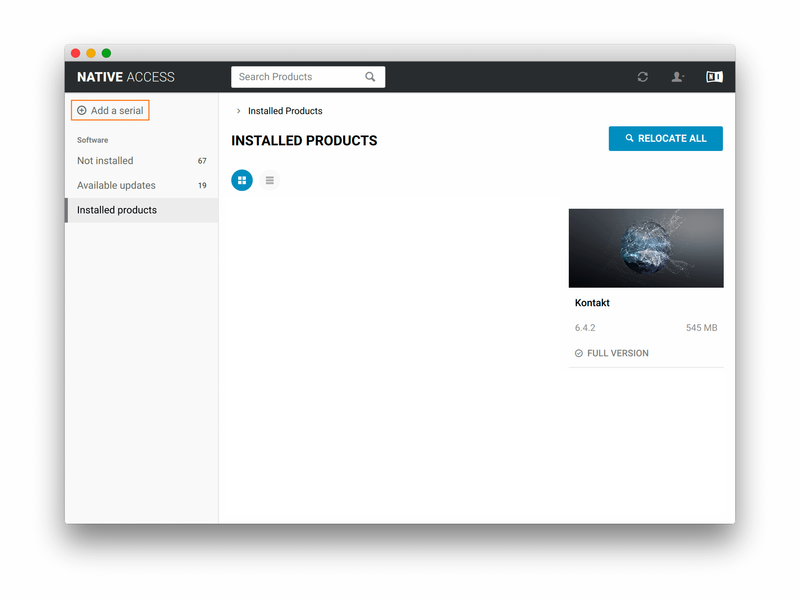
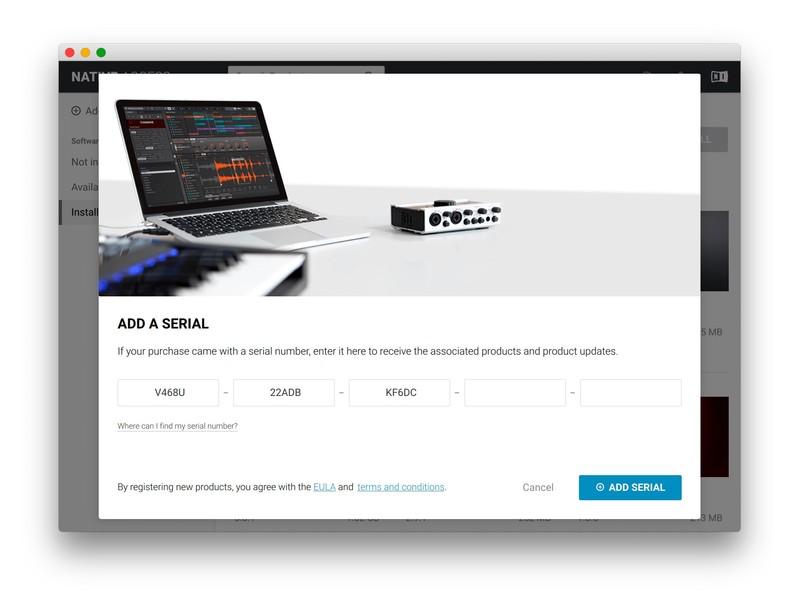
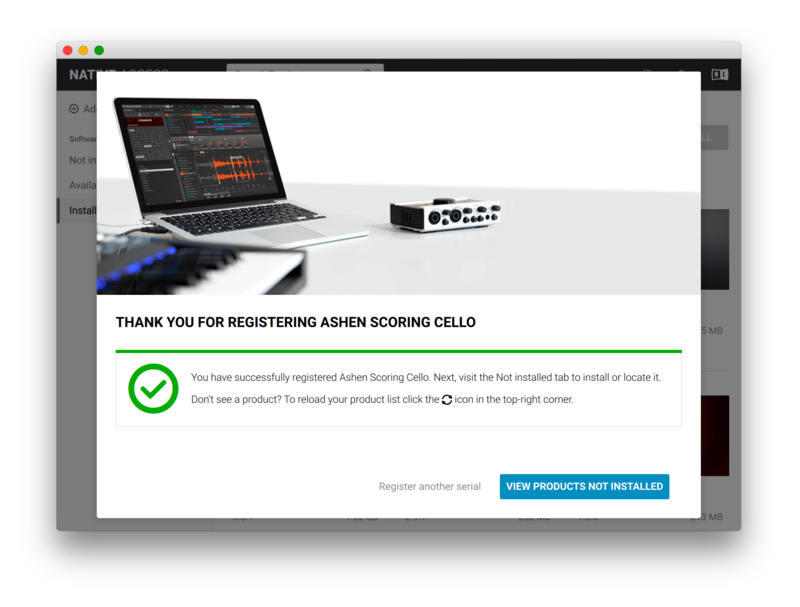
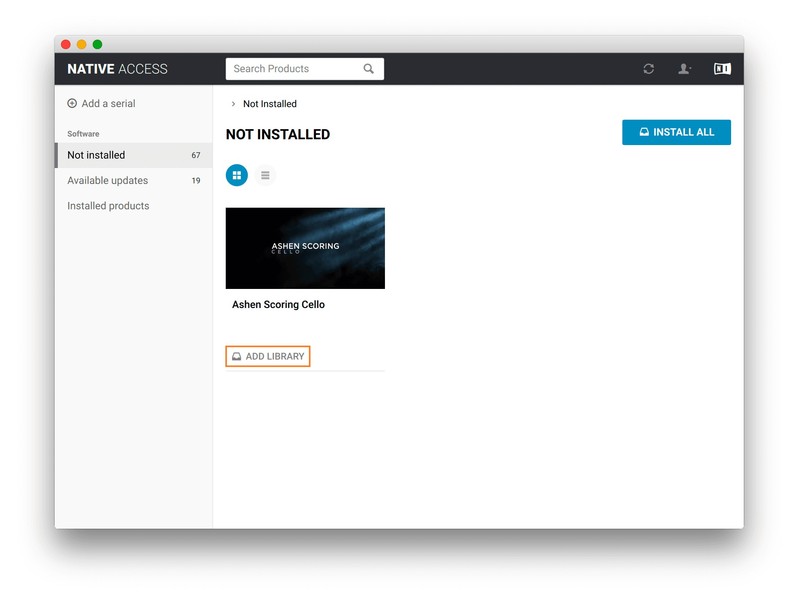
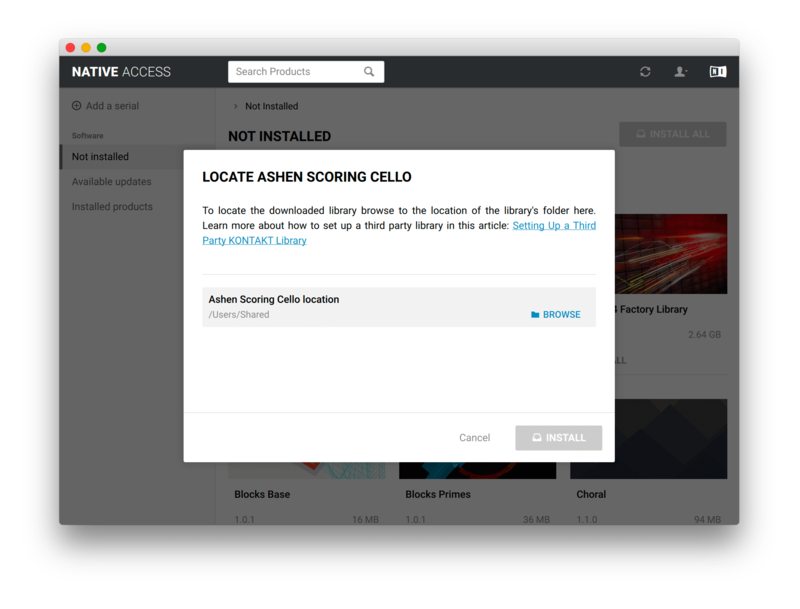
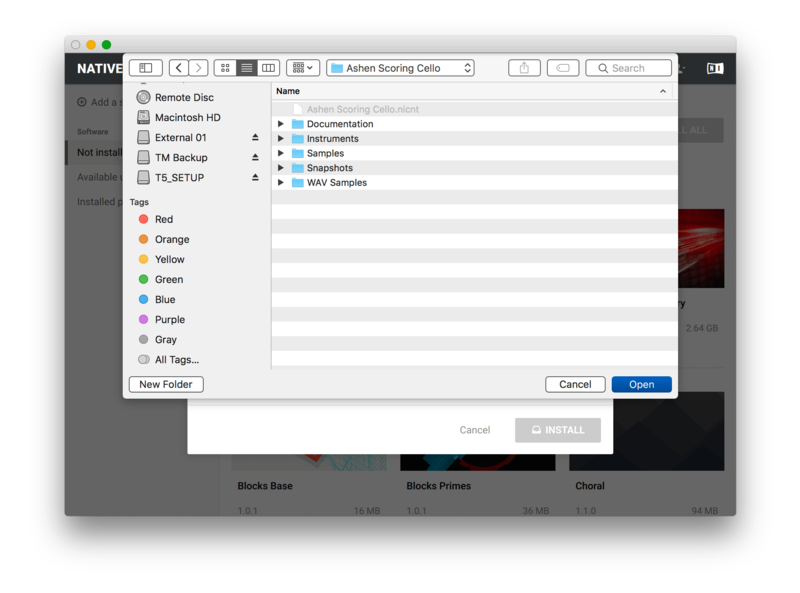
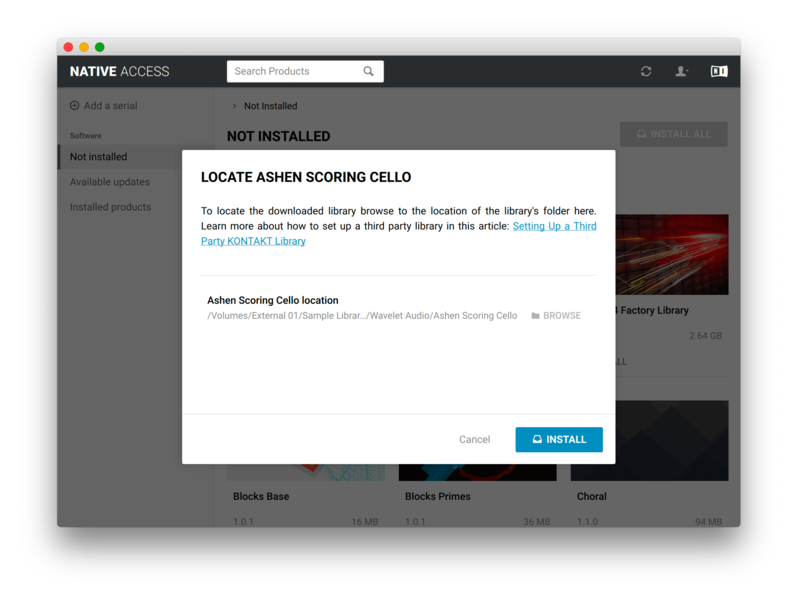
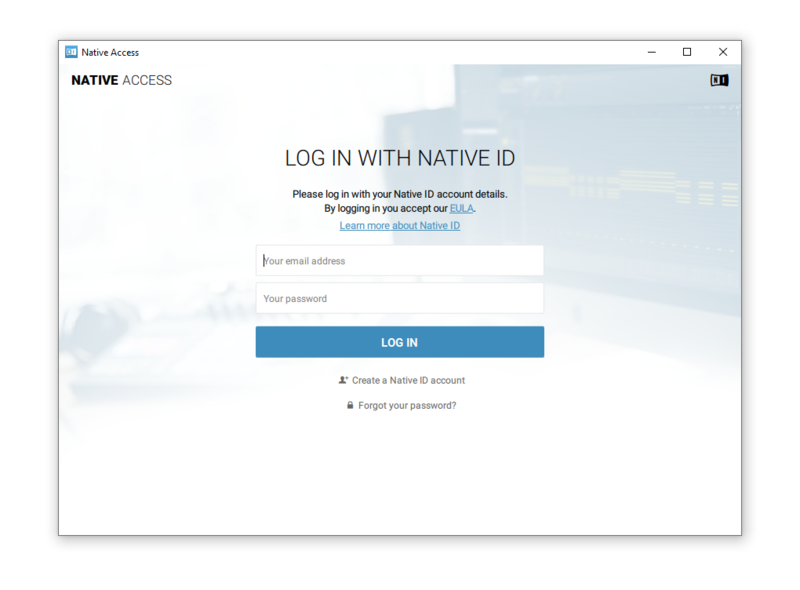
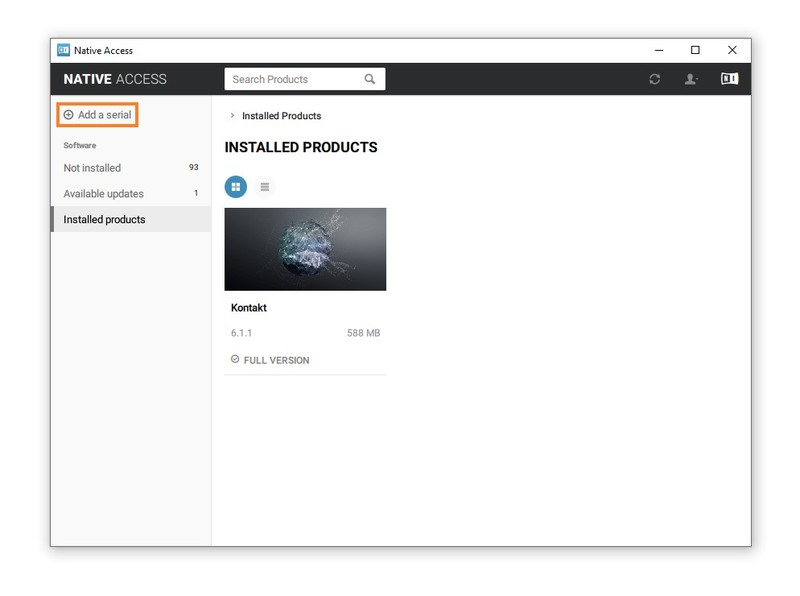
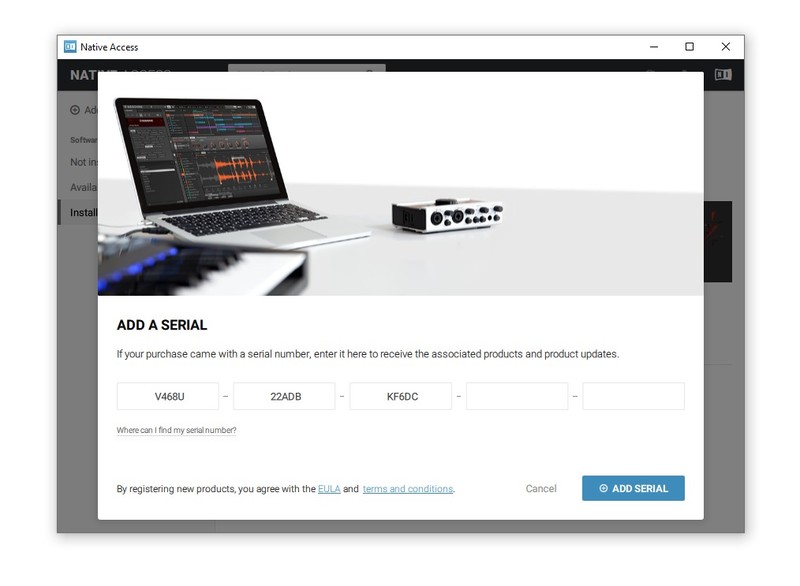
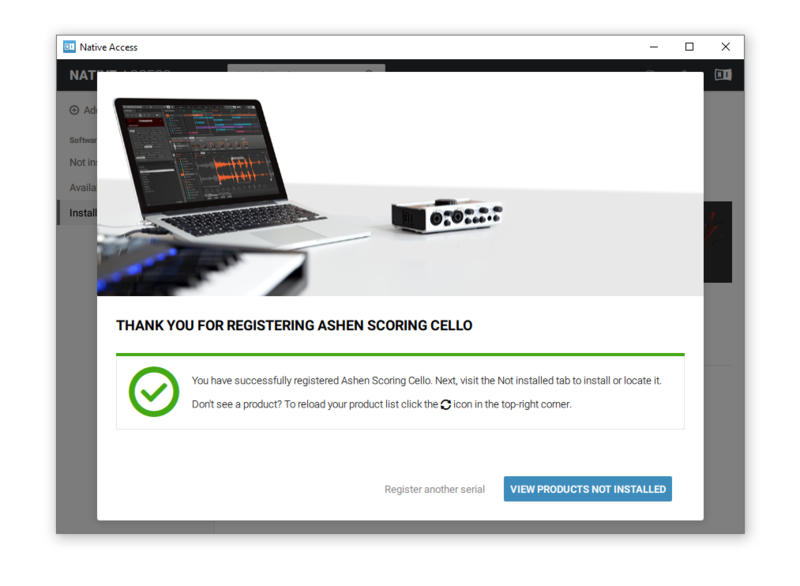
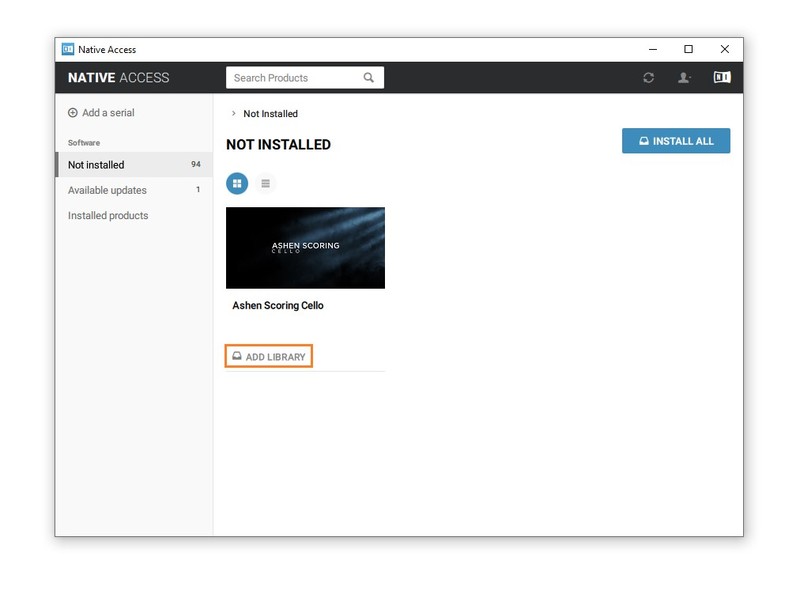
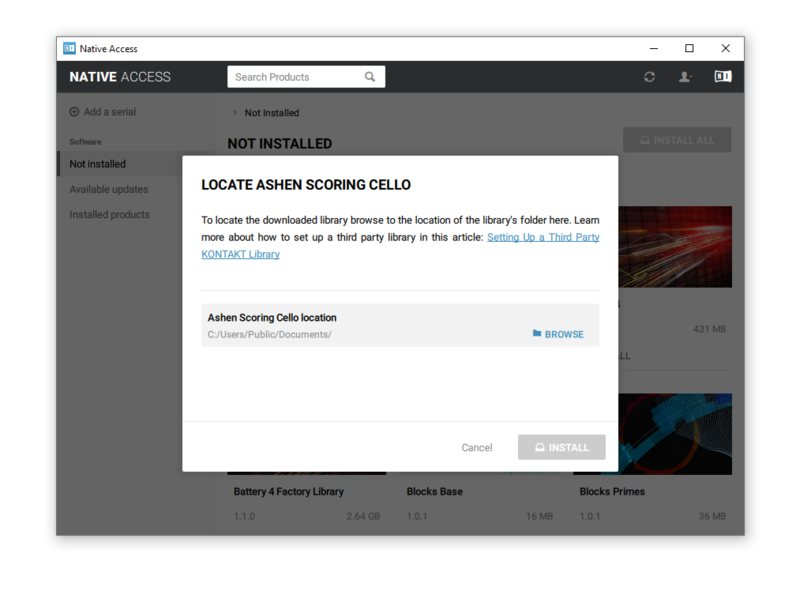
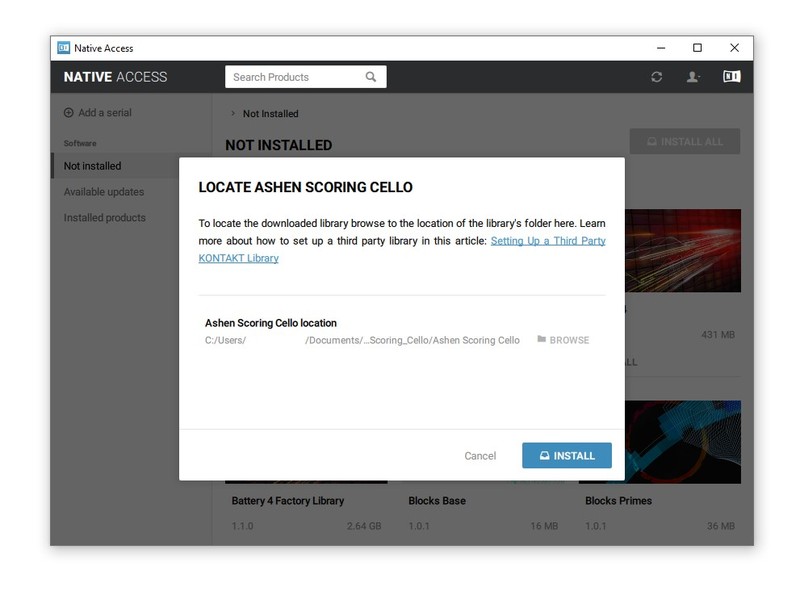
This library is licensed for use in the free Kontakt Player. It can be used in Kontakt Player or the full retail version of Kontakt. It requires online registration through the Native Instruments Native Access system. This library is also fully compatible with Komplete Kontrol and all NKS Standard hardware and software by Native Instruments.
Features
- 12 playable articulations
- Performance Designer
- Bonus Sound Design
- Realistic vibrato algorithm
- True legato (Rebow)
- Up to 8 Round Robins
- 4 dynamic layers
- 24-bit / 48 kHz lossless NCW format
- Dozens Of Snapshots
System Requirements
- Works with Free Kontakt Player
- NI Kontakt 6.0.2+
- 3.01 GB of hard drive space (5.2 GB of original sample material)
- Compatible with hardware by Native Instruments