Log In
Save $25.00 compared to buying products individually
Free gifts available with your purchase
The ROLI Strobe2 Expansions Bundle is a collection of 3 expansion packs, made for use in Strobe2. These include Synthetic Resistance, Cinematic Synthesis and All About That Bass Strobe2 Expanders.
Limited Time Offer
Strobe2 Expander: Synthetic Resistance
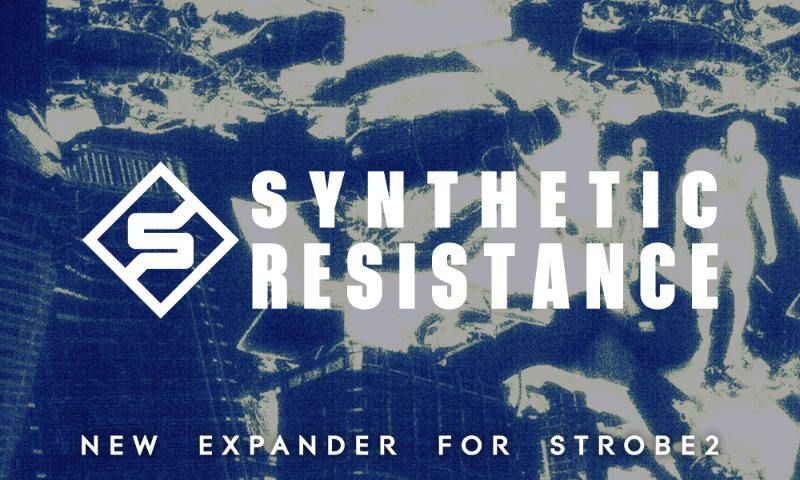
Emerging from dusty studios and dark warehouse raves, Synthetic Resistance is a collection of raw, gritty — and occasionally euphoric — sounds for your Strobe2 library, all inspired by the original synthesis hardware that drove the evolution of electronic music from the 70s through to the early 90s.
From basses and leads to pads and effects, each sound captures the essence of classic electronica, early electro & IDM. This expander is perfect for adding authentic lo-fi textures to your tracks or putting your own spin on the golden era of underground dance music.
It's time to join the Synthetic Resistance!
Some sounds are available in both standard and 5D versions, for conventional and MPE MIDI controllers respectively. 5D versions are optimised for the ROLI Seaboard RISE and Seaboard Block.
Features
- 50 presets (in both standard and 5D versions).
- Each preset includes performance and XY pad modulation.
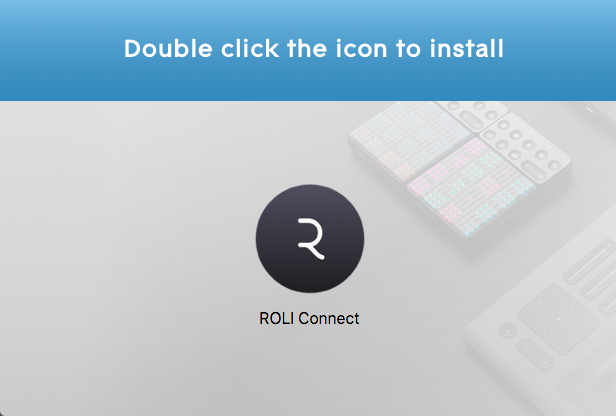
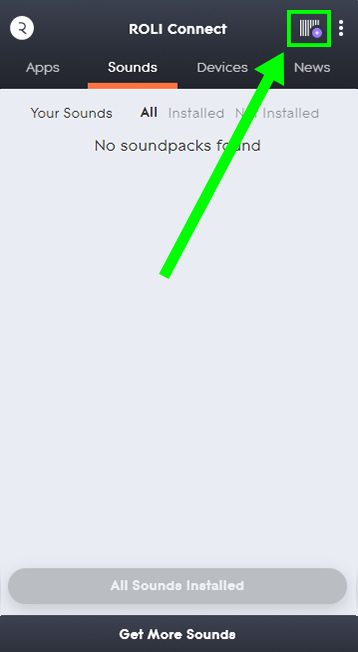
- Easy drag & drop installation.
Learn more about Strobe2 Expander: Synthetic Resistance.
Strobe2 Expander: Cinematic Synthesis
Strobe2 Expander: Cinematic Synthesis is a collection of spacious, cinematic sounds perfect for adding depth, texture and interest to your music.
Cinematic Synthesis is designed for the big screen! Explore huge evolving pads, alien textures, deep-space communications, grand strings, powerful polysynths, horror drones and sci-fi effects - all perfect for adding a touch of drama, movement, intrigue and depth to your productions. All sounds are available in both standard and 5D versions, for conventional and MPE MIDI controllers respectively. 5D versions are optimised for the ROLI Seaboard RISE.
Features
- 50 presets (in both standard and 5D versions)
- Each preset includes performance and XY pad modulation
- Easy drag & drop installation
Learn more about Strobe2 Expander: Cinematic Synthesis
Strobe2 Expander: All About That Bass
Strobe2 Expander: All About That Bass is a collection of bass sounds perfect for laying solid foundations for any track.
Everybody loves bass! Strobe2 Expander: All About That Bass is a collection of low-frequency sounds designed to work in any style. From monstrous reeses to acid squelches and classic analogue tones, this Strobe2 Expander will add weight and depth to any production. Whether your tastes in bass are acid, EDM, 70’s funk, jungle, radiophonic workshop or anything in between, we’ve got you covered.
All sounds are available in both standard and 5D versions, for conventional and MPE MIDI controllers respectively. 5D versions are optimised for the ROLI Seaboard RISE and Seaboard Block.
Learn more about Strobe2 Expander: All About That Bass.
System Requirements
- Strobe2 v2.5.1.2 or above
Important Note: Strobe2 v2.5.1.2 or above is required in order to run the contents of this software.