Mac Installation
1. Visit https://roli.com/start > Click 'Download for Mac'.
2. Go to the location of the downloaded .dmg ROLI Connect installer > Double-click it to run.
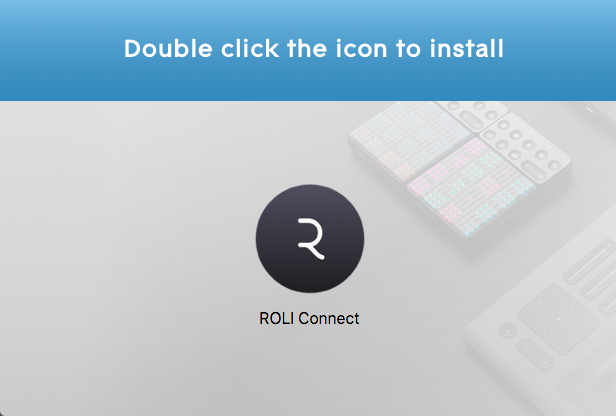
3. Double click the icon to install.
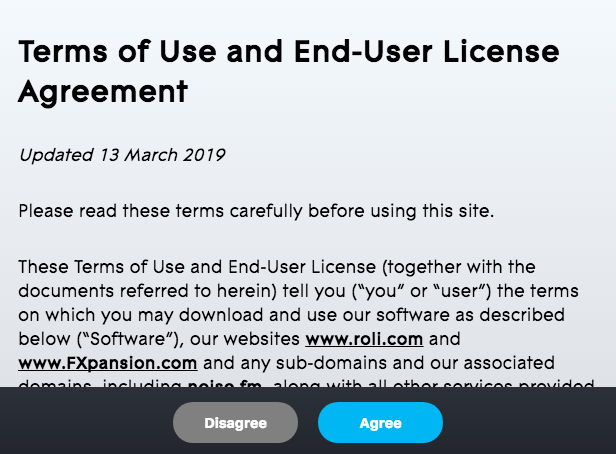
4. Click 'Agree'.
5. Open ROLI Connect > Click 'Sign up'. (If you already have a ROLI account click 'I have a ROLI account', sign in and skip to step 8).

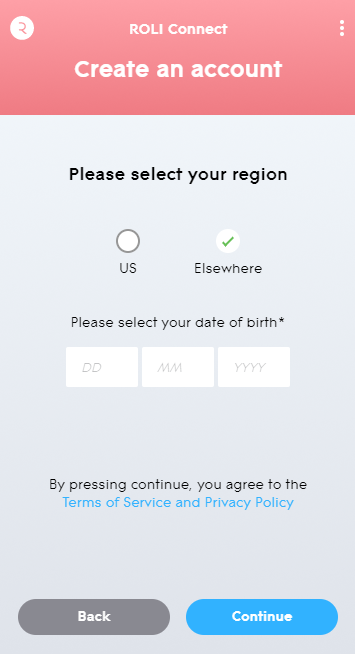
6. Select your region and enter your date of birth > Click 'Continue'.
7. Enter your login details > Click 'Sign up'.
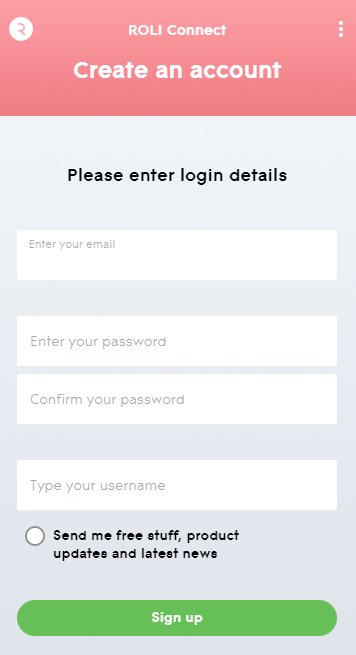
8. Click 'Skip'.
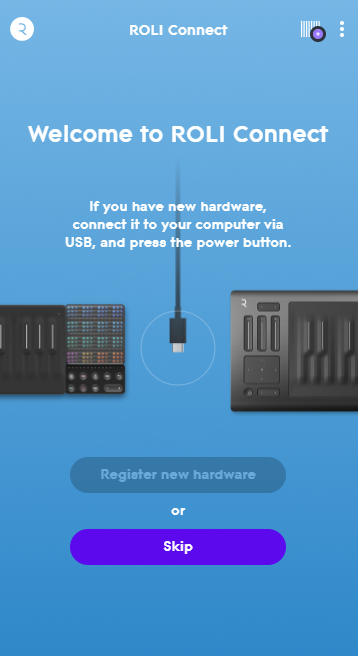
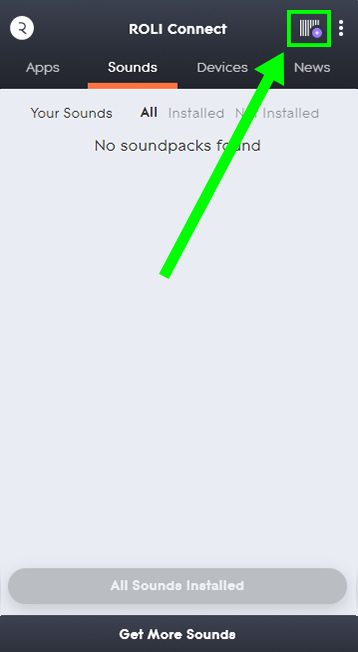
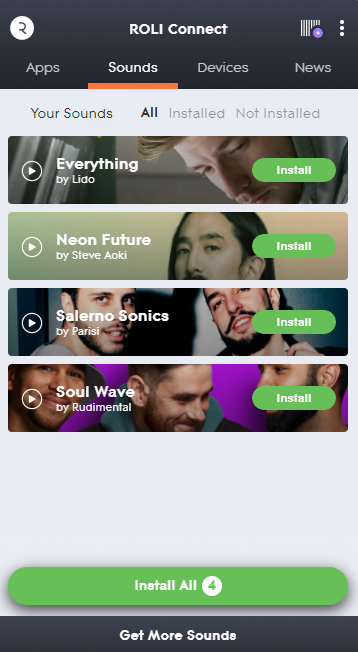
9. Click the Barcode icon at the top right of the display.
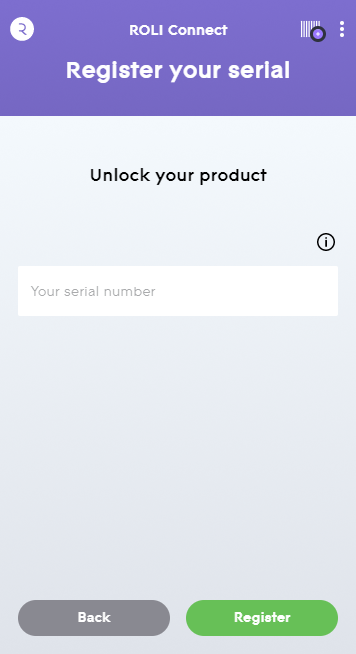
10. Enter the serial number found in your Plugin Boutique User Account.
11. Click 'Install' on the product you would like to install.
12. Open ROLI Studio as a standalone or inside of a DAW.
Your synth presets are now activated and ready to use!
Windows Installation
1. Visit https://roli.com/start > Click 'Download for Windows'.
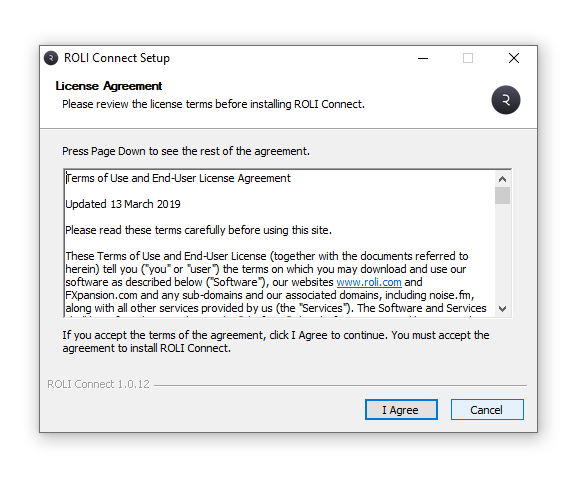
2. Go to the location of the downloaded .exe ROLI Connect installer > Double-click to run.
3. Open ROLI Connect > Click 'Sign up'. (If you already have a ROLI account click 'I have a ROLI account', sign in and skip to step 7).
4. Select your region and enter your date of birth > Click 'Continue'.
5. Enter your login details > Click 'Sign up'.
6. Click 'Skip'.
7. Click the Barcode icon at the top right of the display.
8. Enter the serial number found in your Plugin Boutique User Account.
9. Click 'Install' on the product you would like to install.
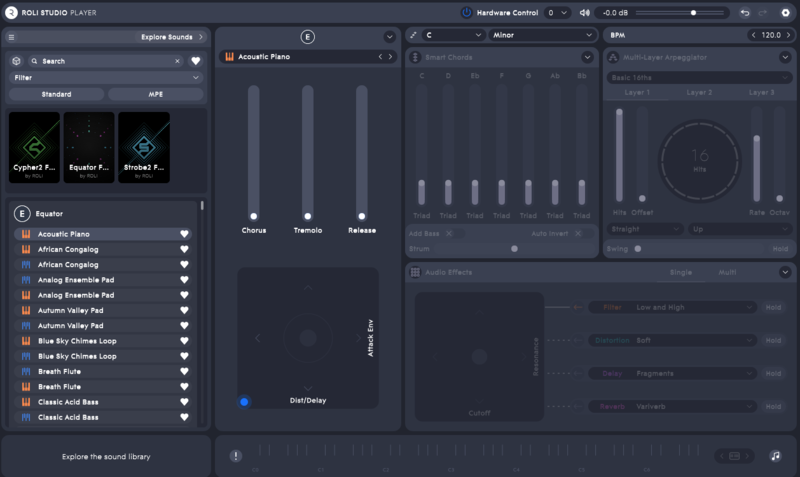
10. Open ROLI Studio as a standalone or inside of a DAW.
Your synth presets are now activated and ready to use!


 Log In


