Log In

Free gifts available with your purchase

Pro Dynamics With An Upward Focus
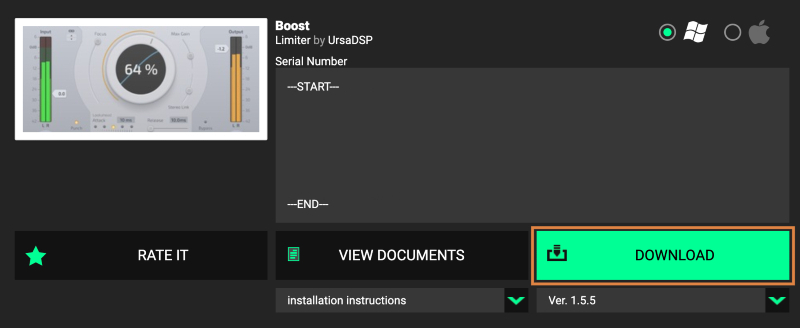
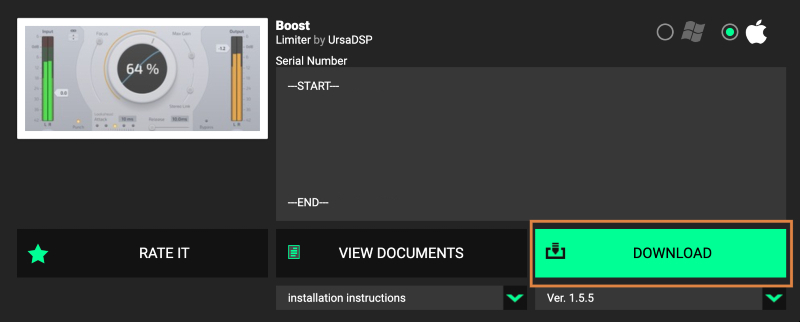
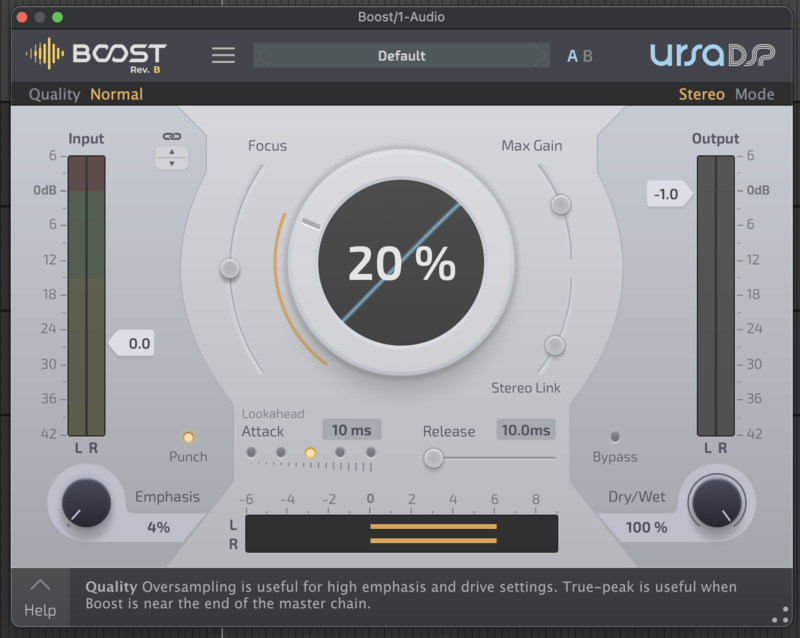
Boost is an ultra-low distortion, upwards limiter from UrsaDSP.
Its revolutionary design gives you new ways to control dynamics without forcing you to accept distortion.
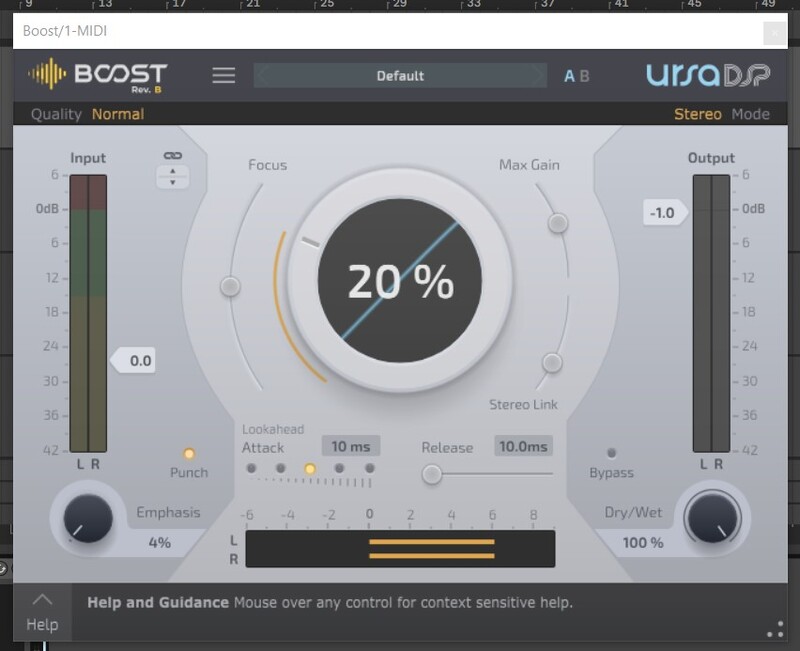
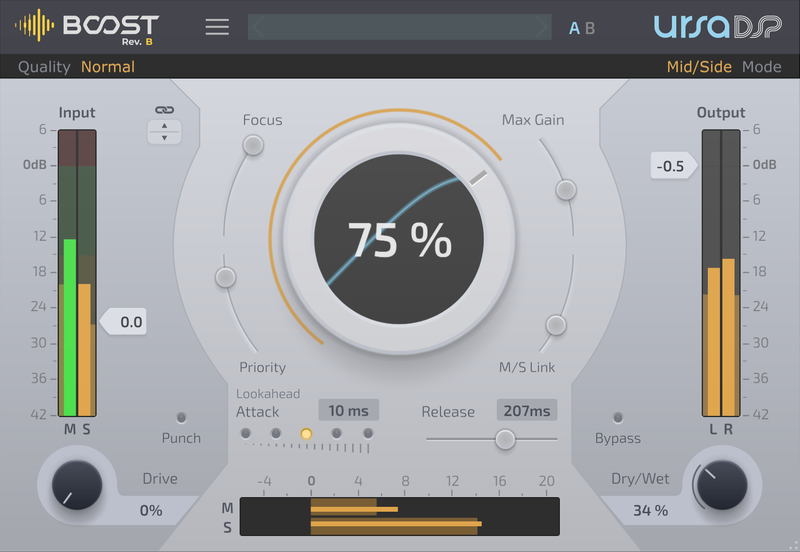
Use it on tracks, groups and your master bus to increase levels, reveal hidden details with upward limiting or improve your stereo image with the mid-side mode.
Features
- Ultra-low distortion – incredibly transparent
- Prevent inter-sample overs
- Focus smoothly changes from upward to brick-wall limiting
- Stereo image manipulation with the mid-side mode
- Drive and emphasis modes for character
- Preserve reverb tails with the max gain control.
- Parallel compression
Precise Control for Loudness and Peak Levels
With Boost, unlike other limiters, you’re not forced to smother your mix in character just to get it loud. Boost’s unique Trajectory Technology keeps your audio clean and distortion-free.
Or if you need character, use the Emphasis control to enhance the psychoacoustic loudness of transients without increasing the peak level. So for the first time, you can control perceived loudness and peak level independently.
Eliminate Clipping with True Peak Control
No matter how much gain reduction you apply you’ll never get any clipping.
Boost can even eliminate inter-sample overs. These cause DACs to distort, create artefacts during compression and unexpectedly trigger loudness restrictions on streaming platforms. The clarity true-peak detector removes inter-sample overs whilst maintaining boost’s hallmark super low distortion without changing the sound of your mix.
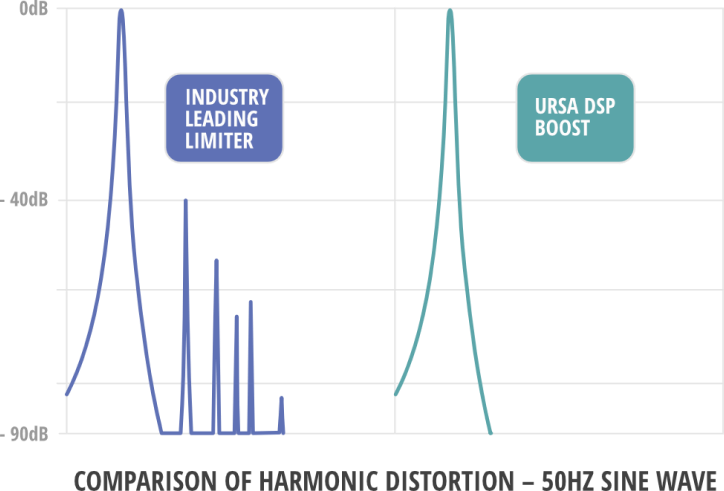
Trajectory and the Future of Dynamics
Despite the invention of DSP, most plugin compressors mimic technology from 60 years ago.
Some plugins have added lookahead, but still use the same basic principles with all their limitations, distorting the transients as they react.
Trajectory goes back to the original requirement - controlling audio level - and uses fresh techniques that are only possible with modern digital signal processing. Instead of forever playing catchup when the audio hits a transient, Trajectory is already allowing for it and plotting the right curve to gracefully and musically process your audio.
With Boost, you can separate volume from distortion. For the first time, you’re not forced to smother your mix in character just to get it to broadcast standard levels, leaving you free to choose how your music will sound.
System Requirements
Mac
- Mac OS X 10.9 or later (64-bit only)
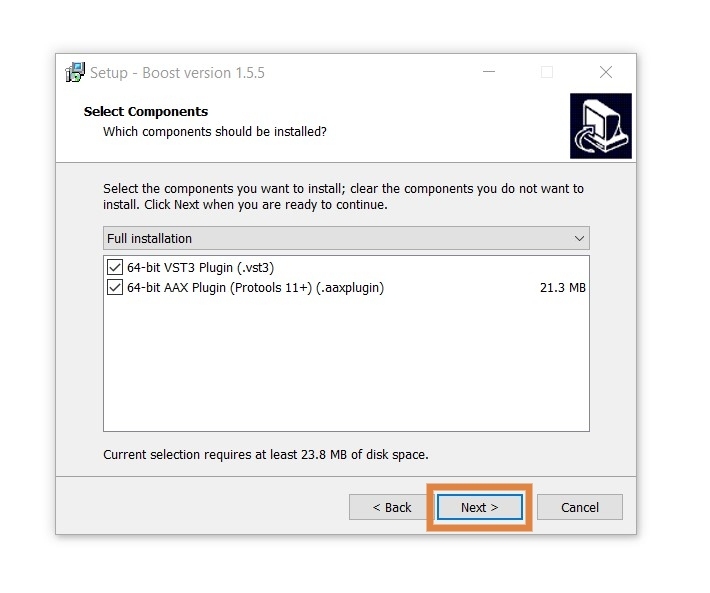
- VST3 / AU / AAX
Windows
- Windows 7 or later (32 or 64-bit)
- VST3 / 64-bit AAX.
Please Note: VST2 format is not supported.
Dan Worrall
A Musician and Sound Engineer who also provides news, insight and reviews on general music production.
“It's stuffed full of creative sound-shaping options that conventional brick-wall limiters won't give you."
Tim Hamill
Producer, Engineer & Musician
“The plugin is one of those rare beasts where you can bring up the room or bring out the transients. I love it!"
Zino Mikorey
Nils Frahm, Thom Yorke, Parcels, Solomun.
"I am in love with the sound and possibilities!"