


 Log In

Flux Mini 2 is an audio effect that adds life, character and dynamism to your tracks. The customisable graph creates a shape which can be used to modulate filter cutoff, filter resonance, amplitude and mix.
Just create a shape on the graph and set your desired amount of modulation using the depth slider beneath each parameter to hear great rhythmic effects.
Control multiple parameters at once, fix the graph to milliseconds as well as the host tempo, output the graph as MIDI CC messages and control the shape of curves with 2 control points!
From simple side-chains to manic modulations, sculpt some life into your sounds - flux it up and have some fluxing fun!
Pre-loaded with 22 presets to get you going, it won’t be long before you’ve built a plethora of shapes to accentuate your fantastic music.
System Requirements
Mac
- Requires macOS 10.11 or higher
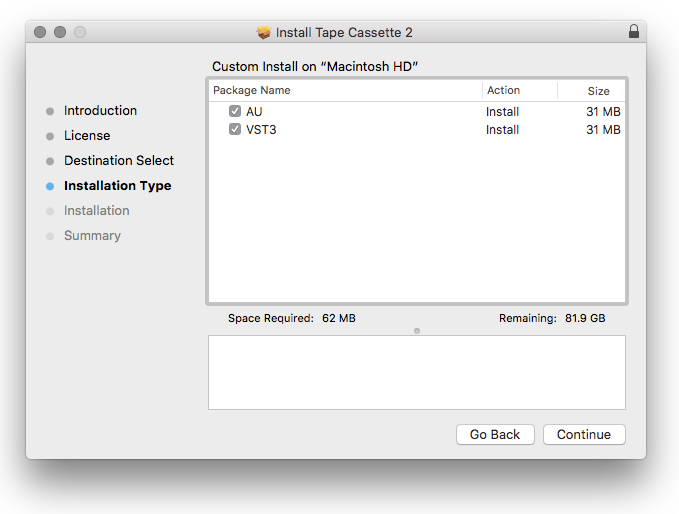
- AU, VST3, AAX (64bit only)
PC
- Requires Windows 7 or higher
- VST3, AAX (AAX is 64bit only)
Reviews Summary
While it aims to provide a helpful overview, it may not capture every perspective or detail. We encourage you to read individual reviews to make an informed decision.
Users highly praise this plugin as an easy-to-use, low-CPU alternative to Kickstart and Gross Beat, noting that it works perfectly for quick sidechaining, creating smooth transitions, and enhancing overall mixes.


