Buy Colors: Vintage Synth, get a free gift with purchase:
Real & Authentic
Vintage Synth is a wonderful collection of all the synthesizer icons of years gone by. It is this warm vintage sound that made these legendary devices so famous. And Cinematique Instruments has all of them (almost):
Yamaha CS60, Prophet 5, Minimoog & Macromoog, Roland Juno 60, JX3P, Model 101, RS06 and much more...
What's really fascinating about Colors Vintage Synth is the fact that you can hear this vintage flavour and warmness right away.
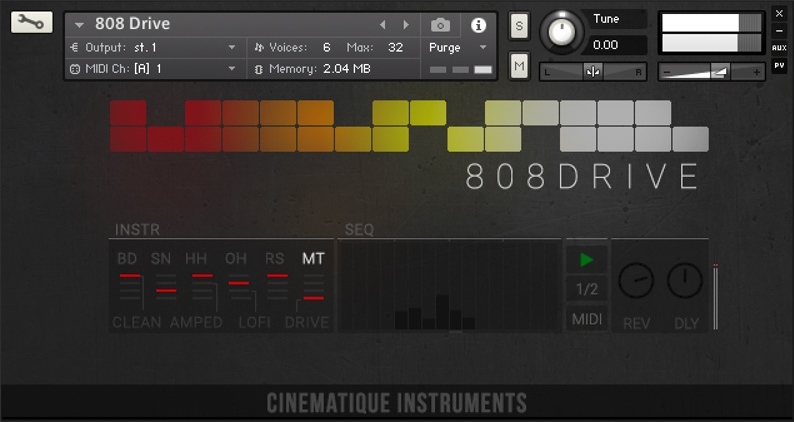
Included for free is 808 Drive - a Kontakt Instrument / Beat Machine containing both original and processed recorded Roland TR808 samples.
System Requirements
- The FULL Version of Kontakt 5.6.8 or higher is required.
Important Notes:
- The FULL Version of Kontakt 5.6.8 or higher is required in order to use this instrument.
- You will be stuck in DEMO MODE if trying to use this instrument in the FREE Kontakt Player.

Installation Instructions
Note: Mociula-Lab is used as the example
1. Download the software folder from your Plugin Boutique account.
2. Unzip and extract the folder within and save it to a computer destination/folder of choice.
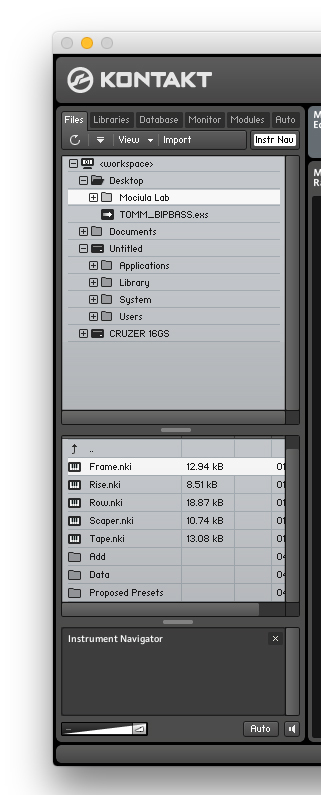
3. Launch Kontakt and click 'Browse' > Select 'Files,' which is located at the top left hand corner of Kontakt's interface.
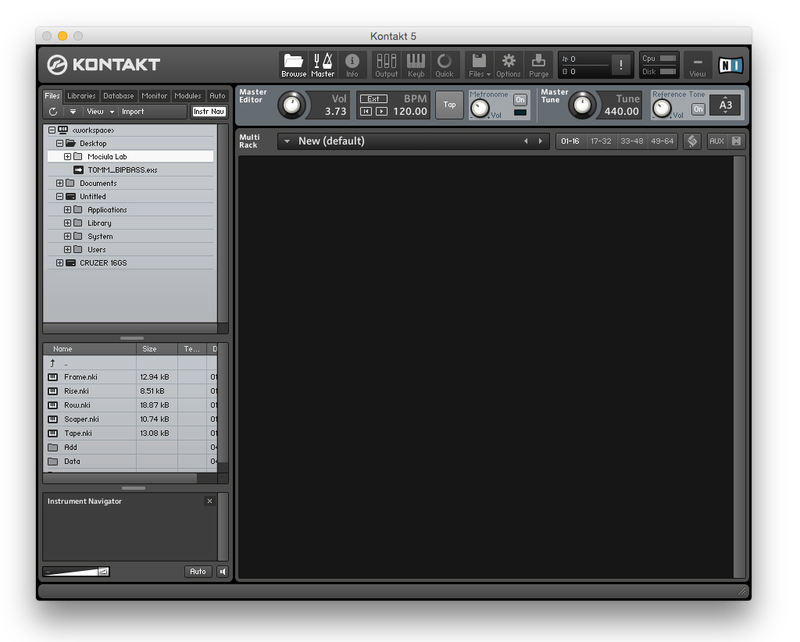
4. Locate the instrument folder from the computer destination/folder that you saved it to > Select the Instruments sub-folder.
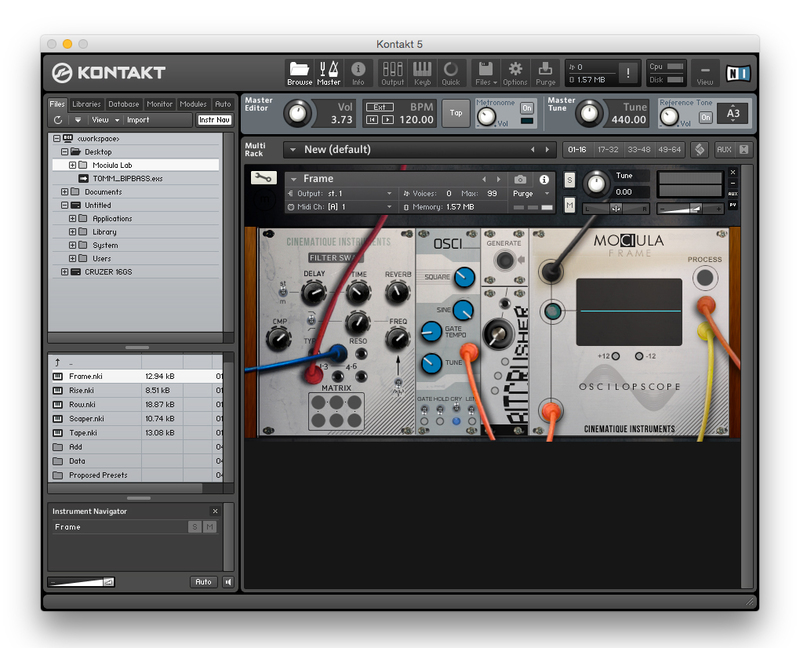
5. Once you locate the instrument.nki file, drag and drop it into the blank space which is available on the right hand side of Kontakt's interface.
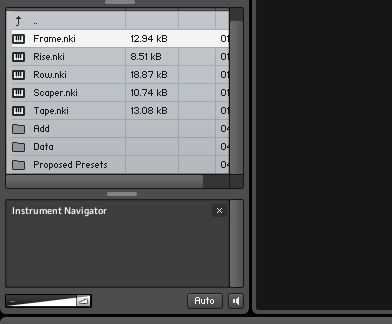
6. Your instrument is now loaded into Kontakt and ready-to-use!