Log In

Free gifts available with your purchase
Gustavo Santaolalla Says Hello
The Ronroco is a stringed mandolin-like instrument of the Andean regions. It has a sound box traditionally fashioned from armadillo- or tortoiseshell. Nowadays, this box is often made of wood, and it typically has ten strings in five courses of 2 strings each. Initially played in traditional Andean music, today, the Ronroco is usually heard in Gustavo Santaolalla's music.
Cinematique have used different microphone positions to build a realistic instrument and recorded the Ronroco in 4 Round Robin variations and 3 to 5 velocity layers. All patches have several options to shape the sound, such as EQ, cabinet, distortion, and reverb. They've also included an arpeggiator and a step sequencer. The Ronroco is very inspiring and will certainly enrich your music production.
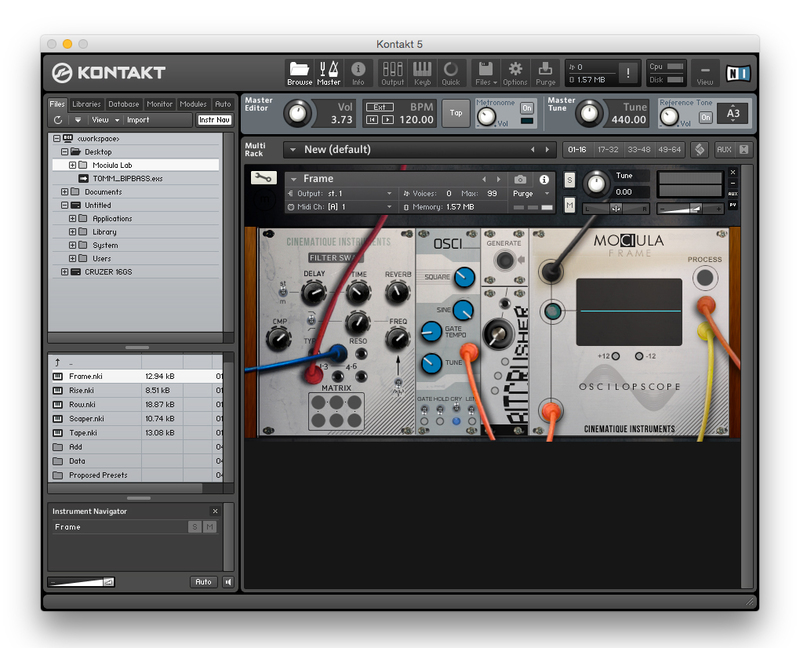
Update: In 2022, the Cinematique team recorded two new articulations with a new Ronroco instrument to improve and complement the older version enormously. Now you have a complex and expressive instrument that can be used nicely for music genres such as film scores. Finally, they added FX and editing possibilities, an arpeggiator and designed a newer and more intuitive GUI.
Features
- Approximately 400 samples
- 20 MB of compressed data
- Inspiring Andean string arpeggios
- Additional ukulele strumming instrument
System Requirements
- The FULL Version of Kontakt 5.8.1 or higher is required.
Important Notes:
- The FULL Version of Kontakt 5.8.1+ is required in order to use this instrument.
- You will be stuck in DEMO MODE if trying to use this instrument in the FREE Kontakt Player.