/ Distortion / FURY Crossgrade from PUNISH or PUNISH Lite
Heavyocity

FURY Crossgrade from PUNISH or PUNISH Lite

4.6 (54 Reviews)
$99.00
Heavyocity FURY
Heavyocity FURY
Heavyocity FURY - Product Overview gallery thumbnail
Heavyocity FURY - Preset Playthrough gallery thumbnail
Heavyocity FURY - In Action gallery thumbnail
Heavyocity FURY - Modulation
Heavyocity FURY - Modules
Heavyocity FURY - Shape
Buy Now
Product information

Please Note: This is a crossgrade for owners of PUNISH or PUNISH Lite. The full version of FURY is also available.

Your Distortion Playground

Design your sound with a wide range of distortion flavors — from subtle warmth to hard clipping, lo-fi crush to analog-modeled circuitry, simple to chaotic — FURY will shape, mangle, and crunch your sound.

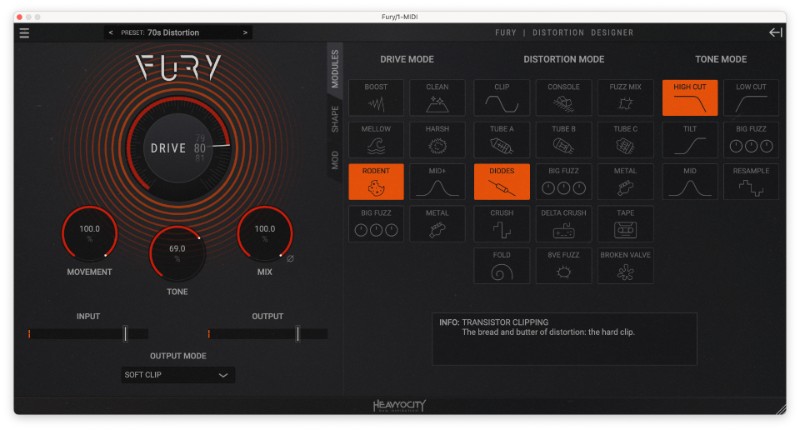
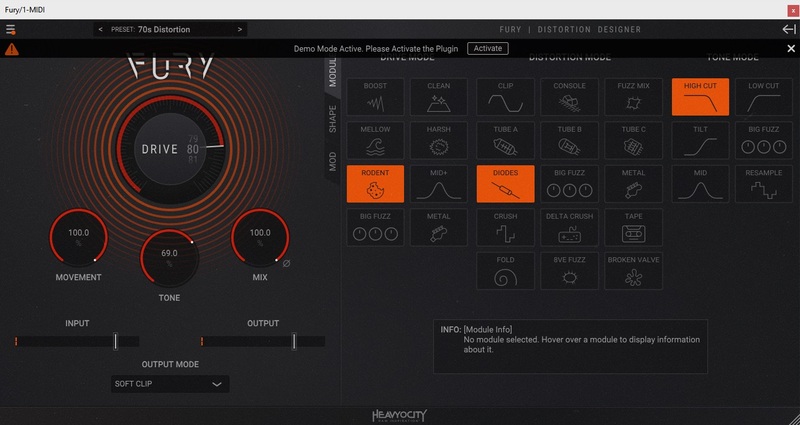
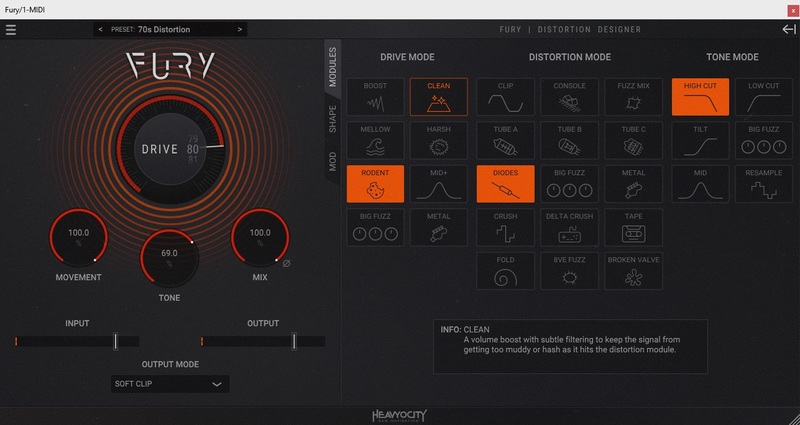
At its core, FURY is a semi-modular distortion designer. The main part of the distortion effect has three distinct sections — DRIVE, DISTORTION, and TONE — within each of these sections there are several modules allowing you to mix and match, altering the behavior of each, as you see fit. In fact, there are over 700 possible module combinations and over 100 custom-made presets for you to explore.

Additionally, FURY can be modulated. While this is an uncommon feature of distortion, it can offer some interesting options, like adding subtle movement, reactivity, or creating harmonic complexity. FURY delivers a plethora of monstrous distortion options where you can shape, mangle, or crunch your sound.
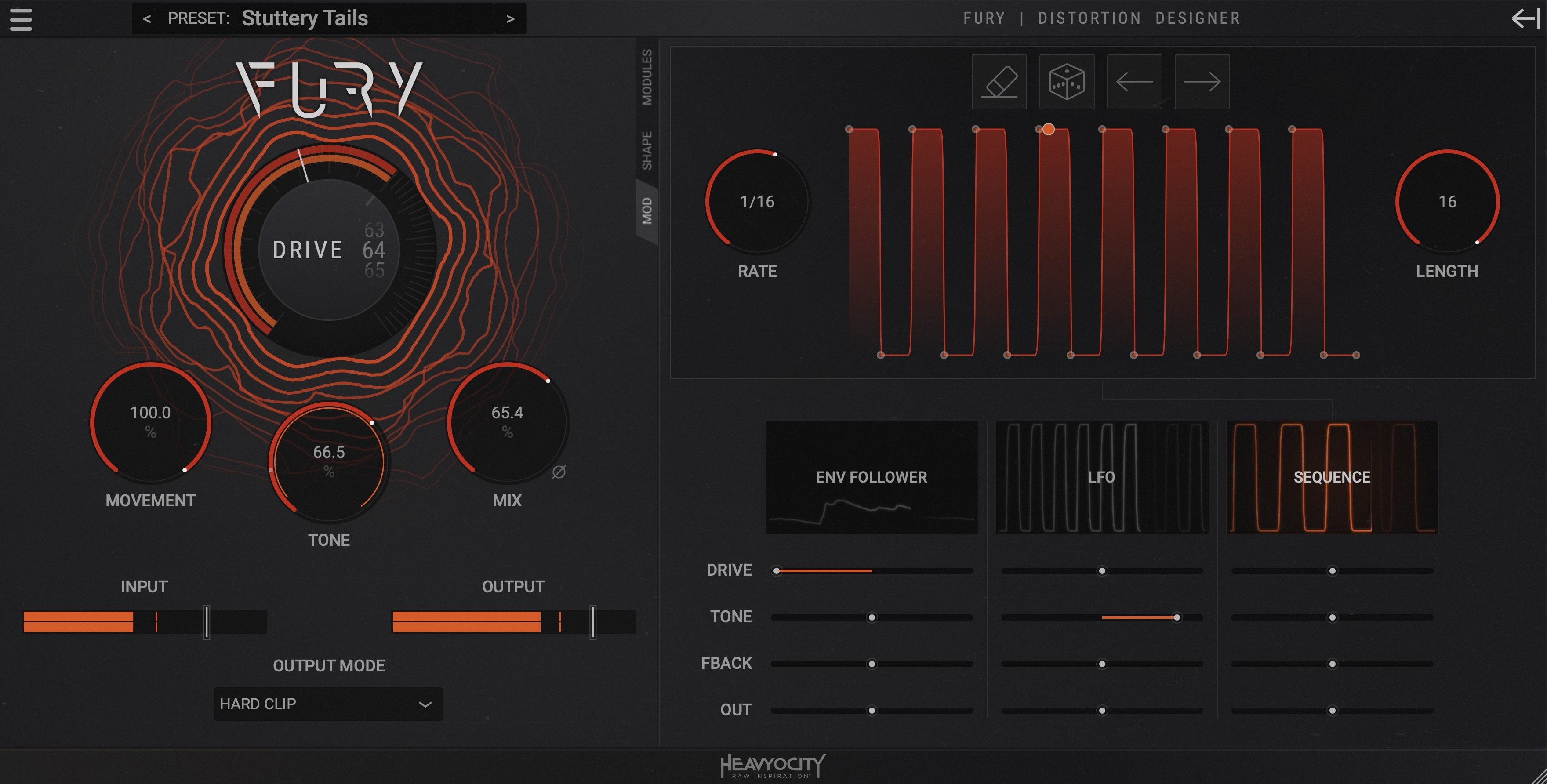
The Playground

Send your sound through your own custom distortion. With over 700 possible module combinations, you can mix and match the levels of boosting, mangling, and tonality — from a traditional distortion to a most obscure creation, you’ll have your own customized tone.
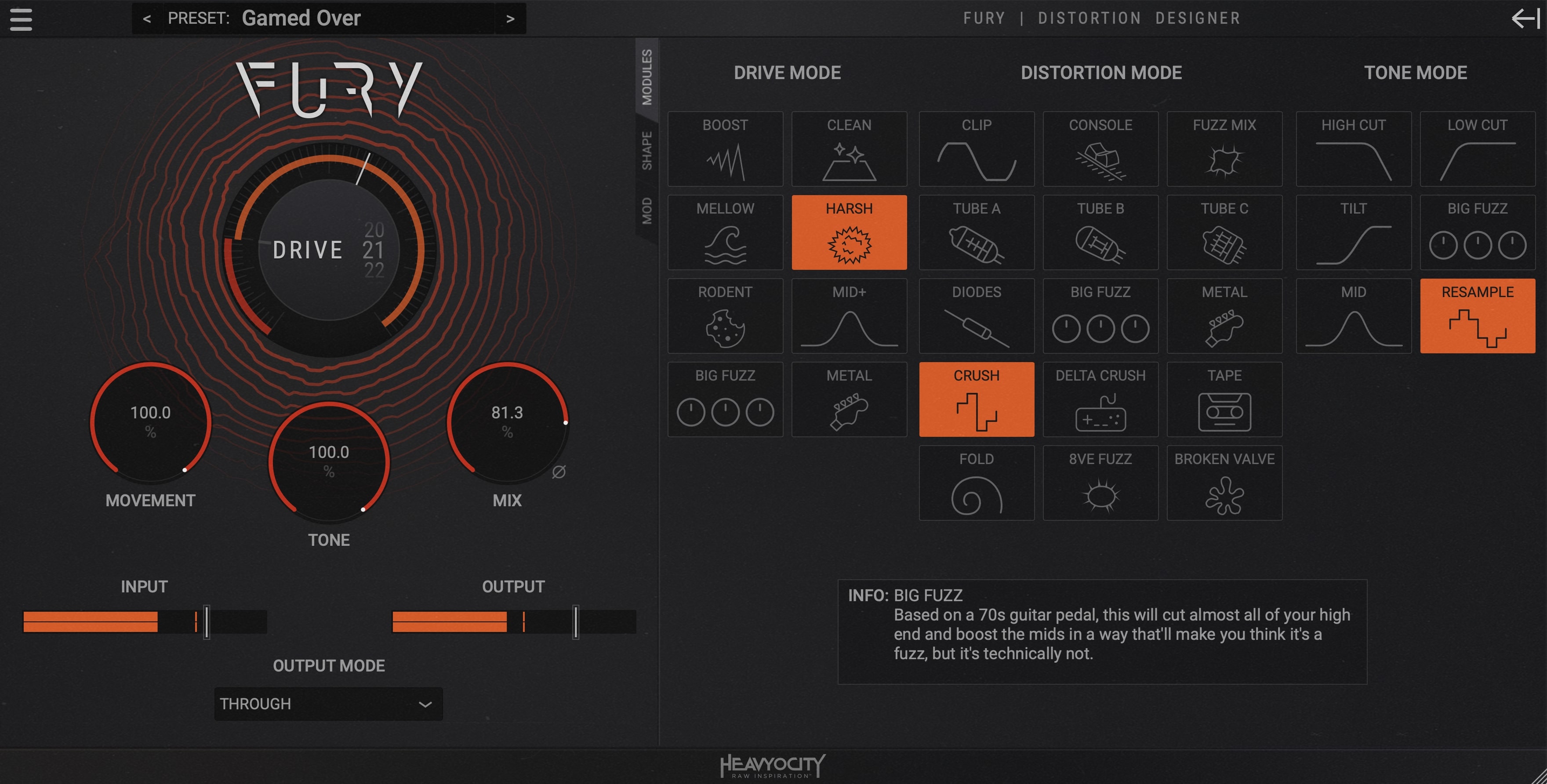
Surgical Shaping

Fine-tune the modules, and adjust your parameters — with access to various controls like gate, feedback, and pre/post distortion EQs you can get more precise with your sound. The LFO, Envelope Follower, and Sequencer can add subtle movement, reactivity, or rhythmic complexity — resulting in a unique, hand-crafted distorted signal.
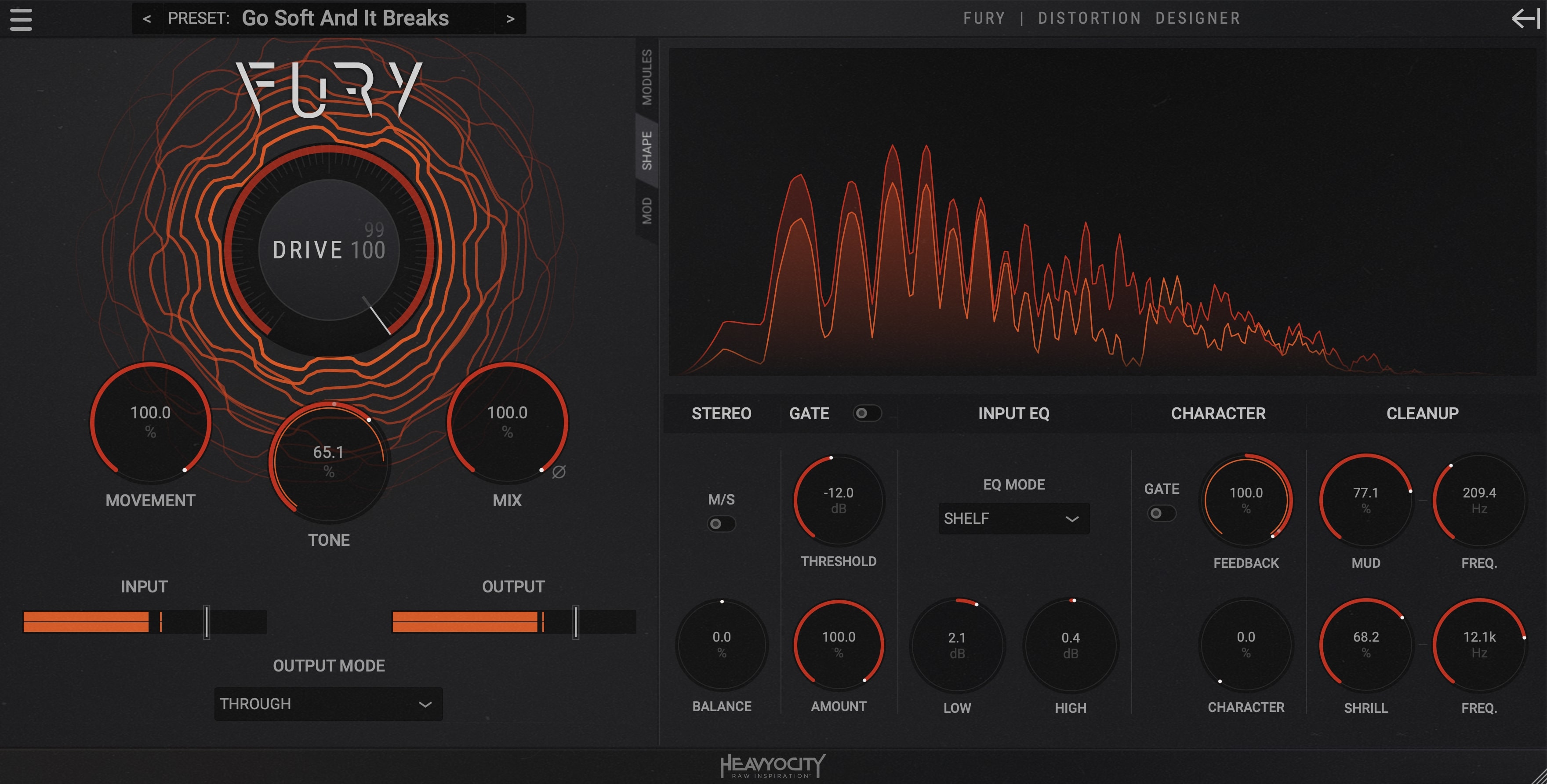
Endless Presets

FURY lays the groundwork to cover a wide variety of sources and uses. Offering over 100 factory presets, arranged by instrument and use-type — from keys and synth to guitars and bass — FURY offers an extensive selection of distortion flavors for you to explore.

Features

  • 128 Expertly-Crafted Presets in SIX Categories - Essentials, Drums, Experimental, Guitars and Bass, Keys and Synth, and Rhythmic
  • 29 unique drive and distortion modules
  • Shape page for full control
  • Modulation page to add movement with LFO, ENV follow, and Step Sequencer

System Requirements

Mac

  • MacOS 10.15.7 or later
  • AAX, VST3, and AU (64-bit only)

PC

  • Windows 10 or later
  • AAX and VST3 (64-bit only)

Supported Host Applications

  • Pro Tools 2020+, Live 10+, Cubase 12+, Logic Pro X, DP10+, Cakewalk, Bitwig
Installation Instructions

Mac

Registration

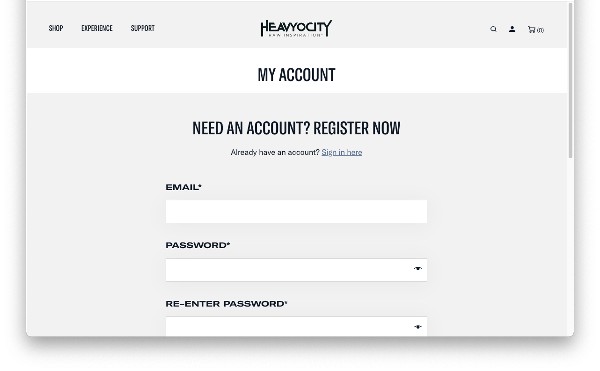
1. Visit the Heavyocity website and fill out the account registration form > Click 'Register'.

Heavyocity Portal Installation & Product Registration

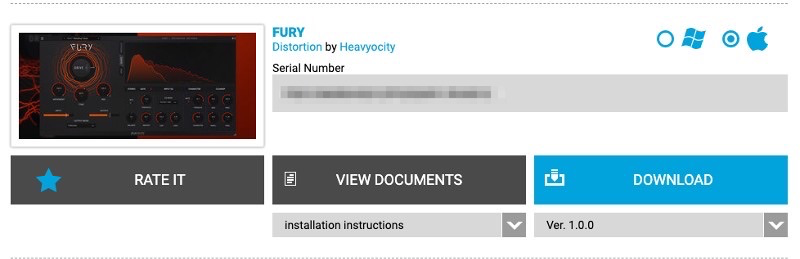
1. Download the Heavyocity Product Portal Installer from within your Plugin Boutique User Account.

2. Double-click the .pkg file to begin the installation > Click 'Continue'.

3. Click 'Continue'.

4. Click 'Agree'.

5. Click 'Install'.

6. Enter your computer Username and Password > Click 'Install Software'.

7. Click 'Close'.

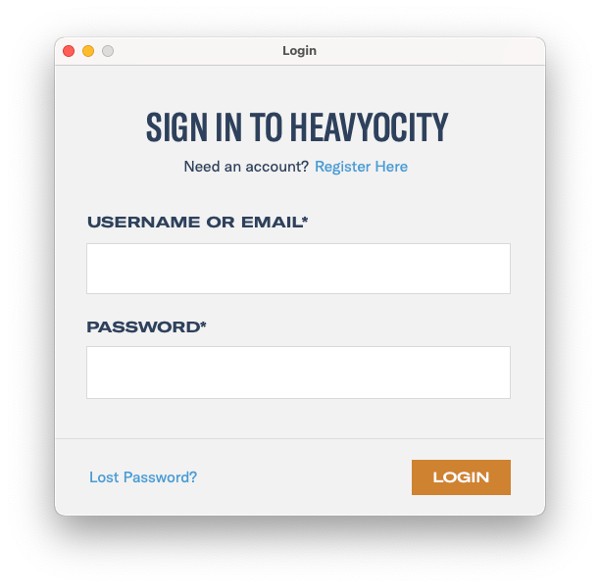
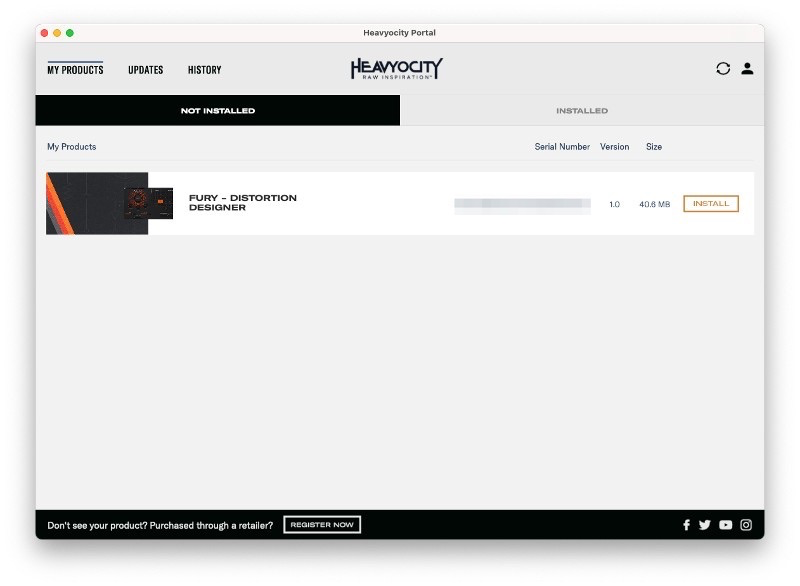
8. Open the Heavyocity Portal and enter your Heavyocity-registered Username (Email Address) and Password > Click 'Login'.

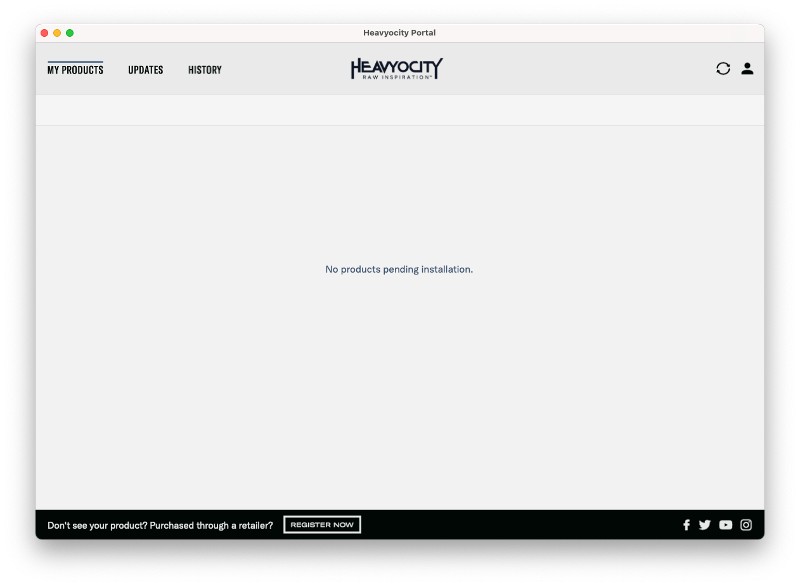
9. Click 'Register Now' located at the bottom of the Product Portal.

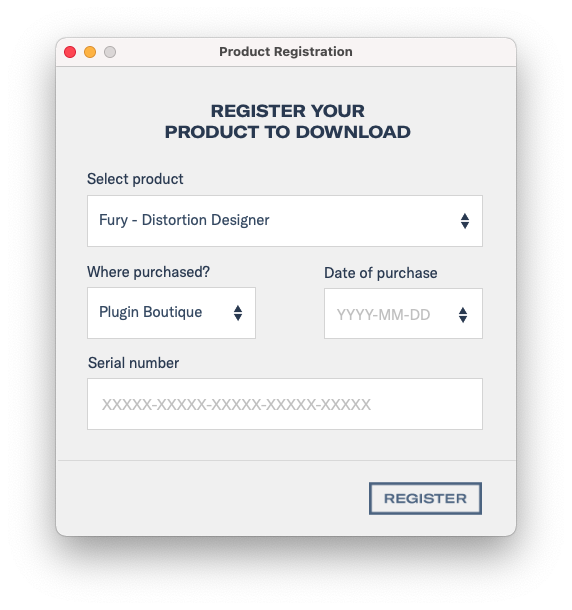
10. Complete the form and enter the serial number found in your Plugin Boutique User Account > Click 'Register'.

11. Click 'Install' on the far right of the portal.

Fury Installation

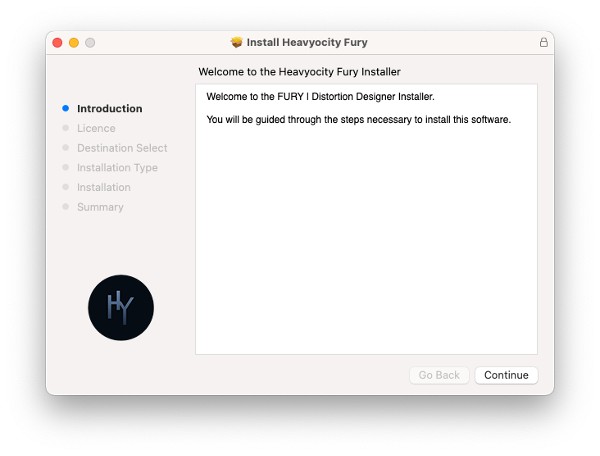
1. After clicking 'Install' the Fury Installer will appear. Click 'Continue'.

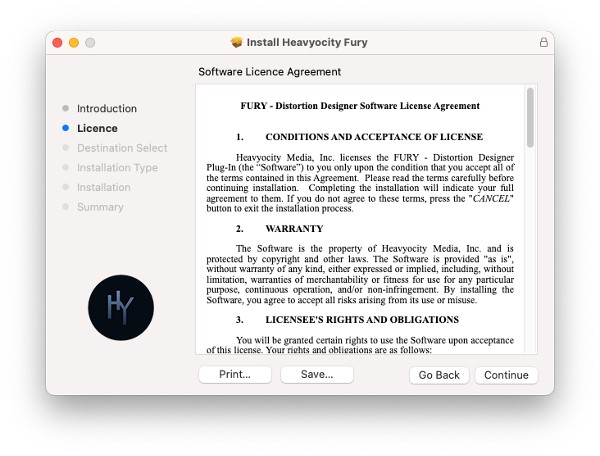
2. Click 'Continue'.

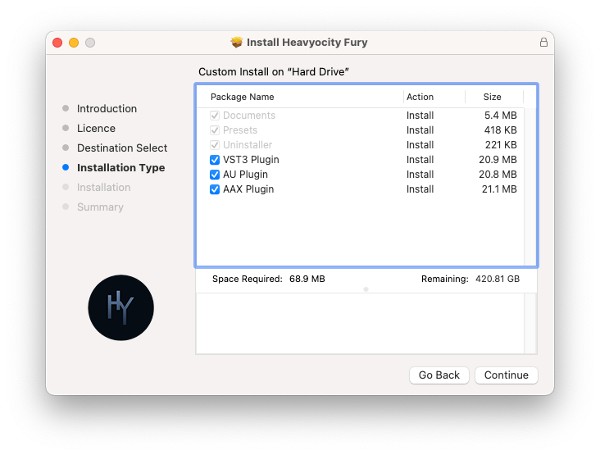
3. Click 'Continue'. 

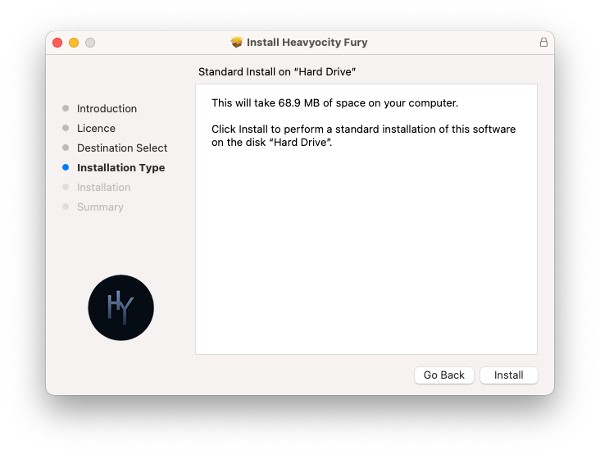
4. Click 'Install'. 

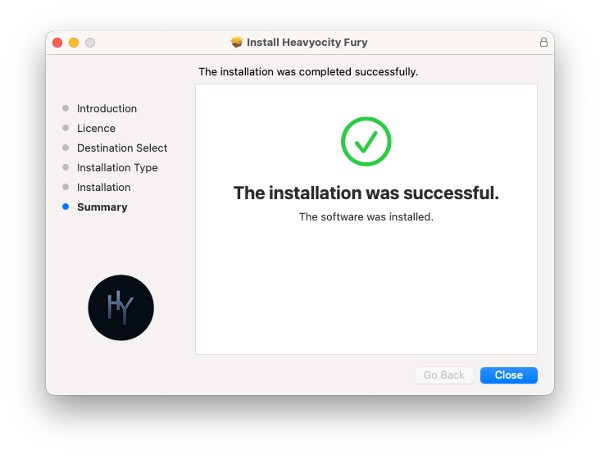
5. Click 'Close' once the installation has been completed. 

Activation 

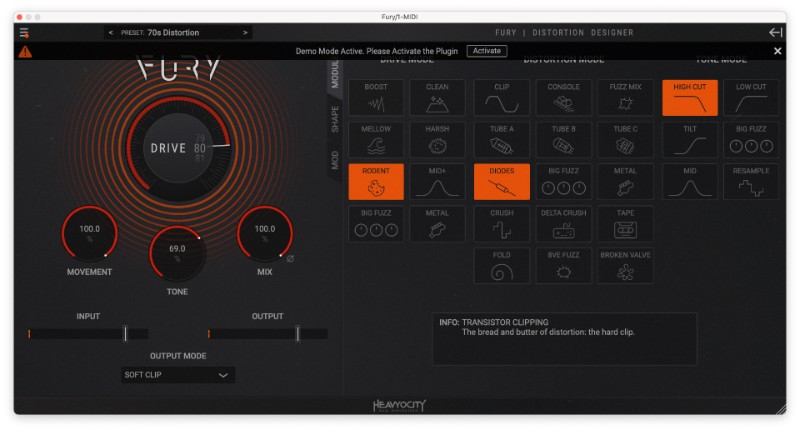
1. Open your DAW and select Fury from your plugin section. Once loaded select 'Activate'.

FURY is now activated and ready to use!

Windows

Registration

1. Visit the Heavyocity website and fill out the account registration form > Click 'Register'.

Heavyocity Portal Installation & Product Registration

1. Download the Heavyocity Product Portal Installer from within your Plugin Boutique User Account.

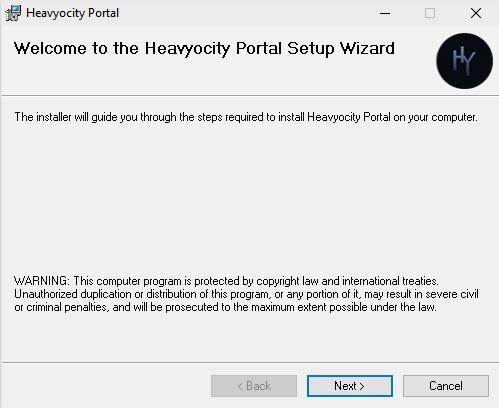
2. Double-click the .msi to begin the installation > Click 'Next >'.

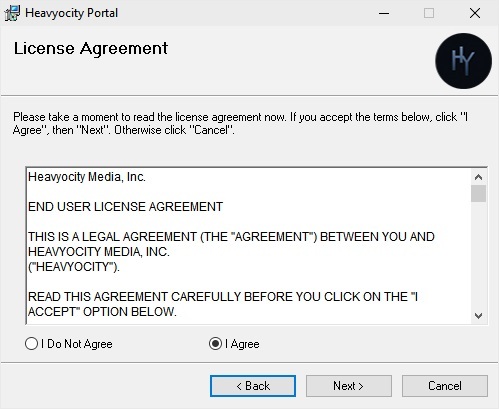
3. Read the license agreement > Select 'I agree' > Click 'Next >'.

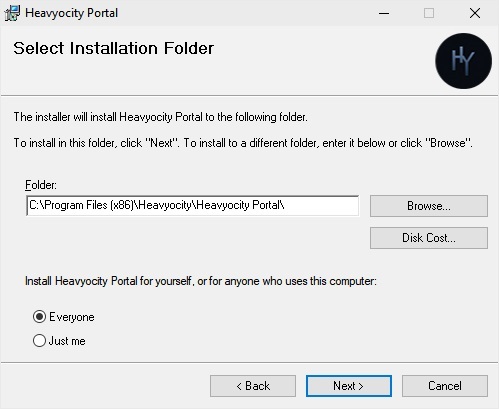
4. Click 'Next >'.

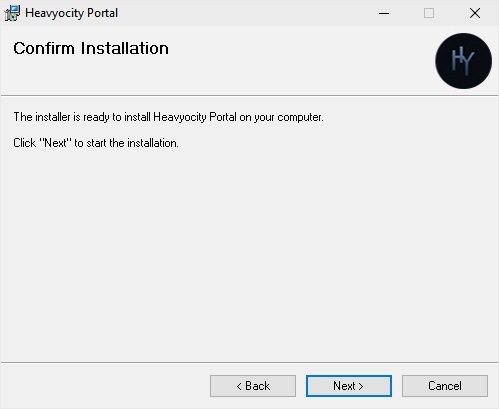
5. Click 'Next >'.

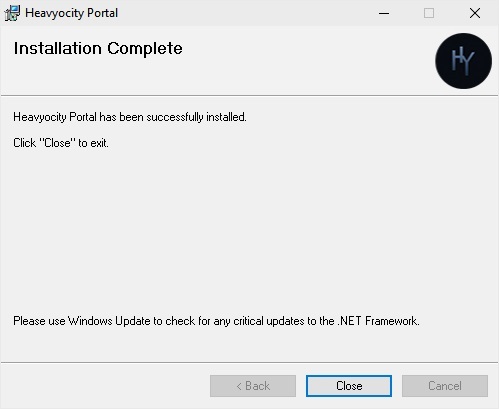
6. The Heavyocity Portal is now installed > Click 'Close'.

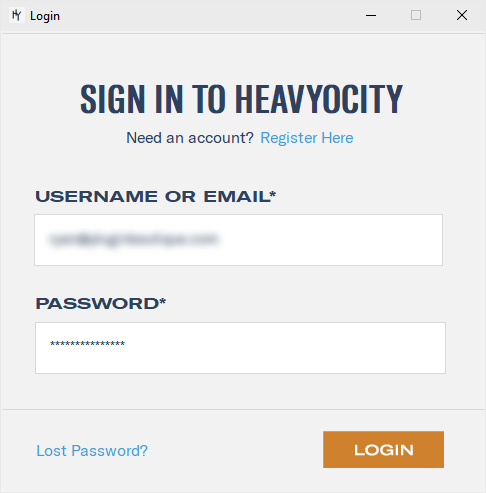
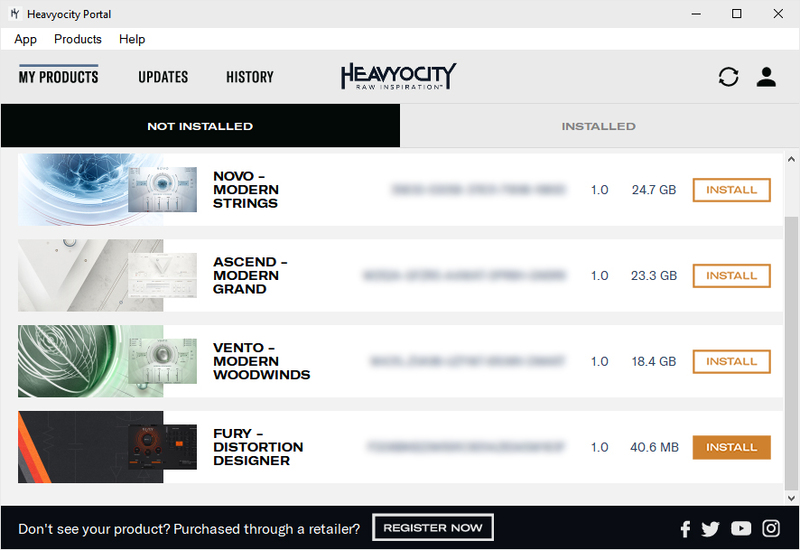
7. Open the Heavyocity Portal >Enter your details > Click LOGIN.

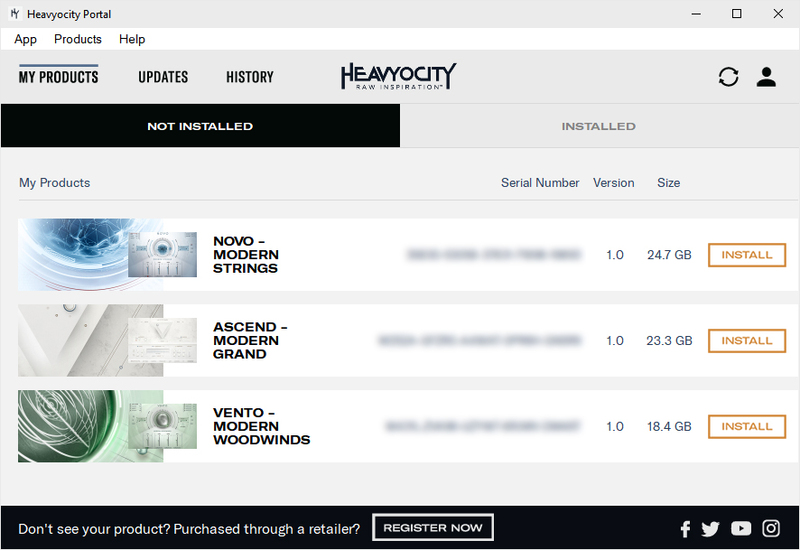
8. Click 'REGISTER NOW' at the bottom of the window.

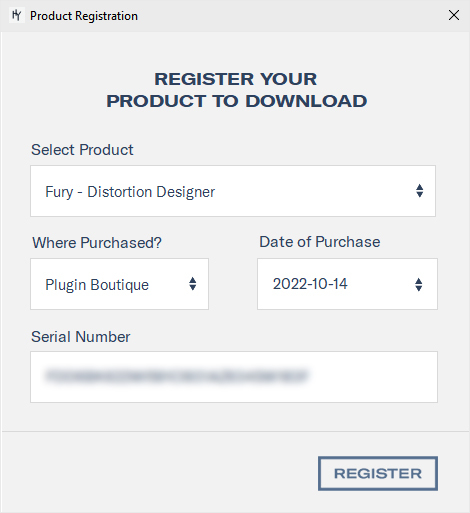
9. Complete the form and enter the serial number found in your Plugin Boutique User Account > Click 'Register'.

10. Click the INSTALL button.

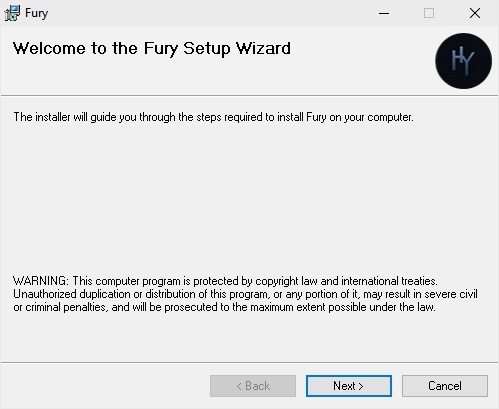
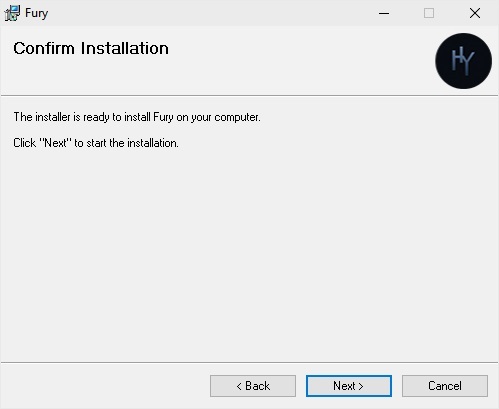
11. The Setup Wizard will now pop up > Click 'Next >'.

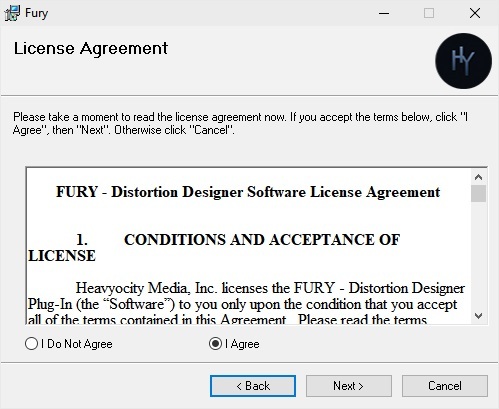
12. Read the license agreement > Select 'I agree' > Click 'Next >'.

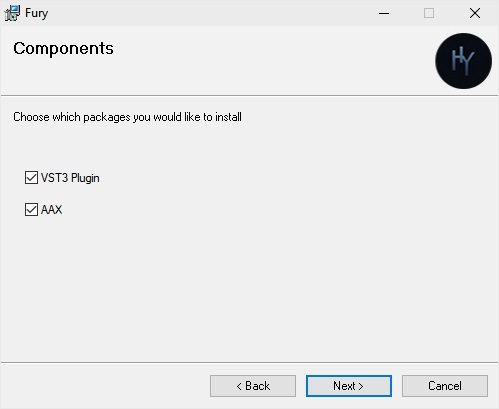
13. Click 'Next >'.

14. Click 'Next >'.

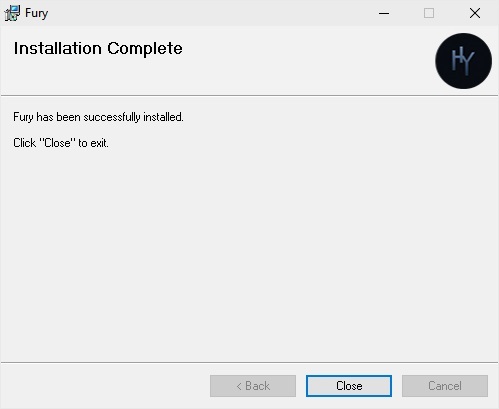
15. The installation is complete > Click 'Close'. 

Activation

1. Open FURY in your DAW > Click Activate.

2.Sign into your Heavyocity account again.

FURY is now activated and ready to use!

Plugin Boutique Rewards

Discover the most rewarding loyalty programme among all plugin retailers.

  • Free Loopmasters Samplepacks
  • Discounts on products and courses
  • Extra Virtual Cash claimed immediately at checkout
Find out more

Follow us:

X (Twitter) Facebook YouTube Instagram
Logo Logo

Plugin Boutique Limited, Part of the Beatport Group LLC.

Copyright © 2011-2025 Plugin Boutique. All rights reserved