


 Log In

Free gifts available with your purchase
Product information
Eddie Kramer Bass Channel
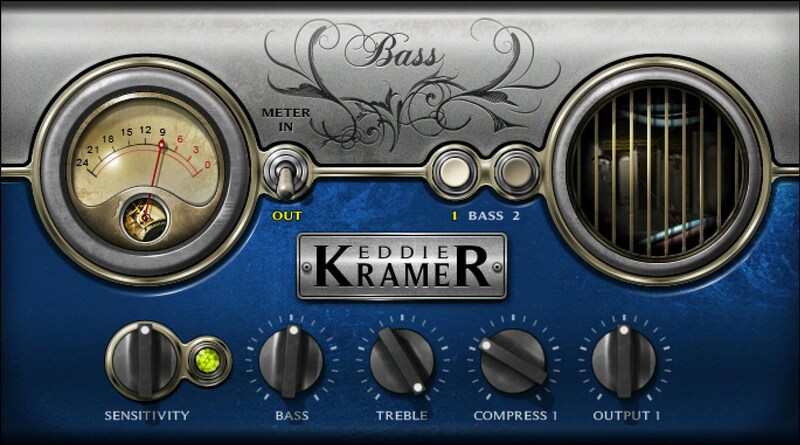
Thick, Fat Bass Tones from the Legendary Producer for Hendrix and Zeppelin
When working with guitar-heavy bands like Jimi Hendrix, The Rolling Stones and Led Zeppelin, it took Eddie Kramer’s legendary engineering skills to make sure the bass fit like a glove. Eddie Kramer Bass Channel captures his bass production expertise.
Eddie’s goal was crystal-clear: fat bass tones with presence that pop on radio mixes, without being overbearing—and with a choice of a more aggressive, or more dynamic, character. His bass plugin deliver those tones in your mixes.
Features
- Bass 1: Dynamic, with a less compressed sound that breathes
- Bass 2: Increases compression for an aggressive, big sound
- Sensitivity LED for perfect gain-staging and response
- Bass and treble controls shape the overall tone
- Compression dials in in the right amount of dynamics intensity
- Simple, fast, foolproof setup to speed up your workflow
System Requirements
Mac
- macOS Monterey 12, Ventura 13, Sonoma 14, Sequoia 15
- VST / AU / AAX
PC
- Windows 10+
- VST / AAX
Installation Instructions














