


 Log In
Free gifts available with your purchase
Product information
InPhase LT
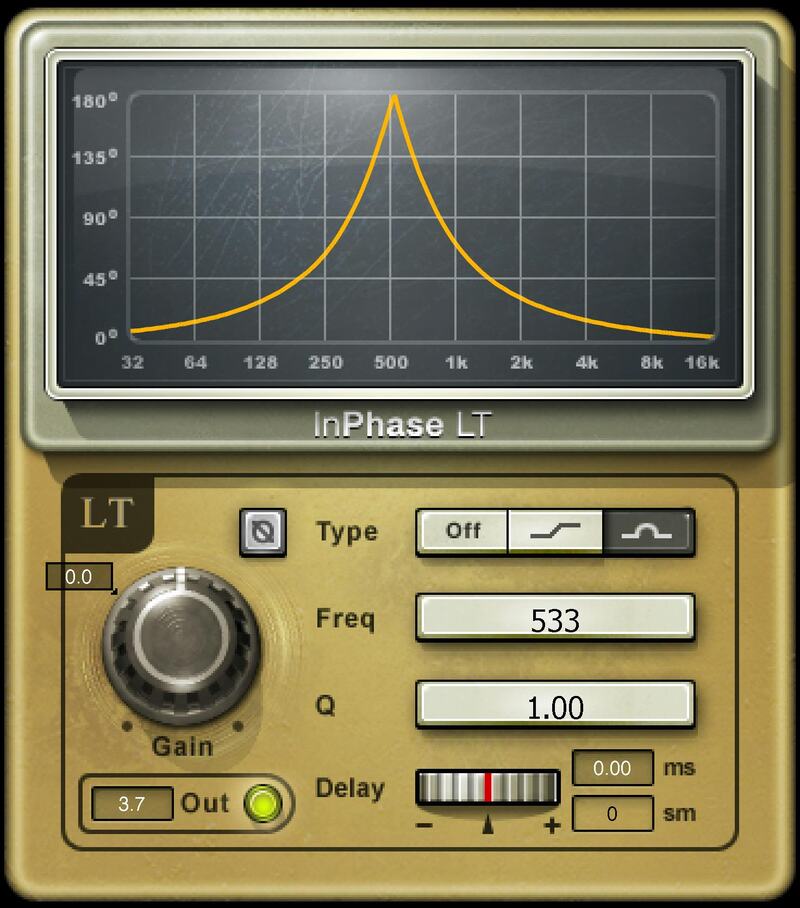
Fix Phase Fast—or Get Creative
InPhase LT borrows many of the features that have made InPhase an essential studio tool. When two tracks don’t quite line up—like DI bass and miked bass amp, or overhead mic and snare—insert InPhase LT into one of the tracks, and adjust the delay and phase until they’re aligned.
Then, take the process further. Use the shelf and bell allpass filters to alter the amount of phase shift at various frequencies—even introduce creative effects, like classic through-zero flanging.
Features
- Phase-align DI bass and miked bass; snare and overheads; etc.
- Alter phase response at different frequencies with dual allpass filters
- Shift a track’s timing ±20 ms (+20 ms only in LT Live component)
- Automate Delay on a copied track to create exceptional flanging
- Choice of filter responses: shelf or bell (with variable Q)
- Phase flip button solves simple problems, like miswired XLR cables
- Includes mono, stereo, and live components
System Requirements
Mac
- macOS Monterey 12, Ventura 13, Sonoma 14, Sequoia 15
- VST / AU / AAX
PC
- Windows 10+
- VST / AAX
Installation Instructions














