Log In

Free gifts available with your purchase
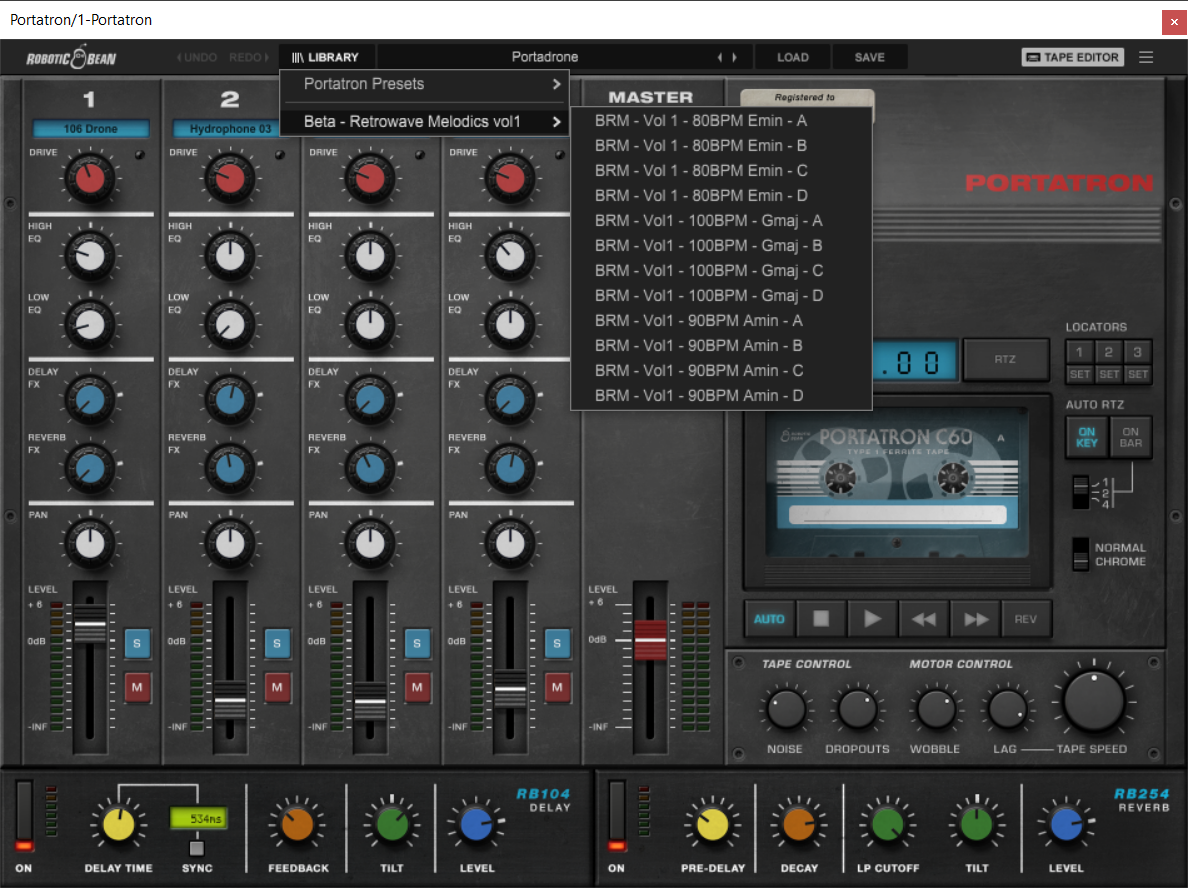
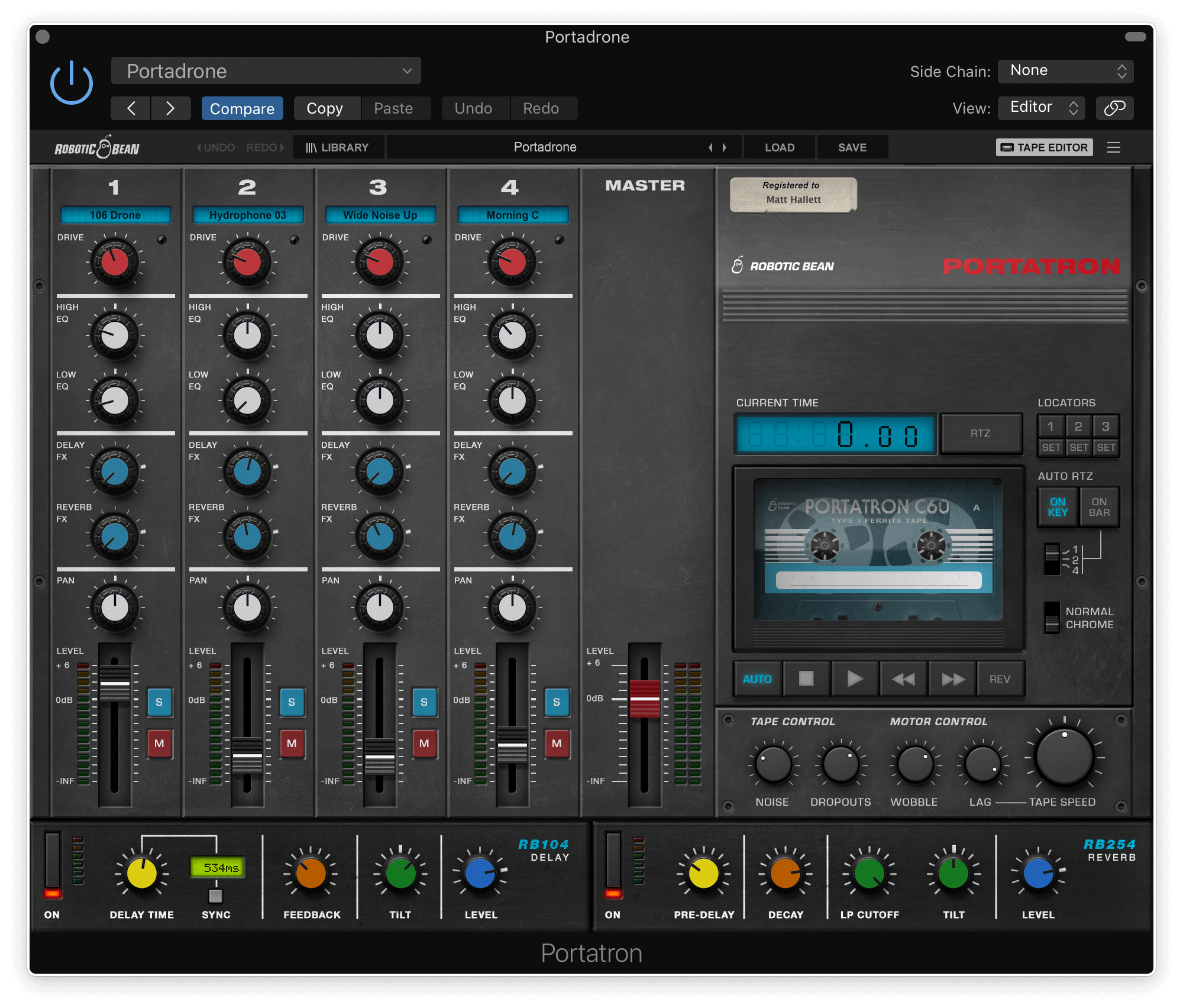
Elevate your music with AetherFlow, a collection of captivating ambient pads and textural drones meticulously recorded from analog and modular synthesizers. Designed to seamlessly integrate with Robotic Bean’s Portatron 4-track cassette plugin, AetherFlow empowers you to craft intricate, evolving chords that will transport your listeners to otherworldly realms.
Unleash Your Creativity with Endless Possibilities
AetherFlow’s unique design allows you to mix and match a variety of sounds to create a virtually endless amount of chords, all without being constrained by tempo. Each sound is recorded in a single key, ensuring seamless integration and effortless experimentation. Whether you’re a seasoned producer or a budding composer, AetherFlow provides the tools you need to unleash your creativity and craft truly captivating musical experiences.
Inspired by Alessandro Cortini’s Genius
AetherFlow draws inspiration from the innovative techniques employed by Alessandro Cortini, who famously used 4-track cassette recorders as an instrument to create mesmerizing chords. Embrace this legacy and explore the limitless possibilities of analog synthesis with AetherFlow.
- Captivating ambient pads and textural drones
- Endless chord possibilities
- Inspired by Alessandro Cortini
Features
- 41 Cassettes with matching samples
- 47 loop samples
- 1.2 GB of samples
- Long evolving drones – 1 min or more
System Requirements
- Portatron 1.2 or higher
- 800 MB disk space