Buy DUST, get a free gift with purchase:
Binaural Granular Synthesizer
Now with Apple Silicon (M1/M2) Support! DUST creates a sonic soundscape never thought possible before. When you start creating with it, you will see just what it means to spend joyful hours exploring its capabilities.
Surround Yourself With Sound Particles
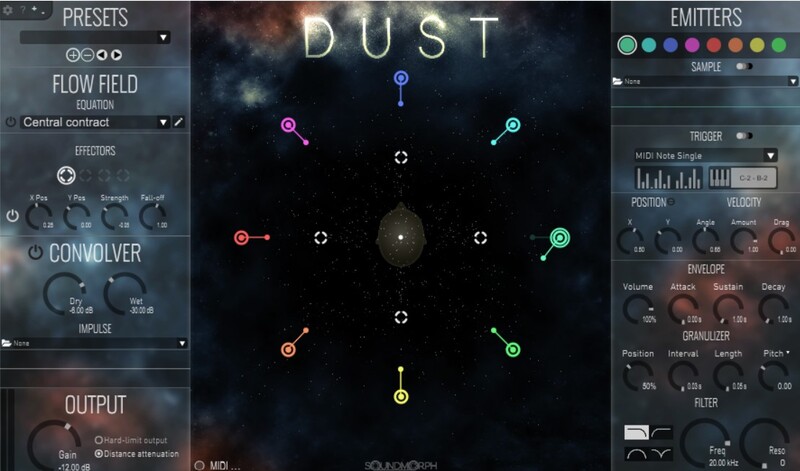
DUST is a synthesizer plugin based on a real-time particle simulation, where each particle is a separate granulating sound source. The motion of each particle is determined by the flow field, which determines the force applied to each particle at each point. Just like how the flow of a river determines the path of a leaf floating down in it. This is Soundmorph's most ambitious software release to date, and you are going to love it! Not only is DUST addictive to play with, but it generates some of the coolest sounds ever created.
Features
- Apple Silicon compatible (M1/M2)
- New Ui Re-design
- New screen resizing options
- Added "Copy to all emitters" button
- Presets by Richard Divine
- Presets by Ivo Ivanov
- Presets by Robert Clouth
- Presets by Yan David
- 8 particle emitters
- Convolution reverb
- Binaural Audio Panning
- Save and recall presets
- Custom Flow Field equations
- over 60 sounds included
- Import your own sound samples
- 4 modulation options on parameters
- FX Version now included!
- VST3, AAX & Audio Unit format
- Mac and PC (32 bit and 64 bit)
System Requirements
- Intel® Mac with Mac OS X 10.11 (or later), OR a PC with Windows 10 (or later)
- Multicore processor
- 16 GB RAM.
- DUST is Apple Silicon supported and compatible. (M1/M2).
Important note: When accessing this software via a Rent to Own plan or the Beatport Studio membership, it's installed and run through the Beatport Access portal. An internet connection is required every 30 days to validate your license.
Computer Music
"With a dazzling approach to granular sound manipulation, DUST opens up unusual pathways to weird and wonderful textures. With an astounding level of control, DUST is an enthralling prospect for sound designers and is useful for broader applications too."
Sound on Sound
"DUST comes with a huge sample library that can be massaged in almost infinite ways using the granular parameters, you're never going to get typecast using DUST... In addition it is a sound designer's dream and can work magic on external sound sources."
Richard Devine
"DUST opens up a world of new sonic possibilities, granulating them beautifully like never before. Amazing!"
1. Download the relevant .zip file from within your Plugin Boutique User Account, and unzip the contents. Launch the installer.
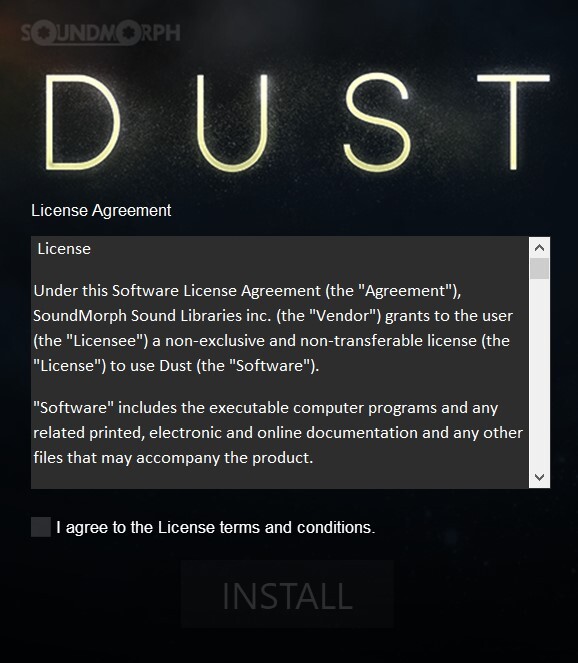
2. Check the box to confirm that you have read and understood the License Agreement, then click 'Install'.
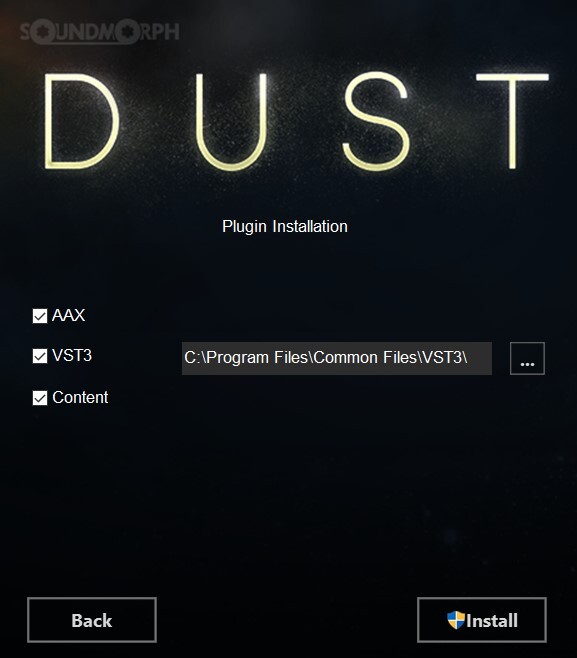
3. Confirm which formats you would like to install by clicking the relevant tick boxes, and click 'Install'.
4. Once installation has completed, click 'Finish'.
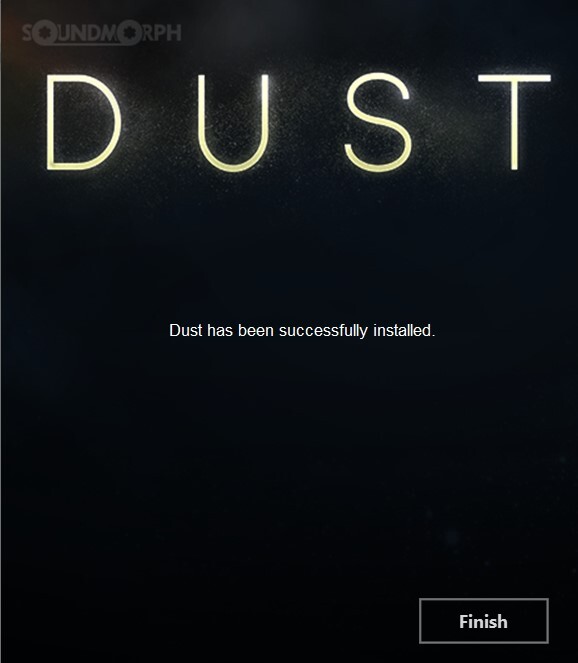
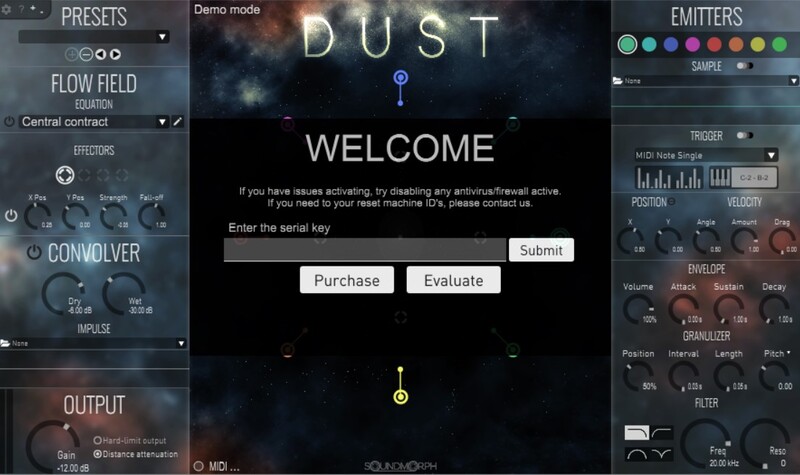
5. Launch DUST within your DAW, and then enter your serial number from within your Plugin Boutique User Account. Click 'Submit'.
6. Click 'Close'.
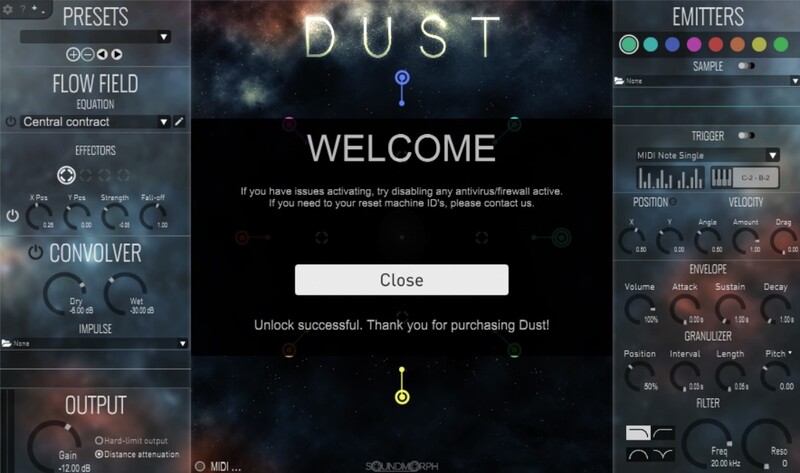
7. Installation and activation is now complete - enjoy your software!