


 Log In

Key Sounds for Creatives
Welcome to sound exploration!
Analog Lab Play is a free software instrument with a library of 100 essential, hard-hitting, mix-ready synths, keys, basses, pads, and more that’ll make you fall in love with music all over again - for free.
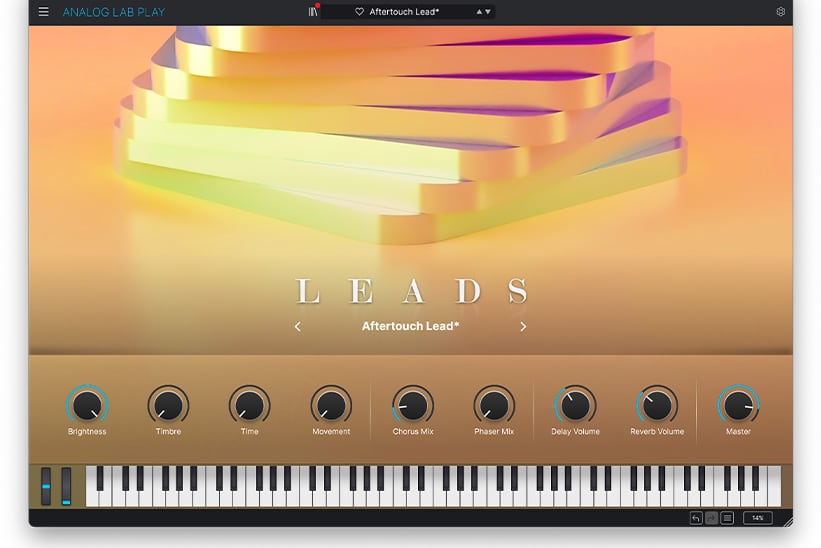
Main view
Find inspiration with our selection of sounds from the best collection of virtual instruments, packed into a streamlined and easy-to-use interface.
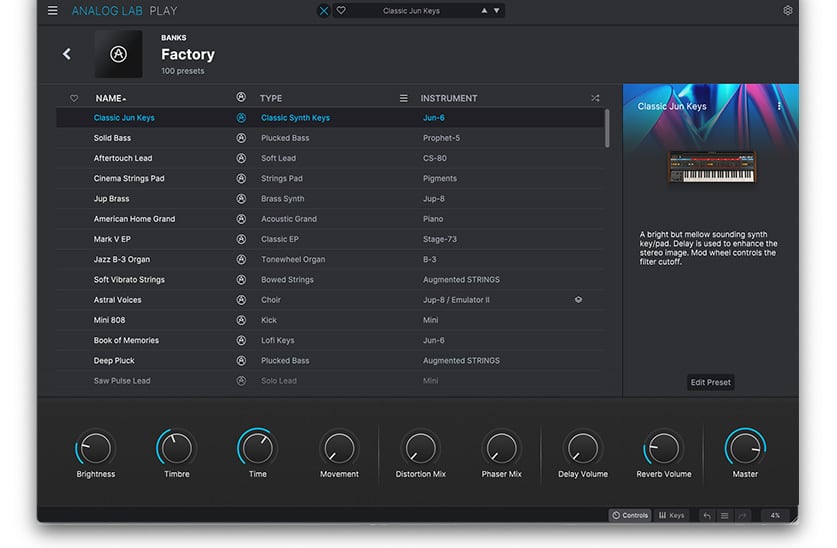
Explore smart browsing
Search by instruments, sound banks, instrument types - truly zone in a sound to suit your needs.
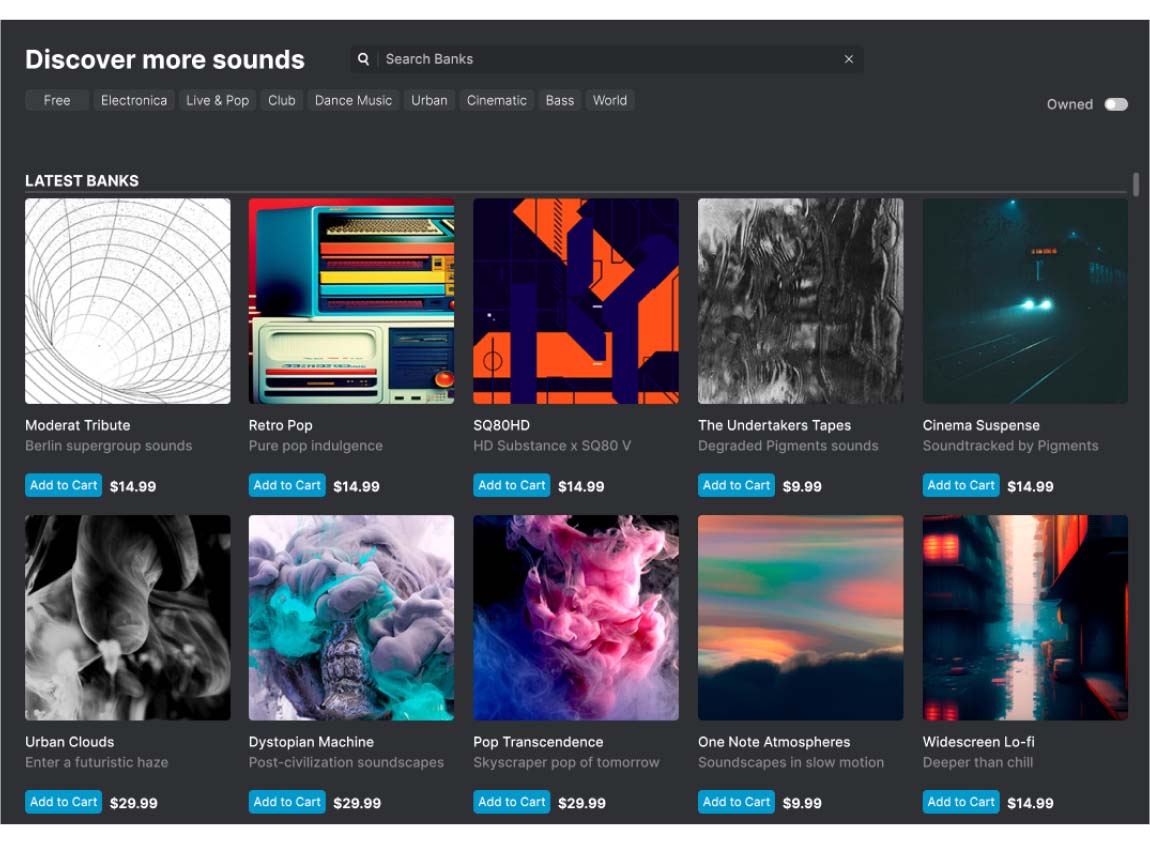
Expand your collection
Analog Lab also gives you access to the Sound Store, updated every month with exclusive sound expansions, letting you take your sound in whatever direction you feel like.
Play your sounds with any controller
Whether you own a MiniLab, a KeyLab, a KeyStep or a third-party controller, Arturia have got you covered with MIDI Integration, implemented in all Analog Lab versions to get playing right away with your controller of choice.
Features
- 100 Presets created by expert sound designers from VCollection instruments and Pigments
- One simple interface with 4 macros: brightness, timbre, time, movement and 4 effects: 2 mod effects, delay, reverb
- Updated browser to find sounds quickly: filter by type and instrument
- Sound Store: 200+ Artist & Genre based sound banks
- New paid and Free content added regularly
- Automatic mapping of parameters for Arturia keyboards
- Parameters can be mapped easily to other MIDI controllers
System Requirements
Windows:
- Win 10+ (64bit)
- 4 GB RAM
- 4 cores CPU, 3.4 GHz (4.0 GHz Turbo-boost)
- 4GB free hard disk space
- OpenGL 2.0 compatible GPU
- ARM processors not supported on Windows
Apple:
- Mac OS 10.13+
- 4 GB RAM
- 4 cores CPU, 3.4 GHz (4.0 GHz Turbo-boost) or Apple Silicon CPU
- 4GB free hard disk space
- OpenGL 2.0 compatible GPU
Required configuration:
- Works in Standalone, VST, AAX, Audio Unit.
Reviews Summary
While it aims to provide a helpful overview, it may not capture every perspective or detail. We encourage you to read individual reviews to make an informed decision.
Users highly praise this plugin for its incredible, diverse collection of high-quality presets, making it an essential, budget-friendly tool for producers. While some noted that the free version could offer more modulation and customization options, it is still widely recommended as one of the best free sound libraries available.


