Log In

Free gifts available with your purchase
Product information
Your Custom Electric Piano
Immerse yourself in the sonic essence of retro with Electric Keys – the plugin that revives the beloved tones of classic FM electric pianos! Crafted for the neo-80s music connoisseur, it offers iconic presets and dual built-in DSP effect units to sculpt the perfect vintage sound.
Features
- 10+ Factory presets
- 4 sound sources from the iconic Japanese FM synthesizer
- Authentic 80s and 90s electric piano sounds including the famous Los Angeles Electric Piano sound!
- 3 sound layers for enhanced sound design
- Streamlined set of controls (all MIDI-learnable) including:
- Volme ADSR
- Sound layer controls: volume, fine tune, octave, tone eq
- Modulators: Tremolo; Wow
- Main Gain
- Effect rack including:
- Vapor Dimension MK2 – 10 DSP algorithms
- Ethos – 20 lush reverb algorithms designed to transform your sounds into cinematic and ambient masterpieces.
- Effect presets for easy dial-in
- Dry/wet knobs for smoother mix
- In/Out Gain for each effect
- Smart Randomizer technology, including:
- Random instrument sources (Modules)
- Random Sound controls (ADSR, modulators, etc.)
- Random effects (2 FX modules separately)
- Surprise (Smart Random All)
System Requirements
- Mac OS X 10.11 or higher is recommended
- Windows 8 or higher 4 GB of RAM, 8 GB is recommended
- 2 GHz CPU with at least 4 cores
- 64 bit DAW
- 700 MB free disk space
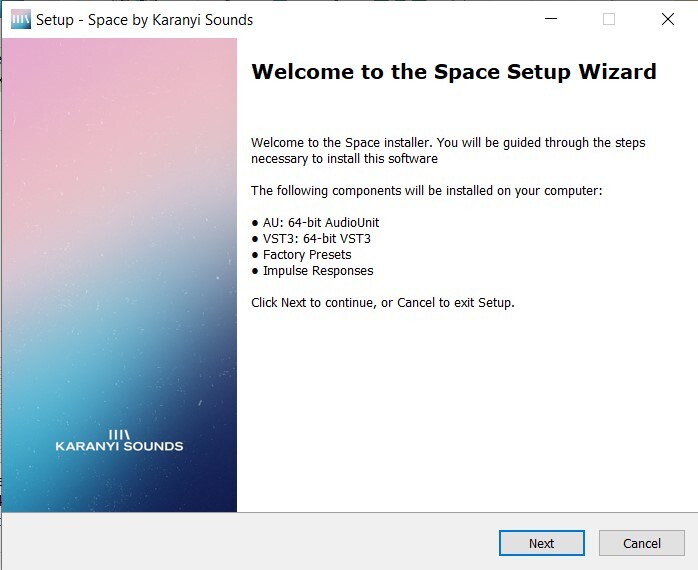
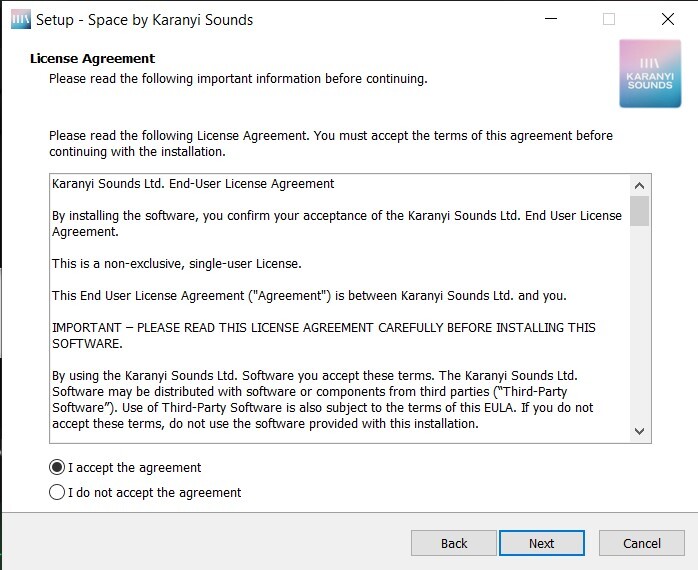
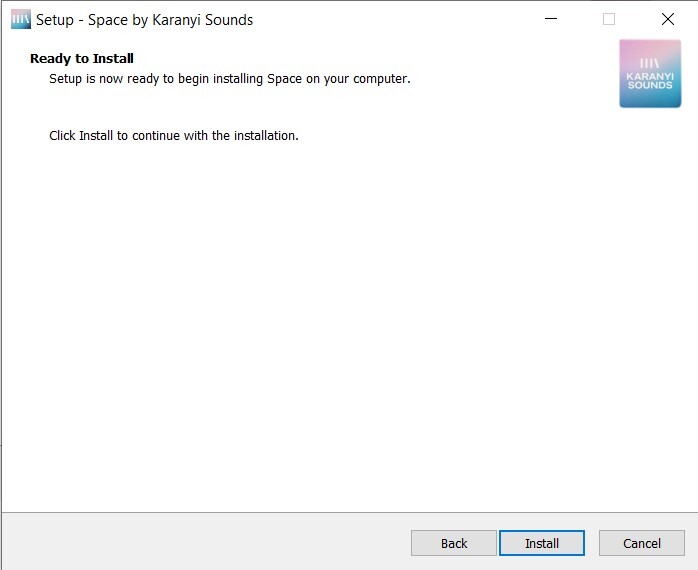
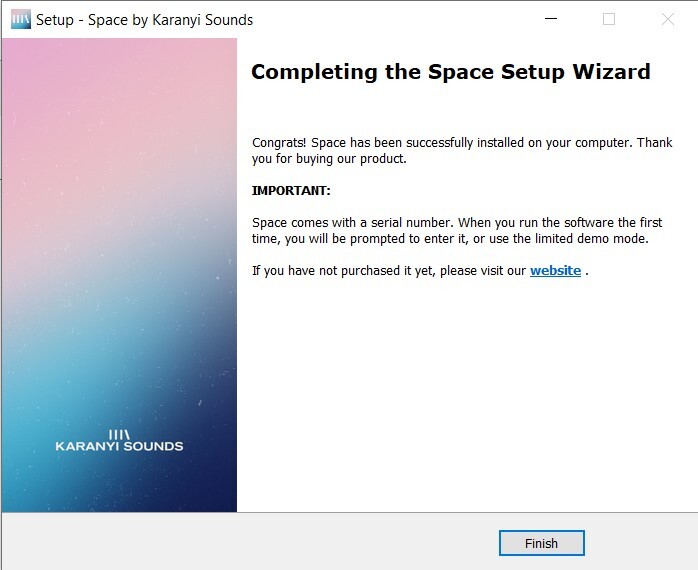
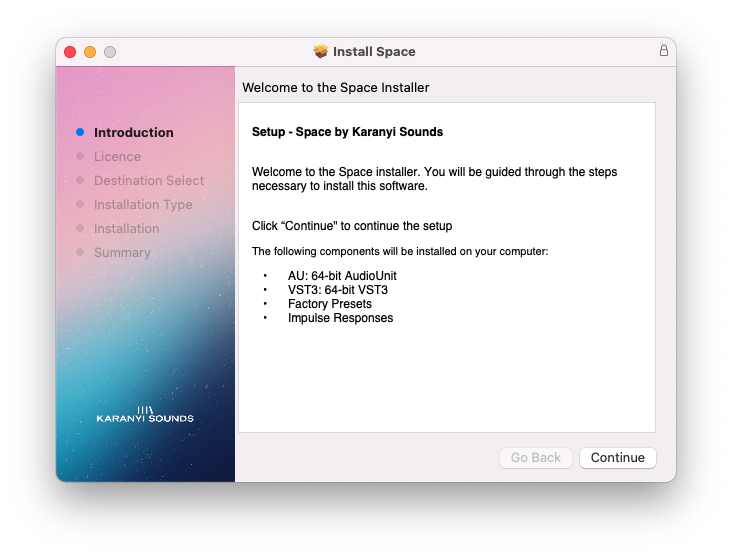
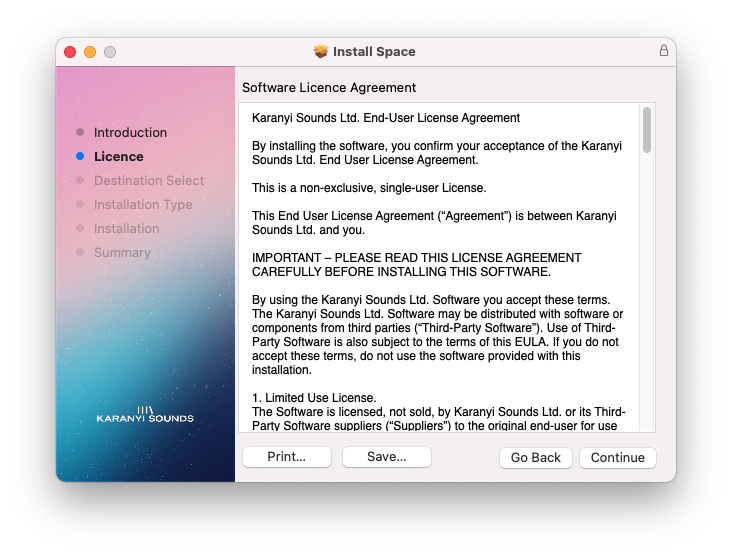
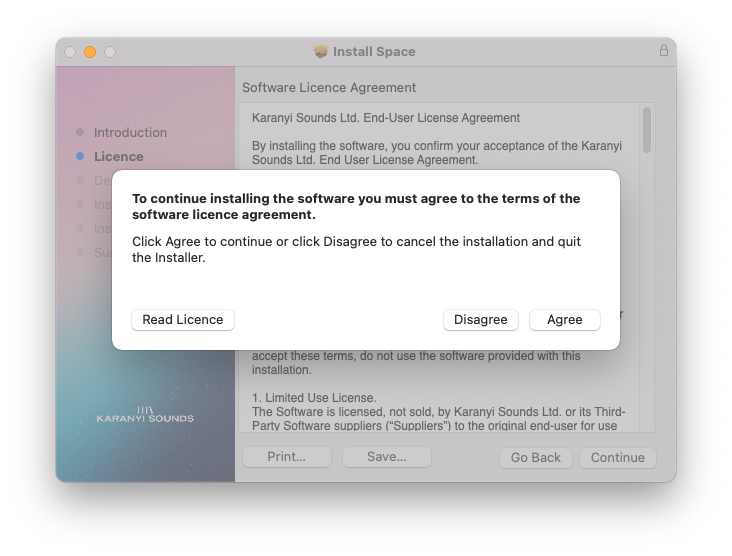
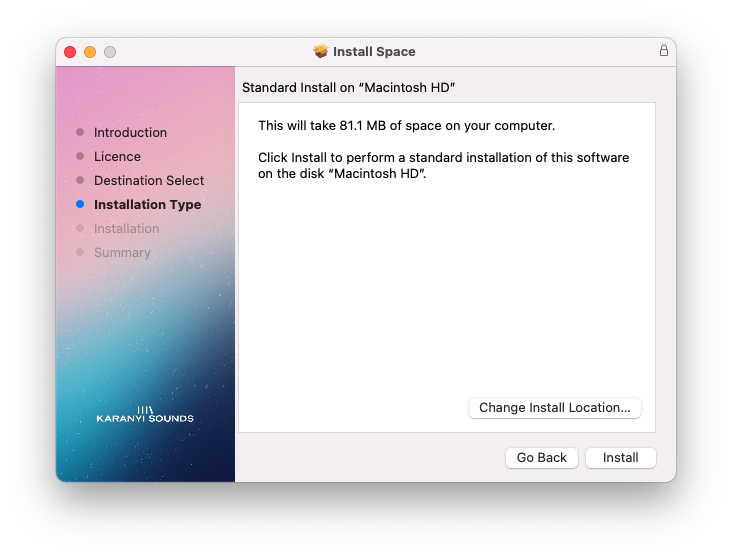
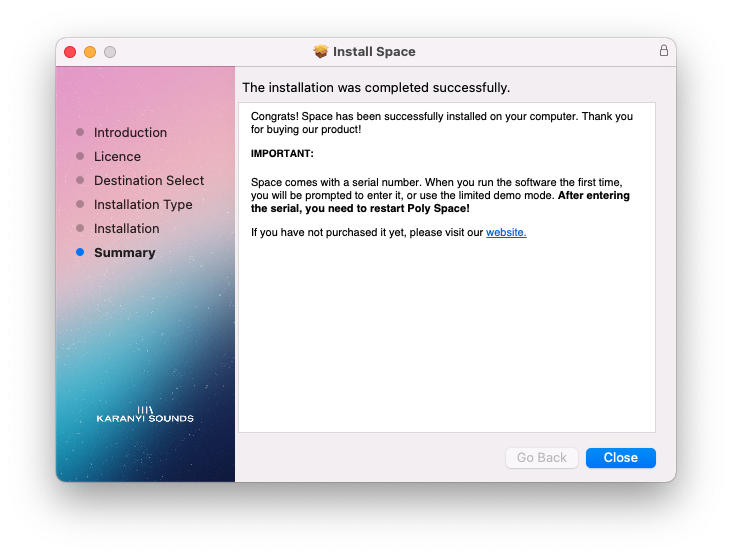
Installation Instructions