


 Log In
.jpg)
Free gifts available with your purchase

- 23 expressive Blocks modules for synthesis, sequencing, and FX
- Over 50 preset Racks – each one a powerful synthesizer in its own right
- For use with REAKTOR PLAYER and BLOCKS BASE
Master Modular Melody
BLOCKS PRIMES is a collection of 23 advanced Blocks that deliver character, depth, and exceptional sound. Sound generators, sequencers, effects – everything runs in REAKTOR or the free REAKTOR PLAYER, and extends the basic framework provided by BLOCKS BASE. Whether you just discovered the magic of modular synthesis, or you’ve got a dozen racks at home, BLOCKS PRIMES adds life to your setup – hardware or otherwise.
Spectrum of Synthesis
BLOCKS PRIMES offers a wide array of synthesis and modulation methods. The Kodiak family includes two sequencers, an oscillator, a morphing filter, and an experimental noise generator. The four West Coast elements are inspired by synth pioneer Don Buchla and his playful approach to synthesis. Some of Native’s most acclaimed synth technology is represented, with elements from DRIVER and MONARK converted to Blocks format and optimized for modular experimentation.
Understanding Racks
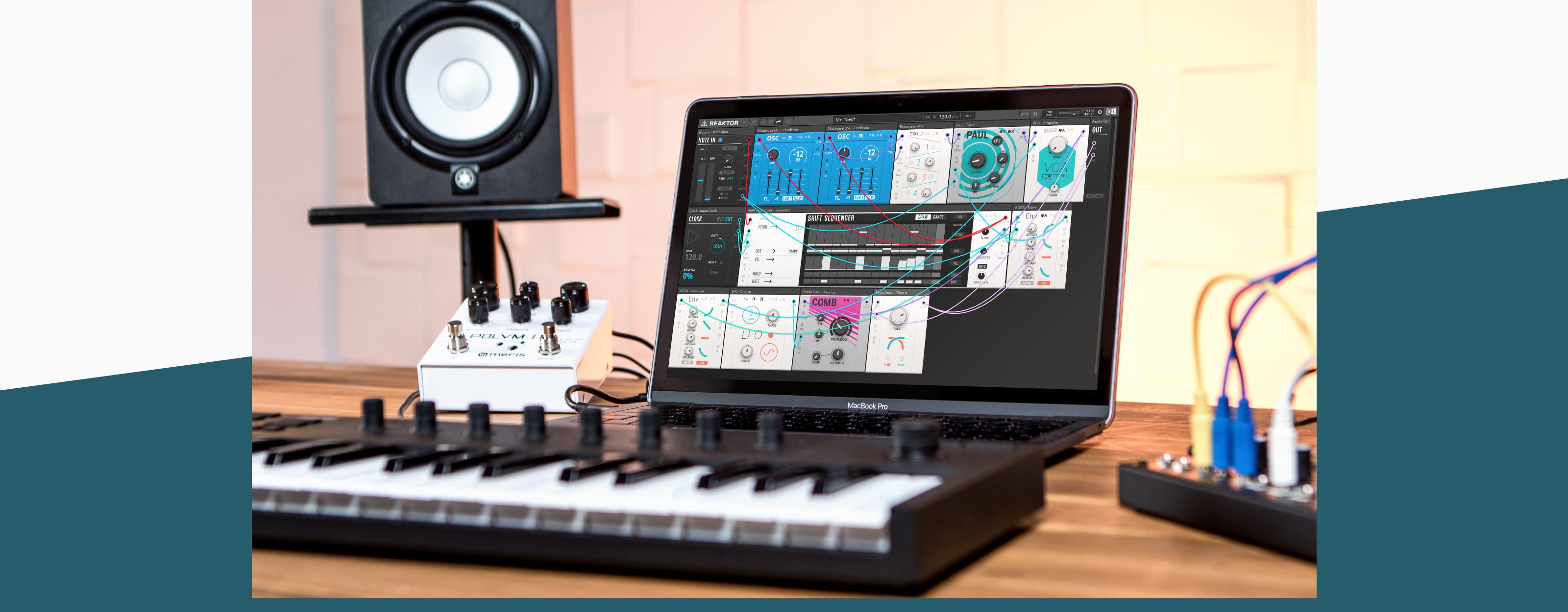
What do you get when you patch multiple modules together to create a synth? You get a Rack. There are 50+ expertly crafted and fully patchable Racks included in BLOCKS PRIMES, each one a playable synthesizer. Feedback drones, sequenced distortion modules, percussive and even soundscape patches are ready to go. You can use these as they are, or experiment with them to create something entirely new.
Expandable Inside and Out
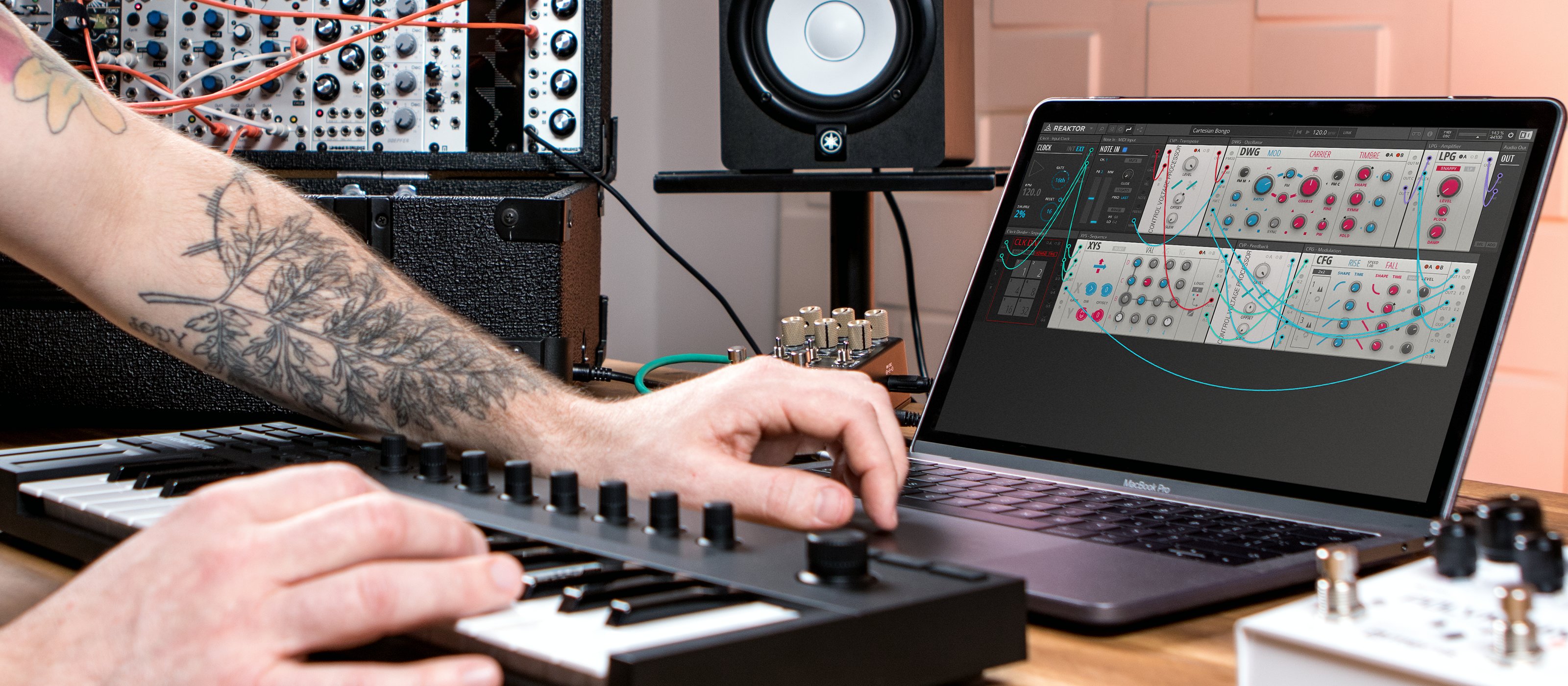
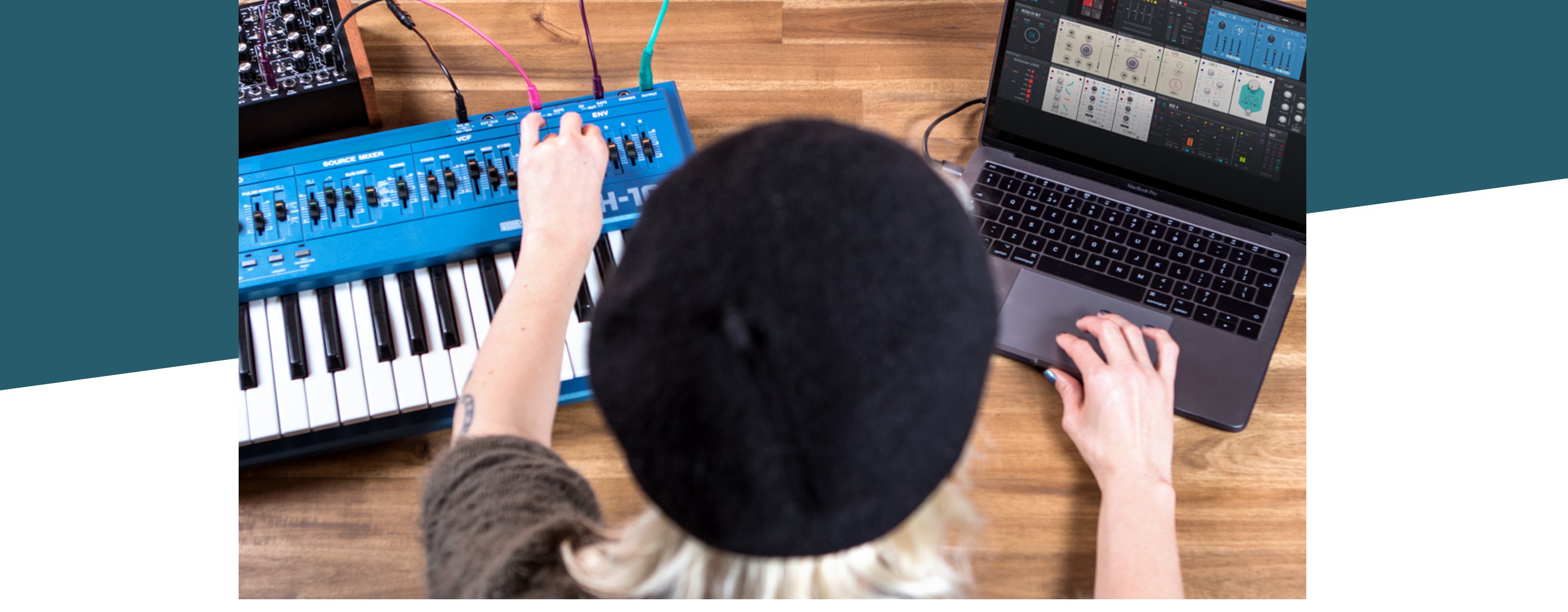
BLOCKS PRIMES runs in REAKTOR and REAKTOR PLAYER, and is fully compatible with the entire Blocks ecosystem. From the fundamental modules found in BLOCKS BASE to 200+ eclectic modules from acclaimed third party developers – just drag, drop, and patch to expand your modular rig. You can even take Blocks outside the box with the CV connectivity module for full hardware integration.
Komplete Kontrol Integration
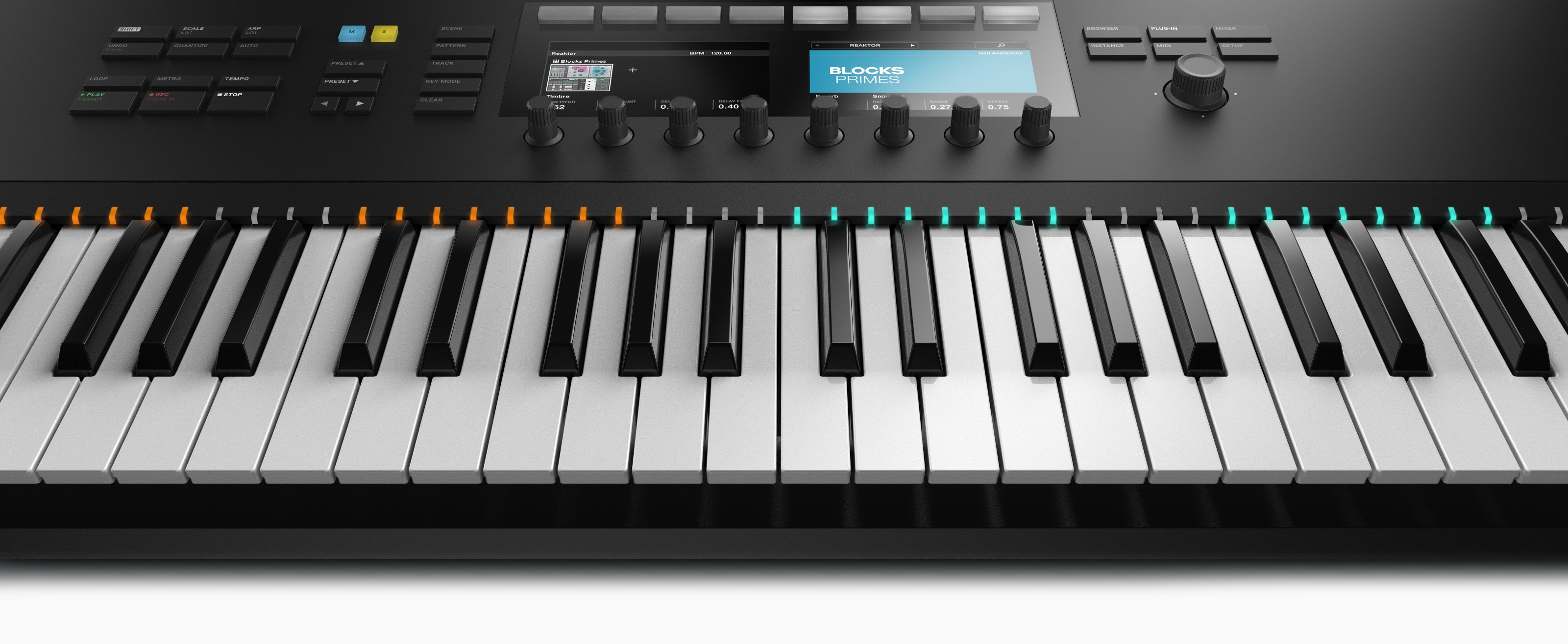
When using BLOCKS PRIMES with KOMPLETE KONTROL software or keyboards, each rack loads with 8 macros automatically mapped to sonically interesting controls for that specific rack. This makes it easy to harness the power of complex racks, and personalize sounds for inspiring results.
System Requirements
Windows (64-bit only)
- Intel Core i5 or equivalent CPU, 4 GB RAM
- Stand-alone, VST, AAX
- Windows 10 or 11
macOS (64-bit only)
- i5, 4 GB RAM
- Stand-alone, VST, AU, AAX
- macOS 11+
Important Note: The Free Reaktor 6 Player is required to use this product. An Internet connection and a graphics card that supports OpenGL 2.1 or higher are required to download and activate this product. Once installed and activated, the product can be used offline.


